Featured in:Best AI Transcription Tools
Get featured →🚀 Zaprep: Your Socials on Steroids. Start free — automate 1,000 DMs/month & turn engagement into leads. with 1,000 automated DMs/month.


Is this your AI tool? Claim it today.
Verify ownership, manage your profile, and unlock growth features.
✦
Aqua Voice is a lightning-fast AI dictation tool that transforms speech into text with exceptional accuracy and near-instantaneous speed, enabling users to write up to four times faster across any text field. Ideal for professionals and creatives seeking to boost productivity, Aqua Voice combines cutting-edge technology with privacy-focused design for seamless, secure voice-to-text transcription on Mac and Windows.

Description
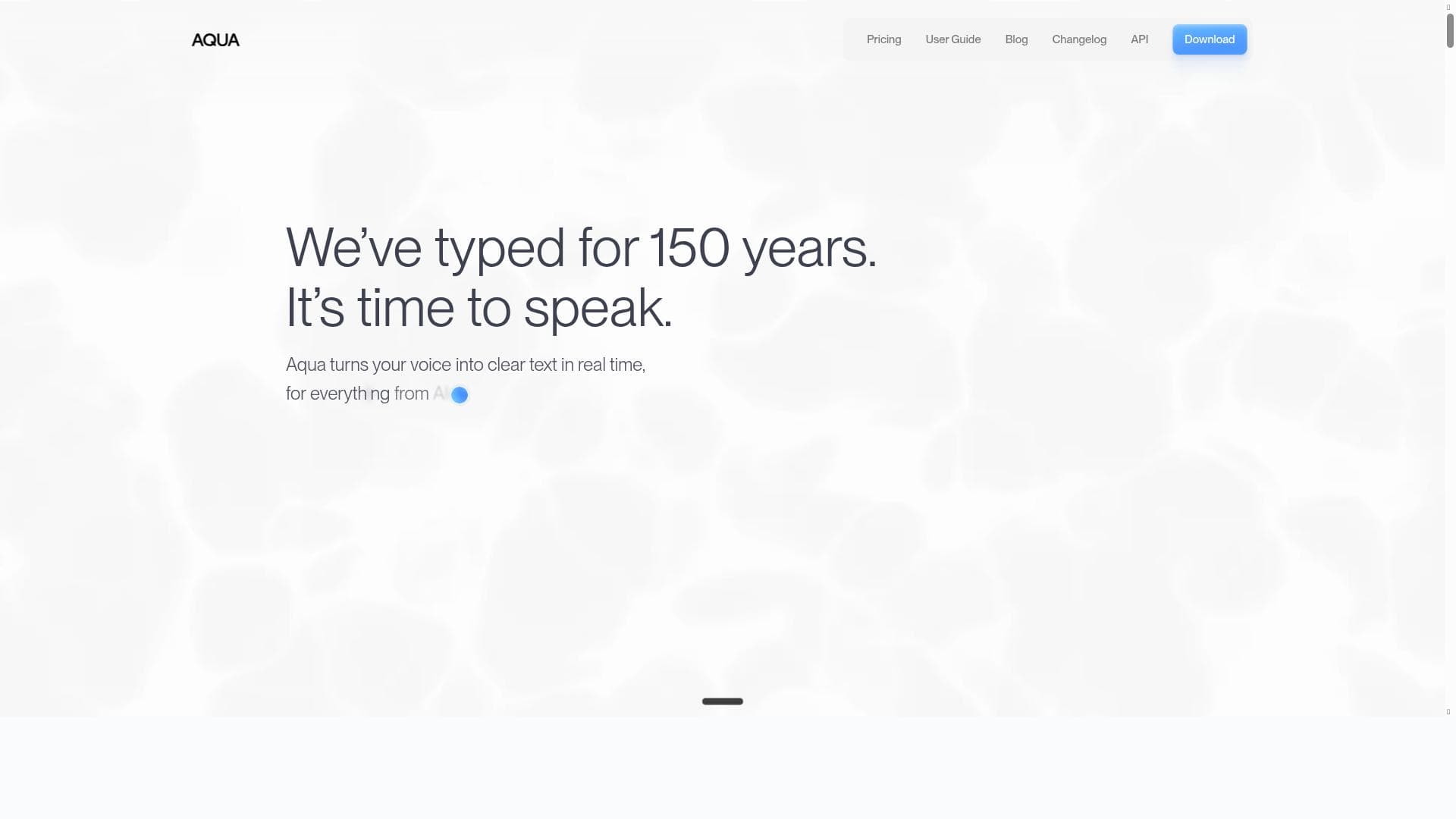
Aqua is super fast AI dictation that lets you talk into any text field -- Cursor, Gmail, Slack, even your terminal. It starts up in under 50ms, inserts text as fast as 450ms, and has state-of-the-art accuracy. Write 4x faster anywhere with Aqua. 🌊
Detailed Description
Aqua Voice is an advanced AI-powered dictation tool designed to revolutionize the way users input text across various digital platforms. Its core purpose is to enable users to speak naturally and have their words transcribed instantly and accurately into any text field, whether that be in email clients like Gmail, communication tools such as Slack, coding terminals, or other text-based applications. By leveraging cutting-edge speech-to-text technology, Aqua Voice dramatically accelerates the writing process, boasting startup times under 50 milliseconds and text insertion speeds as fast as 450 milliseconds. This rapid performance allows users to write up to four times faster than traditional typing methods, making it a powerful productivity enhancer for professionals and creatives alike. One of Aqua Voice's standout features is its fast and highly accurate speech-to-text transcription, powered by the proprietary Avalon transcription model. This model not only ensures precise recognition of spoken words but also adjusts contextually to produce coherent and relevant text output. This contextual awareness helps reduce errors and the need for manual corrections, streamlining the dictation experience. Additionally, Aqua Voice prioritizes user privacy and security, offering private voice dictation that safeguards sensitive information during transcription. The tool is compatible with both Mac and Windows platforms, ensuring broad accessibility for a diverse user base. Aqua Voice is ideally suited for a wide range of users who require efficient and reliable text input solutions. Writers, journalists, and content creators can benefit from the speed and accuracy to draft articles, reports, or creative content more quickly. Customer support agents and remote workers can use it to respond to emails and messages without the fatigue of typing. Developers and IT professionals can dictate commands or code snippets directly into terminals, enhancing workflow efficiency. Its versatility across different applications makes it a valuable asset for anyone looking to boost productivity by minimizing typing time. Regarding pricing, Aqua Voice operates on a paid model, though specific plan details are not publicly disclosed on the main website. Potential users interested in adopting the tool should visit the official Aqua website for the most current pricing information and available subscription options. While it does not explicitly mention a free trial, prospective users may inquire directly to explore trial possibilities or demos. When compared to alternative speech-to-text solutions, Aqua Voice distinguishes itself through its ultra-fast startup and insertion speeds, combined with state-of-the-art transcription accuracy. Many competing tools may offer speech recognition but often lack the seamless integration across diverse platforms or the contextual text adjustment that Aqua provides. Additionally, its commitment to privacy and security sets it apart from some cloud-based transcription services that may store or analyze voice data externally. Despite its many strengths, users should consider that Aqua Voice is a paid service, which may be a barrier for those seeking free dictation tools. Furthermore, while it supports Mac and Windows, there is no mention of mobile platform compatibility, which could limit use on smartphones or tablets. Also, users should ensure their hardware meets any microphone or system requirements to achieve optimal performance. Overall, Aqua Voice is a robust, fast, and accurate dictation tool designed to enhance productivity for professionals who rely heavily on text input across multiple digital environments.
Tool Features
- Fast speech-to-text transcription
- Accurate and contextually adjusted text output
- Private and secure voice dictation
- Supports Mac and Windows platforms
- Powered by Avalon transcription model
Description
✦
Aqua Voice is a lightning-fast AI dictation tool that transforms speech into text with exceptional accuracy and near-instantaneous speed, enabling users to write up to four times faster across any text field. Ideal for professionals and creatives seeking to boost productivity, Aqua Voice combines cutting-edge technology with privacy-focused design for seamless, secure voice-to-text transcription on Mac and Windows.
Aqua is super fast AI dictation that lets you talk into any text field -- Cursor, Gmail, Slack, even your terminal. It starts up in under 50ms, inserts text as fast as 450ms, and has state-of-the-art accuracy. Write 4x faster anywhere with Aqua. 🌊
Detailed Description
Aqua Voice is an advanced AI-powered dictation tool designed to revolutionize the way users input text across various digital platforms. Its core purpose is to enable users to speak naturally and have their words transcribed instantly and accurately into any text field, whether that be in email clients like Gmail, communication tools such as Slack, coding terminals, or other text-based applications. By leveraging cutting-edge speech-to-text technology, Aqua Voice dramatically accelerates the writing process, boasting startup times under 50 milliseconds and text insertion speeds as fast as 450 milliseconds. This rapid performance allows users to write up to four times faster than traditional typing methods, making it a powerful productivity enhancer for professionals and creatives alike. One of Aqua Voice's standout features is its fast and highly accurate speech-to-text transcription, powered by the proprietary Avalon transcription model. This model not only ensures precise recognition of spoken words but also adjusts contextually to produce coherent and relevant text output. This contextual awareness helps reduce errors and the need for manual corrections, streamlining the dictation experience. Additionally, Aqua Voice prioritizes user privacy and security, offering private voice dictation that safeguards sensitive information during transcription. The tool is compatible with both Mac and Windows platforms, ensuring broad accessibility for a diverse user base. Aqua Voice is ideally suited for a wide range of users who require efficient and reliable text input solutions. Writers, journalists, and content creators can benefit from the speed and accuracy to draft articles, reports, or creative content more quickly. Customer support agents and remote workers can use it to respond to emails and messages without the fatigue of typing. Developers and IT professionals can dictate commands or code snippets directly into terminals, enhancing workflow efficiency. Its versatility across different applications makes it a valuable asset for anyone looking to boost productivity by minimizing typing time. Regarding pricing, Aqua Voice operates on a paid model, though specific plan details are not publicly disclosed on the main website. Potential users interested in adopting the tool should visit the official Aqua website for the most current pricing information and available subscription options. While it does not explicitly mention a free trial, prospective users may inquire directly to explore trial possibilities or demos. When compared to alternative speech-to-text solutions, Aqua Voice distinguishes itself through its ultra-fast startup and insertion speeds, combined with state-of-the-art transcription accuracy. Many competing tools may offer speech recognition but often lack the seamless integration across diverse platforms or the contextual text adjustment that Aqua provides. Additionally, its commitment to privacy and security sets it apart from some cloud-based transcription services that may store or analyze voice data externally. Despite its many strengths, users should consider that Aqua Voice is a paid service, which may be a barrier for those seeking free dictation tools. Furthermore, while it supports Mac and Windows, there is no mention of mobile platform compatibility, which could limit use on smartphones or tablets. Also, users should ensure their hardware meets any microphone or system requirements to achieve optimal performance. Overall, Aqua Voice is a robust, fast, and accurate dictation tool designed to enhance productivity for professionals who rely heavily on text input across multiple digital environments.
Frequently Asked Questions
What is Aqua Voice?
Aqua Voice is an AI-powered speech-to-text dictation tool that allows users to speak naturally and have their words transcribed instantly into any text field, such as email, messaging apps, or terminals, with high accuracy and speed.
How much does Aqua Voice cost?
Aqua Voice operates on a paid subscription model. Specific pricing details are not publicly listed on the website, so interested users should visit the official Aqua website or contact their sales team for current pricing and plan options.
Who is Aqua Voice best for?
Aqua Voice is best suited for professionals, writers, developers, customer support agents, and anyone who wants to increase their typing speed and productivity by using voice dictation across various applications on Mac and Windows.
What are the main features of Aqua Voice?
Key features include ultra-fast speech-to-text transcription powered by the Avalon model, contextually accurate text output, private and secure voice dictation, compatibility with Mac and Windows platforms, and the ability to dictate into virtually any text field.
Does Aqua Voice offer a free trial?
There is no explicit mention of a free trial on the official website. Prospective users should check directly with Aqua Voice support or their website for any available trial or demo options.
What integrations does Aqua Voice support?
Aqua Voice works with any text field across a wide range of applications including Cursor, Gmail, Slack, terminals, and more, effectively integrating with most software where text input is possible.
How does Aqua Voice work?
Aqua Voice uses the Avalon transcription model to convert spoken words into text in real time. It starts up in under 50 milliseconds and inserts text as fast as 450 milliseconds, providing fast, accurate, and contextually relevant transcription directly into any active text field.
Reviews
0 reviews
No reviews yet. Be the first to share your experience.
Sponsored Tools







































Recommended Tools
Stay updated on latest Ai tools
Get the latest insights, Join our newsletter
Read and trusted by 50,000+ readers
Join the biggest AI Community
Our community and staff are here to help!
Your feedback will help Alice AI improve in future versions.







Submit your Tool


PoweredByAI.app is an AI Tools Directory helping individuals, businesses, and creators discover the best AI tools for writing, coding, design, productivity, and more.
© 2026 , Product of011BQ. All rights reserved.