

Is this your AI tool? Claim it today.
Verify ownership, manage your profile, and unlock growth features.
AI Memory by Flot transforms personal knowledge management by enabling users to effortlessly memorize and recall crucial information through natural AI chat. Ideal for professionals and students alike, it blends seamlessly into your workflow and grows with your knowledge, making information retrieval intuitive and efficient.

Description
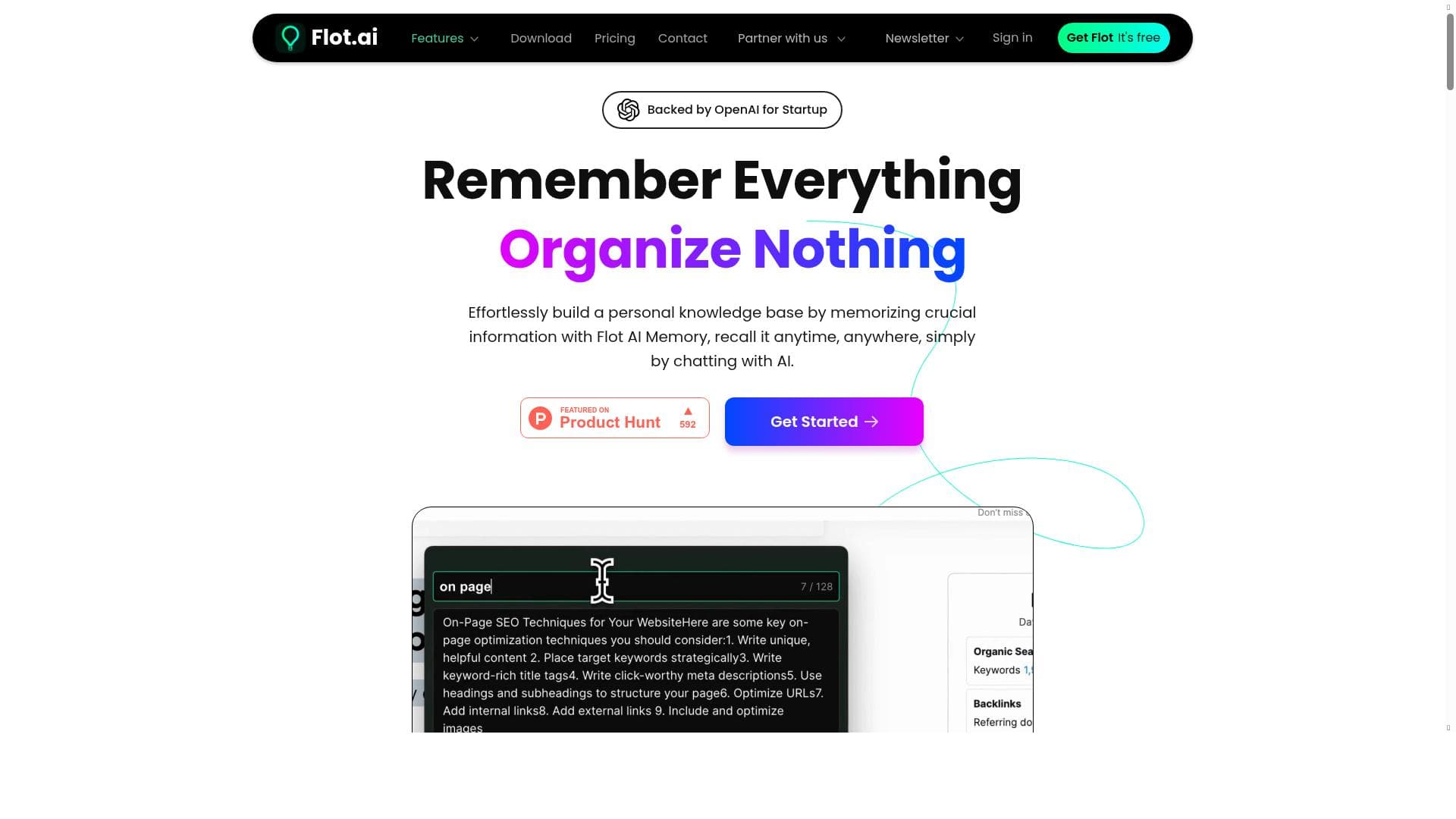
Effortlessly build a personal knowledge base by memorizing crucial information with Flot AI Memory, recall it anytime, anywhere, simply by chatting with AI.
Detailed Description
AI Memory by Flot is an innovative AI-powered tool designed to help users effortlessly build and maintain a personal knowledge base. Its core purpose is to enable individuals to memorize crucial information and recall it instantly through natural language chat interactions with AI. This tool transforms the way users store and access knowledge by integrating AI assistance directly into their workflow, making information retrieval seamless and intuitive. Whether you are a professional managing complex projects, a student organizing study materials, or anyone looking to enhance personal productivity, AI Memory offers a dynamic and scalable solution to capture and utilize knowledge effectively. One of the standout features of AI Memory is its ability to write, read, and memorize information with AI assistance. Users can input data, notes, or important facts, and the AI helps structure and store this information in a way that is easy to retrieve later. The AI acts as a personal assistant that not only remembers what you tell it but also understands context, allowing for more natural and efficient interactions. Another key capability is how AI Memory blends seamlessly with your existing workflow. It is designed to grow alongside your knowledge, adapting as you add more information and making it easier to manage an expanding knowledge base without feeling overwhelmed. This adaptability ensures that the tool remains useful over time, regardless of how complex or large your data becomes. AI Memory is best suited for individuals and professionals who rely heavily on information retention and quick access to knowledge. This includes researchers, writers, students, project managers, and anyone who needs to keep track of detailed information across multiple domains. For example, a researcher can use AI Memory to store references and insights from various studies, then quickly recall them during writing or presentations. Similarly, a project manager can keep track of meeting notes, deadlines, and task details, retrieving them instantly during team discussions. The conversational AI interface makes it accessible even for users who are not tech-savvy, as they can simply chat with the AI to get the information they need. Regarding pricing, AI Memory offers a freemium model, allowing users to start using the tool without any upfront cost. This makes it accessible for casual users and those who want to explore its capabilities before committing financially. While specific details about premium plans are not provided in the excerpt, freemium typically includes basic features with optional upgrades for advanced functionalities or increased storage. This pricing approach lowers the barrier to entry and encourages widespread adoption. When compared to alternative knowledge management tools, AI Memory stands out due to its conversational AI interface and its focus on memorization and recall rather than just storage. Many traditional tools require manual searching or tagging, whereas AI Memory allows users to interact naturally with their knowledge base, making information retrieval faster and more intuitive. Its ability to grow with the user’s knowledge and blend into existing workflows also differentiates it from more rigid or standalone solutions. However, potential limitations may include the reliance on AI accuracy and the need for internet connectivity to interact with the AI chat interface. Users should also consider data privacy and security aspects when storing sensitive information in an AI-powered platform. Additionally, since the tool is relatively new, it may lack some integrations or advanced features found in more established knowledge management systems. Prospective users should evaluate whether AI Memory’s conversational approach aligns with their specific needs and workflows. In summary, AI Memory by Flot is a powerful, user-friendly AI tool that revolutionizes personal knowledge management by enabling effortless memorization and recall through AI chat. Its unique blend of AI assistance, workflow integration, and scalability makes it an excellent choice for anyone looking to enhance productivity and information retention in a natural, conversational way.
Tool Features
- Write, read, and memorize with AI assistance
- Blends with your workflow
- Grows with your knowledge
Description
AI Memory by Flot transforms personal knowledge management by enabling users to effortlessly memorize and recall crucial information through natural AI chat. Ideal for professionals and students alike, it blends seamlessly into your workflow and grows with your knowledge, making information retrieval intuitive and efficient.
Effortlessly build a personal knowledge base by memorizing crucial information with Flot AI Memory, recall it anytime, anywhere, simply by chatting with AI.
Detailed Description
AI Memory by Flot is an innovative AI-powered tool designed to help users effortlessly build and maintain a personal knowledge base. Its core purpose is to enable individuals to memorize crucial information and recall it instantly through natural language chat interactions with AI. This tool transforms the way users store and access knowledge by integrating AI assistance directly into their workflow, making information retrieval seamless and intuitive. Whether you are a professional managing complex projects, a student organizing study materials, or anyone looking to enhance personal productivity, AI Memory offers a dynamic and scalable solution to capture and utilize knowledge effectively. One of the standout features of AI Memory is its ability to write, read, and memorize information with AI assistance. Users can input data, notes, or important facts, and the AI helps structure and store this information in a way that is easy to retrieve later. The AI acts as a personal assistant that not only remembers what you tell it but also understands context, allowing for more natural and efficient interactions. Another key capability is how AI Memory blends seamlessly with your existing workflow. It is designed to grow alongside your knowledge, adapting as you add more information and making it easier to manage an expanding knowledge base without feeling overwhelmed. This adaptability ensures that the tool remains useful over time, regardless of how complex or large your data becomes. AI Memory is best suited for individuals and professionals who rely heavily on information retention and quick access to knowledge. This includes researchers, writers, students, project managers, and anyone who needs to keep track of detailed information across multiple domains. For example, a researcher can use AI Memory to store references and insights from various studies, then quickly recall them during writing or presentations. Similarly, a project manager can keep track of meeting notes, deadlines, and task details, retrieving them instantly during team discussions. The conversational AI interface makes it accessible even for users who are not tech-savvy, as they can simply chat with the AI to get the information they need. Regarding pricing, AI Memory offers a freemium model, allowing users to start using the tool without any upfront cost. This makes it accessible for casual users and those who want to explore its capabilities before committing financially. While specific details about premium plans are not provided in the excerpt, freemium typically includes basic features with optional upgrades for advanced functionalities or increased storage. This pricing approach lowers the barrier to entry and encourages widespread adoption. When compared to alternative knowledge management tools, AI Memory stands out due to its conversational AI interface and its focus on memorization and recall rather than just storage. Many traditional tools require manual searching or tagging, whereas AI Memory allows users to interact naturally with their knowledge base, making information retrieval faster and more intuitive. Its ability to grow with the user’s knowledge and blend into existing workflows also differentiates it from more rigid or standalone solutions. However, potential limitations may include the reliance on AI accuracy and the need for internet connectivity to interact with the AI chat interface. Users should also consider data privacy and security aspects when storing sensitive information in an AI-powered platform. Additionally, since the tool is relatively new, it may lack some integrations or advanced features found in more established knowledge management systems. Prospective users should evaluate whether AI Memory’s conversational approach aligns with their specific needs and workflows. In summary, AI Memory by Flot is a powerful, user-friendly AI tool that revolutionizes personal knowledge management by enabling effortless memorization and recall through AI chat. Its unique blend of AI assistance, workflow integration, and scalability makes it an excellent choice for anyone looking to enhance productivity and information retention in a natural, conversational way.
Frequently Asked Questions
What is AI Memory?
AI Memory is an AI-powered tool by Flot that helps users build a personal knowledge base by memorizing and recalling important information through conversational AI chat.
How much does AI Memory cost?
AI Memory offers a freemium pricing model, allowing users to access basic features for free with options to upgrade for additional capabilities.
Who is AI Memory best for?
AI Memory is ideal for professionals, students, researchers, writers, and anyone who needs to efficiently store and recall detailed information as part of their workflow.
What are the main features of AI Memory?
Key features include AI-assisted writing, reading, and memorizing of information, seamless integration with your workflow, and a knowledge base that grows with your input.
Does AI Memory offer a free trial?
Yes, AI Memory’s freemium model allows users to start using the tool for free, effectively serving as a free trial for its basic features.
What integrations does AI Memory support?
The provided information does not specify particular integrations; however, AI Memory is designed to blend with your workflow, suggesting compatibility with common productivity tools.
How does AI Memory work?
AI Memory works by allowing users to input and store important information, which the AI then memorizes and makes instantly retrievable through natural language chat interactions.
Reviews
No reviews yet. Be the first to share your experience.




















































