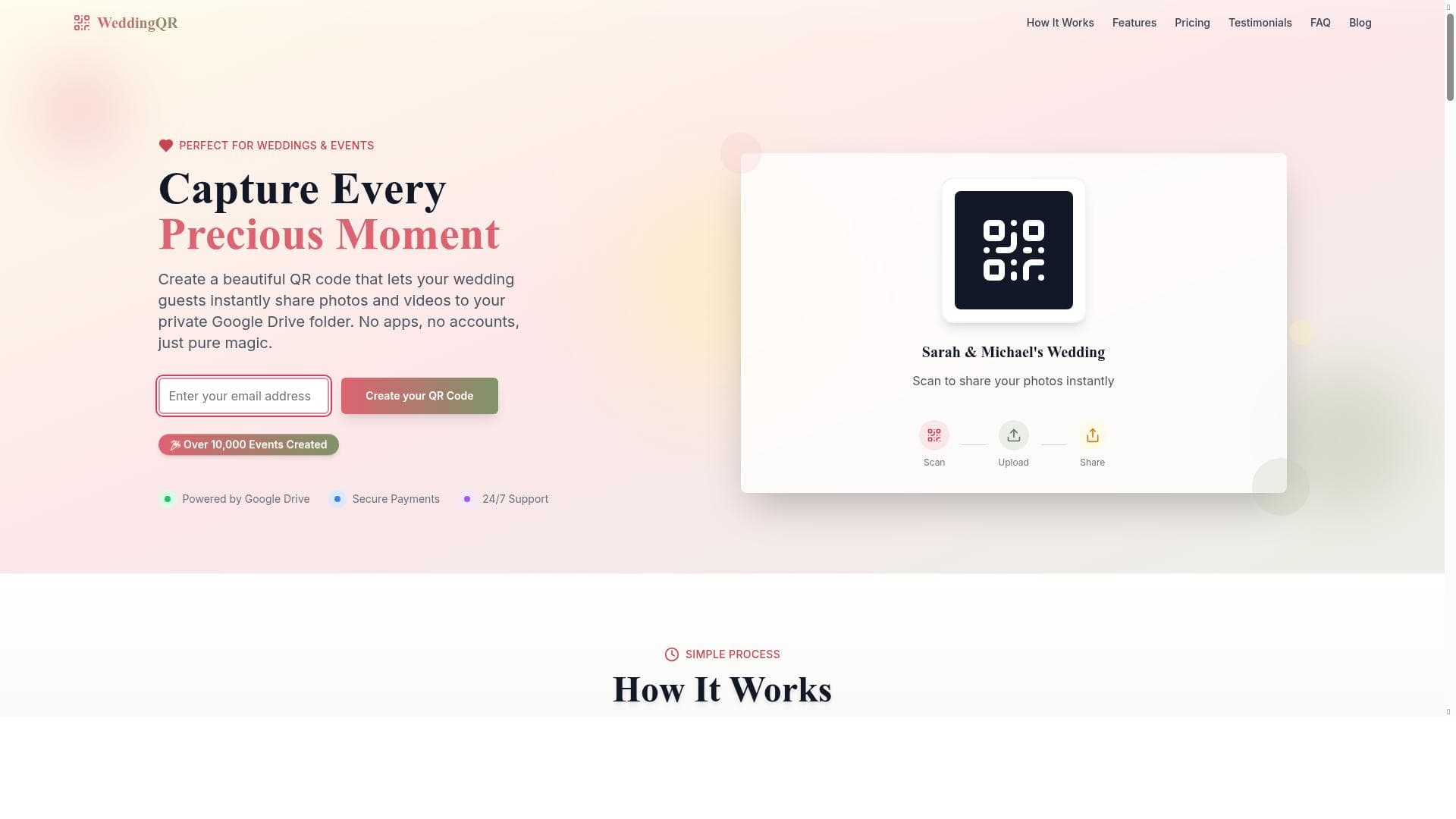


WeddingQR revolutionizes wedding photo sharing by offering a custom QR code that lets guests instantly upload photos and videos directly to a private Google Drive folder—no app or login required. Perfect for couples seeking a hassle-free, elegant way to gather memories, WeddingQR combines ease of use, customization, and privacy in one seamless solution.

Descripción
Create a beautiful QR code that lets your wedding guests instantly share photos and videos to your private Google Drive folder.
Descripción detallada
WeddingQR is a specialized AI-powered tool designed to streamline the way wedding guests share photos and videos during the celebration. Its core purpose is to provide couples with a seamless, elegant solution for collecting and organizing multimedia memories from their special day. By generating a custom QR code, WeddingQR enables guests to instantly upload their photos and videos directly to a private Google Drive folder without the need for any app downloads or login credentials. This eliminates common barriers to sharing and ensures that all captured moments are gathered in one secure, accessible location. One of the standout features of WeddingQR is its custom QR code creation tailored specifically for photo and video uploads. The QR code acts as a direct gateway for guests to contribute their media effortlessly. The uploads go straight into a private Google Drive folder controlled by the couple, ensuring privacy and ease of access. Guests do not need to install any additional software or create accounts, which simplifies the sharing process and encourages more participation. Additionally, WeddingQR offers QR code design customization, allowing couples to personalize the appearance of their code to match their wedding theme or aesthetic, adding a touch of elegance and cohesion to their event materials. Setup is remarkably quick, taking less than five minutes, making it accessible even for users who are not tech-savvy. The tool also provides 24/7 email support to assist users with any questions or technical issues that arise. Another customer-friendly aspect is the refund policy: if no photos are uploaded within seven days of the event, couples can request a refund, which reduces the risk associated with trying the service. WeddingQR is ideal for engaged couples, wedding planners, and event coordinators who want to enhance guest interaction and ensure that all multimedia memories are captured without hassle. It is particularly useful for weddings where guests may be unfamiliar with technology or reluctant to download new apps. Beyond weddings, the tool can also be adapted for other events such as anniversaries, parties, or corporate gatherings where instant photo sharing is desired. In terms of pricing, WeddingQR is a paid service, reflecting its specialized features and dedicated support. While exact pricing details are not specified here, the value proposition lies in its ease of use, customization options, and the convenience of direct Google Drive integration. Compared to alternatives that may require app downloads, manual collection of photos, or less secure sharing methods, WeddingQR offers a streamlined, privacy-conscious solution that reduces friction for guests and hosts alike. However, potential users should consider that the service depends on guests having smartphones capable of scanning QR codes and uploading media to Google Drive. Internet connectivity at the event is also necessary for instant uploads. Additionally, while the refund policy is reassuring, users should ensure they understand the terms and conditions fully. Overall, WeddingQR stands out as a modern, user-friendly tool that simplifies the collection of wedding memories, making it a valuable addition to any wedding planning toolkit.
Características de la herramienta
- Custom QR code for photo and video uploads
- Direct upload to private Google Drive folder
- No app or login required for guests
- Instant photo sharing
- QR code design customization
- 24/7 email support
- Setup takes less than 5 minutes
- Refund policy if no photos uploaded within 7 days
Descripción
WeddingQR revolutionizes wedding photo sharing by offering a custom QR code that lets guests instantly upload photos and videos directly to a private Google Drive folder—no app or login required. Perfect for couples seeking a hassle-free, elegant way to gather memories, WeddingQR combines ease of use, customization, and privacy in one seamless solution.
Create a beautiful QR code that lets your wedding guests instantly share photos and videos to your private Google Drive folder.
Descripción detallada
WeddingQR is a specialized AI-powered tool designed to streamline the way wedding guests share photos and videos during the celebration. Its core purpose is to provide couples with a seamless, elegant solution for collecting and organizing multimedia memories from their special day. By generating a custom QR code, WeddingQR enables guests to instantly upload their photos and videos directly to a private Google Drive folder without the need for any app downloads or login credentials. This eliminates common barriers to sharing and ensures that all captured moments are gathered in one secure, accessible location. One of the standout features of WeddingQR is its custom QR code creation tailored specifically for photo and video uploads. The QR code acts as a direct gateway for guests to contribute their media effortlessly. The uploads go straight into a private Google Drive folder controlled by the couple, ensuring privacy and ease of access. Guests do not need to install any additional software or create accounts, which simplifies the sharing process and encourages more participation. Additionally, WeddingQR offers QR code design customization, allowing couples to personalize the appearance of their code to match their wedding theme or aesthetic, adding a touch of elegance and cohesion to their event materials. Setup is remarkably quick, taking less than five minutes, making it accessible even for users who are not tech-savvy. The tool also provides 24/7 email support to assist users with any questions or technical issues that arise. Another customer-friendly aspect is the refund policy: if no photos are uploaded within seven days of the event, couples can request a refund, which reduces the risk associated with trying the service. WeddingQR is ideal for engaged couples, wedding planners, and event coordinators who want to enhance guest interaction and ensure that all multimedia memories are captured without hassle. It is particularly useful for weddings where guests may be unfamiliar with technology or reluctant to download new apps. Beyond weddings, the tool can also be adapted for other events such as anniversaries, parties, or corporate gatherings where instant photo sharing is desired. In terms of pricing, WeddingQR is a paid service, reflecting its specialized features and dedicated support. While exact pricing details are not specified here, the value proposition lies in its ease of use, customization options, and the convenience of direct Google Drive integration. Compared to alternatives that may require app downloads, manual collection of photos, or less secure sharing methods, WeddingQR offers a streamlined, privacy-conscious solution that reduces friction for guests and hosts alike. However, potential users should consider that the service depends on guests having smartphones capable of scanning QR codes and uploading media to Google Drive. Internet connectivity at the event is also necessary for instant uploads. Additionally, while the refund policy is reassuring, users should ensure they understand the terms and conditions fully. Overall, WeddingQR stands out as a modern, user-friendly tool that simplifies the collection of wedding memories, making it a valuable addition to any wedding planning toolkit.
Preguntas frecuentes
What is WeddingQR?
WeddingQR is an AI-powered tool that creates a custom QR code enabling wedding guests to instantly upload photos and videos directly to a couple’s private Google Drive folder without needing an app or login.
How much does WeddingQR cost?
WeddingQR is a paid service, though specific pricing details are not provided here. The cost reflects its specialized features, ease of use, and dedicated support.
Who is WeddingQR best for?
WeddingQR is best suited for engaged couples, wedding planners, and event coordinators who want an easy, elegant way to collect and organize multimedia memories from guests without requiring app downloads or logins.
What are the main features of WeddingQR?
Key features include custom QR code generation for photo and video uploads, direct upload to a private Google Drive folder, no app or login required for guests, instant photo sharing, QR code design customization, 24/7 email support, quick setup under five minutes, and a refund policy if no photos are uploaded within seven days.
Does WeddingQR offer a free trial?
There is no mention of a free trial, but WeddingQR offers a refund policy if no photos are uploaded within seven days, providing some assurance for new users.
What integrations does WeddingQR support?
WeddingQR integrates directly with Google Drive, allowing all uploaded photos and videos to be stored securely in a private folder accessible only to the couple.
How does WeddingQR work?
WeddingQR generates a custom QR code that guests scan with their smartphones, which opens an upload interface allowing them to instantly share photos and videos. These files are then uploaded directly to the couple’s private Google Drive folder without requiring any app installation or login.
Reseñas
Aún no hay reseñas. Sé el primero en compartir tu experiencia.




















































