


PDFly is a free, browser-based PDF editor that lets users edit text, draw, sign, and manage PDFs entirely locally without any sign-up or watermark. Ideal for privacy-conscious users and mobile workflows, it offers powerful editing features with zero cost or hassle.
Descripción
PDFly is a free, browser-based PDF editor that allows users to edit text, draw, highlight, sign, add pictures, and merge or compress PDF files directly in their browser. It requires no sign-up, does not upload files to a server, and adds no watermark to edited documents, ensuring privacy and ease of use.
Descripción detallada
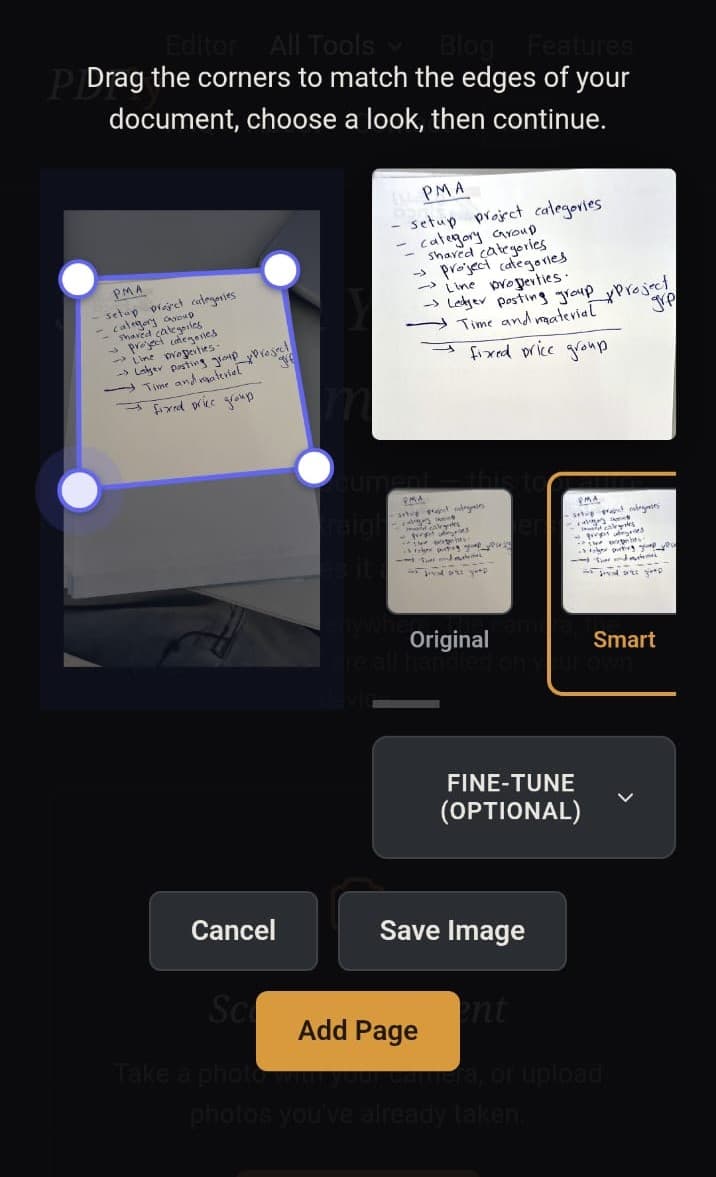
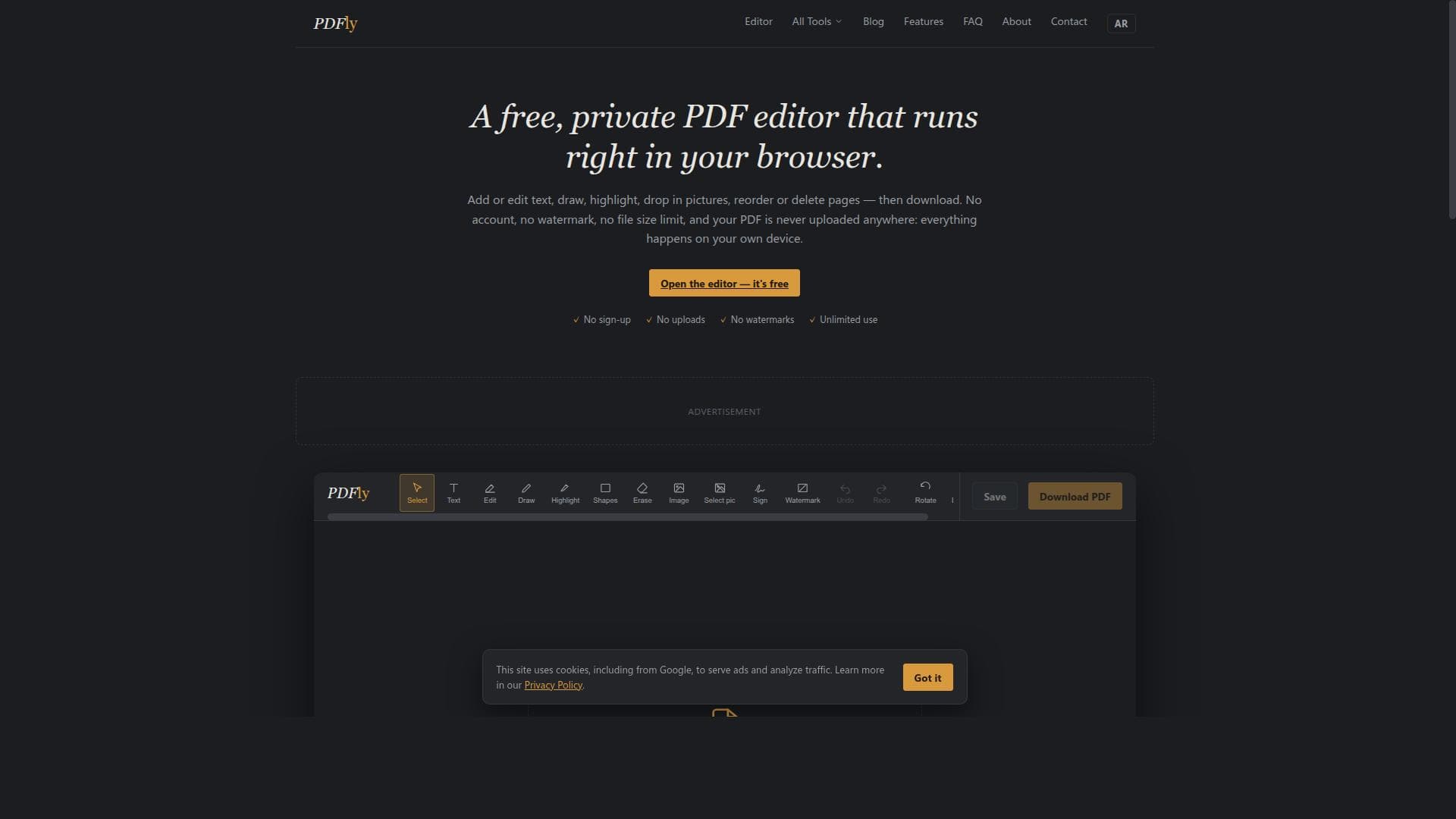
PDFly is a free, browser-based PDF editor designed to provide users with a comprehensive set of tools to modify PDF documents directly within their web browser. Its core purpose is to offer a private, easy-to-use platform where users can edit text, draw, highlight, sign, insert images, and manipulate PDF pages without the need for software installation or account registration. By processing files locally on the user's device, PDFly ensures that documents remain private and secure, as no files are uploaded to external servers. This makes it an ideal solution for users who prioritize confidentiality and convenience in their PDF editing workflows. The tool’s key features include the ability to edit PDF text directly in the browser, which is a powerful capability allowing users to make quick corrections or updates without converting files to other formats. Users can also draw freehand annotations, highlight important sections, and add digital signatures, streamlining document approval and review processes. Another standout feature is the ability to insert images in popular formats such as PNG, JPEG, GIF, and WEBP, with automatic conversion for formats other than PNG and JPEG, enabling users to enrich their PDFs with visuals easily. Additionally, PDFly supports merging multiple PDFs into a single document, compressing files to reduce size for easier sharing, and reordering pages to customize document flow. PDFly requires no sign-up or account creation, and it does not add watermarks to edited documents, which distinguishes it from many free PDF editors that impose such restrictions. The interface supports touch input, making it fully functional on mobile devices and tablets, which is particularly useful for users who need to edit PDFs on the go. There are no enforced limits on file size or page count, although very large PDFs may take longer to process due to local device resource constraints. This tool is best suited for individuals and professionals who need a quick, secure, and free solution for PDF editing without the hassle of installing software or managing accounts. Students, freelancers, small business owners, and remote workers can benefit from its ease of use and privacy features. Specific use cases include editing contracts, signing forms, annotating academic papers, merging reports, and compressing files for email attachments. PDFly is completely free to use, supported by advertising displayed around the editor interface. There are no premium plans or subscriptions, making it accessible to all users without financial commitment. This contrasts with many other PDF editors that require paid plans for advanced features or watermark removal. Compared to alternatives like Adobe Acrobat, Smallpdf, or PDFescape, PDFly stands out by processing all files locally, ensuring user privacy and security without uploading documents to cloud servers. While Adobe Acrobat offers extensive professional features, it comes at a cost and requires installation. Smallpdf and PDFescape provide online editing but often impose page limits, require sign-ups, or add watermarks in their free tiers. PDFly’s no sign-up, no watermark policy combined with local processing is a unique value proposition. However, PDFly does have some limitations. Since it runs entirely in the browser and relies on the device’s processing power, very large or complex PDFs may experience slower performance or rendering delays. It also lacks some advanced PDF editing features found in paid software, such as OCR (optical character recognition), form creation, or batch processing automation. Additionally, while it supports popular image formats, it does not integrate with external cloud storage or third-party apps, which might be a consideration for users seeking seamless workflow integration. In summary, PDFly is an excellent free tool for users seeking a straightforward, private, and no-frills PDF editor that works directly in the browser. Its combination of text editing, annotation, image insertion, and page management features, all without sign-up or watermark, makes it a compelling choice for everyday PDF editing needs, especially for privacy-conscious users and those who prefer a lightweight, accessible solution.
Características de la herramienta
- Edit PDF text directly in the browser
- Draw, highlight, and add signatures to PDFs
- Insert images such as PNG, JPEG, GIF, or WEBP
- Merge, compress, and reorder PDF pages
- No sign-up or account required
- No watermark added to downloaded files
- Files are processed locally without uploading
- Supports touch input for mobile devices
Descripción
PDFly is a free, browser-based PDF editor that lets users edit text, draw, sign, and manage PDFs entirely locally without any sign-up or watermark. Ideal for privacy-conscious users and mobile workflows, it offers powerful editing features with zero cost or hassle.
PDFly is a free, browser-based PDF editor that allows users to edit text, draw, highlight, sign, add pictures, and merge or compress PDF files directly in their browser. It requires no sign-up, does not upload files to a server, and adds no watermark to edited documents, ensuring privacy and ease of use.
Descripción detallada
PDFly is a free, browser-based PDF editor designed to provide users with a comprehensive set of tools to modify PDF documents directly within their web browser. Its core purpose is to offer a private, easy-to-use platform where users can edit text, draw, highlight, sign, insert images, and manipulate PDF pages without the need for software installation or account registration. By processing files locally on the user's device, PDFly ensures that documents remain private and secure, as no files are uploaded to external servers. This makes it an ideal solution for users who prioritize confidentiality and convenience in their PDF editing workflows. The tool’s key features include the ability to edit PDF text directly in the browser, which is a powerful capability allowing users to make quick corrections or updates without converting files to other formats. Users can also draw freehand annotations, highlight important sections, and add digital signatures, streamlining document approval and review processes. Another standout feature is the ability to insert images in popular formats such as PNG, JPEG, GIF, and WEBP, with automatic conversion for formats other than PNG and JPEG, enabling users to enrich their PDFs with visuals easily. Additionally, PDFly supports merging multiple PDFs into a single document, compressing files to reduce size for easier sharing, and reordering pages to customize document flow. PDFly requires no sign-up or account creation, and it does not add watermarks to edited documents, which distinguishes it from many free PDF editors that impose such restrictions. The interface supports touch input, making it fully functional on mobile devices and tablets, which is particularly useful for users who need to edit PDFs on the go. There are no enforced limits on file size or page count, although very large PDFs may take longer to process due to local device resource constraints. This tool is best suited for individuals and professionals who need a quick, secure, and free solution for PDF editing without the hassle of installing software or managing accounts. Students, freelancers, small business owners, and remote workers can benefit from its ease of use and privacy features. Specific use cases include editing contracts, signing forms, annotating academic papers, merging reports, and compressing files for email attachments. PDFly is completely free to use, supported by advertising displayed around the editor interface. There are no premium plans or subscriptions, making it accessible to all users without financial commitment. This contrasts with many other PDF editors that require paid plans for advanced features or watermark removal. Compared to alternatives like Adobe Acrobat, Smallpdf, or PDFescape, PDFly stands out by processing all files locally, ensuring user privacy and security without uploading documents to cloud servers. While Adobe Acrobat offers extensive professional features, it comes at a cost and requires installation. Smallpdf and PDFescape provide online editing but often impose page limits, require sign-ups, or add watermarks in their free tiers. PDFly’s no sign-up, no watermark policy combined with local processing is a unique value proposition. However, PDFly does have some limitations. Since it runs entirely in the browser and relies on the device’s processing power, very large or complex PDFs may experience slower performance or rendering delays. It also lacks some advanced PDF editing features found in paid software, such as OCR (optical character recognition), form creation, or batch processing automation. Additionally, while it supports popular image formats, it does not integrate with external cloud storage or third-party apps, which might be a consideration for users seeking seamless workflow integration. In summary, PDFly is an excellent free tool for users seeking a straightforward, private, and no-frills PDF editor that works directly in the browser. Its combination of text editing, annotation, image insertion, and page management features, all without sign-up or watermark, makes it a compelling choice for everyday PDF editing needs, especially for privacy-conscious users and those who prefer a lightweight, accessible solution.
Preguntas frecuentes
What is PDFly?
PDFly is a free online PDF editor that allows users to edit text, draw, highlight, sign, add images, and merge or compress PDF files directly in their web browser without uploading files to any server.
How much does PDFly cost?
PDFly is completely free to use with no subscription or payment required. It is supported by advertising displayed around the editor interface.
Who is PDFly best for?
PDFly is best suited for individuals, students, freelancers, and small business owners who need a quick, private, and easy-to-use PDF editing tool without installing software or creating accounts.
What are the main features of PDFly?
Key features include direct text editing in PDFs, drawing and highlighting tools, digital signature insertion, image embedding (PNG, JPEG, GIF, WEBP), PDF merging, compression, page reordering, and full local file processing with no watermark.
Does PDFly offer a free trial?
PDFly does not require a free trial because it is entirely free to use with no paid plans or subscriptions.
What integrations does PDFly support?
PDFly does not currently support integrations with external cloud storage or third-party applications; it operates fully within the browser and processes files locally on the user’s device.
How does PDFly work?
PDFly works by loading PDF files directly into the browser where all editing and processing happens locally on the user’s device. This ensures privacy as no files are uploaded to servers, and changes can be saved and downloaded without watermarks or account requirements.
Reseñas
Aún no hay reseñas. Sé el primero en compartir tu experiencia.




















































