


CloudyBot AI Assistant revolutionizes automation by letting you hire an AI team with a single sentence, leveraging a real cloud browser and multi-agent workflows to handle complex tasks seamlessly. Ideal for businesses and developers, it integrates deeply with tools like Notion, Google Sheets, and GitHub, delivering results directly to WhatsApp and other channels with predictable pricing.

Descripción
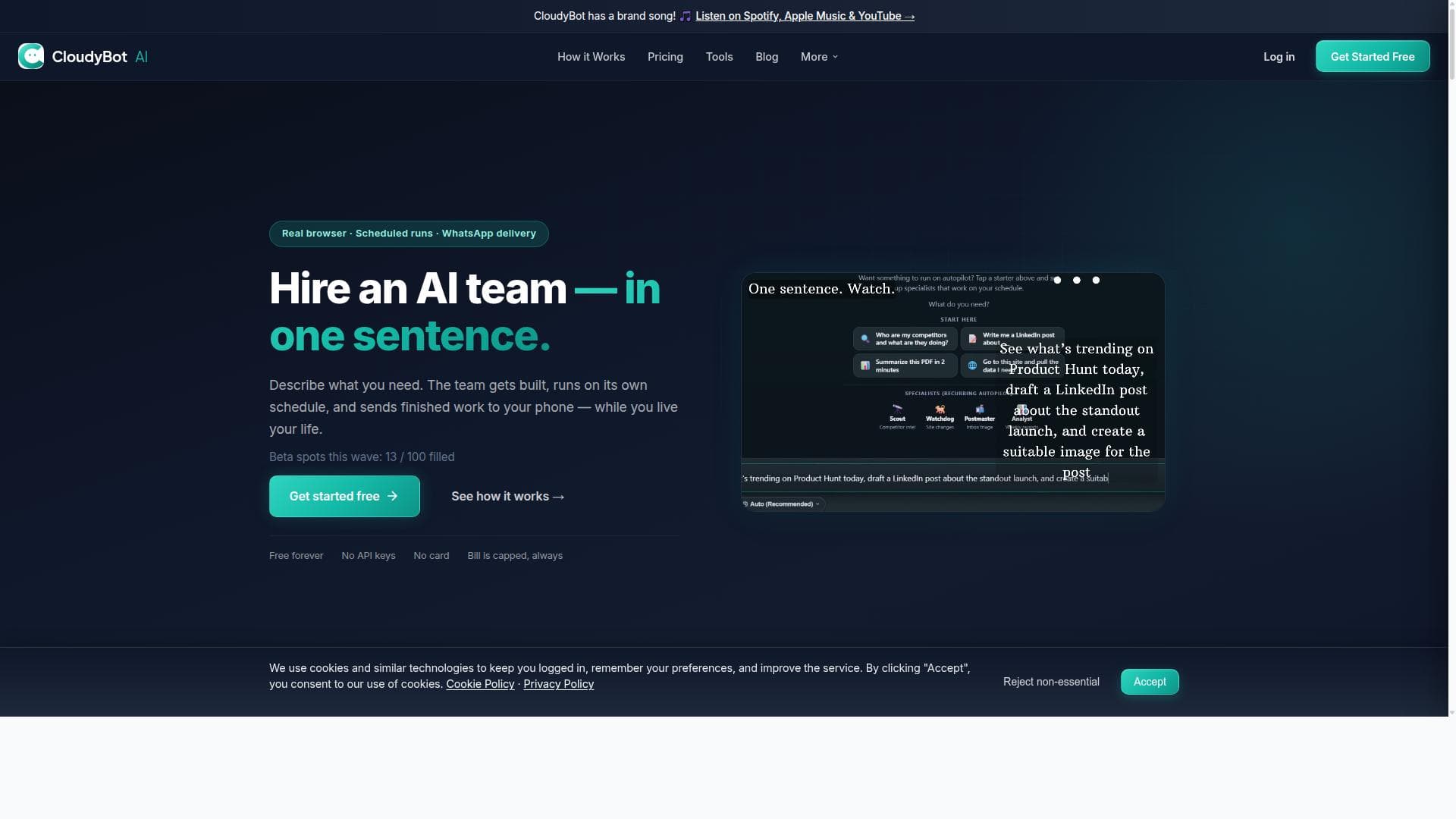
CloudyBot AI Assistant allows you to hire an AI team in one sentence. It opens a real cloud browser, edits files precisely, runs on a schedule, and delivers results to WhatsApp. It supports multi-AI teams that hand off work to each other and integrates with Notion, Google Sheets, GitHub, and code execution. The platform offers predictable billing caps and grows from a free tier to paid plans.
Descripción detallada
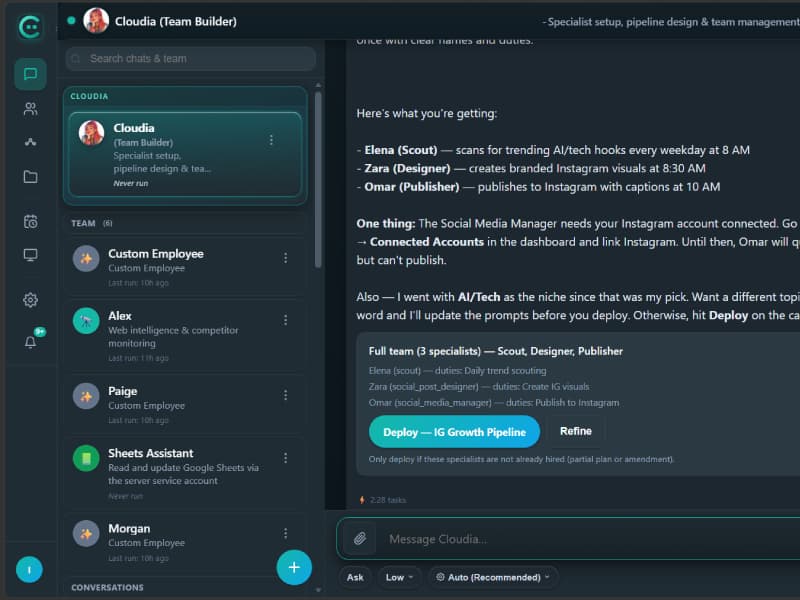
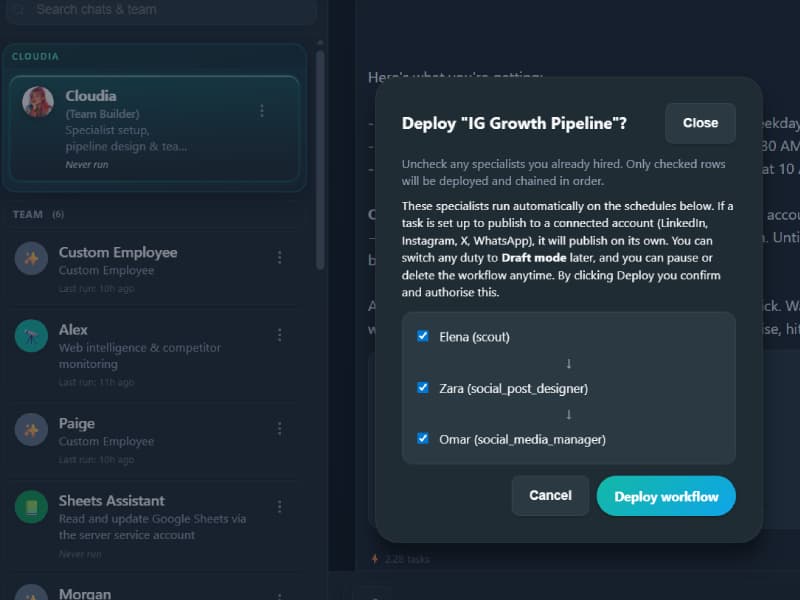
CloudyBot AI Assistant is an innovative platform designed to streamline complex workflows by allowing users to effectively 'hire' an AI team through simple, natural language commands. Its core purpose is to automate multi-step tasks that involve web browsing, file editing, data management, and communication, all orchestrated seamlessly by AI specialists working in tandem. By leveraging a real cloud-based Chrome browser, CloudyBot can navigate websites live, maintain logged-in sessions across steps, and interact with web content as a human would, enabling sophisticated automation scenarios that go beyond traditional script-based bots. One of the standout features of CloudyBot is its multi-AI team architecture. Instead of relying on a single AI agent, it deploys specialized AI agents that hand off tasks to one another in chained workflows. This allows for complex, multi-phase processes such as data scraping, analysis, report generation, and delivery to be executed with precision and efficiency. Users can schedule these workflows or trigger them via webhooks, enabling integration into broader automation pipelines. The platform also supports rolling memory and pins, which means it can remember important context and data points across sessions, enhancing continuity and accuracy. CloudyBot’s integration capabilities are extensive. It connects natively with popular productivity and development tools like Notion, Google Sheets, and GitHub, allowing users to automate content updates, spreadsheet management, and code execution without manual intervention. The platform includes a file workspace for precise file editing and supports code execution, making it suitable for developers and data professionals who need automated scripting or batch processing. Additionally, CloudyBot delivers results through multiple channels including WhatsApp Business, push notifications, and a web dashboard, ensuring users receive timely updates in their preferred format. The ability to browse from the user’s own country is another key feature, as the AI agent uses a real Chrome browser with the user’s IP location. This is crucial for tasks that require geo-specific content or services, such as localized market research or region-restricted data access. The live cloud browser can also be watched in real time, providing transparency and control over the automation process. CloudyBot AI Assistant is ideal for businesses and professionals who require reliable, scalable automation of complex workflows involving web interaction, data processing, and communication. Marketing teams can automate lead generation and outreach, developers can automate code updates and testing, and operations teams can streamline reporting and monitoring tasks. Its multi-agent approach and integration ecosystem make it particularly valuable for organizations looking to reduce manual workload while maintaining high precision and flexibility. Regarding pricing, CloudyBot offers a free tier that allows users to explore basic features and small-scale workflows. As needs grow, users can upgrade to paid plans that provide predictable billing caps, ensuring cost control without unexpected overages. This tiered pricing model supports scalability from individual users and small teams to enterprise-level deployments. Compared to alternatives, CloudyBot stands out by combining a real cloud browser with multi-agent AI workflows and deep integration with popular productivity tools. While many automation platforms rely on APIs or headless browsers, CloudyBot’s use of a real Chrome browser with live visibility and session persistence provides a higher fidelity automation experience. Its multi-AI team approach also surpasses single-agent bots by enabling complex task delegation and chaining. However, potential users should consider that the platform’s advanced capabilities may require a learning curve to fully leverage multi-agent workflows and integrations. Additionally, while the free tier is generous, complex or high-volume use cases will necessitate paid plans. Users should also evaluate whether WhatsApp Business delivery meets their communication needs or if alternative notification channels are preferred. In summary, CloudyBot AI Assistant is a powerful, flexible automation platform that uniquely combines live cloud browsing, multi-agent AI workflows, and rich integrations to deliver sophisticated task automation. It is well-suited for professionals and teams seeking to automate complex, multi-step processes with precision and scalability, backed by predictable pricing and a growing feature set.
Características de la herramienta
- Real cloud browser you can watch live; navigates sites and stays logged in between steps
- AI specialists with handoffs and chained workflows; schedules and webhooks
- WhatsApp Business, push notifications, and web dashboard delivery
- File workspace, code execution, and GitHub; Notion and Google Sheets connectors
- Rolling memory and pins; built-in skills including browser, web search, files, code execution, Notion, Sheets, and GitHub
- Browse from your own country — agent uses a real Chrome browser with your IP location
Descripción
CloudyBot AI Assistant revolutionizes automation by letting you hire an AI team with a single sentence, leveraging a real cloud browser and multi-agent workflows to handle complex tasks seamlessly. Ideal for businesses and developers, it integrates deeply with tools like Notion, Google Sheets, and GitHub, delivering results directly to WhatsApp and other channels with predictable pricing.
CloudyBot AI Assistant allows you to hire an AI team in one sentence. It opens a real cloud browser, edits files precisely, runs on a schedule, and delivers results to WhatsApp. It supports multi-AI teams that hand off work to each other and integrates with Notion, Google Sheets, GitHub, and code execution. The platform offers predictable billing caps and grows from a free tier to paid plans.
Descripción detallada
CloudyBot AI Assistant is an innovative platform designed to streamline complex workflows by allowing users to effectively 'hire' an AI team through simple, natural language commands. Its core purpose is to automate multi-step tasks that involve web browsing, file editing, data management, and communication, all orchestrated seamlessly by AI specialists working in tandem. By leveraging a real cloud-based Chrome browser, CloudyBot can navigate websites live, maintain logged-in sessions across steps, and interact with web content as a human would, enabling sophisticated automation scenarios that go beyond traditional script-based bots. One of the standout features of CloudyBot is its multi-AI team architecture. Instead of relying on a single AI agent, it deploys specialized AI agents that hand off tasks to one another in chained workflows. This allows for complex, multi-phase processes such as data scraping, analysis, report generation, and delivery to be executed with precision and efficiency. Users can schedule these workflows or trigger them via webhooks, enabling integration into broader automation pipelines. The platform also supports rolling memory and pins, which means it can remember important context and data points across sessions, enhancing continuity and accuracy. CloudyBot’s integration capabilities are extensive. It connects natively with popular productivity and development tools like Notion, Google Sheets, and GitHub, allowing users to automate content updates, spreadsheet management, and code execution without manual intervention. The platform includes a file workspace for precise file editing and supports code execution, making it suitable for developers and data professionals who need automated scripting or batch processing. Additionally, CloudyBot delivers results through multiple channels including WhatsApp Business, push notifications, and a web dashboard, ensuring users receive timely updates in their preferred format. The ability to browse from the user’s own country is another key feature, as the AI agent uses a real Chrome browser with the user’s IP location. This is crucial for tasks that require geo-specific content or services, such as localized market research or region-restricted data access. The live cloud browser can also be watched in real time, providing transparency and control over the automation process. CloudyBot AI Assistant is ideal for businesses and professionals who require reliable, scalable automation of complex workflows involving web interaction, data processing, and communication. Marketing teams can automate lead generation and outreach, developers can automate code updates and testing, and operations teams can streamline reporting and monitoring tasks. Its multi-agent approach and integration ecosystem make it particularly valuable for organizations looking to reduce manual workload while maintaining high precision and flexibility. Regarding pricing, CloudyBot offers a free tier that allows users to explore basic features and small-scale workflows. As needs grow, users can upgrade to paid plans that provide predictable billing caps, ensuring cost control without unexpected overages. This tiered pricing model supports scalability from individual users and small teams to enterprise-level deployments. Compared to alternatives, CloudyBot stands out by combining a real cloud browser with multi-agent AI workflows and deep integration with popular productivity tools. While many automation platforms rely on APIs or headless browsers, CloudyBot’s use of a real Chrome browser with live visibility and session persistence provides a higher fidelity automation experience. Its multi-AI team approach also surpasses single-agent bots by enabling complex task delegation and chaining. However, potential users should consider that the platform’s advanced capabilities may require a learning curve to fully leverage multi-agent workflows and integrations. Additionally, while the free tier is generous, complex or high-volume use cases will necessitate paid plans. Users should also evaluate whether WhatsApp Business delivery meets their communication needs or if alternative notification channels are preferred. In summary, CloudyBot AI Assistant is a powerful, flexible automation platform that uniquely combines live cloud browsing, multi-agent AI workflows, and rich integrations to deliver sophisticated task automation. It is well-suited for professionals and teams seeking to automate complex, multi-step processes with precision and scalability, backed by predictable pricing and a growing feature set.
Preguntas frecuentes
What is CloudyBot AI Assistant?
CloudyBot AI Assistant is a platform that enables users to automate complex workflows by hiring a team of specialized AI agents. It uses a real cloud browser to navigate websites, edit files, execute code, and deliver results through various channels like WhatsApp, integrating with tools such as Notion, Google Sheets, and GitHub.
How much does CloudyBot AI Assistant cost?
CloudyBot offers a free tier for basic usage and small-scale workflows. For more advanced features and higher usage volumes, there are paid plans with predictable billing caps designed to scale with your needs, ensuring cost control and flexibility.
Who is CloudyBot AI Assistant best for?
CloudyBot is ideal for businesses, developers, marketing teams, and operations professionals who need to automate multi-step tasks involving web browsing, data processing, file editing, and communication. It suits users looking for scalable, precise automation integrated with popular productivity tools.
What are the main features of CloudyBot AI Assistant?
Key features include a real cloud browser with live viewing and session persistence, multi-AI specialist teams with chained workflows and handoffs, scheduling and webhook triggers, delivery via WhatsApp Business and push notifications, file workspace and code execution, integrations with Notion, Google Sheets, GitHub, rolling memory and pins, and geo-specific browsing using your IP location.
Does CloudyBot AI Assistant offer a free trial?
Yes, CloudyBot provides a free tier that allows users to explore core features and run basic workflows before upgrading to paid plans for more extensive use.
What integrations does CloudyBot AI Assistant support?
CloudyBot integrates natively with Notion, Google Sheets, GitHub, and supports code execution within its workspace. It also delivers outputs through WhatsApp Business, push notifications, and a web dashboard.
How does CloudyBot AI Assistant work?
Users issue commands in natural language to hire AI specialists who perform tasks using a real cloud-based Chrome browser that can navigate websites live and stay logged in. These AI agents work together in chained workflows, handling tasks like data scraping, file editing, code execution, and delivering results through integrated channels on a schedule or via webhooks.
Redes sociales
Usar herramientaReseñas
Aún no hay reseñas. Sé el primero en compartir tu experiencia.




















































