

¿Es esta tu herramienta de IA? Reclámala hoy.
Verifica la propiedad, gestiona tu perfil y desbloquea funciones de crecimiento.
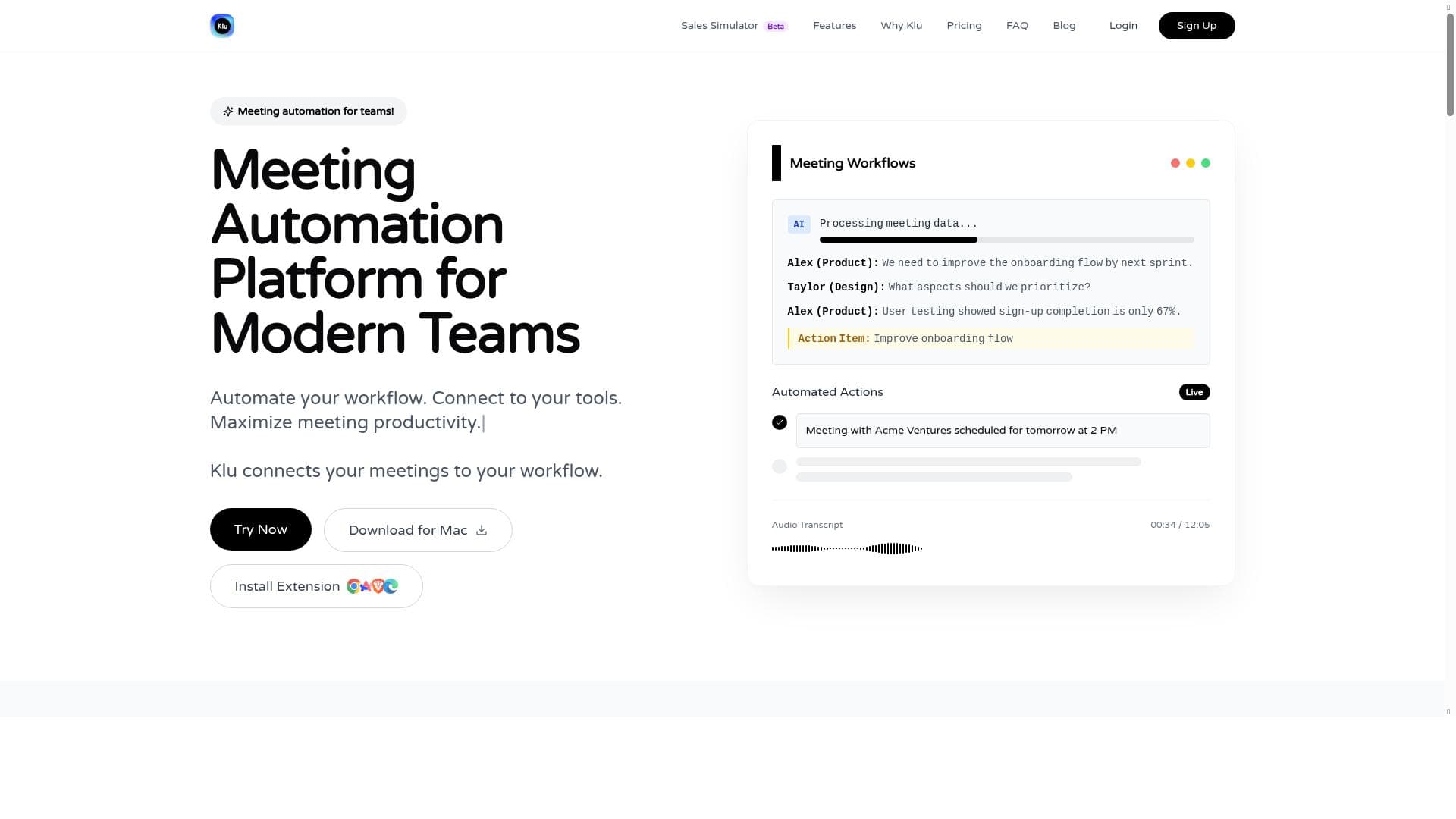
Klu uniquely connects all your apps into one seamless platform, enabling unified searching and effortless workflow automation. Ideal for professionals and teams juggling multiple tools, it maximizes productivity by simplifying information access and automating meeting note-taking.

Descripción
Connect all your apps for seamless, unified searching.
Descripción detallada
Klu is an innovative productivity tool designed to unify and streamline the way users interact with their various digital applications. At its core, Klu connects all your apps into a single, seamless interface that enables unified searching across platforms, eliminating the need to switch between multiple tools to find information. This integration-centric approach not only saves time but also enhances workflow efficiency by providing a centralized hub for accessing data and managing tasks. Whether you are juggling emails, project management apps, or document repositories, Klu consolidates these sources to deliver a cohesive user experience. One of Klu's standout features is its ability to automate workflows. By connecting to your existing tools, Klu allows users to set up automated processes that reduce manual effort and repetitive tasks. This capability is particularly valuable for teams and individuals who rely on multiple software solutions daily, as it helps maintain consistency and accuracy across platforms. Additionally, Klu maximizes meeting productivity by offering effortless note-taking functionalities. Users can capture meeting notes without distraction, ensuring that important information is recorded and easily accessible later. This feature supports better collaboration and follow-up, making meetings more actionable and less time-consuming. Klu is ideally suited for professionals, teams, and organizations that depend on multiple digital tools to manage their work. Project managers, knowledge workers, and remote teams will find Klu especially beneficial as it simplifies information retrieval and task coordination. Use cases include consolidating project data from various apps, automating routine workflows such as task assignments or status updates, and enhancing meeting effectiveness through integrated note-taking. By reducing the friction caused by app fragmentation, Klu empowers users to focus more on their core work rather than on managing disparate tools. Regarding pricing, Klu offers a freemium model, allowing users to access basic features at no cost while providing options to upgrade for enhanced capabilities. This approach makes it accessible to individual users and small teams who want to explore its benefits without upfront investment. The freemium plan typically includes essential integrations and workflow automation features, while premium tiers may offer advanced customization, additional integrations, and priority support. When compared to alternatives, Klu stands out due to its emphasis on unified searching across all connected apps combined with workflow automation and meeting productivity enhancements. While other tools may focus solely on note-taking or task management, Klu integrates these functionalities into a single platform, reducing the need for multiple subscriptions and minimizing context switching. However, some competing tools might offer deeper integrations with specific platforms or more specialized features, so users should evaluate based on their particular needs. Notable considerations for Klu include the learning curve associated with setting up and optimizing workflows, especially for users unfamiliar with automation concepts. Additionally, the effectiveness of Klu depends on the breadth and depth of its integrations with the apps you use most frequently. While it supports many popular tools, users with niche or proprietary software may encounter limitations. Finally, as with any cloud-based productivity tool, data privacy and security are important factors to review before adoption. In summary, Klu is a powerful solution for anyone looking to unify their digital workspace, automate routine tasks, and enhance meeting productivity. Its freemium pricing model lowers the barrier to entry, making it an attractive option for individuals and teams aiming to boost efficiency through better app connectivity and smarter workflows.
Características de la herramienta
- Automate your workflow
- Connect to your tools
- Maximize meeting productivity
- Take meeting notes with no effort
Descripción
Klu uniquely connects all your apps into one seamless platform, enabling unified searching and effortless workflow automation. Ideal for professionals and teams juggling multiple tools, it maximizes productivity by simplifying information access and automating meeting note-taking.
Connect all your apps for seamless, unified searching.
Descripción detallada
Klu is an innovative productivity tool designed to unify and streamline the way users interact with their various digital applications. At its core, Klu connects all your apps into a single, seamless interface that enables unified searching across platforms, eliminating the need to switch between multiple tools to find information. This integration-centric approach not only saves time but also enhances workflow efficiency by providing a centralized hub for accessing data and managing tasks. Whether you are juggling emails, project management apps, or document repositories, Klu consolidates these sources to deliver a cohesive user experience. One of Klu's standout features is its ability to automate workflows. By connecting to your existing tools, Klu allows users to set up automated processes that reduce manual effort and repetitive tasks. This capability is particularly valuable for teams and individuals who rely on multiple software solutions daily, as it helps maintain consistency and accuracy across platforms. Additionally, Klu maximizes meeting productivity by offering effortless note-taking functionalities. Users can capture meeting notes without distraction, ensuring that important information is recorded and easily accessible later. This feature supports better collaboration and follow-up, making meetings more actionable and less time-consuming. Klu is ideally suited for professionals, teams, and organizations that depend on multiple digital tools to manage their work. Project managers, knowledge workers, and remote teams will find Klu especially beneficial as it simplifies information retrieval and task coordination. Use cases include consolidating project data from various apps, automating routine workflows such as task assignments or status updates, and enhancing meeting effectiveness through integrated note-taking. By reducing the friction caused by app fragmentation, Klu empowers users to focus more on their core work rather than on managing disparate tools. Regarding pricing, Klu offers a freemium model, allowing users to access basic features at no cost while providing options to upgrade for enhanced capabilities. This approach makes it accessible to individual users and small teams who want to explore its benefits without upfront investment. The freemium plan typically includes essential integrations and workflow automation features, while premium tiers may offer advanced customization, additional integrations, and priority support. When compared to alternatives, Klu stands out due to its emphasis on unified searching across all connected apps combined with workflow automation and meeting productivity enhancements. While other tools may focus solely on note-taking or task management, Klu integrates these functionalities into a single platform, reducing the need for multiple subscriptions and minimizing context switching. However, some competing tools might offer deeper integrations with specific platforms or more specialized features, so users should evaluate based on their particular needs. Notable considerations for Klu include the learning curve associated with setting up and optimizing workflows, especially for users unfamiliar with automation concepts. Additionally, the effectiveness of Klu depends on the breadth and depth of its integrations with the apps you use most frequently. While it supports many popular tools, users with niche or proprietary software may encounter limitations. Finally, as with any cloud-based productivity tool, data privacy and security are important factors to review before adoption. In summary, Klu is a powerful solution for anyone looking to unify their digital workspace, automate routine tasks, and enhance meeting productivity. Its freemium pricing model lowers the barrier to entry, making it an attractive option for individuals and teams aiming to boost efficiency through better app connectivity and smarter workflows.
Preguntas frecuentes
What is Klu?
Klu is a productivity tool that connects all your apps into a single platform, allowing for seamless, unified searching and workflow automation to enhance efficiency and meeting productivity.
How much does Klu cost?
Klu offers a freemium pricing model, providing basic features for free with options to upgrade to premium plans for advanced capabilities and additional integrations.
Who is Klu best for?
Klu is best suited for professionals, teams, and organizations that use multiple digital tools and want to streamline workflows, improve information access, and boost meeting productivity.
What are the main features of Klu?
The main features of Klu include automating workflows, connecting to various tools for unified searching, maximizing meeting productivity, and effortless meeting note-taking.
Does Klu offer a free trial?
Yes, Klu offers a freemium plan that allows users to access basic features at no cost, effectively serving as a free trial to explore the platform.
What integrations does Klu support?
Klu supports integration with a wide range of popular productivity and collaboration tools, enabling unified searching and workflow automation across your favorite apps.
How does Klu work?
Klu works by connecting to your existing apps and consolidating data into a single interface, allowing you to search across platforms seamlessly, automate workflows, and take meeting notes effortlessly.
Redes sociales
Usar herramientaReseñas
Aún no hay reseñas. Sé el primero en compartir tu experiencia.




















































