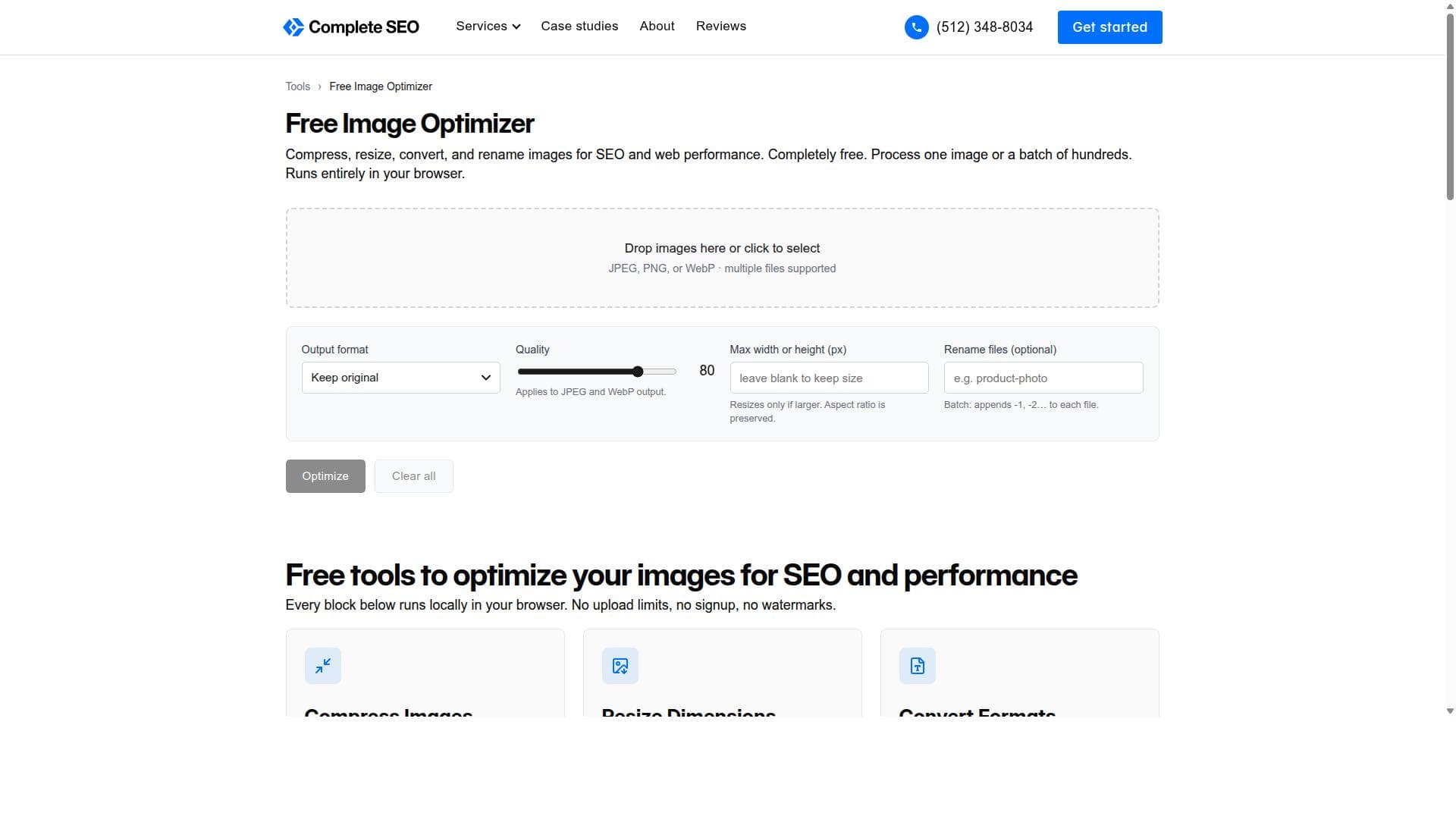


Free Image Optimizer is a versatile, free online tool that compresses, resizes, converts, and renames images both individually and in bulk, making it ideal for web developers, marketers, and content creators aiming to enhance website speed and SEO. Its all-in-one functionality and batch processing capabilities set it apart as a convenient and efficient solution for image optimization without any cost.

Descripción
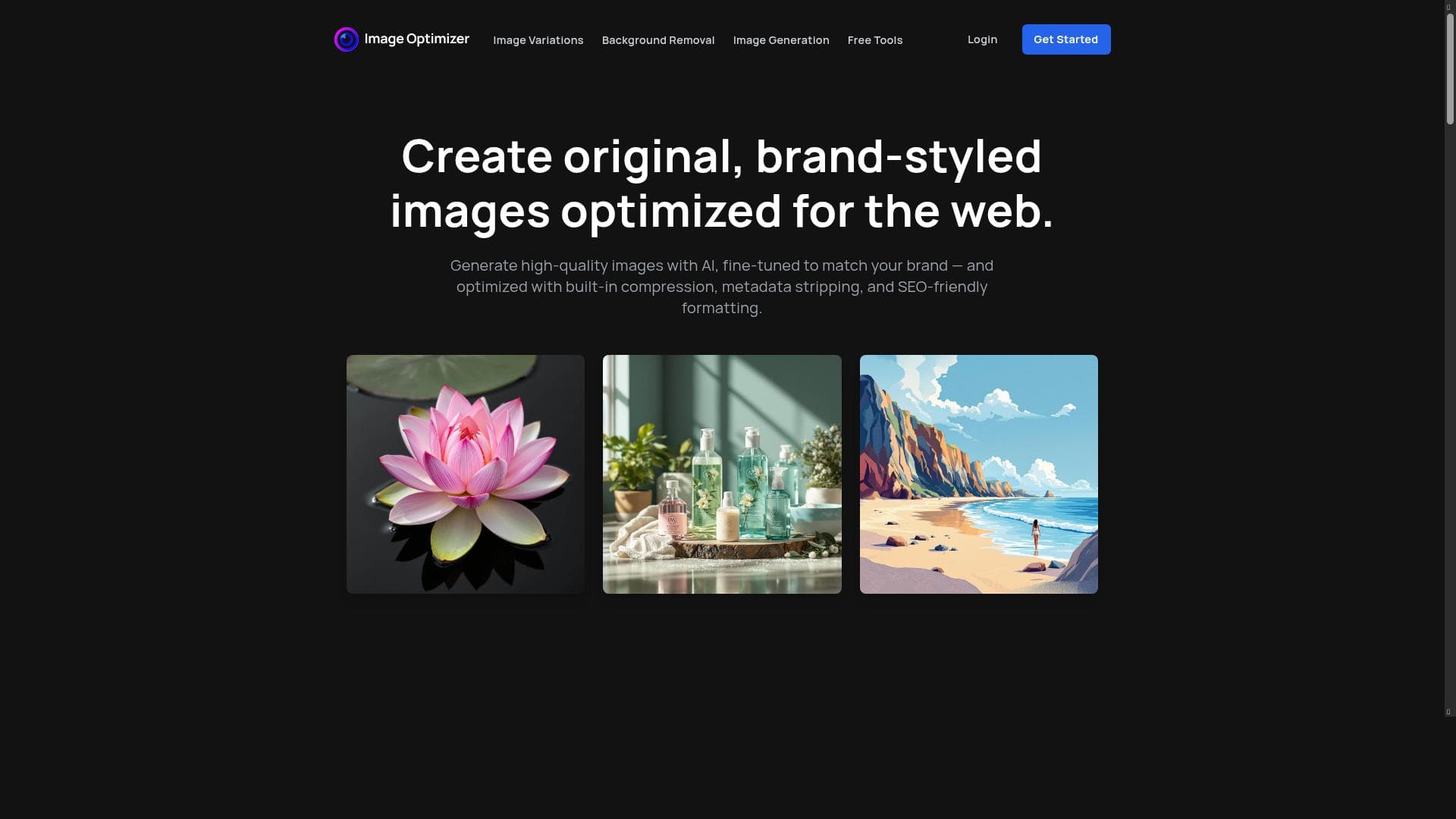
Image Optimizer is a powerful, AI-enhanced image tool built for speed, SEO, and brand consistency. Generate original visuals using text, reference images, or both—and get final assets that are automatically optimized for web performance. Features include compression, DPI adjustment, metadata stripping, pixel resizing, and SEO-friendly file renaming. Ideal for marketers, bloggers, and developers looking to create high-quality, fast-loading visuals without the hassle of manual editing or bloated subscriptions. Pay only for what you use—no ongoing license fees.
Descripción detallada
Free Image Optimizer is a comprehensive online tool designed to help users efficiently manage and optimize their image files for various purposes, particularly for SEO and web performance. Its core purpose is to provide a seamless and user-friendly platform where individuals and businesses can compress, resize, convert, and rename images either one at a time or in bulk. This versatility makes it an essential utility for web developers, digital marketers, photographers, and content creators who need to ensure their images load quickly without sacrificing quality, thus improving website speed and search engine rankings. The tool offers several key features that cover the entire spectrum of image optimization needs. Firstly, it allows users to compress images, significantly reducing file sizes while maintaining visual integrity. This compression is crucial for faster website loading times and reduced bandwidth usage. Secondly, Free Image Optimizer enables precise resizing of images to desired dimensions, which is important for fitting images perfectly into web layouts or social media posts. Thirdly, it supports conversion between various image formats, such as JPEG, PNG, and WebP, giving users the flexibility to choose the best format for their specific use case. Additionally, the tool includes a bulk renaming feature, which helps users organize large collections of images by renaming files systematically, saving time and reducing errors. One of the standout capabilities of Free Image Optimizer is its support for both single image processing and batch processing. This means users can optimize a single image quickly or upload multiple images simultaneously to apply the same optimizations, which is a huge time saver for professionals managing large image libraries. The interface is designed to be intuitive, making it accessible to users of all technical levels without requiring advanced knowledge of image editing software. Free Image Optimizer is best suited for web developers, SEO specialists, e-commerce businesses, bloggers, and photographers who need to optimize images for faster web performance and better user experience. For example, e-commerce sites can use it to compress product images to speed up page loads, while bloggers can resize and rename images to maintain consistent branding and SEO-friendly file names. Additionally, marketing teams can convert images to web-friendly formats to ensure compatibility across different platforms. Regarding pricing, Free Image Optimizer is offered as a free tool, making it highly accessible to a broad audience. Users can take advantage of its full suite of features without any subscription fees or hidden costs. This free access is particularly beneficial for small businesses and individuals who need reliable image optimization without investing in expensive software. When compared to alternatives, Free Image Optimizer stands out due to its all-in-one approach and batch processing capabilities. While many tools specialize in either compression or resizing, this tool combines multiple essential functions in a single platform. Its free availability also gives it an edge over paid software that may offer similar features but at a cost. However, unlike some premium tools, it may not include advanced editing features such as color correction or detailed metadata management. Some limitations to consider include the lack of integration with cloud storage services or content management systems, which means users must manually upload and download images. Also, while the tool is powerful for general optimization, users with very specific or advanced image editing needs might find it less comprehensive than specialized graphic design software. Despite these considerations, Free Image Optimizer remains a robust and efficient solution for everyday image optimization tasks, especially for those focused on improving website performance and SEO outcomes.
Características de la herramienta
- Compress images to reduce file size
- Resize images to desired dimensions
- Convert images between formats
- Rename images in bulk
- Supports single image and batch processing
Descripción
Free Image Optimizer is a versatile, free online tool that compresses, resizes, converts, and renames images both individually and in bulk, making it ideal for web developers, marketers, and content creators aiming to enhance website speed and SEO. Its all-in-one functionality and batch processing capabilities set it apart as a convenient and efficient solution for image optimization without any cost.
Image Optimizer is a powerful, AI-enhanced image tool built for speed, SEO, and brand consistency. Generate original visuals using text, reference images, or both—and get final assets that are automatically optimized for web performance. Features include compression, DPI adjustment, metadata stripping, pixel resizing, and SEO-friendly file renaming. Ideal for marketers, bloggers, and developers looking to create high-quality, fast-loading visuals without the hassle of manual editing or bloated subscriptions. Pay only for what you use—no ongoing license fees.
Descripción detallada
Free Image Optimizer is a comprehensive online tool designed to help users efficiently manage and optimize their image files for various purposes, particularly for SEO and web performance. Its core purpose is to provide a seamless and user-friendly platform where individuals and businesses can compress, resize, convert, and rename images either one at a time or in bulk. This versatility makes it an essential utility for web developers, digital marketers, photographers, and content creators who need to ensure their images load quickly without sacrificing quality, thus improving website speed and search engine rankings. The tool offers several key features that cover the entire spectrum of image optimization needs. Firstly, it allows users to compress images, significantly reducing file sizes while maintaining visual integrity. This compression is crucial for faster website loading times and reduced bandwidth usage. Secondly, Free Image Optimizer enables precise resizing of images to desired dimensions, which is important for fitting images perfectly into web layouts or social media posts. Thirdly, it supports conversion between various image formats, such as JPEG, PNG, and WebP, giving users the flexibility to choose the best format for their specific use case. Additionally, the tool includes a bulk renaming feature, which helps users organize large collections of images by renaming files systematically, saving time and reducing errors. One of the standout capabilities of Free Image Optimizer is its support for both single image processing and batch processing. This means users can optimize a single image quickly or upload multiple images simultaneously to apply the same optimizations, which is a huge time saver for professionals managing large image libraries. The interface is designed to be intuitive, making it accessible to users of all technical levels without requiring advanced knowledge of image editing software. Free Image Optimizer is best suited for web developers, SEO specialists, e-commerce businesses, bloggers, and photographers who need to optimize images for faster web performance and better user experience. For example, e-commerce sites can use it to compress product images to speed up page loads, while bloggers can resize and rename images to maintain consistent branding and SEO-friendly file names. Additionally, marketing teams can convert images to web-friendly formats to ensure compatibility across different platforms. Regarding pricing, Free Image Optimizer is offered as a free tool, making it highly accessible to a broad audience. Users can take advantage of its full suite of features without any subscription fees or hidden costs. This free access is particularly beneficial for small businesses and individuals who need reliable image optimization without investing in expensive software. When compared to alternatives, Free Image Optimizer stands out due to its all-in-one approach and batch processing capabilities. While many tools specialize in either compression or resizing, this tool combines multiple essential functions in a single platform. Its free availability also gives it an edge over paid software that may offer similar features but at a cost. However, unlike some premium tools, it may not include advanced editing features such as color correction or detailed metadata management. Some limitations to consider include the lack of integration with cloud storage services or content management systems, which means users must manually upload and download images. Also, while the tool is powerful for general optimization, users with very specific or advanced image editing needs might find it less comprehensive than specialized graphic design software. Despite these considerations, Free Image Optimizer remains a robust and efficient solution for everyday image optimization tasks, especially for those focused on improving website performance and SEO outcomes.
Preguntas frecuentes
What is Free Image Optimizer?
Free Image Optimizer is an online tool that allows users to compress, resize, convert, and rename images efficiently. It supports both single image and batch processing, helping optimize images for faster web performance and better SEO.
How much does Free Image Optimizer cost?
Free Image Optimizer is completely free to use, with no subscription fees or hidden costs.
Who is Free Image Optimizer best for?
It is best suited for web developers, SEO specialists, e-commerce businesses, bloggers, photographers, and anyone needing to optimize images for web use and SEO.
What are the main features of Free Image Optimizer?
The main features include image compression to reduce file size, resizing to custom dimensions, format conversion between common image types, bulk renaming of images, and support for both single and batch image processing.
Does Free Image Optimizer offer a free trial?
The tool is free to use and does not require a trial period or subscription.
What integrations does Free Image Optimizer support?
Currently, Free Image Optimizer does not offer direct integrations with cloud storage or content management systems; users upload and download images manually.
How does Free Image Optimizer work?
Users upload images to the platform, select desired optimization options such as compression level, resize dimensions, or format conversion, and then download the optimized images. Batch processing allows multiple images to be handled simultaneously.
Reseñas
Aún no hay reseñas. Sé el primero en compartir tu experiencia.




















































