GitHub Second Brain
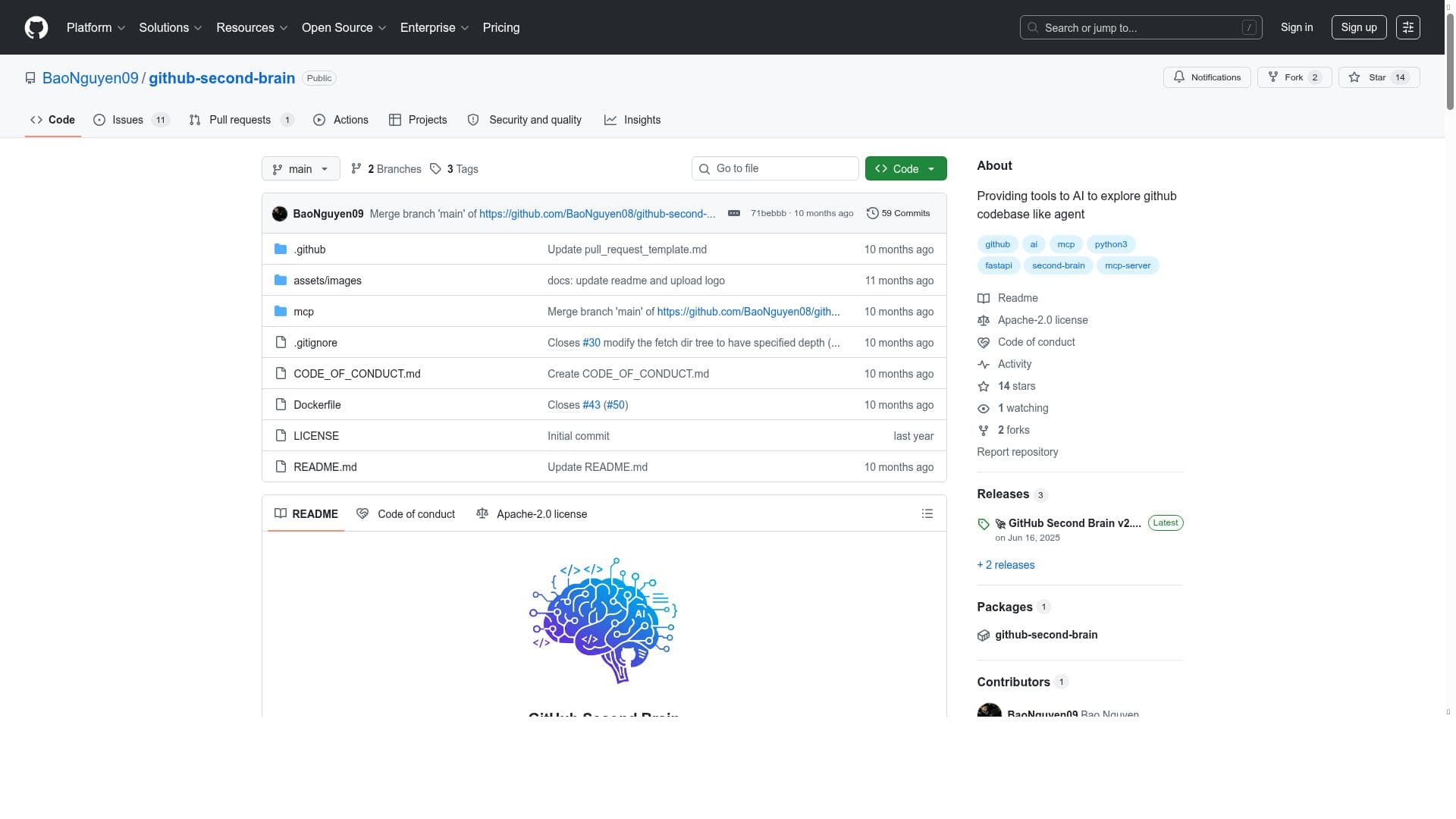


GitHub Second Brain uniquely empowers developers by using AI to autonomously explore and manage GitHub repositories, creating a personal knowledge base and streamlining project tracking. Ideal for developers and teams deeply embedded in GitHub, it enhances productivity through intelligent data organization and note-taking—all offered for free.

Descripción
A set of tools that let AI explore github repos like agent
Descripción detallada
GitHub Second Brain is an innovative AI-powered toolset designed to transform how developers and teams interact with their GitHub repositories. At its core, this tool enables AI agents to explore, analyze, and manage GitHub repositories autonomously, effectively acting as a 'second brain' that enhances productivity and knowledge retention. By integrating deeply with GitHub, it allows users to maintain a personal knowledge base, track projects efficiently, and organize data seamlessly, all while leveraging AI capabilities to automate and streamline workflows. One of the standout features of GitHub Second Brain is its integration with GitHub repositories. This integration allows the AI to access repository content, including code, documentation, and issues, enabling it to provide insightful summaries, track changes, and manage project progress. The tool also excels in personal knowledge base management, where it helps users capture, organize, and retrieve important information related to their projects. This is particularly useful for developers who juggle multiple repositories or complex projects, as it reduces cognitive load and improves information recall. Efficient project tracking is another key capability. GitHub Second Brain can monitor milestones, pull requests, and issues, providing users with a consolidated view of project status and upcoming tasks. This feature helps teams stay aligned and ensures nothing falls through the cracks. Additionally, the tool offers robust note-taking capabilities, allowing users to annotate repositories, jot down ideas, or document workflows directly within the platform. This integration of note-taking with repository data fosters a more connected and contextual knowledge environment. Data organization and management are central to the tool’s design. GitHub Second Brain structures information logically, making it easier to navigate large codebases and related documentation. This organized approach helps users quickly locate relevant data, speeding up development cycles and reducing frustration. GitHub Second Brain is best suited for software developers, project managers, and teams who rely heavily on GitHub for version control and collaboration. Individual developers can use it to maintain a comprehensive knowledge base and streamline their workflow, while teams benefit from enhanced project tracking and shared knowledge management. Use cases include managing open-source projects, coordinating multi-repository development efforts, and maintaining detailed documentation alongside code. The tool is offered for free, making it accessible to a wide range of users without financial barriers. This pricing model encourages adoption among individual developers and small teams who may not have the budget for premium project management or AI tools. When compared to alternatives, GitHub Second Brain stands out due to its seamless GitHub integration and AI-driven exploration capabilities. While other project management or note-taking tools may offer some overlapping features, few provide the level of automation and contextual understanding that this tool delivers directly within the GitHub ecosystem. However, it may lack some advanced features found in dedicated project management platforms or AI tools with broader integrations beyond GitHub. Notable limitations include its current focus exclusively on GitHub repositories, which may not suit teams using other version control systems. Additionally, as a free tool, it might have constraints on scalability or advanced customization options that enterprise users require. Users should also consider the learning curve associated with adopting AI-driven workflows and ensure their data privacy needs align with the tool’s capabilities. Overall, GitHub Second Brain offers a powerful, AI-enhanced approach to managing code, projects, and knowledge within GitHub, making it a valuable asset for developers and teams looking to boost productivity and maintain organized, accessible information.
Características de la herramienta
- Integration with GitHub repositories
- Personal knowledge base management
- Efficient project tracking
- Note-taking capabilities
- Data organization and management
Descripción
GitHub Second Brain uniquely empowers developers by using AI to autonomously explore and manage GitHub repositories, creating a personal knowledge base and streamlining project tracking. Ideal for developers and teams deeply embedded in GitHub, it enhances productivity through intelligent data organization and note-taking—all offered for free.
A set of tools that let AI explore github repos like agent
Descripción detallada
GitHub Second Brain is an innovative AI-powered toolset designed to transform how developers and teams interact with their GitHub repositories. At its core, this tool enables AI agents to explore, analyze, and manage GitHub repositories autonomously, effectively acting as a 'second brain' that enhances productivity and knowledge retention. By integrating deeply with GitHub, it allows users to maintain a personal knowledge base, track projects efficiently, and organize data seamlessly, all while leveraging AI capabilities to automate and streamline workflows. One of the standout features of GitHub Second Brain is its integration with GitHub repositories. This integration allows the AI to access repository content, including code, documentation, and issues, enabling it to provide insightful summaries, track changes, and manage project progress. The tool also excels in personal knowledge base management, where it helps users capture, organize, and retrieve important information related to their projects. This is particularly useful for developers who juggle multiple repositories or complex projects, as it reduces cognitive load and improves information recall. Efficient project tracking is another key capability. GitHub Second Brain can monitor milestones, pull requests, and issues, providing users with a consolidated view of project status and upcoming tasks. This feature helps teams stay aligned and ensures nothing falls through the cracks. Additionally, the tool offers robust note-taking capabilities, allowing users to annotate repositories, jot down ideas, or document workflows directly within the platform. This integration of note-taking with repository data fosters a more connected and contextual knowledge environment. Data organization and management are central to the tool’s design. GitHub Second Brain structures information logically, making it easier to navigate large codebases and related documentation. This organized approach helps users quickly locate relevant data, speeding up development cycles and reducing frustration. GitHub Second Brain is best suited for software developers, project managers, and teams who rely heavily on GitHub for version control and collaboration. Individual developers can use it to maintain a comprehensive knowledge base and streamline their workflow, while teams benefit from enhanced project tracking and shared knowledge management. Use cases include managing open-source projects, coordinating multi-repository development efforts, and maintaining detailed documentation alongside code. The tool is offered for free, making it accessible to a wide range of users without financial barriers. This pricing model encourages adoption among individual developers and small teams who may not have the budget for premium project management or AI tools. When compared to alternatives, GitHub Second Brain stands out due to its seamless GitHub integration and AI-driven exploration capabilities. While other project management or note-taking tools may offer some overlapping features, few provide the level of automation and contextual understanding that this tool delivers directly within the GitHub ecosystem. However, it may lack some advanced features found in dedicated project management platforms or AI tools with broader integrations beyond GitHub. Notable limitations include its current focus exclusively on GitHub repositories, which may not suit teams using other version control systems. Additionally, as a free tool, it might have constraints on scalability or advanced customization options that enterprise users require. Users should also consider the learning curve associated with adopting AI-driven workflows and ensure their data privacy needs align with the tool’s capabilities. Overall, GitHub Second Brain offers a powerful, AI-enhanced approach to managing code, projects, and knowledge within GitHub, making it a valuable asset for developers and teams looking to boost productivity and maintain organized, accessible information.
Preguntas frecuentes
What is GitHub Second Brain?
GitHub Second Brain is a set of AI-powered tools that enable autonomous exploration and management of GitHub repositories, helping users build a personal knowledge base, track projects efficiently, and organize data seamlessly within the GitHub ecosystem.
How much does GitHub Second Brain cost?
GitHub Second Brain is available for free, allowing users to access its full range of features without any subscription or payment.
Who is GitHub Second Brain best for?
It is best suited for software developers, project managers, and teams who use GitHub extensively and want to enhance productivity through AI-driven knowledge management and project tracking.
What are the main features of GitHub Second Brain?
The main features include integration with GitHub repositories, personal knowledge base management, efficient project tracking, note-taking capabilities, and comprehensive data organization and management.
Does GitHub Second Brain offer a free trial?
Since GitHub Second Brain is completely free to use, there is no need for a free trial period.
What integrations does GitHub Second Brain support?
GitHub Second Brain primarily integrates with GitHub repositories, leveraging the platform’s data to provide AI-driven insights and management capabilities.
How does GitHub Second Brain work?
It works by connecting to your GitHub repositories and using AI agents to explore the code, documentation, and project data. This AI-driven exploration helps automate knowledge base creation, project tracking, note-taking, and data organization, making repository management more efficient.
Reseñas
Aún no hay reseñas. Sé el primero en compartir tu experiencia.




















































