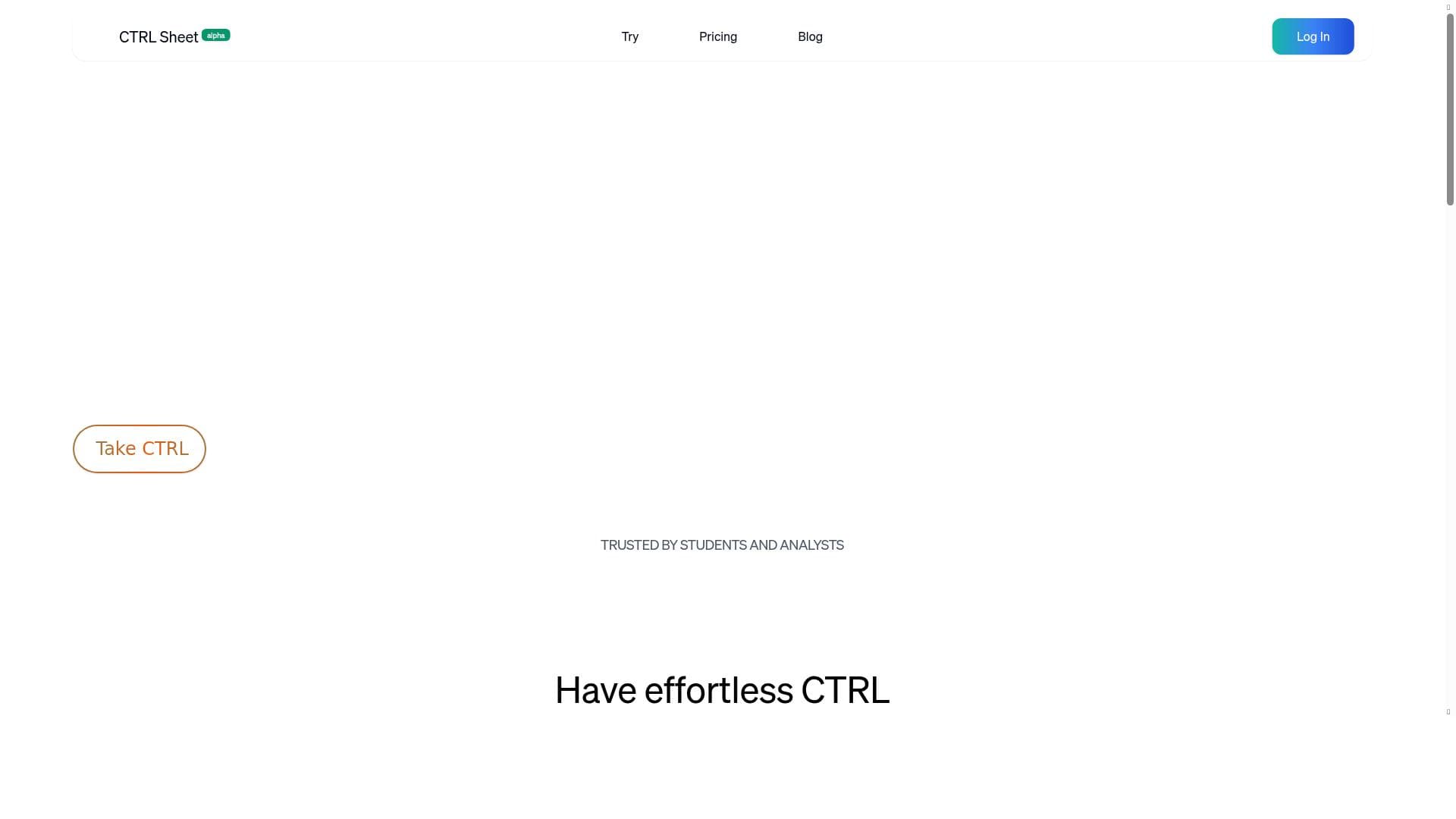


CTRL Sheet is a cutting-edge AI agent designed to automate and optimize all spreadsheet tasks, making complex data management effortless and accurate. Ideal for professionals handling large or intricate datasets, it boosts productivity by simplifying workflows and reducing errors through intelligent automation.

Descripción
CTRL Sheet is your AI agent for spreadsheets that tackles complex problems with advanced planning, reasoning, and interactivity. CTRL Sheet can build out models, gather data from the internet, and analyze and locate numbers all directly in your spreadsheets.
Descripción detallada
CTRL Sheet is an advanced AI-powered agent designed specifically to assist users with all aspects of spreadsheet management. Its core purpose is to automate, optimize, and simplify the handling of spreadsheet data, making complex tasks more manageable and improving overall productivity and accuracy. By leveraging artificial intelligence, CTRL Sheet transforms how users interact with spreadsheets, enabling them to focus on analysis and decision-making rather than manual data manipulation. At the heart of CTRL Sheet’s capabilities is its AI-driven automation engine that can perform a wide range of spreadsheet tasks automatically. This includes data entry, formula generation, error detection and correction, data cleaning, and report generation. The tool intelligently understands the context of the data and user intent, allowing it to optimize spreadsheet structures and workflows. It can simplify complex data handling by breaking down intricate formulas, summarizing large datasets, and providing actionable insights. This optimization not only saves time but also reduces human error, enhancing the accuracy of spreadsheet outputs. CTRL Sheet is ideal for professionals who regularly work with data in spreadsheets, including financial analysts, accountants, data scientists, project managers, and business analysts. It is particularly useful for those who manage large datasets or complex models and need to streamline repetitive tasks. Use cases include automating monthly financial reports, cleaning and organizing raw data for analysis, generating dynamic dashboards, and ensuring data integrity across multiple linked sheets. By automating these tasks, CTRL Sheet allows users to focus on higher-value activities such as data interpretation and strategic planning. Regarding pricing and plans, specific details are not publicly disclosed on the main website or LinkedIn profile. Prospective users are encouraged to contact CTRL Sheet directly or visit their official website for the most up-to-date information on subscription tiers, enterprise options, and potential free trials or demos. Given its advanced AI capabilities, it is likely positioned as a premium productivity tool with scalable plans depending on user needs and organization size. When compared to alternatives, CTRL Sheet stands out due to its comprehensive AI integration tailored specifically for spreadsheet tasks. Unlike generic automation tools or basic spreadsheet add-ons, CTRL Sheet offers a more intelligent and context-aware approach, enabling deeper optimization and simplification. While competitors may offer automation or formula assistance, CTRL Sheet’s focus on enhancing accuracy and productivity through AI-driven insights provides a unique value proposition. However, users should consider the learning curve associated with adopting AI tools and the need for integration with existing spreadsheet platforms. Notable limitations include the potential dependency on internet connectivity for AI processing and the need for users to trust automated changes to critical data. Additionally, as with any AI tool, there may be occasional inaccuracies or misinterpretations requiring human oversight. Organizations with strict data privacy requirements should evaluate CTRL Sheet’s compliance and security measures before adoption. Overall, CTRL Sheet represents a powerful solution for those looking to revolutionize their spreadsheet workflows with AI assistance, balancing automation with user control to maximize efficiency and data accuracy.
Características de la herramienta
- AI-powered automation for spreadsheet tasks
- Optimizes spreadsheet management
- Enhances productivity and accuracy
- Simplifies complex data handling
Descripción
CTRL Sheet is a cutting-edge AI agent designed to automate and optimize all spreadsheet tasks, making complex data management effortless and accurate. Ideal for professionals handling large or intricate datasets, it boosts productivity by simplifying workflows and reducing errors through intelligent automation.
CTRL Sheet is your AI agent for spreadsheets that tackles complex problems with advanced planning, reasoning, and interactivity. CTRL Sheet can build out models, gather data from the internet, and analyze and locate numbers all directly in your spreadsheets.
Descripción detallada
CTRL Sheet is an advanced AI-powered agent designed specifically to assist users with all aspects of spreadsheet management. Its core purpose is to automate, optimize, and simplify the handling of spreadsheet data, making complex tasks more manageable and improving overall productivity and accuracy. By leveraging artificial intelligence, CTRL Sheet transforms how users interact with spreadsheets, enabling them to focus on analysis and decision-making rather than manual data manipulation. At the heart of CTRL Sheet’s capabilities is its AI-driven automation engine that can perform a wide range of spreadsheet tasks automatically. This includes data entry, formula generation, error detection and correction, data cleaning, and report generation. The tool intelligently understands the context of the data and user intent, allowing it to optimize spreadsheet structures and workflows. It can simplify complex data handling by breaking down intricate formulas, summarizing large datasets, and providing actionable insights. This optimization not only saves time but also reduces human error, enhancing the accuracy of spreadsheet outputs. CTRL Sheet is ideal for professionals who regularly work with data in spreadsheets, including financial analysts, accountants, data scientists, project managers, and business analysts. It is particularly useful for those who manage large datasets or complex models and need to streamline repetitive tasks. Use cases include automating monthly financial reports, cleaning and organizing raw data for analysis, generating dynamic dashboards, and ensuring data integrity across multiple linked sheets. By automating these tasks, CTRL Sheet allows users to focus on higher-value activities such as data interpretation and strategic planning. Regarding pricing and plans, specific details are not publicly disclosed on the main website or LinkedIn profile. Prospective users are encouraged to contact CTRL Sheet directly or visit their official website for the most up-to-date information on subscription tiers, enterprise options, and potential free trials or demos. Given its advanced AI capabilities, it is likely positioned as a premium productivity tool with scalable plans depending on user needs and organization size. When compared to alternatives, CTRL Sheet stands out due to its comprehensive AI integration tailored specifically for spreadsheet tasks. Unlike generic automation tools or basic spreadsheet add-ons, CTRL Sheet offers a more intelligent and context-aware approach, enabling deeper optimization and simplification. While competitors may offer automation or formula assistance, CTRL Sheet’s focus on enhancing accuracy and productivity through AI-driven insights provides a unique value proposition. However, users should consider the learning curve associated with adopting AI tools and the need for integration with existing spreadsheet platforms. Notable limitations include the potential dependency on internet connectivity for AI processing and the need for users to trust automated changes to critical data. Additionally, as with any AI tool, there may be occasional inaccuracies or misinterpretations requiring human oversight. Organizations with strict data privacy requirements should evaluate CTRL Sheet’s compliance and security measures before adoption. Overall, CTRL Sheet represents a powerful solution for those looking to revolutionize their spreadsheet workflows with AI assistance, balancing automation with user control to maximize efficiency and data accuracy.
Preguntas frecuentes
What is CTRL Sheet?
CTRL Sheet is an AI-powered agent that assists users with all spreadsheet-related tasks by automating, optimizing, and simplifying data management to enhance productivity and accuracy.
How much does CTRL Sheet cost?
Pricing details for CTRL Sheet are not publicly available; interested users should contact the company directly or visit their official website for the latest information on plans and pricing.
Who is CTRL Sheet best for?
CTRL Sheet is best suited for professionals such as financial analysts, accountants, data scientists, project managers, and business analysts who work extensively with complex or large spreadsheets.
What are the main features of CTRL Sheet?
Key features include AI-powered automation of spreadsheet tasks, optimization of spreadsheet management, enhanced productivity and accuracy, and simplification of complex data handling.
Does CTRL Sheet offer a free trial?
Information about a free trial is not explicitly stated; potential users should inquire directly with CTRL Sheet for trial availability or demo options.
What integrations does CTRL Sheet support?
Specific integrations are not detailed publicly; however, CTRL Sheet is designed to work with common spreadsheet platforms and may offer compatibility with popular tools—contact the company for precise integration capabilities.
How does CTRL Sheet work?
CTRL Sheet uses artificial intelligence to understand spreadsheet data and user intent, automating tasks such as data entry, formula creation, error correction, and data optimization to simplify and enhance spreadsheet workflows.
Redes sociales
Usar herramientaReseñas
Aún no hay reseñas. Sé el primero en compartir tu experiencia.




















































