
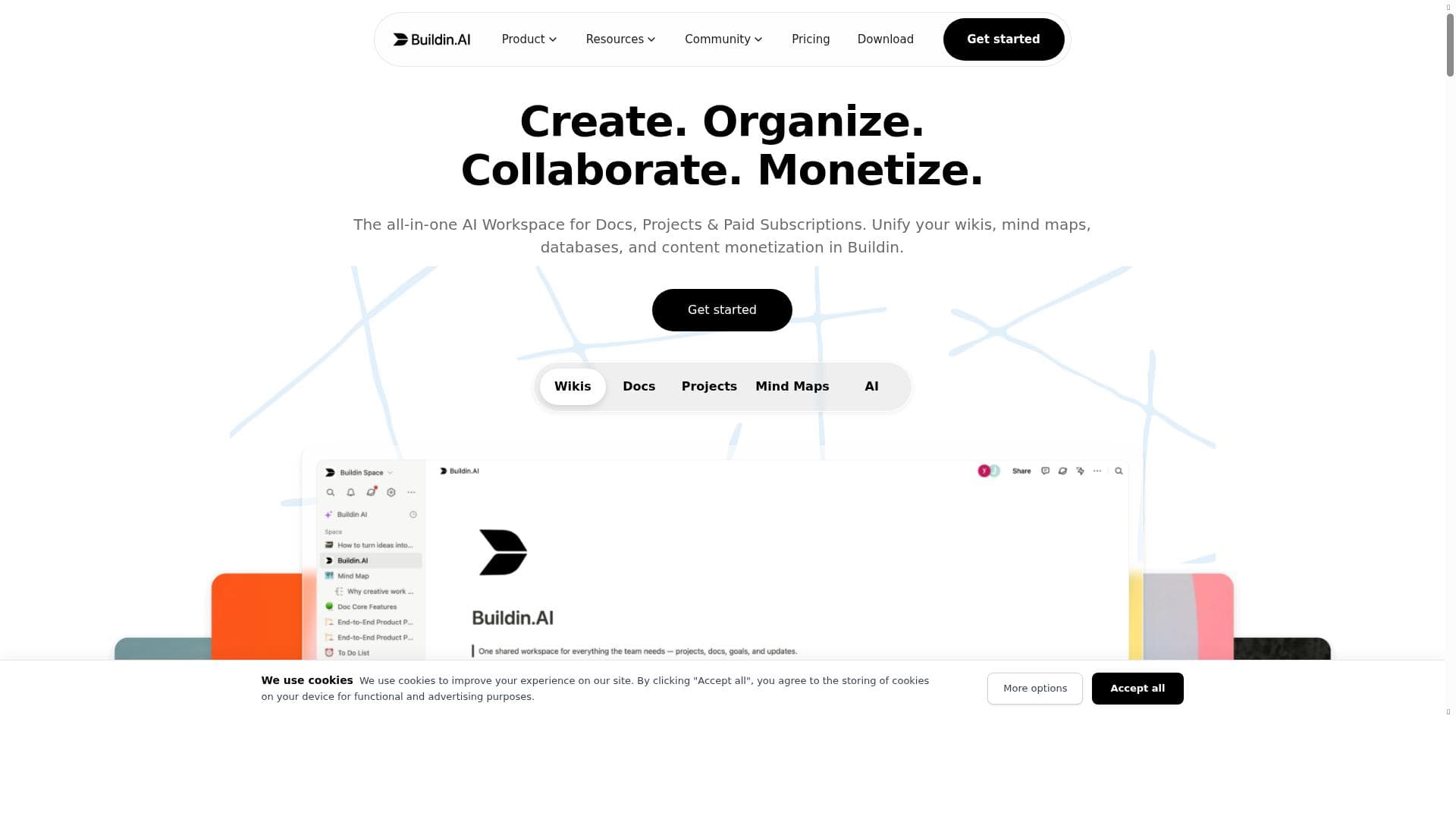


Buildin is a unique all-in-one AI workspace that merges documents, wikis, mind maps, databases, and paid subscriptions into a single platform, enabling seamless creation, collaboration, and monetization. Ideal for creators and teams looking to consolidate productivity tools and monetize content effortlessly, Buildin stands out as a versatile Notion alternative with built-in subscription management.

Descripción
Buildin.AI is a real-time collaboration space where you can write, plan, read, and organize information in one place. Now available for free for personal use or to experience for free with your team. Supports web, mobile, Mac & Windows.
Descripción detallada
Buildin is a comprehensive AI-powered workspace designed to unify various productivity and knowledge management tools into a single, seamless platform. At its core, Buildin integrates documents, wikis, mind maps, databases, and paid subscription management, enabling users to create, collaborate, and monetize content efficiently without juggling multiple apps. This all-in-one approach positions Buildin as a versatile alternative to popular productivity and knowledge base tools like Notion, offering enhanced capabilities tailored for both individual creators and teams. One of Buildin's standout features is its ability to combine different content types—documents, wikis, mind maps, and databases—within one workspace. This integration allows users to organize information intuitively, visualize ideas through mind maps, and maintain structured data in databases, all while keeping everything interconnected. Additionally, Buildin supports paid subscriptions, empowering creators and organizations to monetize their content directly on the platform. This feature is particularly valuable for educators, consultants, and content creators who want to offer exclusive access or premium content to their audience. Collaboration and project management are also central to Buildin's capabilities. Teams can work together in real-time, share knowledge bases, assign tasks, and track project progress within the same environment. The platform facilitates smooth knowledge sharing and reduces friction between different workflows by consolidating tools typically spread across multiple apps. Moreover, Buildin offers seamless migration from other popular tools, making it easy for users to switch without losing existing data or disrupting their workflows. For developers and businesses seeking customization, Buildin provides an open API, allowing integrations with other software and services. This extensibility ensures that Buildin can fit into diverse tech stacks and workflows, enhancing its utility beyond a standalone app. Buildin is best suited for a wide range of users including freelancers, content creators, educators, startups, and medium-sized teams looking for an integrated workspace that supports both productivity and monetization. Use cases range from managing internal knowledge bases and collaborative project planning to creating subscription-based content platforms. Its versatility makes it ideal for those who want to streamline their digital workspace and reduce reliance on multiple disconnected tools. Regarding pricing, Buildin offers tiered plans that cater to different user needs, including free or trial options to explore core features. Paid plans unlock advanced functionalities such as expanded collaboration tools, subscription management, and API access. While exact pricing details should be checked on Buildin’s official website, the platform is competitively priced considering its all-in-one nature and monetization capabilities. Compared to alternatives like Notion, Confluence, or ClickUp, Buildin distinguishes itself by combining content creation, knowledge management, mind mapping, and paid subscriptions in one platform. This reduces the need for multiple subscriptions and integrations, simplifying workflows. However, as a relatively newer platform, it may have fewer third-party integrations and a smaller user community compared to more established tools. Potential limitations include the learning curve associated with mastering an all-in-one platform and the need for users to adapt to Buildin’s unique interface and workflows. Additionally, while the open API offers extensibility, some advanced integrations may require technical expertise. Users should also consider the maturity of the platform’s features relative to long-established competitors. In summary, Buildin offers a powerful, integrated AI workspace that streamlines document management, collaboration, mind mapping, and content monetization. Its unique combination of features makes it a compelling choice for creators and teams seeking to unify their productivity tools and generate revenue from their content within a single platform.
Características de la herramienta
- Combines docs, wikis, mind maps, and databases in one workspace
- Supports paid subscriptions for content monetization
- Enables team collaboration and project management
- Acts as a knowledge base and productivity app
- Offers seamless migration from other tools
- Includes an open API for integrations
Descripción
Buildin is a unique all-in-one AI workspace that merges documents, wikis, mind maps, databases, and paid subscriptions into a single platform, enabling seamless creation, collaboration, and monetization. Ideal for creators and teams looking to consolidate productivity tools and monetize content effortlessly, Buildin stands out as a versatile Notion alternative with built-in subscription management.
Buildin.AI is a real-time collaboration space where you can write, plan, read, and organize information in one place. Now available for free for personal use or to experience for free with your team. Supports web, mobile, Mac & Windows.
Descripción detallada
Buildin is a comprehensive AI-powered workspace designed to unify various productivity and knowledge management tools into a single, seamless platform. At its core, Buildin integrates documents, wikis, mind maps, databases, and paid subscription management, enabling users to create, collaborate, and monetize content efficiently without juggling multiple apps. This all-in-one approach positions Buildin as a versatile alternative to popular productivity and knowledge base tools like Notion, offering enhanced capabilities tailored for both individual creators and teams. One of Buildin's standout features is its ability to combine different content types—documents, wikis, mind maps, and databases—within one workspace. This integration allows users to organize information intuitively, visualize ideas through mind maps, and maintain structured data in databases, all while keeping everything interconnected. Additionally, Buildin supports paid subscriptions, empowering creators and organizations to monetize their content directly on the platform. This feature is particularly valuable for educators, consultants, and content creators who want to offer exclusive access or premium content to their audience. Collaboration and project management are also central to Buildin's capabilities. Teams can work together in real-time, share knowledge bases, assign tasks, and track project progress within the same environment. The platform facilitates smooth knowledge sharing and reduces friction between different workflows by consolidating tools typically spread across multiple apps. Moreover, Buildin offers seamless migration from other popular tools, making it easy for users to switch without losing existing data or disrupting their workflows. For developers and businesses seeking customization, Buildin provides an open API, allowing integrations with other software and services. This extensibility ensures that Buildin can fit into diverse tech stacks and workflows, enhancing its utility beyond a standalone app. Buildin is best suited for a wide range of users including freelancers, content creators, educators, startups, and medium-sized teams looking for an integrated workspace that supports both productivity and monetization. Use cases range from managing internal knowledge bases and collaborative project planning to creating subscription-based content platforms. Its versatility makes it ideal for those who want to streamline their digital workspace and reduce reliance on multiple disconnected tools. Regarding pricing, Buildin offers tiered plans that cater to different user needs, including free or trial options to explore core features. Paid plans unlock advanced functionalities such as expanded collaboration tools, subscription management, and API access. While exact pricing details should be checked on Buildin’s official website, the platform is competitively priced considering its all-in-one nature and monetization capabilities. Compared to alternatives like Notion, Confluence, or ClickUp, Buildin distinguishes itself by combining content creation, knowledge management, mind mapping, and paid subscriptions in one platform. This reduces the need for multiple subscriptions and integrations, simplifying workflows. However, as a relatively newer platform, it may have fewer third-party integrations and a smaller user community compared to more established tools. Potential limitations include the learning curve associated with mastering an all-in-one platform and the need for users to adapt to Buildin’s unique interface and workflows. Additionally, while the open API offers extensibility, some advanced integrations may require technical expertise. Users should also consider the maturity of the platform’s features relative to long-established competitors. In summary, Buildin offers a powerful, integrated AI workspace that streamlines document management, collaboration, mind mapping, and content monetization. Its unique combination of features makes it a compelling choice for creators and teams seeking to unify their productivity tools and generate revenue from their content within a single platform.
Preguntas frecuentes
What is Buildin?
Buildin is an all-in-one AI workspace that integrates documents, wikis, mind maps, databases, and paid subscriptions into a single platform, designed to help users create, collaborate, and monetize their content efficiently.
How much does Buildin cost?
Buildin offers tiered pricing plans that include free or trial options with basic features, while paid plans unlock advanced collaboration tools, subscription management, and API access. For detailed and up-to-date pricing, visit their official website.
Who is Buildin best for?
Buildin is ideal for freelancers, content creators, educators, startups, and teams who want to unify their productivity tools, manage projects collaboratively, and monetize their content through paid subscriptions.
What are the main features of Buildin?
Key features include the integration of docs, wikis, mind maps, and databases in one workspace, support for paid subscriptions to monetize content, team collaboration and project management tools, seamless migration from other platforms, and an open API for custom integrations.
Does Buildin offer a free trial?
Yes, Buildin provides free or trial plans that allow users to explore core features before committing to a paid subscription.
What integrations does Buildin support?
Buildin includes an open API for integrations, enabling users to connect with other software and services. It also supports seamless migration from popular tools, though specific third-party integrations may vary.
How does Buildin work?
Buildin works by providing a unified workspace where users can create and organize documents, wikis, mind maps, and databases, collaborate with teams in real-time, manage projects, and monetize content through paid subscriptions, all within a single platform.
Redes sociales
Usar herramientaReseñas
Aún no hay reseñas. Sé el primero en compartir tu experiencia.




















































