🚀 Zaprep: Your Socials on Steroids. Start free — automate 1,000 DMs/month & turn engagement into leads. with 1,000 automated DMs/month.
BlogHow to Build Retail Software That Works for Store Staff and Back Office Teams
How to Build Retail Software That Works for Store Staff and Back Office Teams
 Shashank Jain
25 Aug 2026
5 min read
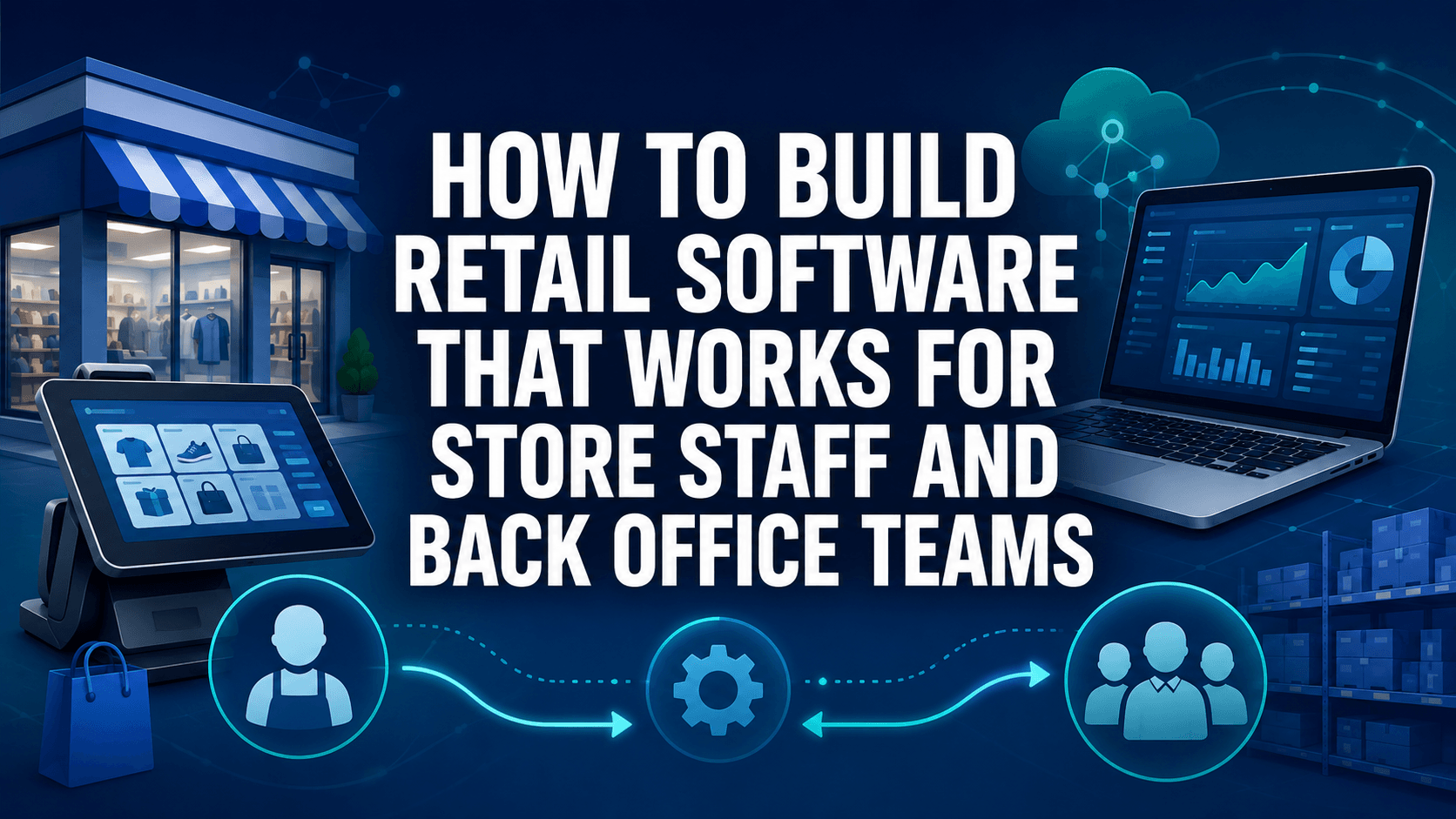
Retail software has to serve people working in very different conditions. A cashier needs quick access to prices and returns while customers wait, whereas an operations manager needs reporting, stock visibility, and approval controls across several locations. Designing both experiences around real workflows prevents the system from becoming another obstacle during busy trading hours.
For retailers evaluating custom retail software development solutions, the strongest starting point is observing how employees actually complete tasks at tills, stockrooms, service desks, and head office. Workflow mapping reveals where POS systems, inventory records, supplier information, and customer data need to connect rather than forcing staff to move between disconnected applications.
Why Retail Software Fails When It Ignores Store Workflows
Software designed from a requirements document alone misses the physical realities of retail. Store employees work while standing, serving queues, moving stock, answering questions, and switching between tasks, so every extra screen or unnecessary confirmation slows the process.
Store Tasks Need Fewer Steps
A return that requires six screens, repeated product searches, and manager intervention creates friction at the service desk. High-frequency activities need short workflows with clear status messages and obvious next actions.
Teams exploring an ecommerce MVP for retail also need to map how online orders enter store operations, especially when locations handle collection, returns, or fulfilment alongside ordinary counter sales. Digital orders become store tasks, so the interface must present them in the same operational context.
Exceptions Matter as Much as Normal Transactions
Happy-path designs work well in demonstrations but fail when a barcode is damaged, an item has no local stock record, or a customer returns an online purchase to a physical branch. Retail systems need explicit handling for exceptions rather than asking employees to improvise.
These scenarios deserve early workflow design:
- Products without readable barcodes.
- Returns without the original receipt.
- Orders awaiting customer collection.
- Stock discrepancies between shelf and system.
These situations reveal whether the product supports real operations rather than idealised ones.
Features Store Staff Need Every Day
Front-line functionality needs to prioritise speed, clarity, and reliable access to information. The best screen is the one that answers the employee’s immediate question without requiring navigation through unrelated administrative functions.
POS Integration

Store software needs a consistent connection with the point-of-sale environment. Product identifiers, prices, discounts, tax settings, returns, and transaction history should move between systems without duplicate manual entry.
When integrations fail, employees need a visible status rather than silent errors. A failed transaction sync must be distinguishable from a completed sale that has not yet reached another system.
Inventory Lookup
Staff need stock information across the current branch, nearby locations, warehouses, and any available fulfilment channels. The lookup result needs to show quantity, location, reservation status, and whether the figure is current enough for customer-facing decisions.
Barcode scanning speeds this process by removing manual SKU searches. Camera-based scanning also gives handheld devices a useful fallback where dedicated scanners are unavailable.
Returns and Discounts
Returns require clear rules about the original purchase source, refund method, item condition, and approval requirements. Discount workflows need similar precision when markdowns, promotions, employee discounts, or manual overrides apply.
Order Pickup
Click-and-collect introduces a distinct store workflow involving arrival, order identification, stock location, customer confirmation, and completion status. Staff need one screen that shows which orders are ready, overdue, collected, or waiting for an item.
Six details improve pickup handling:
- Customer name and order reference.
- Collection location inside the store.
- Number of items in the order.
- Readiness status.
- Required verification step.
- Final handover confirmation.
A clear status model prevents the same order from being prepared twice or left in the collection area after handover.
Back Office Needs Different Controls
Head-office teams work across larger datasets and longer planning cycles. Their screens need depth, filtering, approvals, and traceability rather than the simplified interfaces used on the shop floor.
Reporting Dashboards
Dashboards need to answer specific operational questions rather than display every available metric. Sales by branch, return rates, stock movements, markdown activity, and fulfilment status deserve separate views with relevant filters.
Export functions matter where finance, merchandising, or operations teams continue analysis outside the platform. Reports also need consistent definitions so two departments do not interpret the same metric differently.
Inventory and Supplier Data
Central teams need visibility across purchase orders, incoming deliveries, transfers, damaged stock, warehouse quantities, and store-level availability. Supplier records add another layer through product codes, lead times, pack sizes, and procurement references.
The table shows information that belongs specifically in a stock-transfer workflow:
Transfer stage | Data required | Back-office action |
Requested | SKU, quantity, source store | Review availability |
Approved | Approver and destination | Reserve units |
In transit | Dispatch reference | Track movement |
Received | Quantity accepted | Update destination stock |
Exception | Missing or damaged items | Open discrepancy record |
Pricing Rules
Retail pricing includes base prices, regional differences, scheduled promotions, markdowns, loyalty offers, and temporary overrides. A central pricing engine needs effective dates and conflict rules so stores receive the correct value at the correct time.
Price changes also need controlled distribution to POS, ecommerce, shelf labels, and other connected channels. Partial updates create customer-facing inconsistencies that are difficult for store teams to explain.
Permissions and Audit Logs
Role-based access keeps employees focused on the functions required for their responsibilities. A cashier, department manager, regional operator, and administrator do not need identical permissions.
Audit logs need to record changes to sensitive settings such as prices, discounts, refunds, user roles, and inventory adjustments. Each record should identify who performed the action, when it happened, and what changed.
Build Around the People Doing the Work
Retail technology succeeds when store and back-office requirements are treated as connected parts of one operating model. The cashier needs speed, the stockroom needs accurate movement records, and central teams need control over pricing, permissions, suppliers, and reporting.
The underlying data needs to remain consistent even when the interfaces differ. POS integration, inventory records, pickup status, customer information, audit logs, and role-based access all depend on clear ownership and synchronisation rules.
The best preparation is to observe real employees before finalising requirements, test the product against actual tasks, and refine workflows before a full rollout. Retail software then supports the rhythm of the business instead of asking the business to adapt to the software.
Related Tags
AI ToolsRelated Categories
AI ToolsGet your AI tool featured in articles like this
Reach users actively discovering AI tools on PoweredbyAI and build SEO backlinks that improve your visibility on Google.
Trusted by 25,000+ AI tools and growing startups
Get Your AI Tool Featured in High-Traffic Blogs & Articles
Get featured on PoweredByAI and reach users actively discovering tools like yours. Build powerful SEO backlinks that help you rank on Google and drive consistent organic traffic.
Sponsored blog features with targeted reach
Guest articles with do-follow backlinks
Contextual link placements for SEO boost
Trusted by 25,000+ AI tools and growing startups
Enjoyed this? Talk AI tools with other founders and builders.
Join our Slack communityRecent Blogs



Submit your Tool


PoweredByAI.app is an AI Tools Directory helping individuals, businesses, and creators discover the best AI tools for writing, coding, design, productivity, and more.
© 2026 , Product of011BQ. All rights reserved.