🚀 Zaprep: Your Socials on Steroids. Start free — automate 1,000 DMs/month & turn engagement into leads. with 1,000 automated DMs/month.
Blog10 Best Proxies for AI Agents and Browser Automation in 2026
10 Best Proxies for AI Agents and Browser Automation in 2026
 Shashank Jain
8 Sept 2026
20 min read
AI agents are moving beyond isolated requests toward longer workflows that browse websites, interact with pages, collect information, and run tasks in parallel. As reported by OpenAI, a June 2026 study found that 70.2% of sampled individual users had made at least one Codex request estimated to require more than one hour of human work, showing how quickly agent tasks are becoming more complex and persistent.
10 Best Proxies for AI Agents and Browser Automation in 2026
AI agents are moving beyond isolated requests toward longer workflows that browse websites, interact with pages, collect information, and run tasks in parallel. As reported by OpenAI, a June 2026 study found that 70.2% of sampled individual users had made at least one Codex request estimated to require more than one hour of human work, showing how quickly agent tasks are becoming more complex and persistent.
That shift raises the importance of proxy quality. Browser agents built with Playwright, Puppeteer, Browser Use, Stagehand, and MCP-based tools may need to preserve cookies, location, and network identity across multiple actions while also running several sessions at once. Stable sessions, controlled IP rotation, accurate geo-targeting, and enough concurrency can therefore have a direct impact on whether long-running or parallel agent workflows complete successfully.
What Are AI Proxies?
AI proxies are proxy servers used as the network layer for AI agents, autonomous browsers, research systems, and other agent-driven automation. They are not a separate technical category of proxy. Instead, residential, ISP, mobile, and datacenter proxies are configured around the lifecycle of an AI task, routing browser or HTTP traffic through alternative network identities while providing control over IP rotation, location, and session persistence.
For simple HTTP automation, a proxy may only route repeated requests through alternative IP addresses. Browser agents are more demanding because the network identity often needs to remain aligned with cookies, browser state, authentication, and location throughout a multi-step workflow. Proxies can also separate parallel agents, provide geo-specific access, and maintain the same IP during longer tasks before rotating when a workflow is complete.
Why Do AI Agents Need Proxies?
AI agents encounter many of the same network constraints as traditional automation, but longer browser workflows make failures more expensive. A blocked request near the end of a multi-step task can force the agent to repeat navigation, consume more model tokens, and restart the browser state.
- IP-Based Rate Limits: Distribute repeated automated requests instead of routing an entire workload through one address.
- Geo-Specific Access: Reach location-dependent content and retrieve localized search results, pricing, or availability.
- Parallel Browser Sessions: Give concurrent agents separate network identities instead of sharing the same IP.
- Long-Running Workflows: Maintain a stable connection during navigation, logins, forms, and other multi-step browser actions.
- Consistent Network Identity: Keep IP location aligned with cookies, browser state, and recurring agent sessions.
A proxy only controls the network layer. Browser fingerprints, cookies, request pacing, authentication state, retry logic, and application behavior still affect whether an agent completes its task.
Which Proxy Type Works Best for AI Agents?
No proxy type fits every agent workflow. The right choice depends on session length, target difficulty, location needs, concurrency, and traffic volume. The best option is the one that matches the required network identity and session behavior to the specific task.
Residential Proxies
Residential proxies use household IPs and are a strong general-purpose option for browser automation, localized browsing, and more restrictive targets. They can rotate between independent tasks while keeping sticky sessions for longer workflows that need a consistent network identity, making them flexible for mixed agent workloads.
ISP Proxies
ISP proxies provide stable, persistent identities and are useful for logins, repeated access, browser profiles, and other stateful tasks. Their main advantage is keeping the same IP for longer periods when frequent rotation would interrupt the workflow or break session continuity.
Mobile Proxies
Mobile proxies use carrier-assigned 3G, 4G, or 5G IPs. They work well for mobile-first platforms, carrier-sensitive pages, and location-dependent tasks where a genuine mobile network identity provides a practical advantage, especially in mobile-focused environments.
Datacenter Proxies
Datacenter proxies prioritize speed, scale, and lower cost. They are best suited to high-volume automation, testing, and lower-restriction targets where residential identity is unnecessary, especially when many requests need to run in parallel at high speed.
What Makes the Best AI Proxies for Browser Automation?
The best AI proxies need to support the full lifecycle of an agent task rather than simply provide access to a large IP pool. Browser agents may remain active for minutes or hours, maintain cookies and login state, switch between pages, and run alongside many other agents. The proxy infrastructure therefore needs to keep network behavior predictable throughout the workflow.
- IP Quality: Reliable residential, ISP, mobile, or datacenter addresses reduce unnecessary connection failures and retries.
- Session Stability: Sticky sessions help an agent preserve the same network identity throughout multi-step browser tasks.
- Rotation Control: IPs should rotate between independent jobs without changing unexpectedly during an active workflow.
- Browser Compatibility: Proxy authentication and protocols need to work reliably with Playwright, Puppeteer, Browser Use, Stagehand, MCP tools, and other automation stacks.
- Geo-Targeting: Country, city, ZIP, ISP, or ASN controls help agents reproduce location-specific browsing conditions.
- Concurrency: The network should support enough simultaneous sessions for parallel agents without creating connection bottlenecks.
These criteria provide a more useful basis for comparing AI proxy providers than pool size alone, especially when the goal is reliable browser automation rather than isolated HTTP requests.
Which Are the Best Proxies for AI Agents in 2026?
The best provider depends on whether the agent needs standard proxy endpoints, a managed browser environment, long sticky sessions, detailed geo-targeting, or inexpensive traffic at scale. It should also support the required level of concurrency and session control for the specific browser or automation workflow.
| Provider | Browser / Agent Stack | Session Control | Targeting | Best Workflow |
|---|---|---|---|---|
| 1. Live Proxies | HTTP/SOCKS5 browser and automation tools | Rotating. Sticky up to 24 hours | Country, city, ASN | Persistent and parallel browser-agent workflows |
| 2. Oxylabs | Headless Browser, Playwright, Puppeteer, MCP | Flexible and persistent sessions | Country, state, city, and advanced filters | Enterprise browser agents |
| 3. Decodo | Playwright, Puppeteer, APIs, scripts | Rotating. Sticky up to 24 hours | Country, state, city, ZIP, ASN | Developer-built automation |
| 4. DataImpulse | Browser Use, Stagehand, Playwright, MCP | Rotating and sticky sessions | Country, state, city, ZIP, ASN | AI-agent frameworks and experimentation |
| 5. Massive | Web Access, Web Render, MCP | Rotating and sticky sessions | Country, region, city | Autonomous web access at scale |
| 6. IPRoyal | Playwright, Puppeteer, standard browser stacks | Rotating. Sticky up to 7 days | Country, state, city | Mixed persistent automation |
| 7. SOAX | Playwright and standard browser automation | Rotating and customizable sticky sessions | Country, region, city, ISP, ASN | Geo-sensitive agents |
| 8. Webshare | Playwright, Puppeteer, REST API | Static and rotating configurations | Country, state, city, ZIP, ASN | Budget browser automation |
| 9. Infatica | Puppeteer, API, standard browser stacks | Per-request, timed, or sticky | Country, region, city, ISP, ZIP | General browser agents |
| 10. Rayobyte | Puppeteer, browsers, HTTP/SOCKS5 | Per-request. Sticky 1–60 minutes | Country, state, city, ZIP, ASN | US-focused and mixed-network automation |
1. Live Proxies
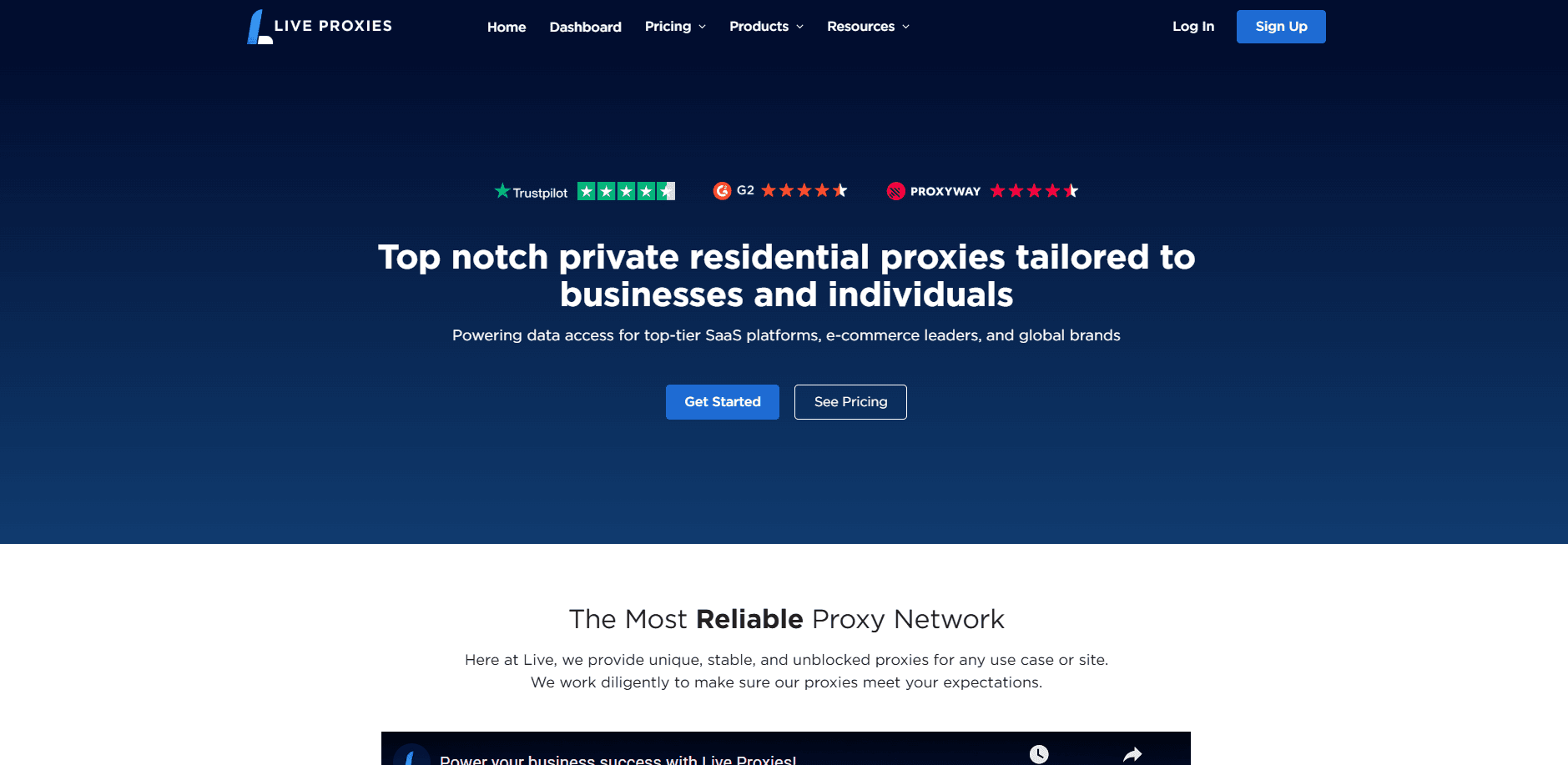
Live Proxies ranks first for AI-agent and browser automation workflows that require both IP diversity and long session continuity. With private IP allocation, B2C customers receive exclusive IP sets, while B2B configurations can reduce same-target overlap between customers. This gives recurring and parallel agents more predictable network identity during longer, stateful browser tasks.
The network includes millions of rotating residential and mobile IPs across 55 countries, with particularly strong coverage in the US, Canada, and the UK. For proxy rotation, teams can combine fresh IPs between independent agent jobs with sticky sessions lasting up to 24 hours, while unlimited threads, country-, city-, and ASN-level targeting, plus HTTP and SOCKS5 support make the setup well-suited to scalable Playwright, Puppeteer, and other browser-automation workflows.
Why it works for AI agents
- Private IP Allocation: Reduces unwanted same-target overlap with other customers and provides more controlled routing for recurring tasks.
- Sticky Sessions: The same IP can remain associated with a session for up to 24 hours, supporting long browser workflows.
- Rotation Control: Agents can use rotating connections for independent jobs and sticky identities for stateful tasks.
- City and ASN Targeting: Country, city, and ASN controls support localized browsing and network-specific tasks.
- HTTP and SOCKS5: Both protocols provide broad compatibility with browsers, automation tools, and custom applications.
- Unlimited Threads: Parallel workflows can run without a fixed thread limit.
- Browser Automation Compatibility: Standard proxy integration allows the network to fit existing automation stacks.
Best for
- Persistent browser agents: Long-running browser tasks that need the same network identity across multiple actions.
- Parallel browser workflows: Teams running several autonomous agents simultaneously with separated proxy sessions.
- Long-running automation: Multi-step tasks where an unexpected IP change could interrupt browser state or workflow continuity.
- Localized browsing: Agents that need stable access from specific countries, cities, or ASN-level networks.
Pricing: Rotating residential proxies start at $70/month for 4GB. Enterprise plans start from $2,000/month.
2. Oxylabs
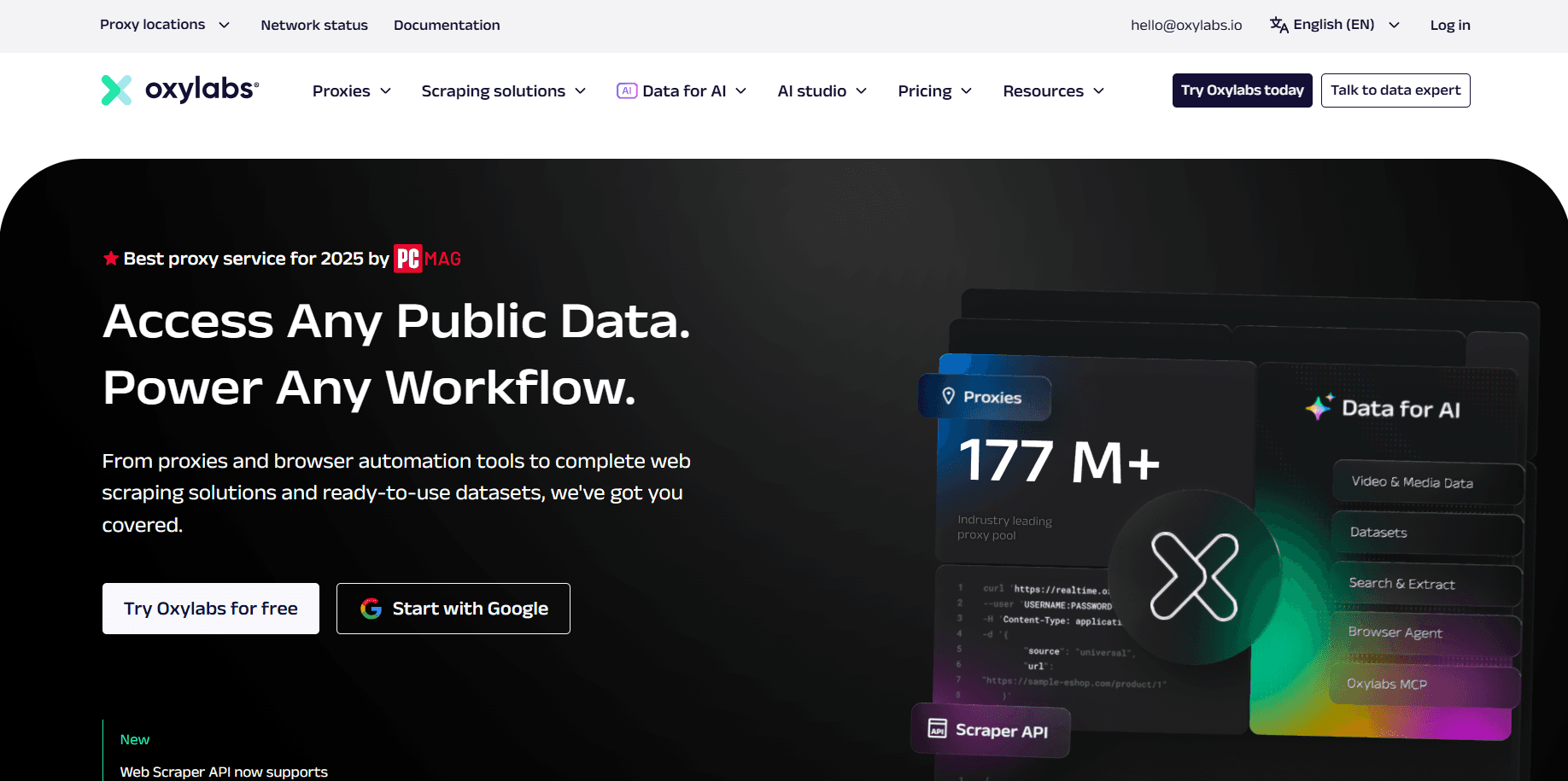
Oxylabs is built for larger automation environments that need both enterprise proxy infrastructure and managed browser capabilities. Its product range covers several proxy types, while Headless Browser provides a remote Chromium environment for workflows that require JavaScript rendering and full browser interaction.
The platform is particularly relevant to complex AI agents because it supports Playwright, Puppeteer, and MCP-based browser control. Teams can either connect their own automation stack to the proxy network or move more of the browser infrastructure into a managed environment, which can simplify deployment when many autonomous sessions need to run in parallel.
Why it works for AI agents
- Headless Browser: Provides a managed Chromium environment for multi-step browser workflows without requiring teams to maintain their own browser fleet.
- Playwright and Puppeteer: Supports two widely used browser automation frameworks for developer-built agents.
- MCP Workflows: MCP compatibility allows AI clients to interact with browser sessions through a standardized tool interface.
- Session Management: Persistent browser and proxy sessions can maintain a consistent network identity across related actions.
- Advanced Targeting: Detailed geographic controls support localized search, content, and regional access.
- Scalable Automation: Enterprise infrastructure can support large numbers of browser sessions and automated requests in parallel.
Best for
- Enterprise browser agents: Large teams operating complex autonomous browsing systems at production scale.
- Managed browser automation: Workflows that benefit from remote Chromium infrastructure instead of maintaining browsers internally.
- MCP-driven workflows: AI agents that interact with web pages through MCP-compatible browser environments.
- High-concurrency operations: Large numbers of parallel browser sessions, scraping jobs, or automated web tasks.
Pricing: Residential proxies start at $30/month for 5GB. Corporate residential plans start at $2,500/month for 1TB, while Headless Browser starts at $300/month for 50GB.
3. Decodo
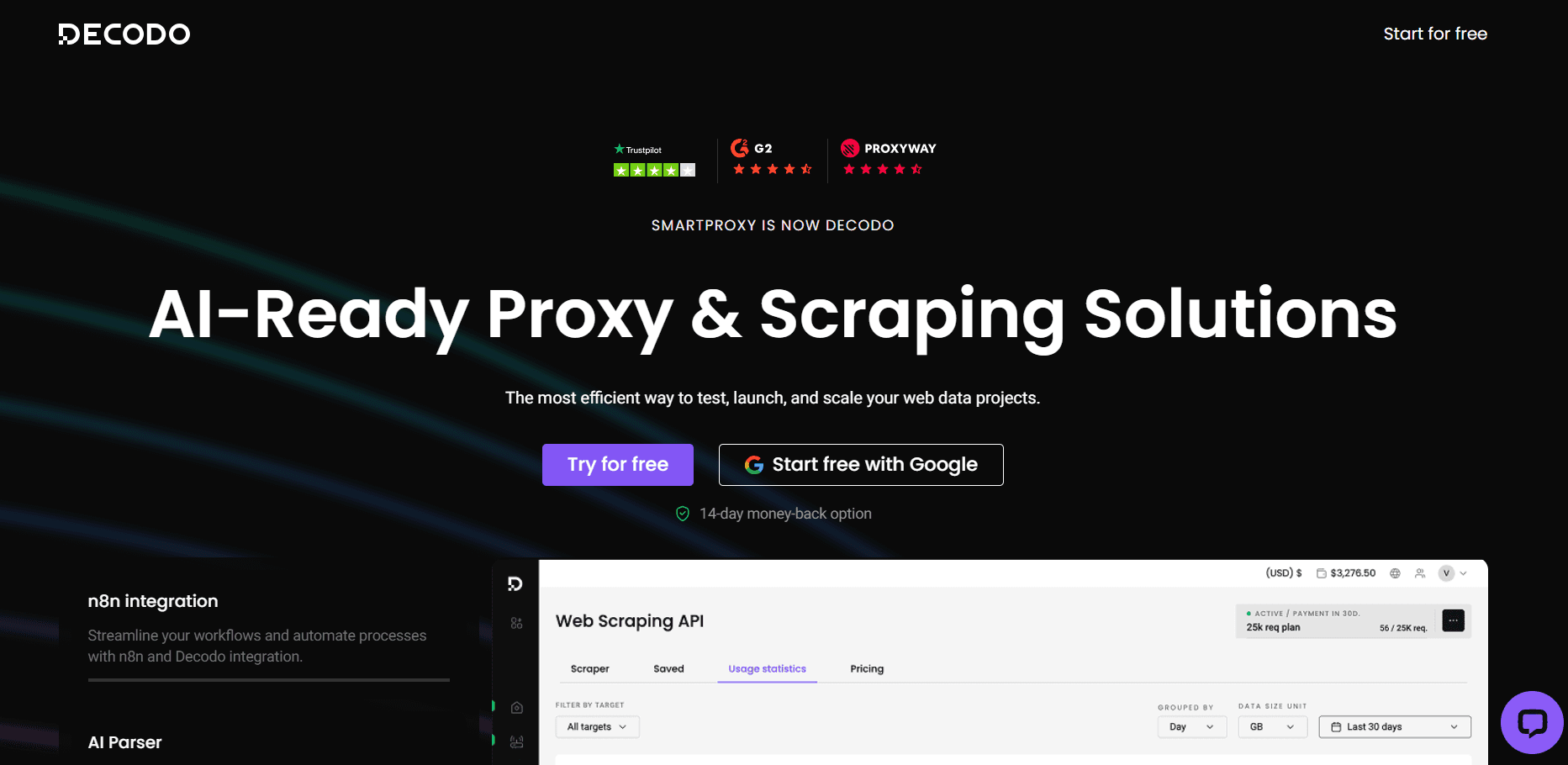
Decodo is a developer-focused proxy platform with residential, mobile, ISP, and datacenter options. Its infrastructure works with common browser automation frameworks and standard proxy protocols, making it straightforward to integrate into custom agent applications.
For AI-agent workflows, its main advantage is the flexibility to switch between rotating and persistent connections. Independent tasks can receive fresh IPs, while sticky residential sessions can preserve the same network identity for longer browser workflows where cookies, browser state, and location need to remain consistent.
Why it works for AI agents
- Playwright and Puppeteer: Supports direct integration with common browser automation frameworks.
- Automation APIs: Developers can connect proxy management to custom agent applications and automation pipelines.
- Sticky Sessions: Persistent residential sessions support longer browser workflows without unnecessary IP changes.
- Rotation Control: Per-request rotation works well for independent requests, scraping jobs, and parallel agent tasks.
- Geo-Targeting: Country, state, city, ZIP, and ASN controls support localized automation.
- Developer Integrations: HTTP(S), SOCKS5, APIs, and code examples simplify integration into existing stacks.
Best for
- Developer-built AI agents: Custom applications where developers want direct control over proxy and browser configuration.
- Playwright automation: Browser agents built around Playwright that need rotating or persistent residential identities.
- Puppeteer automation: Chromium-based automation requiring proxy rotation, geo-targeting, or longer sessions.
- Mixed session workflows: Projects that combine fresh IPs for independent tasks with sticky sessions for stateful browser actions.
Pricing: Residential proxies start at $3.75/GB with the 3GB plan. Enterprise rates start from $2.00/GB.
4. DataImpulse
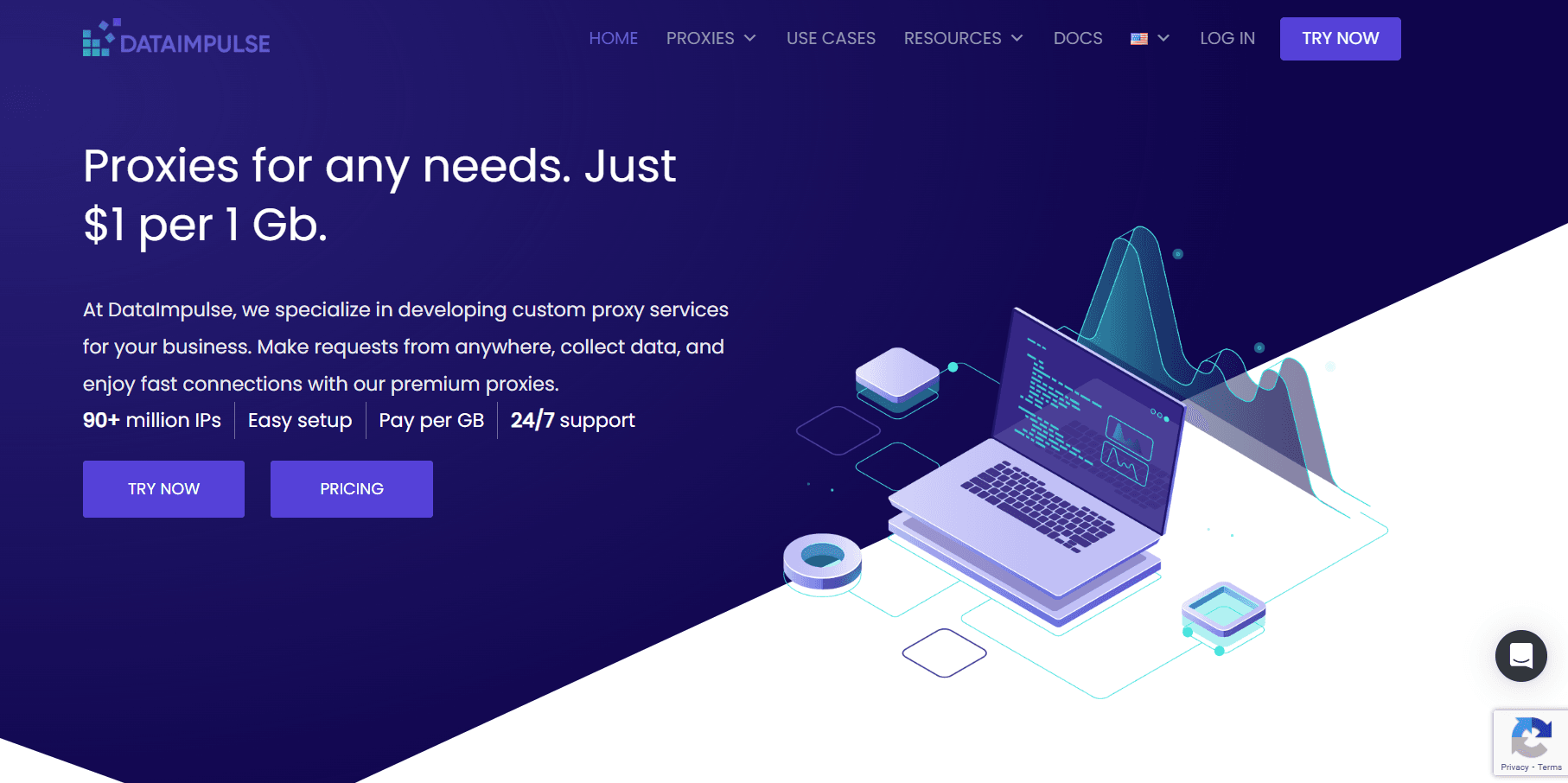
DataImpulse combines residential and mobile proxy infrastructure with integrations that are particularly relevant to newer AI-agent frameworks. Its documentation covers browser automation environments such as Playwright MCP, and standard proxy endpoints can also connect to Browser Use, Stagehand, and other agent-controlled browsers.
The platform supports rotating and sticky sessions, API access, and detailed geographic targeting. Its pay-as-you-go traffic model also makes it practical for experimental projects where agent traffic may vary significantly between development, testing, and production.
Why it works for AI agents
- Browser Use: Standard proxy endpoints can be attached to browser sessions controlled by AI agents.
- Stagehand: Proxy routing can be integrated into browser environments that expose standard proxy configuration.
- Playwright MCP: Proxy infrastructure can be used with MCP-driven browser automation for agent-controlled web tasks.
- Sticky Sessions: Session identifiers help keep one IP associated with a multi-step agent workflow.
- Rotation: Fresh network identities can be assigned between independent jobs or browser sessions.
- Agent-Focused Integrations: Its developer setup is particularly relevant to newer agentic browser frameworks.
Best for
- Browser Use agents: AI-driven browser workflows that need external residential proxy routing.
- Stagehand workflows: Agentic browser automation where proxy configuration needs to remain under developer control.
- Playwright MCP: MCP-based agents that require proxy routing for browser-controlled web tasks.
- AI-agent experimentation: Development and testing environments with variable traffic and unpredictable usage patterns.
Pricing: Residential proxies start at $1/GB with a $5 entry package. Custom enterprise plans start from $4,000 for 5TB+.
5. Massive
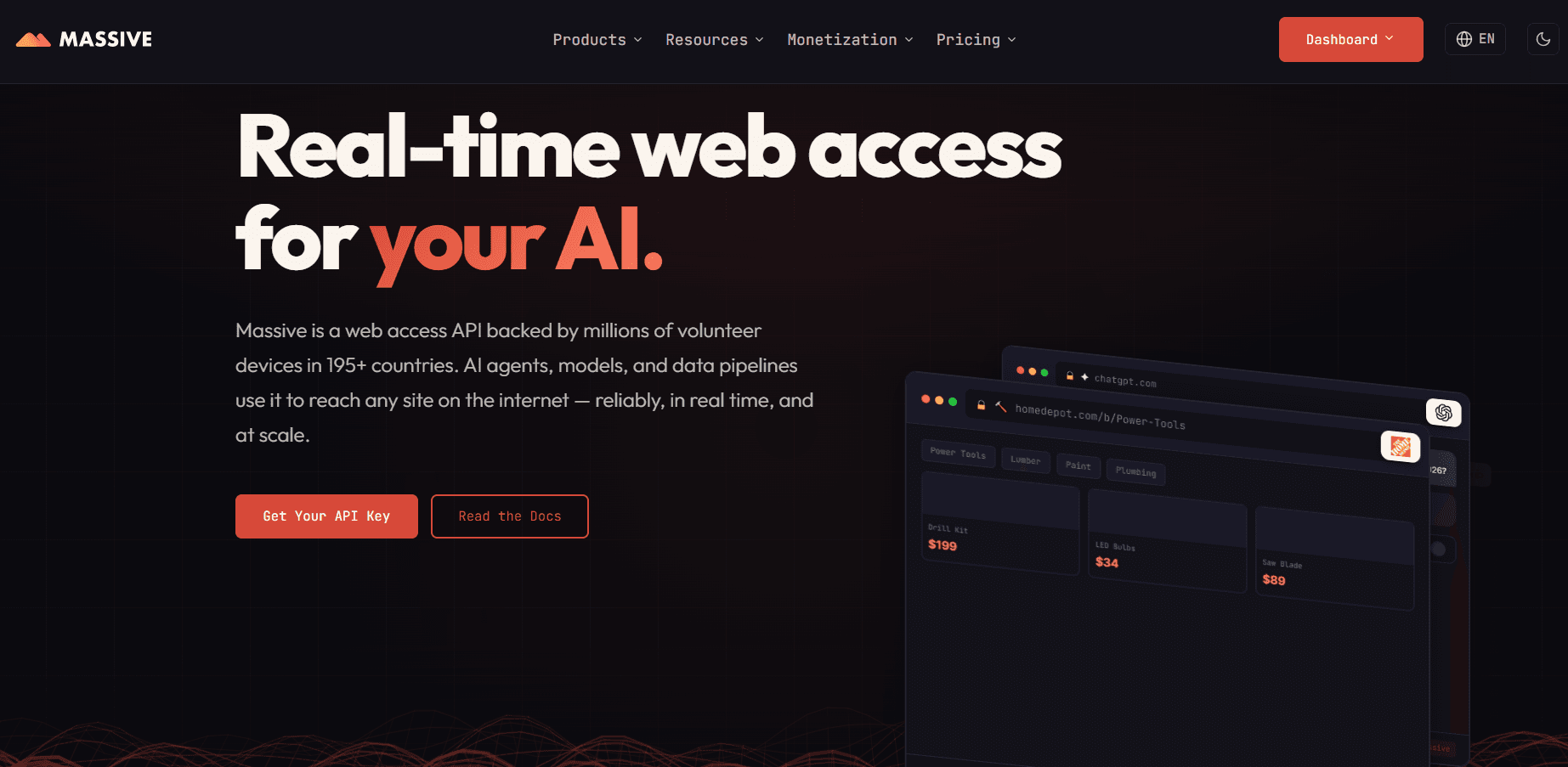
Massive focuses on residential web access and infrastructure that can feed current web content into AI systems. Alongside standard proxy connections, its Web Render product can return rendered pages in formats suitable for downstream processing by models and retrieval pipelines.
This makes it useful for autonomous research systems that need more than raw HTTP responses. Teams can continue controlling their own browser agents through proxy endpoints or use managed rendering for workflows where maintaining a local headless-browser fleet would add unnecessary operational complexity.
Why it works for AI agents
- Sticky Sessions: Persistent routing can keep the same exit IP attached to longer autonomous workflows.
- Parallel Browser Tasks: Proxy endpoints can be distributed across multiple simultaneous agent sessions.
- Residential IPs: Residential routing works well for web research and tasks that benefit from consumer network identity.
- Location Control: Geographic targeting supports agents that need regional search results or localized web content.
- Web Render: Fully rendered pages can be returned in formats such as HTML or Markdown for AI pipelines.
- High-Volume Workflows: Managed web-access infrastructure can reduce the browser and proxy orchestration teams need to maintain.
Best for
- Autonomous web research: Agents continuously gathering current public web information across many pages or sources.
- AI retrieval pipelines: Systems that collect and transform web content before passing it to an LLM or retrieval layer.
- Rendered web content: Workflows that need JavaScript-rendered pages rather than basic HTTP responses.
- High-volume autonomous tasks: Larger agent systems running many web-access or content-retrieval operations in parallel.
Pricing: Residential proxy plans start at $80 for 10GB. Residential Enterprise plans start at $1,000/month for 250GB at $4/GB.
6. IPRoyal
IPRoyal provides residential, ISP, mobile, and datacenter proxies, giving AI-agent developers several options for balancing persistence, IP diversity, speed, and cost. Its infrastructure can be integrated with common browser automation environments, including Playwright and Puppeteer.
One of its strongest features for long-running agents is session flexibility. Residential connections can rotate between tasks or attempt to retain the same IP for extended periods, while ISP proxies provide an alternative when a more persistent network identity is required.
Why it works for AI agents
- Multiple Proxy Types: Residential, ISP, mobile, and datacenter options can be matched to different target requirements.
- Playwright and Puppeteer: Browser automation compatibility makes the service suitable for developer-controlled agents.
- Sticky Sessions: Residential sessions can attempt to preserve the same IP for up to seven days.
- Rotation Control: New addresses can be assigned for independent tasks when persistent identity is unnecessary.
- Geo-Targeting: Country, state, and city controls support localized browser workflows.
- Flexible Traffic Model: Residential traffic works well for projects with inconsistent or difficult-to-predict usage.
Best for
- Mixed automation workloads: Teams that need residential, ISP, mobile, and datacenter options within one setup.
- Long-running browser sessions: Stateful tasks where the same residential IP may need to remain active for extended periods.
- Playwright and Puppeteer projects: Developer-controlled browser automation using standard proxy configuration.
- Persistent ISP workflows: Repeated or account-based tasks that benefit from a more stable, long-term network identity.
Pricing: Residential proxies start at $7/GB on PAYG. Enterprise rates start from $1.75/GB for 10,000GB+.
7. SOAX
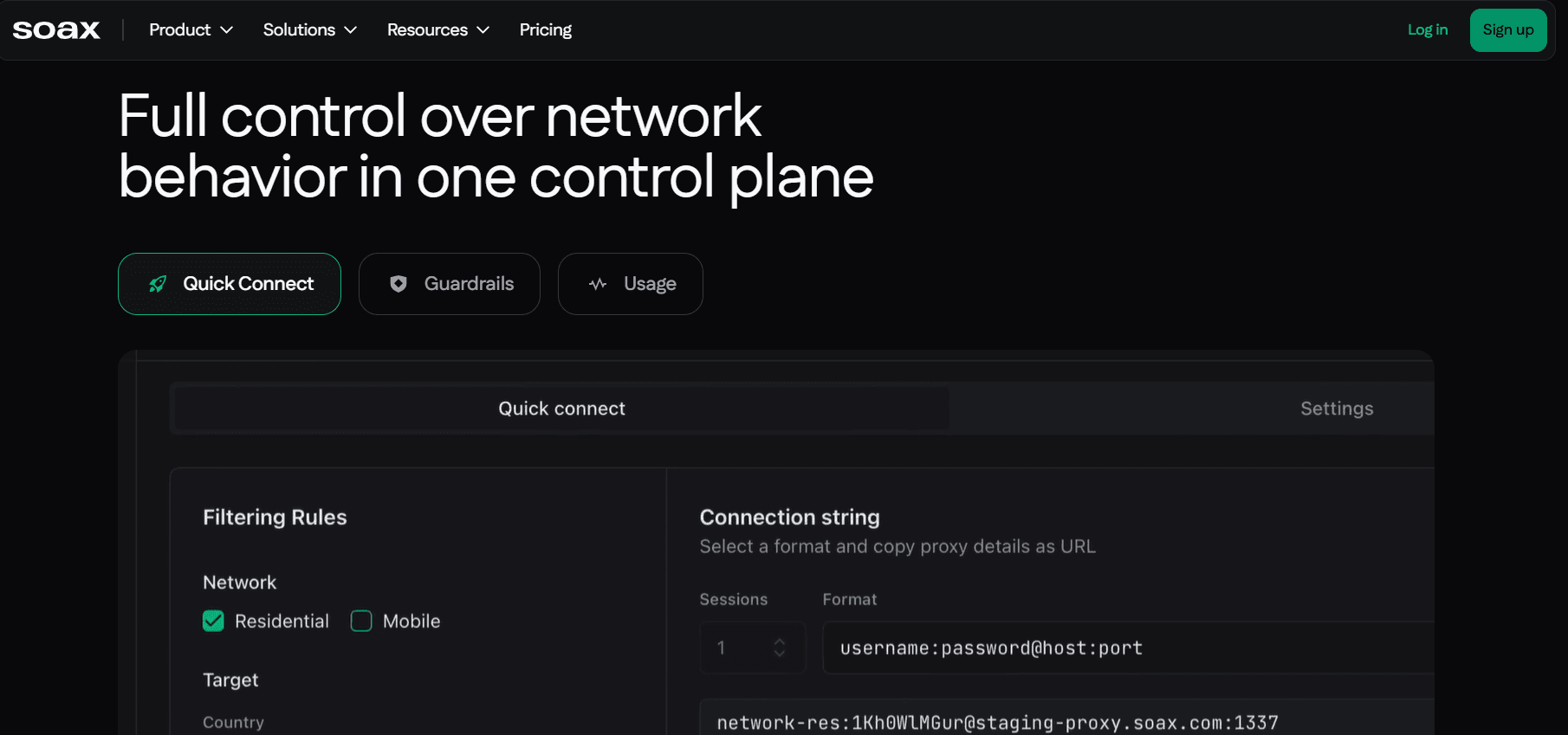
SOAX is particularly strong for AI agents that depend on precise geographic and network-level targeting. Its proxy infrastructure spans residential, mobile, ISP, and datacenter connections and supports both rotating and persistent session configurations.
The ability to target by city, ISP, and ASN makes the service useful when agent output changes according to the user's apparent network location. This can matter for localized search, ecommerce research, advertising, regional content, and other location-sensitive browser tasks.
Why it works for AI agents
- City Targeting: Helps agents retrieve results or content associated with a specific local market.
- ISP and ASN Targeting: Adds network-level precision beyond ordinary country or regional filtering.
- Sticky Sessions: Persistent connections can maintain one identity across related browser actions.
- Rotation Control: IP changes can be aligned with independent requests or separate agent tasks.
- Browser Automation Support: Standard proxy protocols allow integration with common browser automation environments.
- Parallel Workflows: High concurrency supports multiple localized agents operating simultaneously.
Best for
- Geo-sensitive AI agents: Workflows where results depend heavily on the apparent geographic location of the browser.
- Localized browser automation: Agents checking search results, ecommerce pages, advertising, or regional content in specific markets.
- City-level research: Tasks that require more precise geographic targeting than country-level routing.
- ISP and ASN workflows: Automation that needs control over both location and the network provider associated with the proxy IP.
Pricing: The Builder plan starts at $200/month + VAT. Enterprise plans start at $3,000/month + VAT.
8. Webshare
Webshare is a self-service proxy platform aimed at developers and automation teams that want direct control over their network configuration. Its product range includes residential, ISP, and datacenter options, with integrations for Playwright, Puppeteer, APIs, and standard HTTP or SOCKS connections.
The platform is particularly useful for teams building their own browser-agent infrastructure rather than relying on a managed browser service. Developers can handle proxy allocation, rotation, and API access inside their existing automation logic while keeping entry costs relatively low.
Why it works for AI agents
- Multiple Proxy Types: Residential, ISP, and datacenter networks support different automation targets and cost requirements.
- Playwright: Standard proxy configuration works directly with Playwright browser sessions.
- Puppeteer: Proxy endpoints can be applied to Chromium-based browser automation.
- HTTP and SOCKS5: Common protocols provide compatibility with a broad range of agent and automation tools.
- Rotation: Residential endpoints support workflows that need changing IP identities between requests or tasks.
- API Access: Proxy retrieval and management can be integrated programmatically into custom agent infrastructure.
Best for
- Budget-conscious browser automation: Teams that need functional proxy infrastructure without paying for a managed enterprise browser platform.
- Developer-controlled agents: Custom automation where developers want to manage rotation, sessions, and proxy selection themselves.
- Playwright workflows: Browser agents that require straightforward HTTP or SOCKS proxy integration.
- Puppeteer workflows: Chromium automation where rotating residential, ISP, or datacenter proxies can be configured directly.
Pricing: Rotating residential proxies start at $3.50/GB under the current monthly offer. Enterprise pricing is available by custom quote.
9. Infatica
Infatica provides residential, mobile, ISP, and datacenter infrastructure for scraping, browser automation, and distributed web-data workflows. Its residential service supports standard browser integrations as well as API-based proxy configuration.
Session behavior can be adjusted between rotating, timed, and persistent modes, while geographic filtering gives agents control over where their traffic appears to originate. This makes the network suitable for general-purpose automation where requirements may vary between individual tasks.
Why it works for AI agents
- Puppeteer: Official integration material supports proxy configuration in Chromium-based automation.
- Rotating Sessions: Independent automated requests can be distributed across changing IP addresses.
- Sticky Sessions: Persistent routing supports longer tasks that need consistent network identity.
- Geo-Targeting: Country, region, city, ISP, and ZIP controls support localized browser workflows.
- API Integration: Network parameters and proxy settings can be managed programmatically.
- Browser Automation Support: Standard HTTP and SOCKS connectivity allows integration with common browser-agent stacks.
Best for
- General browser agents: Standard autonomous browsing and scraping tasks without highly specialized infrastructure requirements.
- Distributed scraping: Systems running many parallel data-collection jobs across different IPs and locations.
- Puppeteer automation: Chromium-based browser workflows requiring rotating or persistent proxy sessions.
- Localized web workflows: Research or automation tasks that depend on country, region, city, ISP, or ZIP-level routing.
Pricing: Residential proxies start at $4/GB on PAYG. Enterprise pricing is customized for projects starting at 1TB.
10. Rayobyte
Rayobyte offers residential, ISP, mobile, and datacenter infrastructure for teams that need several network types within the same automation environment. Its residential proxies support geographic targeting and configurable rotation while remaining compatible with standard browser automation tools.
A useful feature for long-running agents is the choice between soft and strict sticky sessions. A soft session can move to a replacement exit if the original residential peer disappears, while a strict session can fail instead of silently changing identity. This gives developers more control over how an agent responds to network changes during a stateful task.
Why it works for AI agents
- Multiple Networks: Residential, ISP, mobile, and datacenter options support different browser and automation requirements.
- Static and Rotating Options: Developers can select persistent or changing identities according to the workflow.
- Browser Automation: Standard proxy connections fit common automated browser environments.
- Puppeteer: Proxy configuration can be used with Chromium-based agent workflows.
- Session Flexibility: Soft and strict sticky modes provide different approaches to IP replacement and session continuity.
- Geo-Targeting: Country, state, city, ZIP, and ASN controls support localized browser tasks.
Best for
- US-focused automation: Browser and data workflows where strong access to US-based proxy infrastructure is especially important.
- Mixed proxy workloads: Projects that combine residential, ISP, mobile, and datacenter networks for different types of agent tasks.
- Configurable sticky sessions: Stateful browser workflows where developers want control over how IP replacement is handled.
- Parallel browser tasks: Multi-agent systems that need different proxy identities across concurrent browser sessions.
Pricing: Residential proxies start at $0.50/GB. Enterprise pricing is available for high-volume projects.
Why Do Sticky Sessions Matter for Browser Agents?
Browser agents rarely complete meaningful tasks in one request. A workflow may involve navigation, redirects, cookies, authentication, forms, and several page interactions before the agent reaches its final result. Sticky sessions keep network identity aligned with that browser state throughout the task.
- Multi-Step Navigation: Preserve the same IP while the agent moves through related pages.
- Login Persistence: Avoid an unexpected location or IP change immediately after authentication.
- Cookies and Browser State: Keep network behavior consistent with stored session data.
- Form Completion: Maintain continuity across multi-page or state-dependent forms.
- Checkout Flows: Keep one identity through cart, shipping, and other sequential steps.
- Long Agent Tasks: Give autonomous workflows time to navigate and reason without unnecessary network changes.
- Mid-Session IP Changes: Reduce the chance that a stateful workflow breaks because its connection suddenly moves.
- Rotation After Completion: Assign a fresh IP when the current agent job finishes rather than during it.
A practical architecture is to assign one sticky network identity to each active browser-agent session, then rotate when the task reaches a logical endpoint. That approach separates parallel agents while maintaining continuity within each workflow.
How Do Proxies Work With Playwright, Browser Use, and MCP?
Modern browser frameworks usually apply proxies at browser launch, browser-context creation, or cloud-session creation. The exact setup depends on whether one process runs a single agent or several isolated agents in parallel, and whether the proxy needs to persist for the full workflow.
Playwright
Playwright supports HTTP(S) and SOCKS proxies at the browser or context level. Separate contexts can keep their own cookies, local storage, browser state, and proxy identity, which makes them useful for running several agents in parallel without mixing sessions.
Puppeteer
Puppeteer typically applies a proxy when launching Chrome or Chromium, with authentication handled inside the browser session. This works well when one browser process maps to one proxy identity, while rotating gateways can provide fresh addresses between separate automation runs.
Browser Use and Playwright MCP
Browser Use connects AI agents with browser sessions that can navigate and interact with websites, while Playwright MCP exposes browser control through Model Context Protocol. In both cases, proxy routing can be aligned with persistent or isolated sessions so cookies, location, and network identity remain consistent throughout the task.
Stagehand and Cloud Browser Environments
Stagehand provides a higher-level layer for agent-driven browser automation, while cloud browser platforms run the browser remotely. Proxy details can be configured at the browser or cloud-session level, with session persistence, geolocation, browser state, and proxy identity kept aligned across longer workflows.
What Causes Proxy-Based AI Agents to Fail?
A proxy can improve network routing, but poor configuration can still introduce new failure points. Browser agents are especially sensitive because one network error can break a longer sequence of navigation, authentication, or data collection.
- Poor IP Reputation: Low-quality or heavily reused exits can trigger blocks, CAPTCHAs, or additional verification.
- Unstable Session Identity: Excessive rotation or mid-session IP changes can disrupt logins, cookies, and other stateful browser workflows.
- Wrong Location or Network Signals: Incorrect geolocation or a mismatch between the proxy and browser environment can create inconsistent session context.
- Connection and Rate-Limit Issues: High latency, authentication errors, or aggressive request volume can cause timeouts and repeated failures.
- Failed Retries and Wasted Tokens: Repeating unsuccessful steps consumes proxy traffic, browser time, and model tokens without completing the task.
For agentic automation, successful task completion is therefore a more useful metric than proxy latency or individual HTTP success alone.
How Do You Choose a Proxy for an AI Agent?
Start with the workflow rather than the largest advertised pool. A network with suitable session behavior, location controls, browser compatibility, and enough capacity for parallel tasks can outperform a much larger pool that does not fit the agent's actual needs. Reliable performance across the full workflow matters more than raw network size.
Match the Network to the Workflow
Choose residential or mobile proxies when consumer network identity matters, ISP proxies for persistent sessions, and datacenter proxies for faster, lower-restriction tasks. The proxy type should reflect the target, expected session length, and how stateful the workflow is.
Check Session and Rotation Control
Make sure the same IP can remain active for the full browser task when needed. Rotation should happen between independent jobs rather than unexpectedly inside an active session, especially for logins, forms, or other multi-step workflows.
Evaluate Targeting and Compatibility
Confirm that the provider supports the required country, city, ZIP, ASN, or ISP targeting and works with the actual browser stack. Authentication should also be tested with Playwright, Puppeteer, MCP, Stagehand, or the chosen cloud-browser environment.
Measure Real Workflow Performance
Compare concurrency, task completion rate, latency, retries, and total cost per successful workflow. Test the proxy against the actual websites and task lengths the agent will use, since a lower price per GB does not always result in lower overall automation cost.
Conclusion
Proxies for AI agents need to be selected around the full lifecycle of an autonomous task. Browser state, proxy identity, geographic location, session duration, concurrency, and rotation strategy all need to remain aligned if agents are expected to navigate the web reliably.
Residential and mobile proxies are generally better suited to harder or location-sensitive workflows, while ISP proxies provide stronger continuity for persistent sessions. Datacenter proxies remain useful when speed, high request volume, and lower cost matter more than residential network identity.
The most important metric is not headline pool size. Test the proxy inside the actual browser workflow and compare task completion rate, session stability, targeting accuracy, latency, retry volume, and total cost per successful agent run.
Related Tags
AI ToolsGet your AI tool featured in articles like this
Reach users actively discovering AI tools on PoweredbyAI and build SEO backlinks that improve your visibility on Google.
Trusted by 25,000+ AI tools and growing startups
Get Your AI Tool Featured in High-Traffic Blogs & Articles
Get featured on PoweredByAI and reach users actively discovering tools like yours. Build powerful SEO backlinks that help you rank on Google and drive consistent organic traffic.
Sponsored blog features with targeted reach
Guest articles with do-follow backlinks
Contextual link placements for SEO boost
Trusted by 25,000+ AI tools and growing startups
Enjoyed this? Talk AI tools with other founders and builders.
Join our Slack communityRecent Blogs

Submit your Tool


PoweredByAI.app is an AI Tools Directory helping individuals, businesses, and creators discover the best AI tools for writing, coding, design, productivity, and more.
© 2026 , Product of011BQ. All rights reserved.