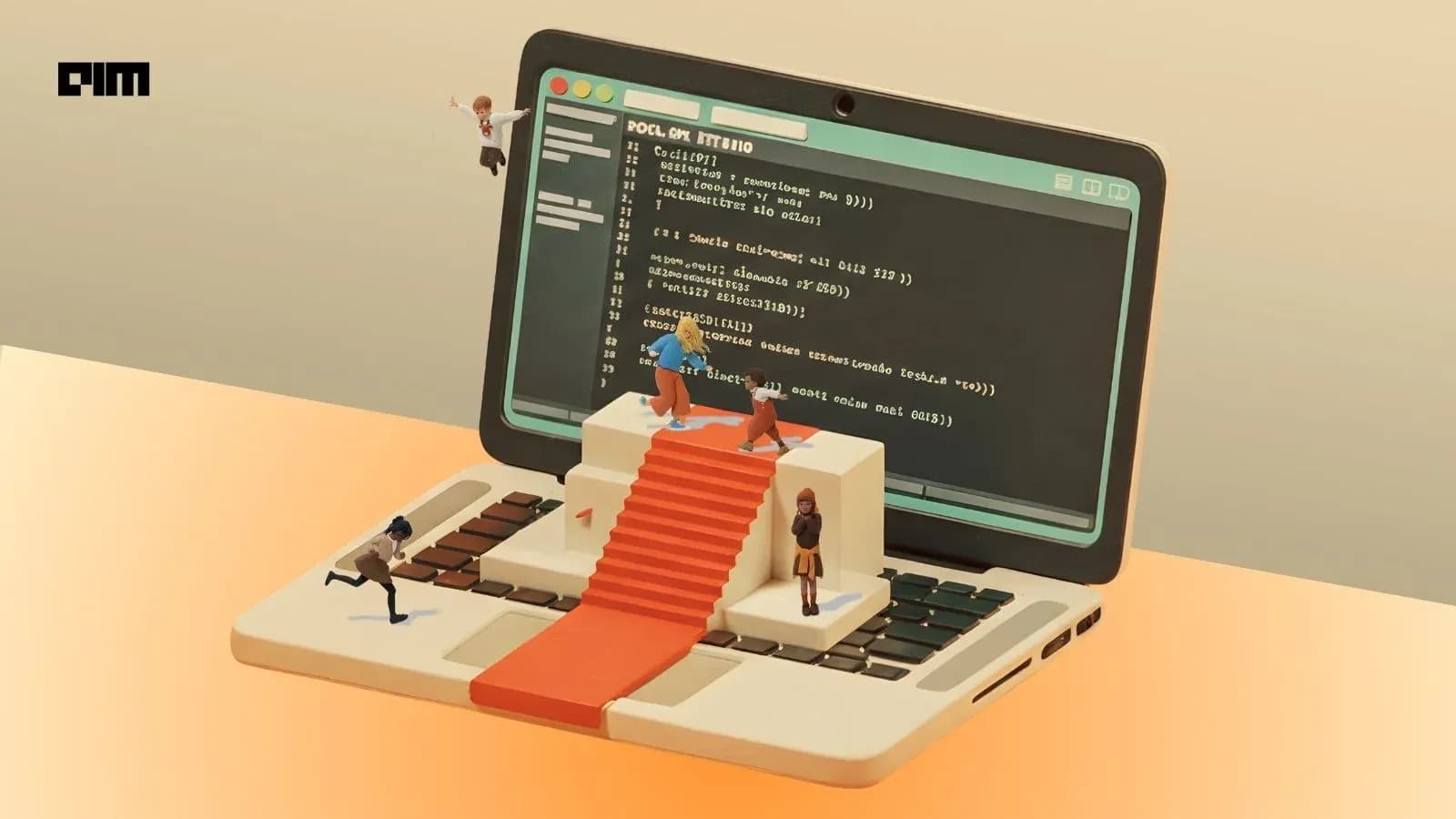
AI NewsWhen Kids Stop Playing Games and Start Coding Them

When Kids Stop Playing Games and Start Coding Them

2:24 PM IST · May 3, 2026

When Kids Stop Playing Games and Start Coding Them

Children are moving from playing games to creating immersive experiences, thanks to the ease of Luau scripting offered by platforms like Roblox.

read more

Latest AI News

View All News →
When Kids Stop Playing Games and Start Coding Them

When Kids Stop Playing Games and Start Coding Them

Children are moving from playing games to creating immersive experiences, thanks to the ease of Luau scripting offered by platforms like Roblox.

3 hours ago

View

AI-generated actors and scripts are now ineligible for Oscars

AI-generated actors and scripts are now ineligible for Oscars

The organization behind the Academy Awardsreleased new Oscar ruleson Friday, including several that address the use of generative artificial intelligence. The Academy of Motion Picture Arts and Sciences said that only performances “credited in the film’s legal billing and demonstrably performed by humans with their consent” will be eligible for Academy Awards. Similarly, the academy said that screenplays must be “human-authored” to be eligible. The academy also said it has the right to request more information about a film’s AI usage and “human authorship.” These rule changes come as an independent film is in the works withan AI-generated version of Val Kilmer, as AI “actress” Tilly Norwoodkeeps making headlines, and asnew video modelsare causing at least a few filmmakers to make sweeping declarations of despair. AI was also one of the main sticking points inthe actors’ and writers’ strikesback in 2023. Outside Hollywood, at least one novel has beenpulled by its publisherdue to the apparent use of AI, and other writers’ groups are declaring that AI usage makes workineligible for awards.

11 hours ago

View

The best AI dictation apps, tested and ranked

The best AI dictation apps, tested and ranked

AI dictation apps have come a long way in a short time. For years they were slow and inaccurate — unless you spoke with a particular accent and enunciated clearly. Advances in large language models (LLMs) and speech-to-text models have changed that, producing systems that can decipher speech more accurately while retaining enough context to format the text correctly. Developers have also built in features to automatically remove filler words, fix stumbles, and handle punctuation — outputting text that needs far fewer edits. With dozens of such apps now on the market, we’ve rounded up our picks for the best and most useful dictation apps available right now. Wispr Flowis a well-funded AI dictation app that lets you add custom words and instructions for dictation. It has native apps for macOS, Windows, and iOS; an Android version is in the works. The app lets you customize how it transcribes your text by choosing from “formal,” “casual,” and “very casual” styles for different kinds of writing, such as personal messaging, work, and email. And if you use it with vibe-coding tools like Cursor, you can turn on a feature to automatically recognize variables or tag files in the chat. The app lets you transcribe up to 2,000 words per week for free on desktop, and 1,000 words per month on iOS. Paid subscription plans offer unlimited transcription and start at $15 per month. Willowadvertises itself as a big time-saver for those who don’t like to type. Alongside common features like automatic editing and formatting, the app uses large language models to generate a full passage of text from just a few dictated words. Willow also takes a more privacy-focused approach by storing all transcripts locally on your device and lets you opt out of model training entirely. It also lets you add custom vocabulary to help it adapt to your industry’s terminology, or your local dialect. Willow lets you dictate 2,000 words per month on its desktop app for free. Individual subscription plans start at $15 per month, unlocking unlimited dictation and enabling the app to remember your writing style. If privacy if your priority,Monologuelets you download its AI model directly to your device for transcriptions, keeping your data off the cloud entirely. What’s more, the app lets you customize its tone depending on the app you use it with. Monologue lets you transcribe 1,000 words per month for free; a subscription costs $10 per month or $100 per year. The company also sends its most active users a physical shortcut device called the Monokey to use with the app. Keyboards are so 1983.You only need one key—Monokey, the limited edition device that turns your voice into text in Monologue.We're giving away 10, along with a free annual subscription to Monologue.pic.twitter.com/nXuz1ll2LU Superwhisperis primarily a dictation app, but it can also transcribe from audio or video files. The app lets you choose and download AI models, including several of its own at different speeds and accuracy levels, along with Nvidia’s Parakeet speech-recognition models. The app also lets you write custom prompts to steer the output, and you can view both processed and unprocessed transcripts directly from your system keyboard. The basic voice-to-text feature is free to use, and you get 15 minutes to test Pro features such as translation and transcription. The paid tier lets you use your own AI API keys and connect cloud and local models without any usage caps. The monthly plan costs $8.49 per month, the annual plan costs $84.99 per month, or you can pay $249.99 for a lifetime subscription. TheVoiceTyprapp takes an offline-first, no-subscription approach, letting you use local models for transcription. It also has aGitHub repositoryfor those who want to host and run the open source version themselves. VoiceTypr supports over 99 languages and works on both Mac and Windows. The app is available to try for three days for free, and after that, it will allow you to buy a lifetime license. The app costs $35 for one device, $56 for two, and $98 for four devices. Aquais a Y Combinator-backed voice-typing app for Windows and macOS that claims to be one of the fastest tools in the category in terms of latency (the delay between when you speak and when text appears on screen). Besides handling grammar and punctuation, Aqua also lets you autofill text by saying phrases — you can say “my address” and have Aqua type it in, for example. The app also offers its own speech-to-text API, letting other apps plug into Aqua’s transcription engine. The free tier gets you 1,000 words per month. Paid plans start at $8 per month bill annually and unlock unlimited words and 800 custom dictionary values. Handyis an open-source, free transcription tool that runs on Mac, Windows, and Linux. The app is pretty basic and doesn’t offer much customization, but if you want to start using your voice more and don’t want to pay, it is a good option. The app has a basic settings menu that lets you toggle push-to-talk and change the hotkey to activate transcription. Typelessstands out for its high free word count. The company claims it doesn’t retain any data or use it to train AI models. Typeless also offers to rewrite sentences you may have fumbled. The app lets you dictate up to 4,000 words per week (roughly 16,000 words per month) on its free tier. You can pay $12 per month (billed annually) to unlock unlimited words and get access to new features. Typeless is available for Windows and macOS only. VoiceInkis anopen-sourceprivate dictation app for Mac. The app supports global shortcuts for recording start/stop, along with a push-to-talk mode. It reads the context on screen and adjusts its output accordingly. The app can automatically detect certain apps and URLs and apply custom formatting or rules to each. It also has an assistant mode that can answer your questions. The app costs $25 for lifetime access for one device, $39 for two devices, and $49 for three devices. Dictatois a dictionary app for Mac priced at €9.99 — roughly $12 — that gives you lifetime access and two years of feature updates. The app works with offline models like Parakeet, Whisper, and Apple Speech Analyzer, and uses Apple Intelligence for light reading and filler word removal. Thanks to these local models, the app claims a super fast 80ms latency, meaning text appears almost instantly after you speak. AudioPenbegan asa web-based voice notes app, but it has evolved over the years. Its Mac version now lets you dictate text and rewrite it in your preferred format and style, switching between different styles at any time. Besides live transcription, AudioPen allows you to store audio notes across platforms, combine notes for summaries, upload audio files, and rewrite existing notes using AI. The app costs $33 for three months, $99 for a year, and $159 for two years.

19 hours ago

View

 AI Detection Tools are Flagging Student Assignments, Even If They Aren't Generated

AI Detection Tools are Flagging Student Assignments, Even If They Aren't Generated

From scanning research papers to dissertations, AI detection tools are becoming common in universities, but their accuracy, fairness, and impact on students remain deeply contested.

23 hours ago

View