

YouTube Description Extractor is a free, instant online tool that lets users effortlessly copy YouTube video descriptions, tags, HD thumbnails, metadata, and transcripts from any public video. Ideal for content creators, marketers, and researchers, it leverages the official YouTube Data API to provide comprehensive and accurate video details without sign-ups or limits.

Views100
Impression1,044
Tool Pricingfree
描述
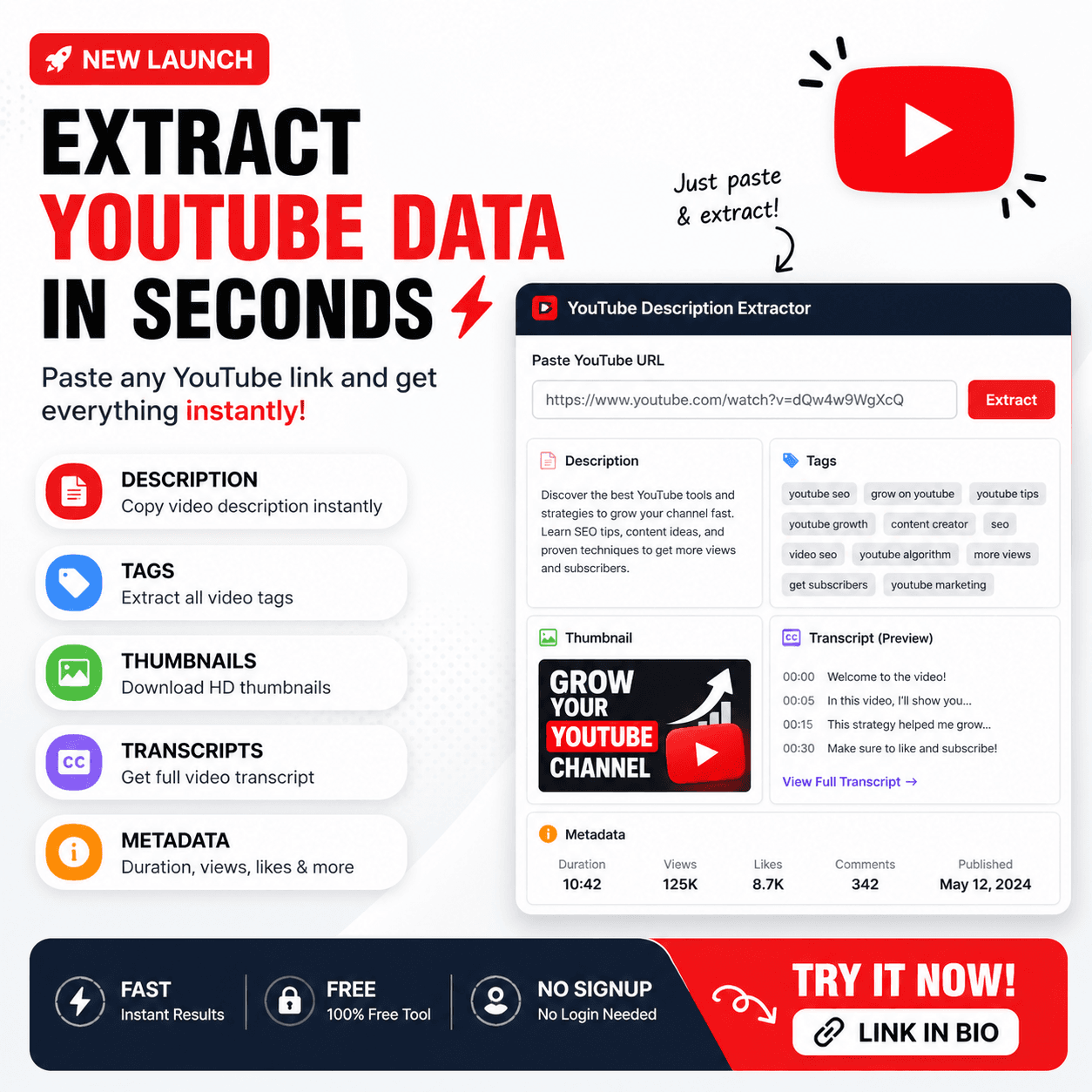
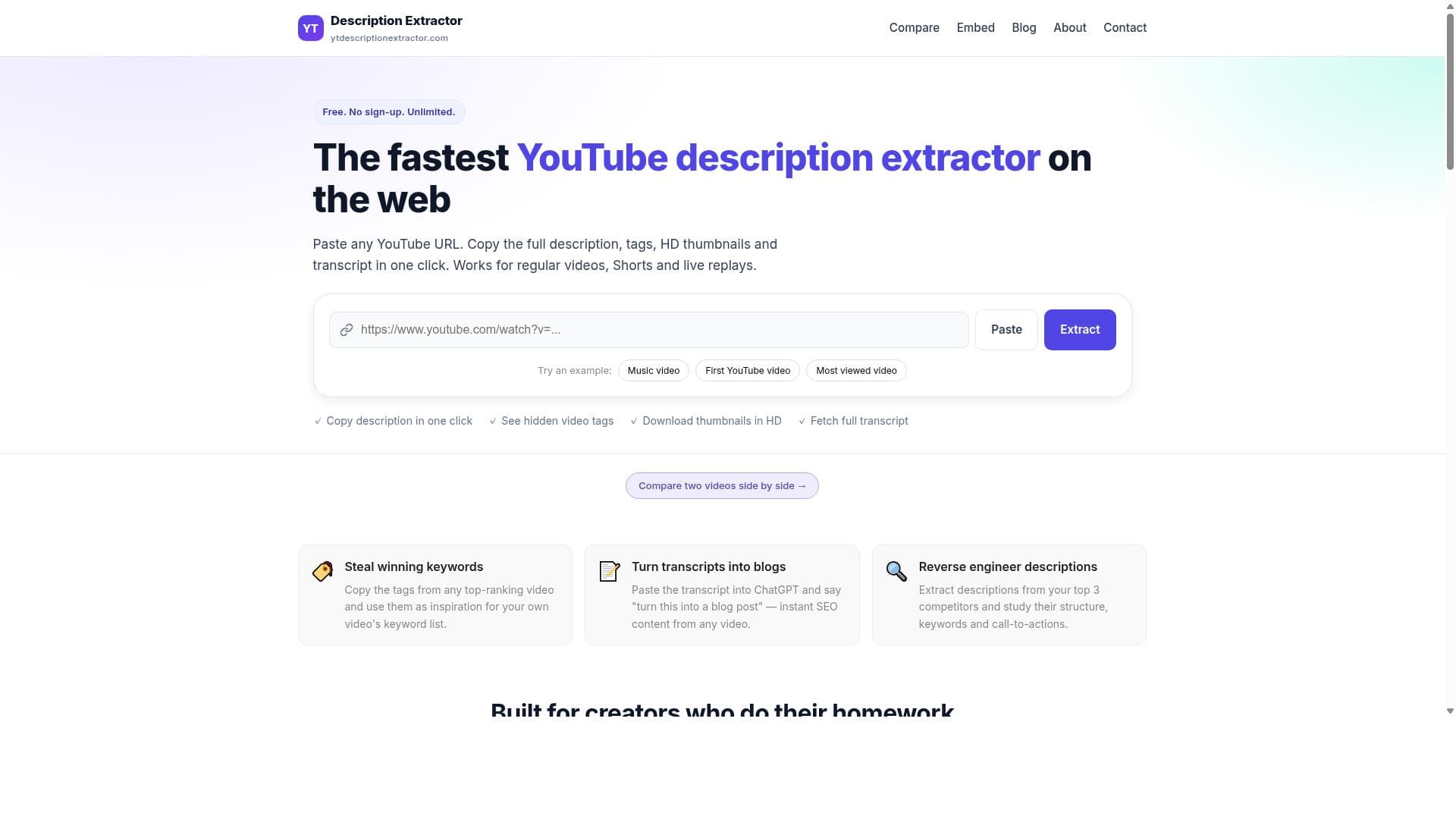
YouTube Description Extractor is a free online tool that allows users to copy YouTube video descriptions, tags, HD thumbnails, metadata, and transcripts from any public video. It works instantly by pasting any YouTube URL, including Shorts and live replays, without requiring sign-up or limits. The tool uses the official YouTube Data API to provide full video details, including hidden tags and captions if enabled by the creator.
详细描述
YouTube Description Extractor is a powerful and free online utility designed to simplify the process of retrieving detailed information from any public YouTube video. Its core purpose is to enable users to quickly access and copy video descriptions, tags, HD thumbnails, metadata, and transcripts without the need for complex software or account sign-ups. By simply pasting a YouTube URL—whether it’s a standard video, a YouTube Short, or a live replay—users can instantly extract comprehensive video details. This makes it an invaluable tool for content creators, marketers, researchers, and SEO professionals who need to analyze or repurpose YouTube video data efficiently. At its heart, the tool leverages the official YouTube Data API, ensuring that the information retrieved is accurate, up-to-date, and includes even hidden tags and captions if the video creator has enabled them. The key features include the ability to copy the full video description, which often contains important context, links, and calls to action. Users can also extract YouTube tags, which are crucial for understanding the keywords and SEO strategies behind a video. Downloading HD thumbnails is another standout feature, allowing users to obtain high-quality images used as video covers. Additionally, the tool fetches video transcripts, providing a text version of the spoken content, which is useful for content analysis, repurposing, or accessibility purposes. Lastly, it offers a view of the full metadata, giving insights into video statistics, upload details, and other technical information. YouTube Description Extractor is best suited for a wide range of users. Content creators can use it to study competitors’ video metadata and tags to optimize their own videos. Marketers and SEO specialists benefit from analyzing tags and descriptions to enhance video discoverability. Researchers and educators can access transcripts and metadata for study or citation. Social media managers and digital strategists find value in quickly obtaining thumbnails and descriptions for cross-platform promotion. The tool’s instant, no-signup functionality makes it accessible for casual users who need quick data extraction without hassle. One of the most attractive aspects of YouTube Description Extractor is that it is completely free to use, with no hidden fees, subscription plans, or usage limits. This contrasts with many other tools that require payment or account creation. Its ease of use and immediate results provide a seamless experience without compromising on the depth of information retrieved. Compared to alternatives, YouTube Description Extractor stands out due to its reliance on the official YouTube Data API, which guarantees data accuracy and compliance with YouTube’s terms of service. Many competing tools rely on scraping methods that can be unreliable or violate platform policies. Additionally, the inclusion of hidden tags and captions, as well as support for Shorts and live replays, broadens its applicability beyond standard videos. The lack of sign-up requirements and usage limits further differentiates it from paid or freemium competitors. However, there are some considerations to keep in mind. Since the tool depends on the YouTube Data API, it can only access information from public videos and cannot retrieve data from private or restricted content. Also, if a video creator has disabled captions or hidden tags, those elements won’t be available. While the tool covers a broad spectrum of data points, users looking for advanced analytics or integration with other platforms may need to supplement it with additional software. Despite these minor limitations, YouTube Description Extractor remains a highly effective and user-friendly solution for extracting detailed YouTube video information quickly and without cost.
工具功能
- Copy YouTube description
- Extract YouTube tags
- Download HD thumbnails
- Fetch video transcript
- View full metadata
描述
YouTube Description Extractor is a free, instant online tool that lets users effortlessly copy YouTube video descriptions, tags, HD thumbnails, metadata, and transcripts from any public video. Ideal for content creators, marketers, and researchers, it leverages the official YouTube Data API to provide comprehensive and accurate video details without sign-ups or limits.
YouTube Description Extractor is a free online tool that allows users to copy YouTube video descriptions, tags, HD thumbnails, metadata, and transcripts from any public video. It works instantly by pasting any YouTube URL, including Shorts and live replays, without requiring sign-up or limits. The tool uses the official YouTube Data API to provide full video details, including hidden tags and captions if enabled by the creator.
详细描述
YouTube Description Extractor is a powerful and free online utility designed to simplify the process of retrieving detailed information from any public YouTube video. Its core purpose is to enable users to quickly access and copy video descriptions, tags, HD thumbnails, metadata, and transcripts without the need for complex software or account sign-ups. By simply pasting a YouTube URL—whether it’s a standard video, a YouTube Short, or a live replay—users can instantly extract comprehensive video details. This makes it an invaluable tool for content creators, marketers, researchers, and SEO professionals who need to analyze or repurpose YouTube video data efficiently. At its heart, the tool leverages the official YouTube Data API, ensuring that the information retrieved is accurate, up-to-date, and includes even hidden tags and captions if the video creator has enabled them. The key features include the ability to copy the full video description, which often contains important context, links, and calls to action. Users can also extract YouTube tags, which are crucial for understanding the keywords and SEO strategies behind a video. Downloading HD thumbnails is another standout feature, allowing users to obtain high-quality images used as video covers. Additionally, the tool fetches video transcripts, providing a text version of the spoken content, which is useful for content analysis, repurposing, or accessibility purposes. Lastly, it offers a view of the full metadata, giving insights into video statistics, upload details, and other technical information. YouTube Description Extractor is best suited for a wide range of users. Content creators can use it to study competitors’ video metadata and tags to optimize their own videos. Marketers and SEO specialists benefit from analyzing tags and descriptions to enhance video discoverability. Researchers and educators can access transcripts and metadata for study or citation. Social media managers and digital strategists find value in quickly obtaining thumbnails and descriptions for cross-platform promotion. The tool’s instant, no-signup functionality makes it accessible for casual users who need quick data extraction without hassle. One of the most attractive aspects of YouTube Description Extractor is that it is completely free to use, with no hidden fees, subscription plans, or usage limits. This contrasts with many other tools that require payment or account creation. Its ease of use and immediate results provide a seamless experience without compromising on the depth of information retrieved. Compared to alternatives, YouTube Description Extractor stands out due to its reliance on the official YouTube Data API, which guarantees data accuracy and compliance with YouTube’s terms of service. Many competing tools rely on scraping methods that can be unreliable or violate platform policies. Additionally, the inclusion of hidden tags and captions, as well as support for Shorts and live replays, broadens its applicability beyond standard videos. The lack of sign-up requirements and usage limits further differentiates it from paid or freemium competitors. However, there are some considerations to keep in mind. Since the tool depends on the YouTube Data API, it can only access information from public videos and cannot retrieve data from private or restricted content. Also, if a video creator has disabled captions or hidden tags, those elements won’t be available. While the tool covers a broad spectrum of data points, users looking for advanced analytics or integration with other platforms may need to supplement it with additional software. Despite these minor limitations, YouTube Description Extractor remains a highly effective and user-friendly solution for extracting detailed YouTube video information quickly and without cost.
常见问题
What is YouTube Description Extractor?
YouTube Description Extractor is a free online tool that allows users to extract and copy video descriptions, tags, HD thumbnails, metadata, and transcripts from any public YouTube video by simply pasting the video URL.
How much does YouTube Description Extractor cost?
YouTube Description Extractor is completely free to use with no subscription fees, hidden charges, or usage limits.
Who is YouTube Description Extractor best for?
It is ideal for content creators, digital marketers, SEO professionals, researchers, educators, and social media managers who need quick and easy access to detailed YouTube video information.
What are the main features of YouTube Description Extractor?
The main features include copying YouTube video descriptions, extracting tags, downloading HD thumbnails, fetching video transcripts, and viewing full video metadata.
Does YouTube Description Extractor offer a free trial?
Since the tool is entirely free to use, there is no need for a free trial or paid plans.
What integrations does YouTube Description Extractor support?
YouTube Description Extractor is a standalone web-based tool and does not currently offer integrations with other platforms or software.
How does YouTube Description Extractor work?
Users paste any public YouTube video URL into the tool, which then uses the official YouTube Data API to instantly retrieve and display the video’s description, tags, thumbnails, transcript, and metadata.
社交媒体
使用工具评价
暂无评价。成为第一个分享使用体验的人。




















































