🚀 Zaprep: Your Socials on Steroids. 免费开始 — 每月自动发送 1,000 条私信,将互动转化为潜在客户。 ,每月 1,000 条自动私信。
Unitextify
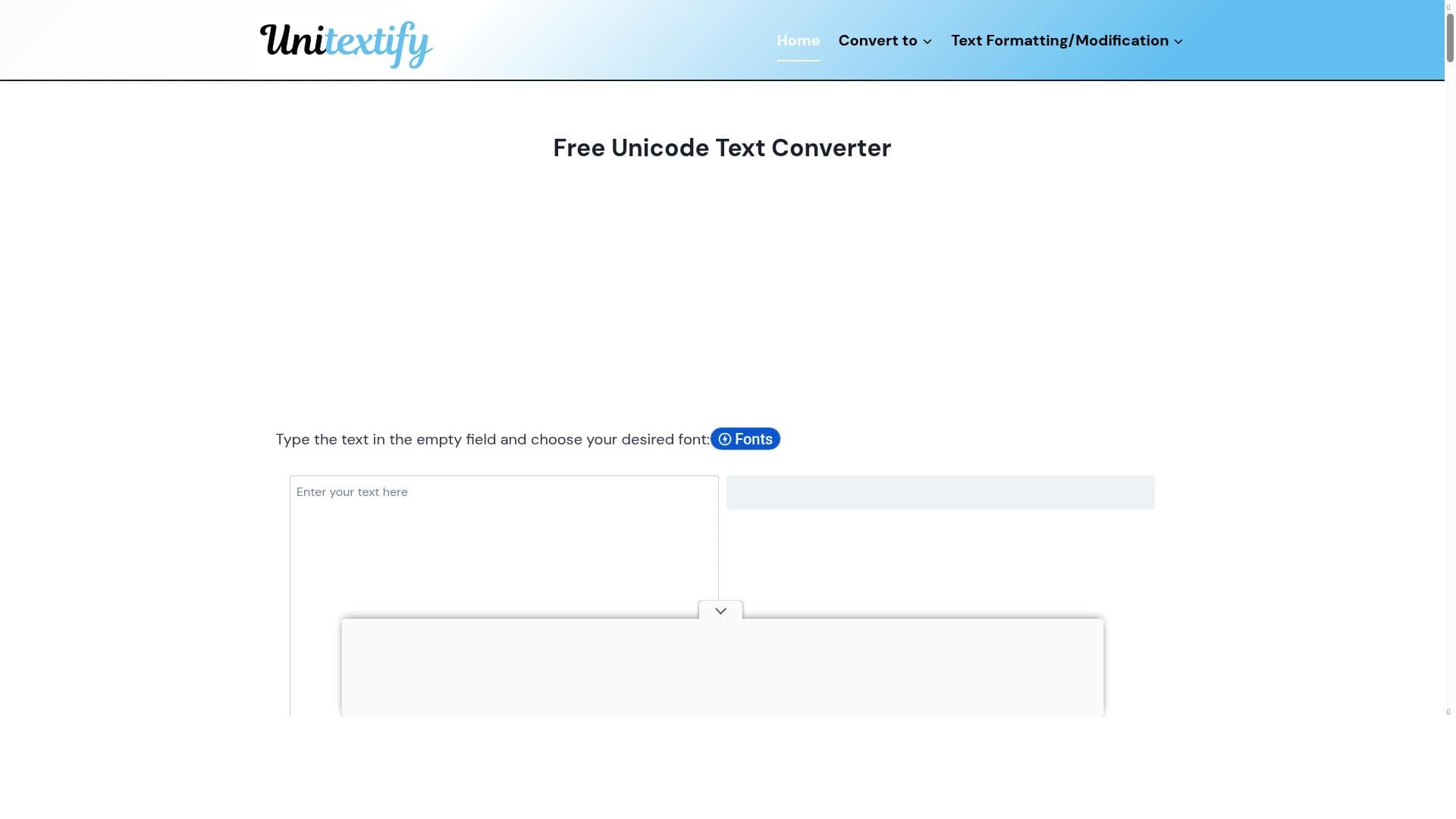


Unitextify is a fast, free Unicode text converter that transforms your text into various Unicode formats with precision and ease. Ideal for developers, content creators, and professionals working with special characters, it offers customizable fonts and styles without requiring any login or payment.

描述
Unicode Text Converter changes text into different Unicode formats with accuracy. It is useful for developers, content creators, and professionals working with symbols and special characters. This tool ensures proper formatting and compatibility across various platforms. Get your Unicode text quickly and without any errors.Unicode Text Converter changes text into different Unicode formats with accuracy. It is useful for developers, content creators, and professionals working with symbols and special characters. This tool ensures proper formatting and compatibility across various platforms. Get your Unicode text quickly and without any errors.
详细描述
Unitextify is a specialized Unicode Text Converter designed to transform ordinary text into various Unicode formats with high accuracy and reliability. Its core purpose is to facilitate the conversion of text containing symbols, special characters, and diverse fonts into Unicode-compliant formats that maintain proper formatting and compatibility across multiple platforms and devices. This makes Unitextify an essential tool for developers, content creators, copywriters, and professionals who frequently work with multilingual text, special symbols, or require precise text styling in their digital content. By ensuring that text is correctly encoded in Unicode, Unitextify helps prevent common issues such as character corruption, display errors, and incompatibility that often arise when transferring text between different systems or applications. One of the standout features of Unitextify is its completely free Unicode text conversion service that requires no user registration or login, making it instantly accessible to anyone needing quick and reliable text transformation. The tool processes text conversions rapidly, allowing users to convert large amounts of text without delays. Additionally, Unitextify offers customizable fonts and styles, enabling users to tailor the appearance of their converted text to suit specific aesthetic or branding requirements. The interface is designed for ease of use, featuring straightforward copy and paste functionality so users can effortlessly transfer their converted Unicode text into other applications or platforms without hassle. Unitextify is particularly well-suited for developers who need to embed Unicode text in software applications or websites, content creators who want to enhance their writing with unique symbols or styled text, and professionals in fields like linguistics, publishing, or digital marketing where accurate text representation is critical. For example, a developer working on a multilingual website can use Unitextify to ensure that special characters from various languages display correctly across browsers and devices. Similarly, a social media manager or copywriter can use the tool to generate eye-catching text styles that stand out in posts and marketing materials. The tool is offered entirely free of charge, with no subscription plans or premium tiers, making it an excellent choice for users seeking a cost-effective yet powerful Unicode conversion solution. This accessibility removes barriers for individuals and small businesses that need reliable text conversion without incurring additional expenses. Compared to alternative Unicode converters, Unitextify stands out due to its combination of speed, accuracy, and user-friendly design without requiring any login or payment. Many other tools either limit free usage, require account creation, or lack customization options. Unitextify’s ability to quickly convert text with customizable fonts and styles in a seamless interface provides a superior user experience. However, unlike some advanced text editors or integrated development environments, Unitextify focuses solely on Unicode conversion and does not offer broader text editing or formatting features. One limitation to consider is that Unitextify is primarily a conversion tool and does not integrate directly with other software platforms or offer API access for automated workflows. Users needing bulk processing or integration with content management systems may need to complement Unitextify with additional tools. Additionally, while it supports a wide range of Unicode formats and styles, extremely specialized or proprietary character sets may not be fully supported. Despite these considerations, Unitextify remains a highly valuable and accessible resource for anyone needing accurate and fast Unicode text conversion without complexity or cost.
工具功能
- Free Unicode text conversion
- No login required
- Fast processing
- Customizable fonts and styles
- Easy copy and paste functionality
描述
Unitextify is a fast, free Unicode text converter that transforms your text into various Unicode formats with precision and ease. Ideal for developers, content creators, and professionals working with special characters, it offers customizable fonts and styles without requiring any login or payment.
Unicode Text Converter changes text into different Unicode formats with accuracy. It is useful for developers, content creators, and professionals working with symbols and special characters. This tool ensures proper formatting and compatibility across various platforms. Get your Unicode text quickly and without any errors.Unicode Text Converter changes text into different Unicode formats with accuracy. It is useful for developers, content creators, and professionals working with symbols and special characters. This tool ensures proper formatting and compatibility across various platforms. Get your Unicode text quickly and without any errors.
详细描述
Unitextify is a specialized Unicode Text Converter designed to transform ordinary text into various Unicode formats with high accuracy and reliability. Its core purpose is to facilitate the conversion of text containing symbols, special characters, and diverse fonts into Unicode-compliant formats that maintain proper formatting and compatibility across multiple platforms and devices. This makes Unitextify an essential tool for developers, content creators, copywriters, and professionals who frequently work with multilingual text, special symbols, or require precise text styling in their digital content. By ensuring that text is correctly encoded in Unicode, Unitextify helps prevent common issues such as character corruption, display errors, and incompatibility that often arise when transferring text between different systems or applications. One of the standout features of Unitextify is its completely free Unicode text conversion service that requires no user registration or login, making it instantly accessible to anyone needing quick and reliable text transformation. The tool processes text conversions rapidly, allowing users to convert large amounts of text without delays. Additionally, Unitextify offers customizable fonts and styles, enabling users to tailor the appearance of their converted text to suit specific aesthetic or branding requirements. The interface is designed for ease of use, featuring straightforward copy and paste functionality so users can effortlessly transfer their converted Unicode text into other applications or platforms without hassle. Unitextify is particularly well-suited for developers who need to embed Unicode text in software applications or websites, content creators who want to enhance their writing with unique symbols or styled text, and professionals in fields like linguistics, publishing, or digital marketing where accurate text representation is critical. For example, a developer working on a multilingual website can use Unitextify to ensure that special characters from various languages display correctly across browsers and devices. Similarly, a social media manager or copywriter can use the tool to generate eye-catching text styles that stand out in posts and marketing materials. The tool is offered entirely free of charge, with no subscription plans or premium tiers, making it an excellent choice for users seeking a cost-effective yet powerful Unicode conversion solution. This accessibility removes barriers for individuals and small businesses that need reliable text conversion without incurring additional expenses. Compared to alternative Unicode converters, Unitextify stands out due to its combination of speed, accuracy, and user-friendly design without requiring any login or payment. Many other tools either limit free usage, require account creation, or lack customization options. Unitextify’s ability to quickly convert text with customizable fonts and styles in a seamless interface provides a superior user experience. However, unlike some advanced text editors or integrated development environments, Unitextify focuses solely on Unicode conversion and does not offer broader text editing or formatting features. One limitation to consider is that Unitextify is primarily a conversion tool and does not integrate directly with other software platforms or offer API access for automated workflows. Users needing bulk processing or integration with content management systems may need to complement Unitextify with additional tools. Additionally, while it supports a wide range of Unicode formats and styles, extremely specialized or proprietary character sets may not be fully supported. Despite these considerations, Unitextify remains a highly valuable and accessible resource for anyone needing accurate and fast Unicode text conversion without complexity or cost.
常见问题
What is Unitextify?
Unitextify is a free online Unicode Text Converter that accurately transforms text into different Unicode formats, ensuring proper formatting and compatibility across platforms.
How much does Unitextify cost?
Unitextify is completely free to use with no subscription or payment required.
Who is Unitextify best for?
Unitextify is ideal for developers, content creators, copywriters, and professionals who work with symbols, special characters, or need precise Unicode text formatting.
What are the main features of Unitextify?
Key features include free Unicode text conversion, no login requirement, fast processing, customizable fonts and styles, and easy copy-paste functionality.
Does Unitextify offer a free trial?
Since Unitextify is entirely free to use, there is no need for a free trial or subscription.
What integrations does Unitextify support?
Unitextify currently does not offer direct integrations or API access; it functions as a standalone web-based tool.
How does Unitextify work?
Users input their text into Unitextify, select desired Unicode formats or styles, and the tool quickly converts the text, which can then be copied and pasted into other applications.
社交媒体
使用工具评价
暂无评价。成为第一个分享使用体验的人。
赞助工具











































推荐工具
及时了解最新 AI 工具
获取最新资讯,订阅我们的新闻通讯
已有 50,000+ 位读者阅读并信赖
加入最大的 AI 社区
我们的社区和团队随时为您提供帮助!
您的反馈将帮助 Alice AI 在未来版本中不断改进。









