
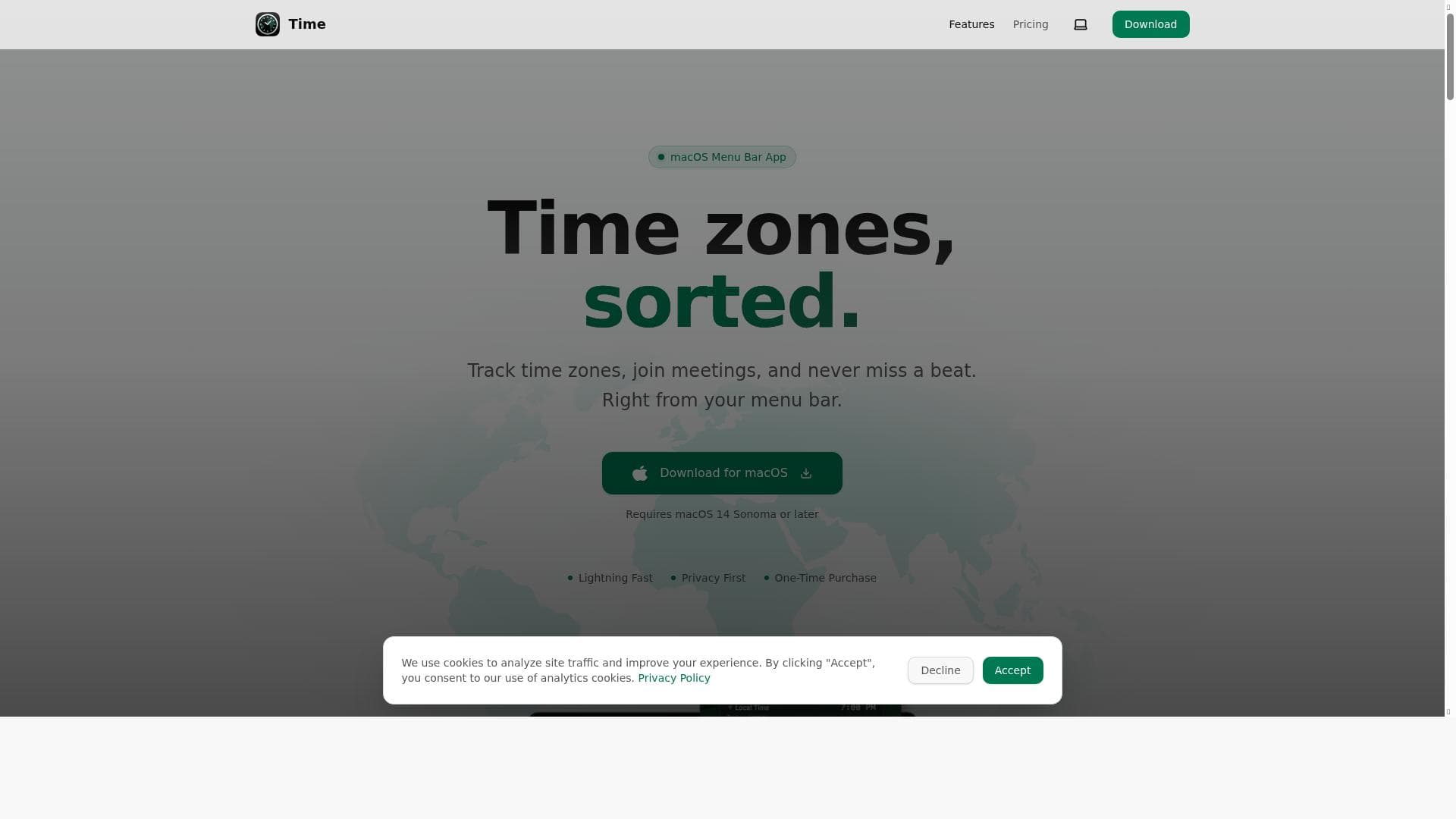


Time is a native macOS menu bar app designed to simplify working across multiple time zones with seamless calendar integration and one-click meeting joins. Ideal for global teams and remote workers, it offers a privacy-first, subscription-free solution that keeps your schedule organized and accessible without the hassle of mental time conversions.

描述
Time is a native macOS menu bar app built for people who work across time zones. The Problem If you've ever pinged a coworker at 3 AM their time, missed a meeting because you calculated the time wrong, or spent five minutes hunting for a Zoom link buried in an email thread, you know the pain. Working with a global team means constantly doing mental math, and existing solutions are either ugly widgets, bloated apps, or subscription traps. The Solution
详细描述
Time is a native macOS menu bar application designed specifically for professionals who collaborate across multiple time zones. Its core purpose is to simplify the complexities of scheduling and communication when working with global teams, eliminating the common frustrations of time zone calculations, missed meetings, and lost links. Unlike bulky or subscription-based alternatives, Time offers a streamlined, privacy-focused experience that runs entirely on your Mac, ensuring your data never leaves your device. At its heart, Time allows users to track an unlimited number of time zones with the ability to assign custom names and reorder them according to preference. This makes it easy to keep tabs on colleagues, clients, or partners worldwide without mental math or guesswork. The app integrates seamlessly with macOS Calendar and supports synchronization with popular calendar services such as iCloud, Google Calendar, and Outlook, ensuring your schedule is always up to date. One of its standout features is the one-click join functionality for Zoom, Google Meet, and Microsoft Teams meetings, which saves precious time hunting through emails or chat threads for meeting links. Time also includes a unique Time Scroller feature that lets users view times across different zones up to 24 hours forward or backward, providing a clear picture of overlapping work hours or ideal meeting times. The app offers extensive customization options, including 12- or 24-hour time formats, font styles, colors, and alignment, allowing users to tailor the display to their preferences. Additionally, users can choose between auto-focus or always expanded calendar sections for quick access to their schedules. Because Time operates fully on your Mac, it prioritizes privacy by avoiding any external data transmission. This tool is best suited for remote workers, global teams, freelancers, project managers, and anyone whose work requires coordination across multiple time zones. For example, a project manager coordinating meetings between teams in New York, London, and Tokyo can instantly see the current time in each location and join meetings with a single click, avoiding scheduling mishaps. Similarly, freelancers working with international clients can manage appointments effortlessly without switching between apps or performing manual time conversions. In terms of pricing, Time is available as a paid application with a one-time purchase model. This means users pay once and receive one year of free updates without any recurring subscription fees, offering excellent value compared to many competitors that rely on monthly or annual subscriptions. This pricing structure appeals to users who prefer straightforward ownership without ongoing costs. Compared to alternatives, Time stands out by combining native macOS integration, privacy-first design, and a clean, user-friendly interface. Many existing solutions are either unattractive widgets, overly complex apps, or subscription traps that can become costly over time. Time’s focus on simplicity, customization, and seamless calendar integration makes it a superior choice for Mac users seeking an efficient way to manage global time zones. However, some limitations to consider include its exclusivity to macOS, which means it is not available for Windows or mobile platforms. Users who require cross-platform support may need to look elsewhere or use Time in conjunction with other tools. Additionally, while the one-time purchase includes a year of free updates, ongoing updates beyond that period may require additional payment. Despite these considerations, Time’s robust feature set and privacy-centric approach make it a compelling option for anyone working across time zones on a Mac.
工具功能
- Track unlimited time zones with custom names and reorder them
- Integrates with macOS Calendar syncing with iCloud, Google Calendar, Outlook, and others
- One-click join for Zoom, Google Meet, and Microsoft Teams meetings
- Time Scroller to view times across zones up to 24 hours forward or backward
- Customizable display options including 12/24-hour formats, fonts, colors, and alignment
- Auto-focus or always expanded calendar sections
- Runs entirely on your Mac ensuring privacy and no external data transmission
- One-time purchase with no recurring fees and one year of free updates
描述
Time is a native macOS menu bar app designed to simplify working across multiple time zones with seamless calendar integration and one-click meeting joins. Ideal for global teams and remote workers, it offers a privacy-first, subscription-free solution that keeps your schedule organized and accessible without the hassle of mental time conversions.
Time is a native macOS menu bar app built for people who work across time zones. The Problem If you've ever pinged a coworker at 3 AM their time, missed a meeting because you calculated the time wrong, or spent five minutes hunting for a Zoom link buried in an email thread, you know the pain. Working with a global team means constantly doing mental math, and existing solutions are either ugly widgets, bloated apps, or subscription traps. The Solution
详细描述
Time is a native macOS menu bar application designed specifically for professionals who collaborate across multiple time zones. Its core purpose is to simplify the complexities of scheduling and communication when working with global teams, eliminating the common frustrations of time zone calculations, missed meetings, and lost links. Unlike bulky or subscription-based alternatives, Time offers a streamlined, privacy-focused experience that runs entirely on your Mac, ensuring your data never leaves your device. At its heart, Time allows users to track an unlimited number of time zones with the ability to assign custom names and reorder them according to preference. This makes it easy to keep tabs on colleagues, clients, or partners worldwide without mental math or guesswork. The app integrates seamlessly with macOS Calendar and supports synchronization with popular calendar services such as iCloud, Google Calendar, and Outlook, ensuring your schedule is always up to date. One of its standout features is the one-click join functionality for Zoom, Google Meet, and Microsoft Teams meetings, which saves precious time hunting through emails or chat threads for meeting links. Time also includes a unique Time Scroller feature that lets users view times across different zones up to 24 hours forward or backward, providing a clear picture of overlapping work hours or ideal meeting times. The app offers extensive customization options, including 12- or 24-hour time formats, font styles, colors, and alignment, allowing users to tailor the display to their preferences. Additionally, users can choose between auto-focus or always expanded calendar sections for quick access to their schedules. Because Time operates fully on your Mac, it prioritizes privacy by avoiding any external data transmission. This tool is best suited for remote workers, global teams, freelancers, project managers, and anyone whose work requires coordination across multiple time zones. For example, a project manager coordinating meetings between teams in New York, London, and Tokyo can instantly see the current time in each location and join meetings with a single click, avoiding scheduling mishaps. Similarly, freelancers working with international clients can manage appointments effortlessly without switching between apps or performing manual time conversions. In terms of pricing, Time is available as a paid application with a one-time purchase model. This means users pay once and receive one year of free updates without any recurring subscription fees, offering excellent value compared to many competitors that rely on monthly or annual subscriptions. This pricing structure appeals to users who prefer straightforward ownership without ongoing costs. Compared to alternatives, Time stands out by combining native macOS integration, privacy-first design, and a clean, user-friendly interface. Many existing solutions are either unattractive widgets, overly complex apps, or subscription traps that can become costly over time. Time’s focus on simplicity, customization, and seamless calendar integration makes it a superior choice for Mac users seeking an efficient way to manage global time zones. However, some limitations to consider include its exclusivity to macOS, which means it is not available for Windows or mobile platforms. Users who require cross-platform support may need to look elsewhere or use Time in conjunction with other tools. Additionally, while the one-time purchase includes a year of free updates, ongoing updates beyond that period may require additional payment. Despite these considerations, Time’s robust feature set and privacy-centric approach make it a compelling option for anyone working across time zones on a Mac.
常见问题
What is Time?
Time is a native macOS menu bar application that helps users manage and track multiple time zones effortlessly, integrating with calendars and offering one-click access to online meetings.
How much does Time cost?
Time is available as a paid app with a one-time purchase fee, which includes one year of free updates and no recurring subscription charges.
Who is Time best for?
Time is best suited for remote workers, global teams, freelancers, and project managers who need to coordinate schedules and meetings across multiple time zones.
What are the main features of Time?
Key features include tracking unlimited time zones with custom names, integration with macOS Calendar and popular calendar services, one-click joining for Zoom, Google Meet, and Microsoft Teams meetings, a Time Scroller for viewing times up to 24 hours ahead or behind, customizable display options, and a privacy-focused design.
Does Time offer a free trial?
Currently, Time does not offer a free trial; it is available through a one-time purchase.
What integrations does Time support?
Time integrates with macOS Calendar and supports syncing with iCloud, Google Calendar, Outlook, and other calendar services. It also supports one-click joining for Zoom, Google Meet, and Microsoft Teams meetings.
How does Time work?
Time runs natively on your Mac’s menu bar, allowing you to track multiple time zones, sync your calendars, and join meetings with a single click, all while keeping your data private by operating entirely on your device.
评价
暂无评价。成为第一个分享使用体验的人。




















































