🚀 Zaprep: Your Socials on Steroids. 免费开始 — 每月自动发送 1,000 条私信,将互动转化为潜在客户。 ,每月 1,000 条自动私信。

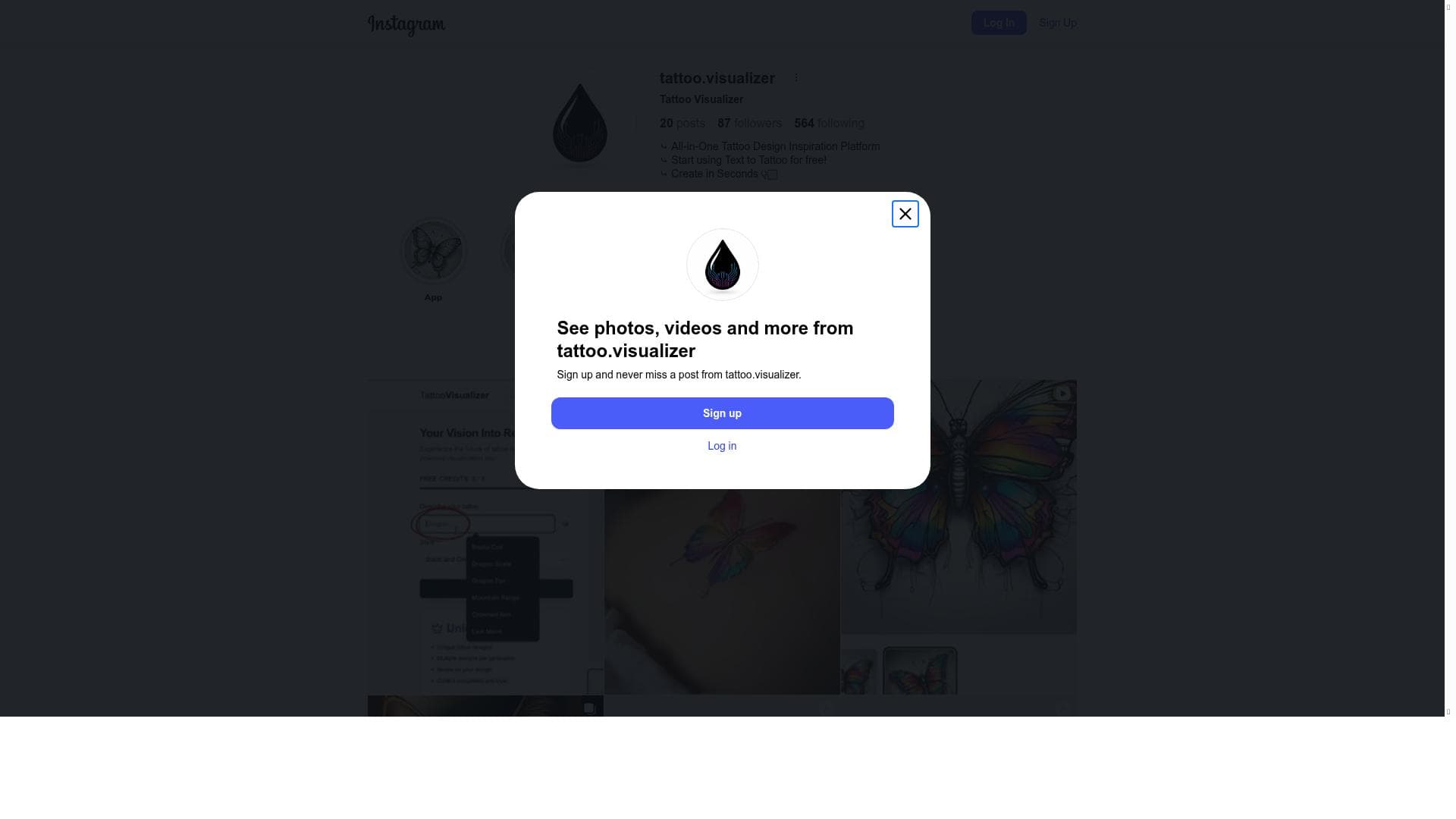


Tattoo Visualizer offers a realistic and interactive way to preview tattoo designs on your skin before getting inked, helping users confidently choose the perfect tattoo and placement. Ideal for tattoo seekers and artists alike, it reduces uncertainty and enhances the decision-making process with lifelike visualizations and extensive design options.

描述
Tattoo Visualizer: Effortlessly create, explore, customize, and share unique tattoo designs with real-time updates and easy adjustments.
详细描述
Tattoo Visualizer is an innovative digital tool designed to revolutionize the tattoo selection process by allowing users to visualize tattoos on their skin before committing to the actual inking. Its core purpose is to provide a realistic and interactive preview of how various tattoo designs will look on different parts of the body, helping users make informed decisions and avoid potential dissatisfaction with their permanent body art. By simulating the placement, size, and style of tattoos on a virtual skin canvas, Tattoo Visualizer empowers users to experiment with multiple designs and placements in a risk-free environment. The tool’s key features include the ability to visualize tattoos on skin with high realism, preview a wide range of tattoo designs, and check different placements to see which location suits the user best. Users can upload their own skin photos or use preset body templates to try out designs, adjusting size, orientation, and position to get a true sense of how the tattoo will appear once inked. This level of customization ensures that users can explore creative options thoroughly before making a final choice. The realistic rendering helps simulate the texture and contours of skin, enhancing the accuracy of the preview. Additionally, Tattoo Visualizer often includes a library of popular tattoo styles and motifs, making it easy for users to browse and select designs that match their personal aesthetic. Tattoo Visualizer is best suited for individuals considering getting a tattoo who want to minimize the uncertainty and anxiety associated with permanent body art. It is also valuable for tattoo artists and studios aiming to provide clients with a visual consultation tool that enhances communication and satisfaction. Specific use cases include first-time tattoo seekers who want to experiment with various designs and placements, experienced tattoo enthusiasts looking to preview new ideas, and tattoo professionals who want to showcase design options digitally. The tool’s ability to reduce buyer’s remorse and improve decision-making makes it a practical asset in the tattoo industry. Regarding pricing, Tattoo Visualizer typically offers a range of plans, including free access with basic features and premium subscriptions that unlock advanced functionalities such as higher resolution previews, expanded design libraries, and additional customization options. Some versions may offer pay-per-use or one-time purchase options for specific design packs or enhanced visualization capabilities. Pricing details can vary, so users are encouraged to visit the official website for the most current information and available packages. Compared to alternatives, Tattoo Visualizer stands out due to its focus on realistic skin visualization and user-friendly interface. While some competing tools offer tattoo design creation or simple overlays, Tattoo Visualizer emphasizes accurate placement and lifelike previews, which are critical for user confidence. Its comprehensive design library and customization features provide a more immersive experience than many generic tattoo apps. However, unlike some professional-grade software used by tattoo artists, it may not include advanced design editing tools, focusing instead on visualization rather than creation. Notable limitations include the reliance on photo quality for accurate visualization—poor lighting or low-resolution images can affect the realism of the preview. Additionally, while the tool offers a broad range of designs, users seeking highly customized or intricate tattoo art may still need to consult directly with a tattoo artist. The tool also does not replace professional tattoo consultations but serves as a complementary aid. Users should be aware that skin tone variations and body curvature might not be perfectly replicated, which can influence the final tattoo appearance. In summary, Tattoo Visualizer is a powerful and accessible tool that enhances the tattoo decision-making process by providing realistic previews of tattoo designs on the skin. Its detailed visualization capabilities, ease of use, and broad appeal make it an excellent resource for both tattoo enthusiasts and professionals. While it has some limitations typical of visualization software, its benefits in reducing uncertainty and improving satisfaction are significant.
工具功能
- Visualize tattoos on skin before getting inked
- Preview different tattoo designs
- Check tattoo placements realistically
描述
Tattoo Visualizer offers a realistic and interactive way to preview tattoo designs on your skin before getting inked, helping users confidently choose the perfect tattoo and placement. Ideal for tattoo seekers and artists alike, it reduces uncertainty and enhances the decision-making process with lifelike visualizations and extensive design options.
Tattoo Visualizer: Effortlessly create, explore, customize, and share unique tattoo designs with real-time updates and easy adjustments.
详细描述
Tattoo Visualizer is an innovative digital tool designed to revolutionize the tattoo selection process by allowing users to visualize tattoos on their skin before committing to the actual inking. Its core purpose is to provide a realistic and interactive preview of how various tattoo designs will look on different parts of the body, helping users make informed decisions and avoid potential dissatisfaction with their permanent body art. By simulating the placement, size, and style of tattoos on a virtual skin canvas, Tattoo Visualizer empowers users to experiment with multiple designs and placements in a risk-free environment. The tool’s key features include the ability to visualize tattoos on skin with high realism, preview a wide range of tattoo designs, and check different placements to see which location suits the user best. Users can upload their own skin photos or use preset body templates to try out designs, adjusting size, orientation, and position to get a true sense of how the tattoo will appear once inked. This level of customization ensures that users can explore creative options thoroughly before making a final choice. The realistic rendering helps simulate the texture and contours of skin, enhancing the accuracy of the preview. Additionally, Tattoo Visualizer often includes a library of popular tattoo styles and motifs, making it easy for users to browse and select designs that match their personal aesthetic. Tattoo Visualizer is best suited for individuals considering getting a tattoo who want to minimize the uncertainty and anxiety associated with permanent body art. It is also valuable for tattoo artists and studios aiming to provide clients with a visual consultation tool that enhances communication and satisfaction. Specific use cases include first-time tattoo seekers who want to experiment with various designs and placements, experienced tattoo enthusiasts looking to preview new ideas, and tattoo professionals who want to showcase design options digitally. The tool’s ability to reduce buyer’s remorse and improve decision-making makes it a practical asset in the tattoo industry. Regarding pricing, Tattoo Visualizer typically offers a range of plans, including free access with basic features and premium subscriptions that unlock advanced functionalities such as higher resolution previews, expanded design libraries, and additional customization options. Some versions may offer pay-per-use or one-time purchase options for specific design packs or enhanced visualization capabilities. Pricing details can vary, so users are encouraged to visit the official website for the most current information and available packages. Compared to alternatives, Tattoo Visualizer stands out due to its focus on realistic skin visualization and user-friendly interface. While some competing tools offer tattoo design creation or simple overlays, Tattoo Visualizer emphasizes accurate placement and lifelike previews, which are critical for user confidence. Its comprehensive design library and customization features provide a more immersive experience than many generic tattoo apps. However, unlike some professional-grade software used by tattoo artists, it may not include advanced design editing tools, focusing instead on visualization rather than creation. Notable limitations include the reliance on photo quality for accurate visualization—poor lighting or low-resolution images can affect the realism of the preview. Additionally, while the tool offers a broad range of designs, users seeking highly customized or intricate tattoo art may still need to consult directly with a tattoo artist. The tool also does not replace professional tattoo consultations but serves as a complementary aid. Users should be aware that skin tone variations and body curvature might not be perfectly replicated, which can influence the final tattoo appearance. In summary, Tattoo Visualizer is a powerful and accessible tool that enhances the tattoo decision-making process by providing realistic previews of tattoo designs on the skin. Its detailed visualization capabilities, ease of use, and broad appeal make it an excellent resource for both tattoo enthusiasts and professionals. While it has some limitations typical of visualization software, its benefits in reducing uncertainty and improving satisfaction are significant.
常见问题
What is Tattoo Visualizer?
Tattoo Visualizer is a digital tool that allows users to preview and visualize tattoo designs on their skin before getting a real tattoo. It helps users experiment with different designs and placements to make informed decisions about their body art.
How much does Tattoo Visualizer cost?
Tattoo Visualizer offers various pricing plans, including free access with basic features and premium subscriptions that unlock advanced options such as higher resolution previews and expanded design libraries. Pricing details are available on their official website.
Who is Tattoo Visualizer best for?
The tool is best suited for individuals considering tattoos who want to visualize designs realistically before committing, as well as tattoo artists and studios seeking to provide clients with a digital preview tool to improve consultation and satisfaction.
What are the main features of Tattoo Visualizer?
Key features include realistic tattoo visualization on skin, the ability to preview multiple tattoo designs, customizable placement and sizing, a library of popular tattoo styles, and options to upload personal photos or use preset body templates.
Does Tattoo Visualizer offer a free trial?
Yes, Tattoo Visualizer typically offers free access to basic features which can serve as a trial. For full access to premium features, users may need to subscribe or purchase a plan.
What integrations does Tattoo Visualizer support?
Tattoo Visualizer primarily functions as a standalone web-based tool. It may support uploading images from device storage or social media, but it does not currently offer extensive third-party software integrations.
How does Tattoo Visualizer work?
Users upload a photo of their skin or select a preset body template, then choose tattoo designs from the library or upload their own. They can adjust the size, orientation, and placement of the tattoo to see a realistic preview of how it will look on their skin.
社交媒体
使用工具评价
暂无评价。成为第一个分享使用体验的人。
赞助工具











































推荐工具
及时了解最新 AI 工具
获取最新资讯,订阅我们的新闻通讯
已有 50,000+ 位读者阅读并信赖
加入最大的 AI 社区
我们的社区和团队随时为您提供帮助!
您的反馈将帮助 Alice AI 在未来版本中不断改进。









