

这是您的 AI 工具吗?立即认领。
验证所有权、管理资料,并解锁增长功能。
Steer 2.0 is a lightning-fast native AI assistant that intelligently fixes and improves your writing directly within any application, making professional communication effortless. Ideal for professionals using email and Slack, it streamlines message crafting with real-time, context-aware suggestions that enhance clarity and tone.

描述
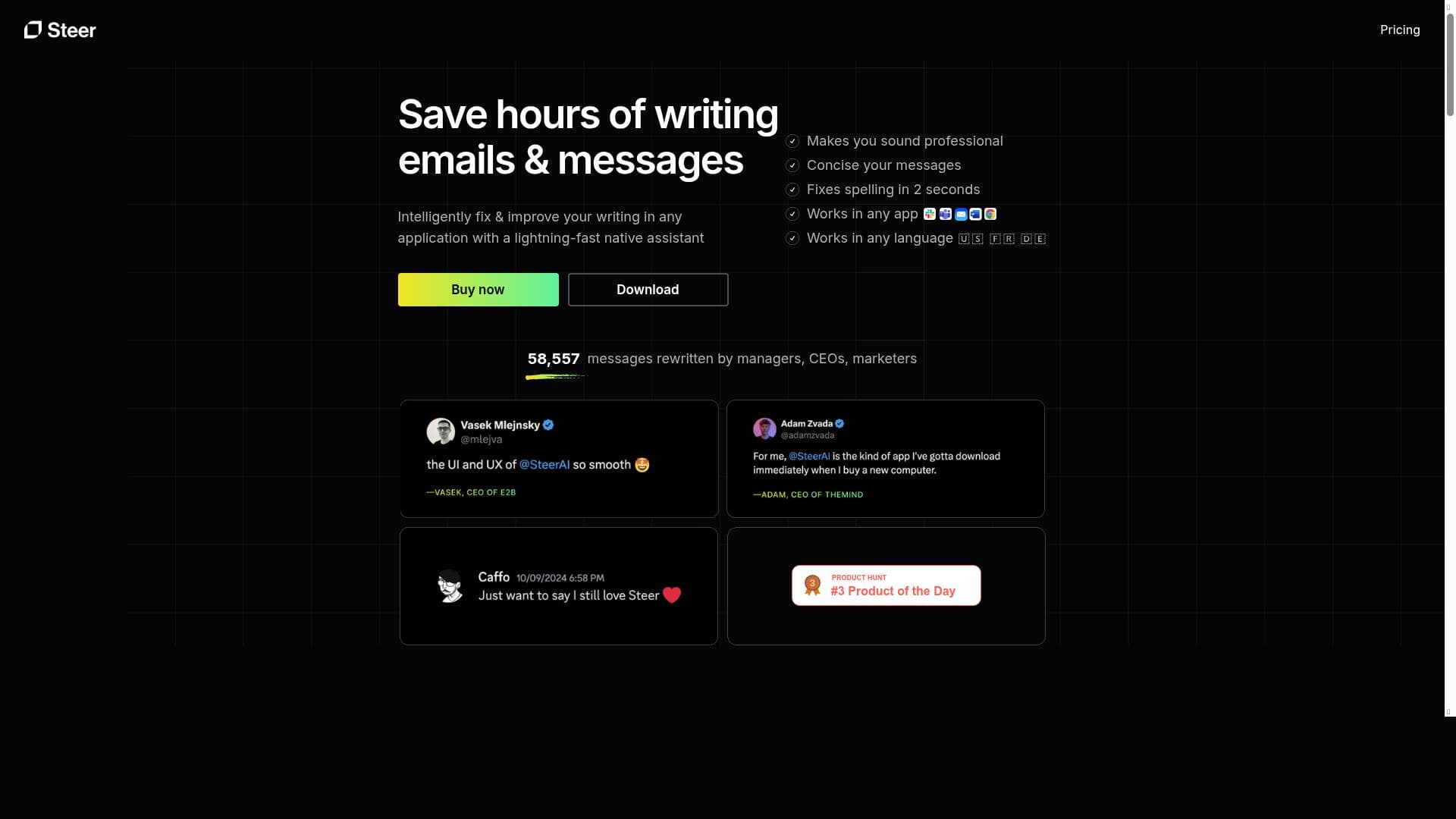
Intelligently fix & improve your writing in any application with a lightning-fast native assistant. Tackle any email or Slack message. Professional communication is not a problem anymore.
详细描述
Steer 2.0 is an advanced AI-powered writing assistant designed to intelligently fix and improve your writing across any application, making professional communication effortless and efficient. Its core purpose is to provide users with a lightning-fast native assistant that seamlessly integrates into everyday workflows, enabling users to craft polished emails, Slack messages, and other written communications without switching contexts or relying on separate tools. By focusing on real-time writing enhancement, Steer 2.0 helps users maintain clarity, professionalism, and impact in their messages, regardless of the platform they are using. One of the standout features of Steer 2.0 is its ability to operate natively within any application, meaning it does not require users to copy and paste text into a separate editor. This native integration ensures that suggestions and corrections are delivered instantly as you type, significantly speeding up the writing process. The assistant is optimized for popular communication channels such as email clients and Slack, where professional tone and clarity are paramount. Beyond simple grammar and spelling corrections, Steer 2.0 offers intelligent improvements that enhance sentence structure, word choice, and overall message effectiveness, helping users communicate with confidence and precision. Steer 2.0 is ideal for professionals who rely heavily on written communication, including business executives, customer support agents, sales teams, and remote workers who use Slack and email daily. It is particularly beneficial for non-native English speakers aiming to polish their writing and for anyone who wants to save time while ensuring their messages are clear, concise, and professional. Use cases include drafting client emails, internal team communications, and any scenario where quick, high-quality writing is essential. The tool follows a freemium pricing model, allowing users to access core features for free with the option to upgrade for enhanced capabilities. This approach makes it accessible to individuals and small teams who want to try the assistant without upfront costs, while larger organizations or power users can benefit from premium features that may include more advanced suggestions, customization options, or priority support. Compared to alternatives, Steer 2.0 distinguishes itself with its lightning-fast native integration that works directly within the applications users already use, eliminating the friction of switching between apps or platforms. While many writing assistants require users to work in a separate environment or offer slower response times, Steer 2.0’s seamless, real-time assistance provides a smoother and more efficient user experience. Its focus on professional communication channels like email and Slack also sets it apart from more generic grammar checkers. However, users should consider that while Steer 2.0 excels in improving professional communication, it may have limitations with highly technical or creative writing styles that require specialized vocabulary or nuanced tone adjustments. Additionally, as with any AI writing assistant, it is important to review suggestions critically to ensure they align with the intended message and context. Privacy and data security policies should also be reviewed, especially when integrating with sensitive communication platforms. In summary, Steer 2.0 is a powerful, user-friendly AI writing assistant tailored for professionals seeking to enhance their communication efficiency and quality across emails and Slack messages. Its native integration, speed, and intelligent improvements make it a valuable tool for anyone aiming to communicate clearly and professionally in today’s fast-paced digital workplace.
工具功能
- Fix and improve writing in any application
- Lightning-fast native assistant
- Supports emails and Slack messages
- Enhances professional communication
描述
Steer 2.0 is a lightning-fast native AI assistant that intelligently fixes and improves your writing directly within any application, making professional communication effortless. Ideal for professionals using email and Slack, it streamlines message crafting with real-time, context-aware suggestions that enhance clarity and tone.
Intelligently fix & improve your writing in any application with a lightning-fast native assistant. Tackle any email or Slack message. Professional communication is not a problem anymore.
详细描述
Steer 2.0 is an advanced AI-powered writing assistant designed to intelligently fix and improve your writing across any application, making professional communication effortless and efficient. Its core purpose is to provide users with a lightning-fast native assistant that seamlessly integrates into everyday workflows, enabling users to craft polished emails, Slack messages, and other written communications without switching contexts or relying on separate tools. By focusing on real-time writing enhancement, Steer 2.0 helps users maintain clarity, professionalism, and impact in their messages, regardless of the platform they are using. One of the standout features of Steer 2.0 is its ability to operate natively within any application, meaning it does not require users to copy and paste text into a separate editor. This native integration ensures that suggestions and corrections are delivered instantly as you type, significantly speeding up the writing process. The assistant is optimized for popular communication channels such as email clients and Slack, where professional tone and clarity are paramount. Beyond simple grammar and spelling corrections, Steer 2.0 offers intelligent improvements that enhance sentence structure, word choice, and overall message effectiveness, helping users communicate with confidence and precision. Steer 2.0 is ideal for professionals who rely heavily on written communication, including business executives, customer support agents, sales teams, and remote workers who use Slack and email daily. It is particularly beneficial for non-native English speakers aiming to polish their writing and for anyone who wants to save time while ensuring their messages are clear, concise, and professional. Use cases include drafting client emails, internal team communications, and any scenario where quick, high-quality writing is essential. The tool follows a freemium pricing model, allowing users to access core features for free with the option to upgrade for enhanced capabilities. This approach makes it accessible to individuals and small teams who want to try the assistant without upfront costs, while larger organizations or power users can benefit from premium features that may include more advanced suggestions, customization options, or priority support. Compared to alternatives, Steer 2.0 distinguishes itself with its lightning-fast native integration that works directly within the applications users already use, eliminating the friction of switching between apps or platforms. While many writing assistants require users to work in a separate environment or offer slower response times, Steer 2.0’s seamless, real-time assistance provides a smoother and more efficient user experience. Its focus on professional communication channels like email and Slack also sets it apart from more generic grammar checkers. However, users should consider that while Steer 2.0 excels in improving professional communication, it may have limitations with highly technical or creative writing styles that require specialized vocabulary or nuanced tone adjustments. Additionally, as with any AI writing assistant, it is important to review suggestions critically to ensure they align with the intended message and context. Privacy and data security policies should also be reviewed, especially when integrating with sensitive communication platforms. In summary, Steer 2.0 is a powerful, user-friendly AI writing assistant tailored for professionals seeking to enhance their communication efficiency and quality across emails and Slack messages. Its native integration, speed, and intelligent improvements make it a valuable tool for anyone aiming to communicate clearly and professionally in today’s fast-paced digital workplace.
常见问题
What is Steer 2.0?
Steer 2.0 is an AI-powered writing assistant that helps users fix and improve their writing in any application, providing real-time suggestions to enhance clarity, tone, and professionalism, especially for emails and Slack messages.
How much does Steer 2.0 cost?
Steer 2.0 offers a freemium pricing model, allowing users to access basic features for free with optional premium plans that unlock advanced capabilities and additional support.
Who is Steer 2.0 best for?
Steer 2.0 is best suited for professionals who frequently communicate via email and Slack, including business executives, customer support teams, sales professionals, remote workers, and non-native English speakers seeking polished, professional writing.
What are the main features of Steer 2.0?
Key features include fixing and improving writing in any application, a lightning-fast native assistant that operates in real-time, support for emails and Slack messages, and enhancements that improve professional communication quality.
Does Steer 2.0 offer a free trial?
Yes, Steer 2.0 provides a freemium plan that allows users to try core features for free without a time-limited trial period.
What integrations does Steer 2.0 support?
Steer 2.0 supports native integration with any application, with specific optimization for email clients and Slack, enabling seamless writing assistance directly within these platforms.
How does Steer 2.0 work?
Steer 2.0 works by integrating natively into the applications you use, providing real-time AI-powered suggestions and corrections as you type to enhance grammar, tone, clarity, and overall professionalism in your writing.
社交媒体
使用工具评价
暂无评价。成为第一个分享使用体验的人。




















































