
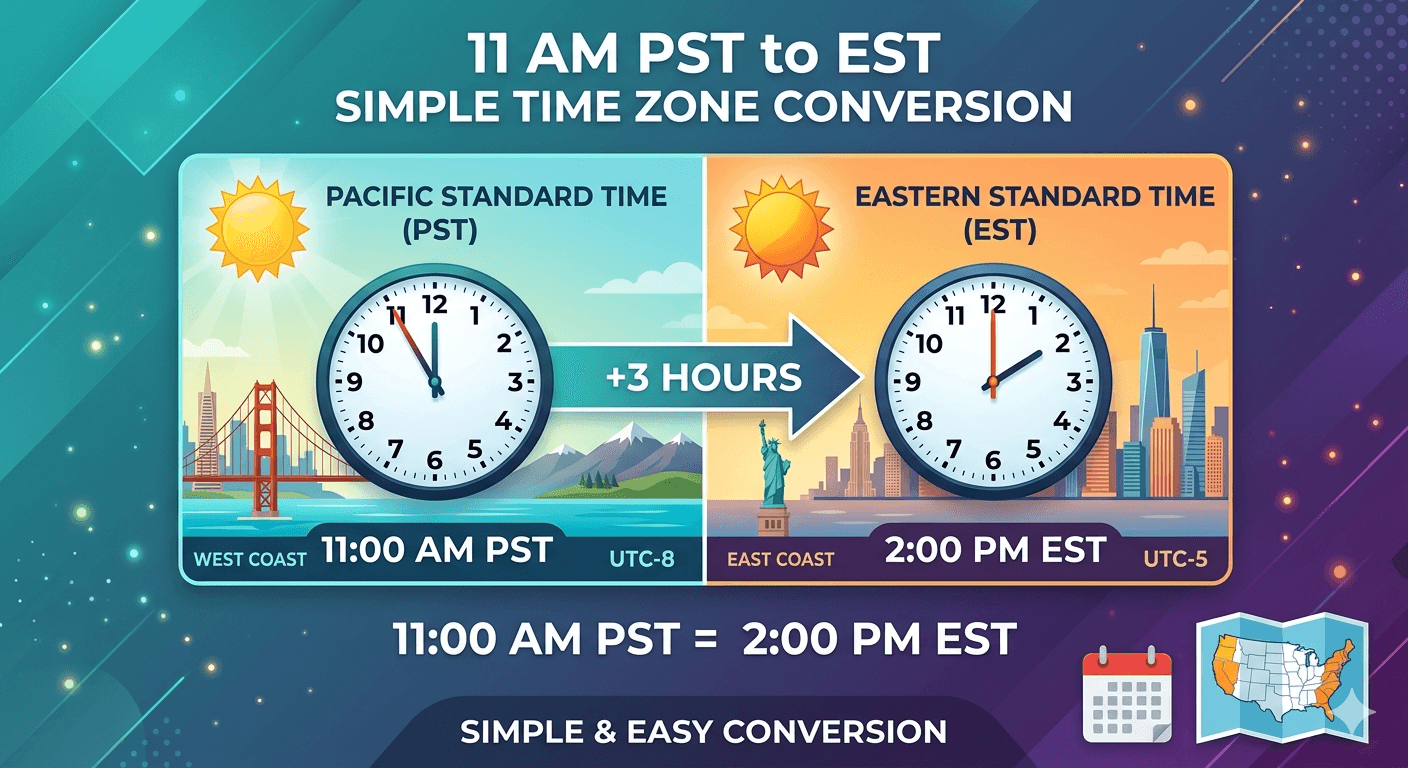
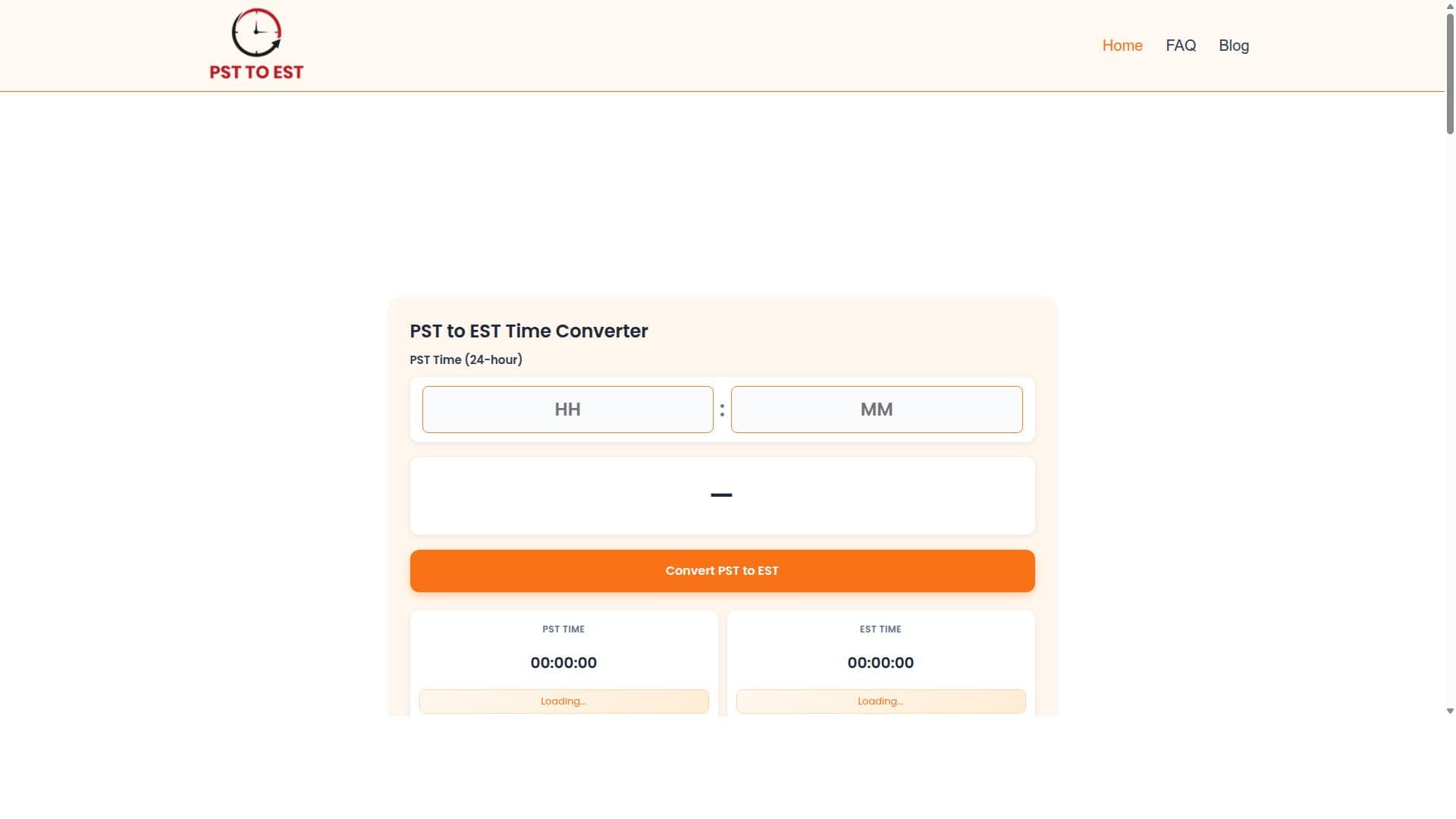


PST to EST Converter offers instant, accurate time conversion between Pacific and Eastern Standard Times through a simple, user-friendly interface. Perfect for professionals, event planners, and remote workers, this free tool ensures you never miss an appointment across these key U.S. time zones.
描述
Use our free PST to EST converter to instantly convert PST to EST time. It provides quick, accurate, and simple time conversion for meetings, calls, and events, ensuring you never miss important appointments across time zones.
详细描述
The PST to EST Converter is a specialized online tool designed to facilitate the seamless conversion of time from Pacific Standard Time (PST) to Eastern Standard Time (EST). Its core purpose is to provide users with an immediate, accurate, and hassle-free way to translate time zones, specifically between these two commonly used zones in the United States. This tool is essential for anyone who needs to coordinate activities, meetings, calls, or events across these time zones without the risk of errors or confusion that often arise from manual calculations or unreliable sources. By automating the conversion process, it ensures punctuality and clarity in scheduling, which is critical in professional and personal contexts alike. One of the standout features of the PST to EST Converter is its instant conversion capability. Users simply input the time in PST, and the tool immediately displays the corresponding EST time, eliminating any waiting or complex steps. The accuracy of the conversion is guaranteed, accounting for standard time differences and daylight saving changes when applicable. The interface is designed to be extremely user-friendly, requiring no technical expertise or prior knowledge of time zone calculations. This simplicity makes it accessible to a wide range of users, from busy professionals to students and casual users. Additionally, the tool is optimized for quick results, ensuring that users can get the information they need in seconds, which is particularly useful in fast-paced environments where time is of the essence. The PST to EST Converter is ideal for a variety of use cases. Business professionals who work with teams or clients across the West and East coasts of the U.S. can rely on it to schedule meetings and calls accurately. Event planners and coordinators can use it to set event times that accommodate participants in both time zones. Remote workers and freelancers benefit from it by aligning their work hours with clients or colleagues. Even individuals planning personal events or travel can use the tool to avoid confusion and missed appointments. Its straightforward design means it can be used on the go, from desktops, tablets, or smartphones, making it a versatile companion for time management. Regarding pricing, the PST to EST Converter is offered as a free service, which adds significant value for users who need reliable time conversion without incurring costs. There are no subscription fees, premium plans, or hidden charges, making it an accessible resource for anyone needing quick PST to EST conversions. This free availability positions it as a practical alternative to more complex or costly scheduling software that may include time zone conversion as part of a broader suite of features. When compared to alternatives, the PST to EST Converter stands out for its focused functionality and ease of use. Unlike comprehensive world clock applications or calendar tools that require setup and may include unnecessary features, this converter is streamlined for a single, specific purpose. This specialization ensures faster performance and less user confusion. However, unlike some multi-time zone converters, it does not support conversions beyond PST and EST, which could be a limitation for users needing broader time zone support. Notable considerations include the tool's limitation to only converting between PST and EST, which means it is not suitable for users needing conversions involving other time zones. Additionally, while it handles daylight saving time adjustments, users should verify the current applicability of daylight saving rules, as these can change based on legislation. The tool also does not integrate directly with calendar applications or scheduling platforms, so users must manually input converted times into their preferred scheduling tools. Despite these minor limitations, the PST to EST Converter remains a highly effective and reliable solution for anyone needing quick and accurate time conversion between these two critical U.S. time zones.
工具功能
- Instant PST to EST time conversion
- Quick and accurate results
- Simple to use interface
- Ideal for meetings, calls, and events
描述
PST to EST Converter offers instant, accurate time conversion between Pacific and Eastern Standard Times through a simple, user-friendly interface. Perfect for professionals, event planners, and remote workers, this free tool ensures you never miss an appointment across these key U.S. time zones.
Use our free PST to EST converter to instantly convert PST to EST time. It provides quick, accurate, and simple time conversion for meetings, calls, and events, ensuring you never miss important appointments across time zones.
详细描述
The PST to EST Converter is a specialized online tool designed to facilitate the seamless conversion of time from Pacific Standard Time (PST) to Eastern Standard Time (EST). Its core purpose is to provide users with an immediate, accurate, and hassle-free way to translate time zones, specifically between these two commonly used zones in the United States. This tool is essential for anyone who needs to coordinate activities, meetings, calls, or events across these time zones without the risk of errors or confusion that often arise from manual calculations or unreliable sources. By automating the conversion process, it ensures punctuality and clarity in scheduling, which is critical in professional and personal contexts alike. One of the standout features of the PST to EST Converter is its instant conversion capability. Users simply input the time in PST, and the tool immediately displays the corresponding EST time, eliminating any waiting or complex steps. The accuracy of the conversion is guaranteed, accounting for standard time differences and daylight saving changes when applicable. The interface is designed to be extremely user-friendly, requiring no technical expertise or prior knowledge of time zone calculations. This simplicity makes it accessible to a wide range of users, from busy professionals to students and casual users. Additionally, the tool is optimized for quick results, ensuring that users can get the information they need in seconds, which is particularly useful in fast-paced environments where time is of the essence. The PST to EST Converter is ideal for a variety of use cases. Business professionals who work with teams or clients across the West and East coasts of the U.S. can rely on it to schedule meetings and calls accurately. Event planners and coordinators can use it to set event times that accommodate participants in both time zones. Remote workers and freelancers benefit from it by aligning their work hours with clients or colleagues. Even individuals planning personal events or travel can use the tool to avoid confusion and missed appointments. Its straightforward design means it can be used on the go, from desktops, tablets, or smartphones, making it a versatile companion for time management. Regarding pricing, the PST to EST Converter is offered as a free service, which adds significant value for users who need reliable time conversion without incurring costs. There are no subscription fees, premium plans, or hidden charges, making it an accessible resource for anyone needing quick PST to EST conversions. This free availability positions it as a practical alternative to more complex or costly scheduling software that may include time zone conversion as part of a broader suite of features. When compared to alternatives, the PST to EST Converter stands out for its focused functionality and ease of use. Unlike comprehensive world clock applications or calendar tools that require setup and may include unnecessary features, this converter is streamlined for a single, specific purpose. This specialization ensures faster performance and less user confusion. However, unlike some multi-time zone converters, it does not support conversions beyond PST and EST, which could be a limitation for users needing broader time zone support. Notable considerations include the tool's limitation to only converting between PST and EST, which means it is not suitable for users needing conversions involving other time zones. Additionally, while it handles daylight saving time adjustments, users should verify the current applicability of daylight saving rules, as these can change based on legislation. The tool also does not integrate directly with calendar applications or scheduling platforms, so users must manually input converted times into their preferred scheduling tools. Despite these minor limitations, the PST to EST Converter remains a highly effective and reliable solution for anyone needing quick and accurate time conversion between these two critical U.S. time zones.
常见问题
What is PST to EST Converter?
PST to EST Converter is a free online tool that instantly converts time from Pacific Standard Time (PST) to Eastern Standard Time (EST), helping users accurately schedule meetings, calls, and events across these two time zones.
How much does PST to EST Converter cost?
The PST to EST Converter is completely free to use with no subscription fees or hidden charges.
Who is PST to EST Converter best for?
It is best suited for business professionals, remote workers, event planners, and anyone who needs to coordinate activities or appointments between the Pacific and Eastern time zones.
What are the main features of PST to EST Converter?
Key features include instant and accurate PST to EST time conversion, a simple and intuitive interface, quick results, and suitability for scheduling meetings, calls, and events.
Does PST to EST Converter offer a free trial?
Since the tool is free to use, there is no need for a trial period.
What integrations does PST to EST Converter support?
The PST to EST Converter does not currently support direct integrations with calendar or scheduling applications; users manually transfer converted times as needed.
How does PST to EST Converter work?
Users enter a time in PST, and the tool instantly calculates and displays the equivalent time in EST, accounting for standard time differences and daylight saving adjustments.
评价
暂无评价。成为第一个分享使用体验的人。




















































