

这是您的 AI 工具吗?立即认领。
验证所有权、管理资料,并解锁增长功能。
Phantom is a voice-first AI assistant for macOS that transforms spoken commands into multi-step actions across apps, enabling users to work hands-free with natural communication. Ideal for professionals and power users, it automates complex workflows and verifies results, making Mac productivity faster and more intuitive.

描述
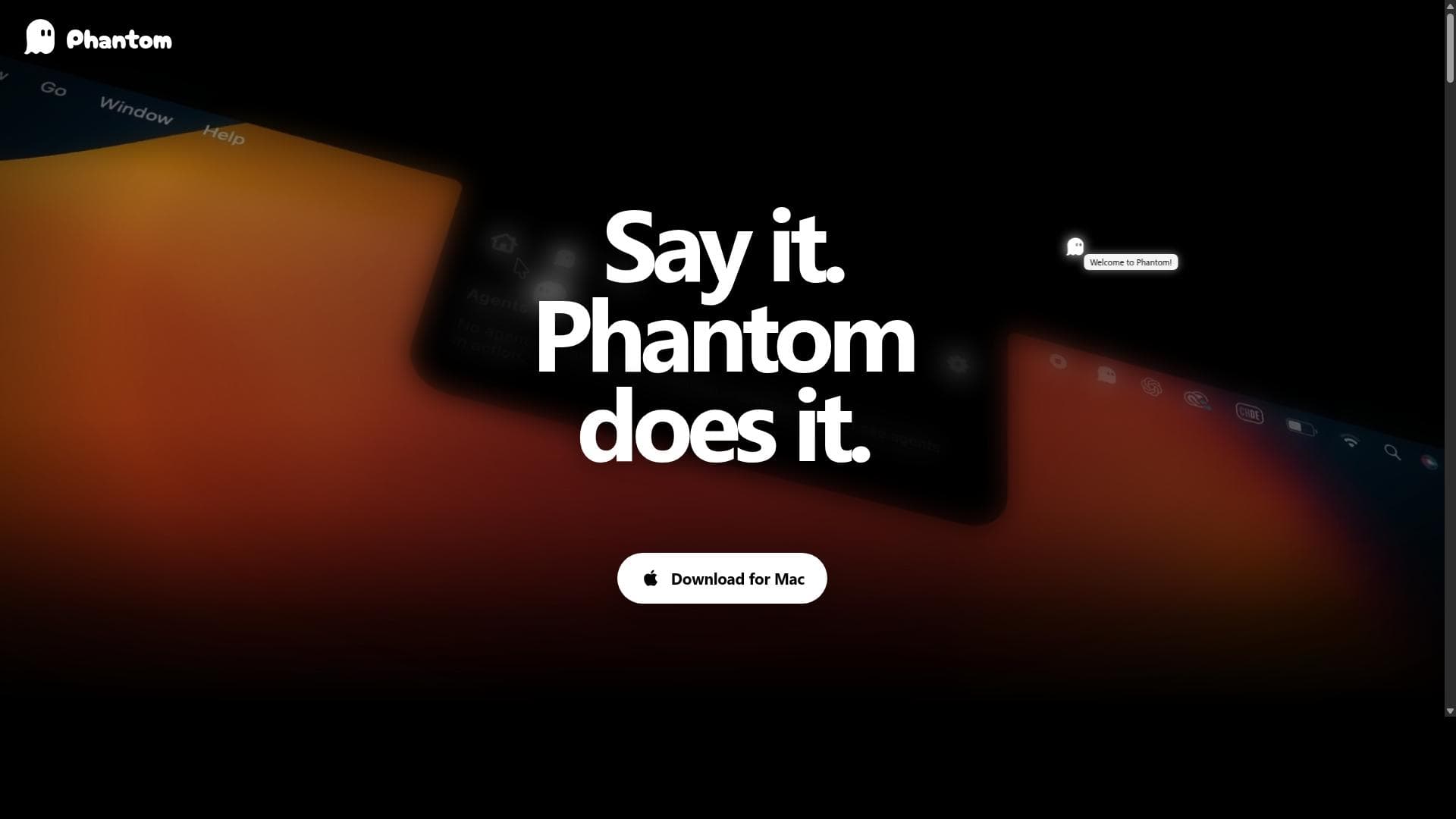
Phantom is a voice-first AI agent for macOS that is always accessible via the Mac notch. Instead of opening a chatbot window and moving work into a separate conversation, users speak or type from anywhere on their Mac, without interrupting their work. Phantom understands the relevant screen and app context and completes tasks directly within the user's workflow. The possibilities are only limited by the imagination of the user.
详细描述
Phantom is a voice-first AI assistant specifically designed for macOS that revolutionizes how users interact with their computers. Its core purpose is to enable users to carry out work across their Mac through natural voice communication, eliminating the need for traditional graphical user interfaces. By leveraging on-demand context, Phantom understands spoken commands and translates them into actionable tasks, streamlining workflows and enhancing productivity. This approach makes it possible to turn thoughts directly into actions, creating a seamless and intuitive user experience. One of Phantom's standout features is its voice commands and dictation capabilities, allowing users to communicate naturally without typing or navigating menus. The assistant supports agentic workflows, which means it can autonomously plan the necessary steps to achieve a given outcome, execute tasks across multiple applications, and verify the results to ensure accuracy. This multi-step, cross-application functionality sets Phantom apart from simpler voice assistants that only perform single commands. Additionally, Phantom offers a starter capacity that includes all its core features, making it accessible for new users to explore its full potential. Phantom is delivered as a downloadable macOS application, ensuring tight integration with the operating system and native apps. Its voice-first interaction model is designed to feel natural and efficient, reducing friction and cognitive load typically associated with multitasking on a computer. Users simply speak or type the desired outcome, and Phantom takes care of the rest, whether it’s managing files, sending messages, or coordinating complex workflows. This AI assistant is ideal for professionals, creatives, and power users who spend significant time on their Macs and seek to enhance productivity through hands-free operation. For example, writers can dictate and organize content, developers can automate repetitive tasks, and business users can manage communications and scheduling without interrupting their workflow. Phantom’s ability to work across apps and verify outcomes makes it particularly useful for tasks that require precision and multi-step execution. Phantom offers three straightforward plans: Free, Basic, and Pro, each available with monthly or yearly billing options. The Free plan provides a starter capacity with access to all Phantom features, allowing users to experience the assistant’s capabilities without commitment. The Basic and Pro plans likely include enhanced usage limits, priority support, or additional advanced features, catering to users with more demanding needs. This flexible pricing structure ensures that individuals and teams can select a plan that fits their usage patterns and budget. Compared to alternatives, Phantom’s voice-first, agentic workflow approach is unique. While many AI assistants focus on voice commands for simple tasks or require manual intervention for complex workflows, Phantom autonomously plans and executes multi-step processes across different applications. This positions it as a more powerful and versatile tool for macOS users seeking to optimize their digital work environment. However, as a macOS-exclusive application, it may not suit users who operate across multiple platforms or require cross-device synchronization. Notable considerations include the reliance on voice input, which may not be ideal in noisy environments or shared workspaces. Additionally, while Phantom’s agentic workflows are powerful, they may require some learning curve to fully leverage complex task automation. Users should also review the terms, EULA, and privacy policy before downloading, as with any AI tool handling potentially sensitive data. Overall, Phantom represents a cutting-edge solution for voice-driven productivity on Mac, combining natural communication with intelligent task management to transform how users interact with their computers.
工具功能
- Voice commands and dictation
- Starter capacity
- All Phantom features included
- Plans include Free, Basic, and Pro with monthly and yearly billing options
- Agentic workflows that plan steps, work across apps, and verify results
- Voice-first interaction for natural communication
- Downloadable macOS application
描述
Phantom is a voice-first AI assistant for macOS that transforms spoken commands into multi-step actions across apps, enabling users to work hands-free with natural communication. Ideal for professionals and power users, it automates complex workflows and verifies results, making Mac productivity faster and more intuitive.
Phantom is a voice-first AI agent for macOS that is always accessible via the Mac notch. Instead of opening a chatbot window and moving work into a separate conversation, users speak or type from anywhere on their Mac, without interrupting their work. Phantom understands the relevant screen and app context and completes tasks directly within the user's workflow. The possibilities are only limited by the imagination of the user.
详细描述
Phantom is a voice-first AI assistant specifically designed for macOS that revolutionizes how users interact with their computers. Its core purpose is to enable users to carry out work across their Mac through natural voice communication, eliminating the need for traditional graphical user interfaces. By leveraging on-demand context, Phantom understands spoken commands and translates them into actionable tasks, streamlining workflows and enhancing productivity. This approach makes it possible to turn thoughts directly into actions, creating a seamless and intuitive user experience. One of Phantom's standout features is its voice commands and dictation capabilities, allowing users to communicate naturally without typing or navigating menus. The assistant supports agentic workflows, which means it can autonomously plan the necessary steps to achieve a given outcome, execute tasks across multiple applications, and verify the results to ensure accuracy. This multi-step, cross-application functionality sets Phantom apart from simpler voice assistants that only perform single commands. Additionally, Phantom offers a starter capacity that includes all its core features, making it accessible for new users to explore its full potential. Phantom is delivered as a downloadable macOS application, ensuring tight integration with the operating system and native apps. Its voice-first interaction model is designed to feel natural and efficient, reducing friction and cognitive load typically associated with multitasking on a computer. Users simply speak or type the desired outcome, and Phantom takes care of the rest, whether it’s managing files, sending messages, or coordinating complex workflows. This AI assistant is ideal for professionals, creatives, and power users who spend significant time on their Macs and seek to enhance productivity through hands-free operation. For example, writers can dictate and organize content, developers can automate repetitive tasks, and business users can manage communications and scheduling without interrupting their workflow. Phantom’s ability to work across apps and verify outcomes makes it particularly useful for tasks that require precision and multi-step execution. Phantom offers three straightforward plans: Free, Basic, and Pro, each available with monthly or yearly billing options. The Free plan provides a starter capacity with access to all Phantom features, allowing users to experience the assistant’s capabilities without commitment. The Basic and Pro plans likely include enhanced usage limits, priority support, or additional advanced features, catering to users with more demanding needs. This flexible pricing structure ensures that individuals and teams can select a plan that fits their usage patterns and budget. Compared to alternatives, Phantom’s voice-first, agentic workflow approach is unique. While many AI assistants focus on voice commands for simple tasks or require manual intervention for complex workflows, Phantom autonomously plans and executes multi-step processes across different applications. This positions it as a more powerful and versatile tool for macOS users seeking to optimize their digital work environment. However, as a macOS-exclusive application, it may not suit users who operate across multiple platforms or require cross-device synchronization. Notable considerations include the reliance on voice input, which may not be ideal in noisy environments or shared workspaces. Additionally, while Phantom’s agentic workflows are powerful, they may require some learning curve to fully leverage complex task automation. Users should also review the terms, EULA, and privacy policy before downloading, as with any AI tool handling potentially sensitive data. Overall, Phantom represents a cutting-edge solution for voice-driven productivity on Mac, combining natural communication with intelligent task management to transform how users interact with their computers.
常见问题
What is Phantom?
Phantom is a voice-first AI assistant designed exclusively for macOS that helps users carry out work across their Mac by turning natural voice commands into actions without needing an interface in between.
How much does Phantom cost?
Phantom offers three plans: Free, Basic, and Pro, each available with monthly or yearly billing options. The Free plan includes starter capacity and all core features, while Basic and Pro plans provide enhanced capabilities for users with greater needs.
Who is Phantom best for?
Phantom is best suited for macOS users such as professionals, creatives, and power users who want to boost productivity through hands-free, voice-driven task automation and multi-step workflows across their applications.
What are the main features of Phantom?
Key features include voice commands and dictation, agentic workflows that autonomously plan and execute multi-step tasks across apps, verification of results, a downloadable macOS application, and flexible plans offering all Phantom features.
Does Phantom offer a free trial?
Yes, Phantom provides a Free plan that includes starter capacity and access to all features, allowing users to try the assistant without any upfront cost.
What integrations does Phantom support?
While specific integrations are not detailed, Phantom works across multiple macOS applications by leveraging on-demand context to perform tasks and workflows, enabling it to interact with native and third-party apps on the Mac.
How does Phantom work?
Phantom listens to your voice commands or typed instructions, then uses AI to plan the necessary steps, execute actions across different Mac applications, and verify the results, all without requiring manual input or navigating interfaces.
社交媒体

评价
暂无评价。成为第一个分享使用体验的人。
赞助工具













































推荐工具
及时了解最新 AI 工具
获取最新资讯,订阅我们的新闻通讯
已有 50,000+ 位读者阅读并信赖
加入最大的 AI 社区
我们的社区和团队随时为您提供帮助!
您的反馈将帮助 Alice AI 在未来版本中不断改进。