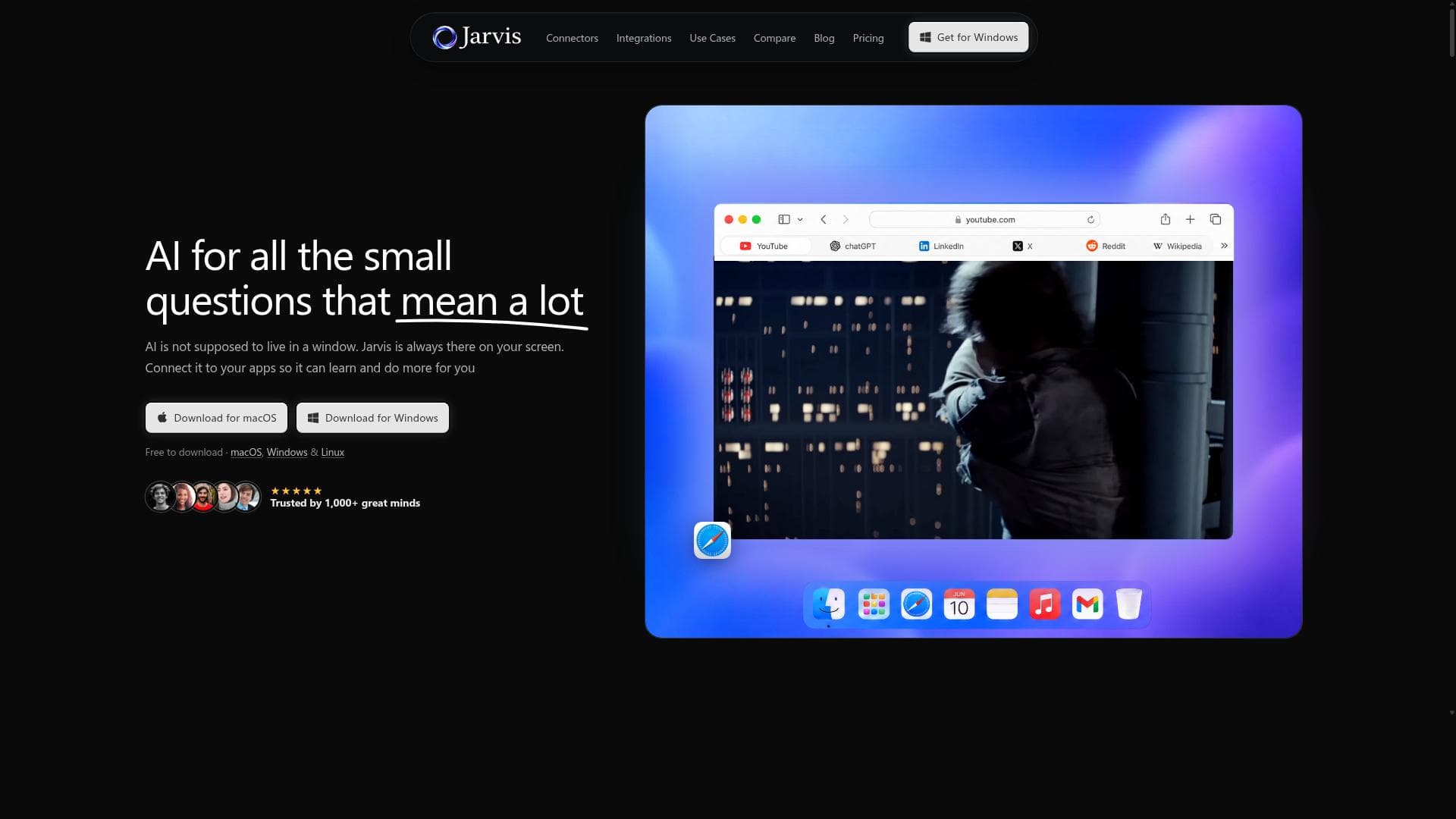


Jarvis AI is a unique screen-aware desktop assistant that integrates seamlessly across Mac, Windows, and Linux, providing real-time, context-sensitive AI help via a floating bar accessible from any app. Ideal for knowledge workers and professionals, it connects with over 30 applications to streamline workflows while prioritizing user privacy.
描述
Jarvis AI is the screen-aware desktop AI assistant for Mac, Windows, and Linux. It provides a floating bar accessible from any app, sees your screen, remembers context, and connects to over 30 applications to enhance productivity and workflow.
详细描述
Jarvis AI is a cutting-edge desktop AI assistant designed to seamlessly integrate into your workflow across Mac, Windows, and Linux platforms. Its core purpose is to enhance productivity by providing a screen-aware assistant that actively interacts with your current workspace. Unlike traditional AI tools that require switching contexts or opening separate applications, Jarvis AI offers a floating bar accessible from any app via a simple keyboard shortcut (Cmd+/), allowing users to access AI-powered assistance without interrupting their tasks. This unique screen-aware capability means Jarvis AI can 'see' what is on your screen, enabling it to provide contextually relevant suggestions, automate repetitive tasks, and streamline workflows in real-time. By remembering context persistently, Jarvis AI ensures that your interactions are continuous and coherent, making it a truly intelligent assistant that adapts to your needs over time. One of the standout features of Jarvis AI is its ability to connect with over 30 popular applications, ranging from productivity suites to communication tools. This extensive integration ecosystem allows Jarvis AI to pull data, automate actions, and provide insights across multiple platforms, all from a single floating interface. Whether you are drafting emails, managing projects, coding, or conducting research, Jarvis AI can assist by offering relevant suggestions, summarizing content, generating text, or even executing commands within connected apps. The floating bar interface is designed to be non-intrusive yet readily accessible, ensuring that users can invoke AI assistance instantly without breaking their workflow. Additionally, Jarvis AI is built with privacy by design, meaning that your data remains secure and private, a crucial consideration for professionals handling sensitive information. Jarvis AI is ideal for a wide range of users including knowledge workers, developers, writers, project managers, and anyone who relies heavily on desktop applications for their daily tasks. For example, writers can benefit from Jarvis AI’s contextual understanding to generate content or edit text without leaving their writing environment. Developers can use it to quickly access documentation or automate routine coding tasks. Project managers can leverage its integrations to update task statuses or gather insights from communication channels without switching apps. Its persistent context memory makes it especially useful for complex workflows that require maintaining state across multiple sessions. This makes Jarvis AI a versatile assistant for individuals and teams looking to boost efficiency and reduce cognitive load. Regarding pricing, Jarvis AI offers various plans tailored to different user needs, though specific pricing details are available on their official website. Typically, such AI productivity tools provide tiered subscriptions including free trials or freemium models to allow users to test core functionalities before committing. Paid plans often unlock advanced features such as extended integrations, enhanced context memory, and priority support. Users interested in enterprise deployment or team collaboration features may find customized pricing options as well. When compared to alternative AI assistants, Jarvis AI’s screen-aware capability and floating bar interface set it apart by minimizing context switching and maximizing real-time assistance. Many AI tools require users to copy-paste content or operate within isolated environments, whereas Jarvis AI integrates directly into the desktop experience. Its multi-platform support also broadens its appeal beyond Mac or Windows-only solutions. However, some competitors may offer deeper integrations with specific software ecosystems or more specialized AI models for niche tasks. Users should evaluate their specific workflow requirements when choosing between Jarvis AI and other AI assistants. Despite its many strengths, Jarvis AI has some considerations to keep in mind. The reliance on screen awareness means it requires permissions to access screen content, which may raise privacy concerns for some users despite the company’s privacy-first approach. Additionally, the effectiveness of its context memory and integrations depends on the quality and compatibility of connected applications, which may vary. Users working in highly specialized or proprietary software environments might find limited integration support. Lastly, as with any AI tool, there is a learning curve to optimize its use and fully leverage its capabilities. Overall, Jarvis AI represents a powerful, innovative assistant that can significantly enhance desktop productivity for users willing to invest time in setup and adaptation.
工具功能
- Screen-aware AI assistant for desktop
- Floating bar accessible via Cmd+/ from any app
- Remembers context persistently
- Connects to 30+ apps
- Available for Mac, Windows, and Linux
- Privacy by design
描述
Jarvis AI is a unique screen-aware desktop assistant that integrates seamlessly across Mac, Windows, and Linux, providing real-time, context-sensitive AI help via a floating bar accessible from any app. Ideal for knowledge workers and professionals, it connects with over 30 applications to streamline workflows while prioritizing user privacy.
Jarvis AI is the screen-aware desktop AI assistant for Mac, Windows, and Linux. It provides a floating bar accessible from any app, sees your screen, remembers context, and connects to over 30 applications to enhance productivity and workflow.
详细描述
Jarvis AI is a cutting-edge desktop AI assistant designed to seamlessly integrate into your workflow across Mac, Windows, and Linux platforms. Its core purpose is to enhance productivity by providing a screen-aware assistant that actively interacts with your current workspace. Unlike traditional AI tools that require switching contexts or opening separate applications, Jarvis AI offers a floating bar accessible from any app via a simple keyboard shortcut (Cmd+/), allowing users to access AI-powered assistance without interrupting their tasks. This unique screen-aware capability means Jarvis AI can 'see' what is on your screen, enabling it to provide contextually relevant suggestions, automate repetitive tasks, and streamline workflows in real-time. By remembering context persistently, Jarvis AI ensures that your interactions are continuous and coherent, making it a truly intelligent assistant that adapts to your needs over time. One of the standout features of Jarvis AI is its ability to connect with over 30 popular applications, ranging from productivity suites to communication tools. This extensive integration ecosystem allows Jarvis AI to pull data, automate actions, and provide insights across multiple platforms, all from a single floating interface. Whether you are drafting emails, managing projects, coding, or conducting research, Jarvis AI can assist by offering relevant suggestions, summarizing content, generating text, or even executing commands within connected apps. The floating bar interface is designed to be non-intrusive yet readily accessible, ensuring that users can invoke AI assistance instantly without breaking their workflow. Additionally, Jarvis AI is built with privacy by design, meaning that your data remains secure and private, a crucial consideration for professionals handling sensitive information. Jarvis AI is ideal for a wide range of users including knowledge workers, developers, writers, project managers, and anyone who relies heavily on desktop applications for their daily tasks. For example, writers can benefit from Jarvis AI’s contextual understanding to generate content or edit text without leaving their writing environment. Developers can use it to quickly access documentation or automate routine coding tasks. Project managers can leverage its integrations to update task statuses or gather insights from communication channels without switching apps. Its persistent context memory makes it especially useful for complex workflows that require maintaining state across multiple sessions. This makes Jarvis AI a versatile assistant for individuals and teams looking to boost efficiency and reduce cognitive load. Regarding pricing, Jarvis AI offers various plans tailored to different user needs, though specific pricing details are available on their official website. Typically, such AI productivity tools provide tiered subscriptions including free trials or freemium models to allow users to test core functionalities before committing. Paid plans often unlock advanced features such as extended integrations, enhanced context memory, and priority support. Users interested in enterprise deployment or team collaboration features may find customized pricing options as well. When compared to alternative AI assistants, Jarvis AI’s screen-aware capability and floating bar interface set it apart by minimizing context switching and maximizing real-time assistance. Many AI tools require users to copy-paste content or operate within isolated environments, whereas Jarvis AI integrates directly into the desktop experience. Its multi-platform support also broadens its appeal beyond Mac or Windows-only solutions. However, some competitors may offer deeper integrations with specific software ecosystems or more specialized AI models for niche tasks. Users should evaluate their specific workflow requirements when choosing between Jarvis AI and other AI assistants. Despite its many strengths, Jarvis AI has some considerations to keep in mind. The reliance on screen awareness means it requires permissions to access screen content, which may raise privacy concerns for some users despite the company’s privacy-first approach. Additionally, the effectiveness of its context memory and integrations depends on the quality and compatibility of connected applications, which may vary. Users working in highly specialized or proprietary software environments might find limited integration support. Lastly, as with any AI tool, there is a learning curve to optimize its use and fully leverage its capabilities. Overall, Jarvis AI represents a powerful, innovative assistant that can significantly enhance desktop productivity for users willing to invest time in setup and adaptation.
常见问题
What is Jarvis AI?
Jarvis AI is a screen-aware desktop AI assistant available for Mac, Windows, and Linux that provides a floating bar accessible from any application. It enhances productivity by understanding your screen content, remembering context persistently, and integrating with over 30 apps to assist with various tasks.
How much does Jarvis AI cost?
Jarvis AI offers multiple pricing plans tailored to different user needs. While specific pricing details are available on their official website, they typically include free trial options and tiered subscriptions that unlock advanced features and integrations.
Who is Jarvis AI best for?
Jarvis AI is best suited for knowledge workers, developers, writers, project managers, and professionals who use multiple desktop applications and want to boost productivity by accessing AI assistance directly within their workflow.
What are the main features of Jarvis AI?
Key features include a screen-aware AI assistant that can see your screen content, a floating bar accessible via Cmd+/ from any app, persistent context memory, integration with over 30 applications, cross-platform support for Mac, Windows, and Linux, and a privacy-by-design approach.
Does Jarvis AI offer a free trial?
Yes, Jarvis AI typically offers a free trial or freemium version to allow users to explore its core functionalities before subscribing to paid plans. Details can be found on their official website.
What integrations does Jarvis AI support?
Jarvis AI connects with over 30 popular applications across productivity, communication, and development domains, enabling seamless workflow automation and AI assistance within those apps. Specific integrations are listed on their website.
How does Jarvis AI work?
Jarvis AI operates as a floating bar on your desktop that can be invoked from any app using a keyboard shortcut. It uses screen-aware technology to understand the current context on your screen, remembers previous interactions, and leverages integrations with multiple apps to provide relevant AI-powered assistance in real time.
评价
暂无评价。成为第一个分享使用体验的人。




















































