
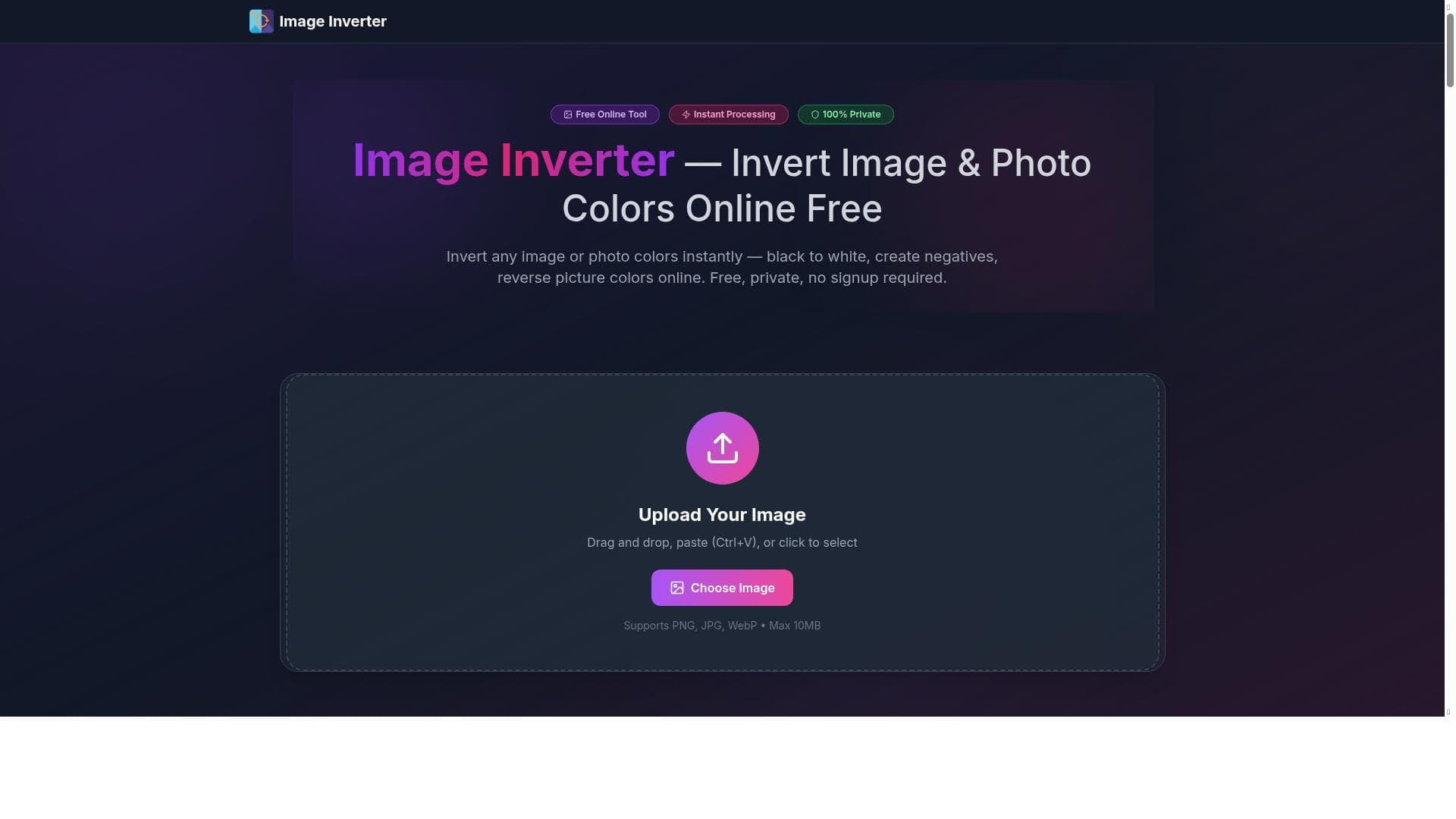


Image Inverter is a free, browser-based tool that instantly flips image colors to create photo negatives, perfect for designers and creators needing quick color inversion without signup or watermarks. Its simplicity and zero-cost access make it ideal for anyone looking to reverse image colors effortlessly, especially for dark mode design and creative projects.

描述
Image Inverter is an online tool that instantly inverts image colors, converting black to white and creating photo negatives. It allows users to reverse any picture for free without requiring signup or adding watermarks. This tool is perfect for dark mode graphics and design purposes, providing a quick and easy way to achieve color inversion effects.
详细描述
Image Inverter is a straightforward yet powerful online tool designed to instantly invert the colors of any uploaded image. Its core purpose is to convert images into their color negatives by flipping black to white and reversing all other colors, effectively creating a photo negative effect. This functionality is particularly useful for designers, photographers, and digital artists who need to quickly generate inverted color versions of images without the hassle of complex software or manual editing. The tool operates entirely within a web browser, making it accessible from any device with internet access, and requires no installation or downloads. One of the standout features of Image Inverter is its instant processing capability. Users can upload an image and see the inverted result immediately, streamlining workflows that require rapid color inversion. The tool supports a variety of image formats, ensuring broad compatibility. Another key feature is the absence of any signup requirement, allowing users to access the service anonymously and without creating an account. This lowers the barrier to entry and enhances privacy. Additionally, Image Inverter does not add watermarks to the output images, which is a significant advantage for professional use where clean, unbranded images are necessary. Image Inverter excels in creating photo negatives, which can be used for artistic effects, design mockups, or specialized graphic needs such as dark mode graphics. The ability to flip black to white and reverse colors makes it a valuable resource for UI/UX designers working on dark mode themes, as it helps visualize how images will appear in inverted color schemes. Since the tool is 100% free and browser-based, it is highly accessible to students, hobbyists, and professionals alike, providing a no-cost solution for quick image color inversion. This tool is best suited for graphic designers, web developers, photographers, and content creators who require a fast and reliable way to invert image colors without the complexity of traditional photo editing software. It is also ideal for educators and students who need a simple tool for demonstrating color inversion concepts or for use in digital art projects. Because it is free and does not require registration, it is perfect for occasional users who need a quick solution without commitment. Image Inverter is completely free to use, with no premium plans or hidden fees. This makes it an attractive option compared to many other image editing tools that require subscriptions or impose usage limits. Its browser-based nature eliminates the need for software installation, making it convenient and lightweight. Compared to alternatives like Photoshop or GIMP, which offer color inversion as part of a broader suite of editing tools but require more expertise and time, Image Inverter provides a focused, user-friendly experience dedicated solely to color inversion. However, Image Inverter does have some limitations. It is a single-purpose tool, so it does not offer additional editing features such as cropping, resizing, or advanced color correction. Users needing comprehensive image editing will need to use it in conjunction with other software. Also, since it is web-based, its performance depends on internet connectivity and browser compatibility. While it supports most common image formats, it may not handle very large files or uncommon formats as efficiently as desktop applications. Despite these considerations, Image Inverter remains an excellent tool for anyone needing quick, hassle-free image color inversion without cost or complexity.
工具功能
- Instantly invert photo or image colors
- No signup required
- No watermarks added
- Create photo negatives
- Flip black to white
- Reverse colors for dark mode
- 100% free and browser-based
描述
Image Inverter is a free, browser-based tool that instantly flips image colors to create photo negatives, perfect for designers and creators needing quick color inversion without signup or watermarks. Its simplicity and zero-cost access make it ideal for anyone looking to reverse image colors effortlessly, especially for dark mode design and creative projects.
Image Inverter is an online tool that instantly inverts image colors, converting black to white and creating photo negatives. It allows users to reverse any picture for free without requiring signup or adding watermarks. This tool is perfect for dark mode graphics and design purposes, providing a quick and easy way to achieve color inversion effects.
详细描述
Image Inverter is a straightforward yet powerful online tool designed to instantly invert the colors of any uploaded image. Its core purpose is to convert images into their color negatives by flipping black to white and reversing all other colors, effectively creating a photo negative effect. This functionality is particularly useful for designers, photographers, and digital artists who need to quickly generate inverted color versions of images without the hassle of complex software or manual editing. The tool operates entirely within a web browser, making it accessible from any device with internet access, and requires no installation or downloads. One of the standout features of Image Inverter is its instant processing capability. Users can upload an image and see the inverted result immediately, streamlining workflows that require rapid color inversion. The tool supports a variety of image formats, ensuring broad compatibility. Another key feature is the absence of any signup requirement, allowing users to access the service anonymously and without creating an account. This lowers the barrier to entry and enhances privacy. Additionally, Image Inverter does not add watermarks to the output images, which is a significant advantage for professional use where clean, unbranded images are necessary. Image Inverter excels in creating photo negatives, which can be used for artistic effects, design mockups, or specialized graphic needs such as dark mode graphics. The ability to flip black to white and reverse colors makes it a valuable resource for UI/UX designers working on dark mode themes, as it helps visualize how images will appear in inverted color schemes. Since the tool is 100% free and browser-based, it is highly accessible to students, hobbyists, and professionals alike, providing a no-cost solution for quick image color inversion. This tool is best suited for graphic designers, web developers, photographers, and content creators who require a fast and reliable way to invert image colors without the complexity of traditional photo editing software. It is also ideal for educators and students who need a simple tool for demonstrating color inversion concepts or for use in digital art projects. Because it is free and does not require registration, it is perfect for occasional users who need a quick solution without commitment. Image Inverter is completely free to use, with no premium plans or hidden fees. This makes it an attractive option compared to many other image editing tools that require subscriptions or impose usage limits. Its browser-based nature eliminates the need for software installation, making it convenient and lightweight. Compared to alternatives like Photoshop or GIMP, which offer color inversion as part of a broader suite of editing tools but require more expertise and time, Image Inverter provides a focused, user-friendly experience dedicated solely to color inversion. However, Image Inverter does have some limitations. It is a single-purpose tool, so it does not offer additional editing features such as cropping, resizing, or advanced color correction. Users needing comprehensive image editing will need to use it in conjunction with other software. Also, since it is web-based, its performance depends on internet connectivity and browser compatibility. While it supports most common image formats, it may not handle very large files or uncommon formats as efficiently as desktop applications. Despite these considerations, Image Inverter remains an excellent tool for anyone needing quick, hassle-free image color inversion without cost or complexity.
常见问题
What is Image Inverter?
Image Inverter is an online tool that instantly inverts the colors of any uploaded image, converting black to white and creating photo negatives. It is designed to provide a quick and easy way to reverse image colors without requiring any software installation or signup.
How much does Image Inverter cost?
Image Inverter is completely free to use with no hidden fees, subscriptions, or premium plans. Users can access all features at no cost.
Who is Image Inverter best for?
Image Inverter is ideal for graphic designers, web developers, photographers, content creators, educators, and students who need a fast and simple tool to invert image colors, especially for dark mode graphics and photo negative effects.
What are the main features of Image Inverter?
Key features include instant color inversion of images, no signup required, no watermarks added, creation of photo negatives, flipping black to white, reversing colors for dark mode design, and being 100% free and browser-based.
Does Image Inverter offer a free trial?
Since Image Inverter is entirely free to use, there is no need for a free trial or subscription; all features are available immediately without any cost.
What integrations does Image Inverter support?
Image Inverter is a standalone browser-based tool and does not currently offer integrations with other platforms or software.
How does Image Inverter work?
Users upload an image to the Image Inverter website, and the tool instantly processes the image by reversing its colors, converting blacks to whites and creating a photo negative effect. The inverted image can then be downloaded without any watermarks.
评价
暂无评价。成为第一个分享使用体验的人。




















































