
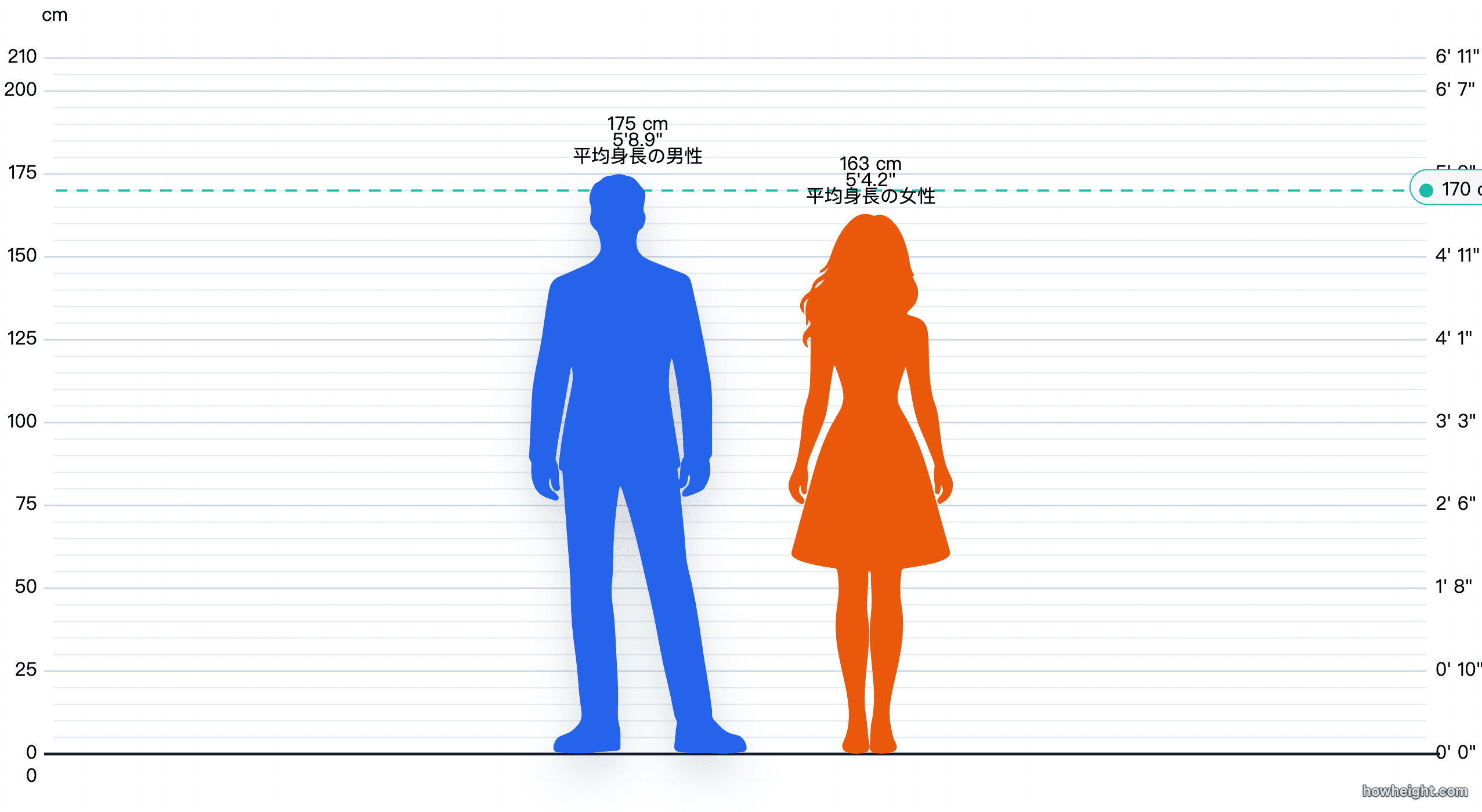
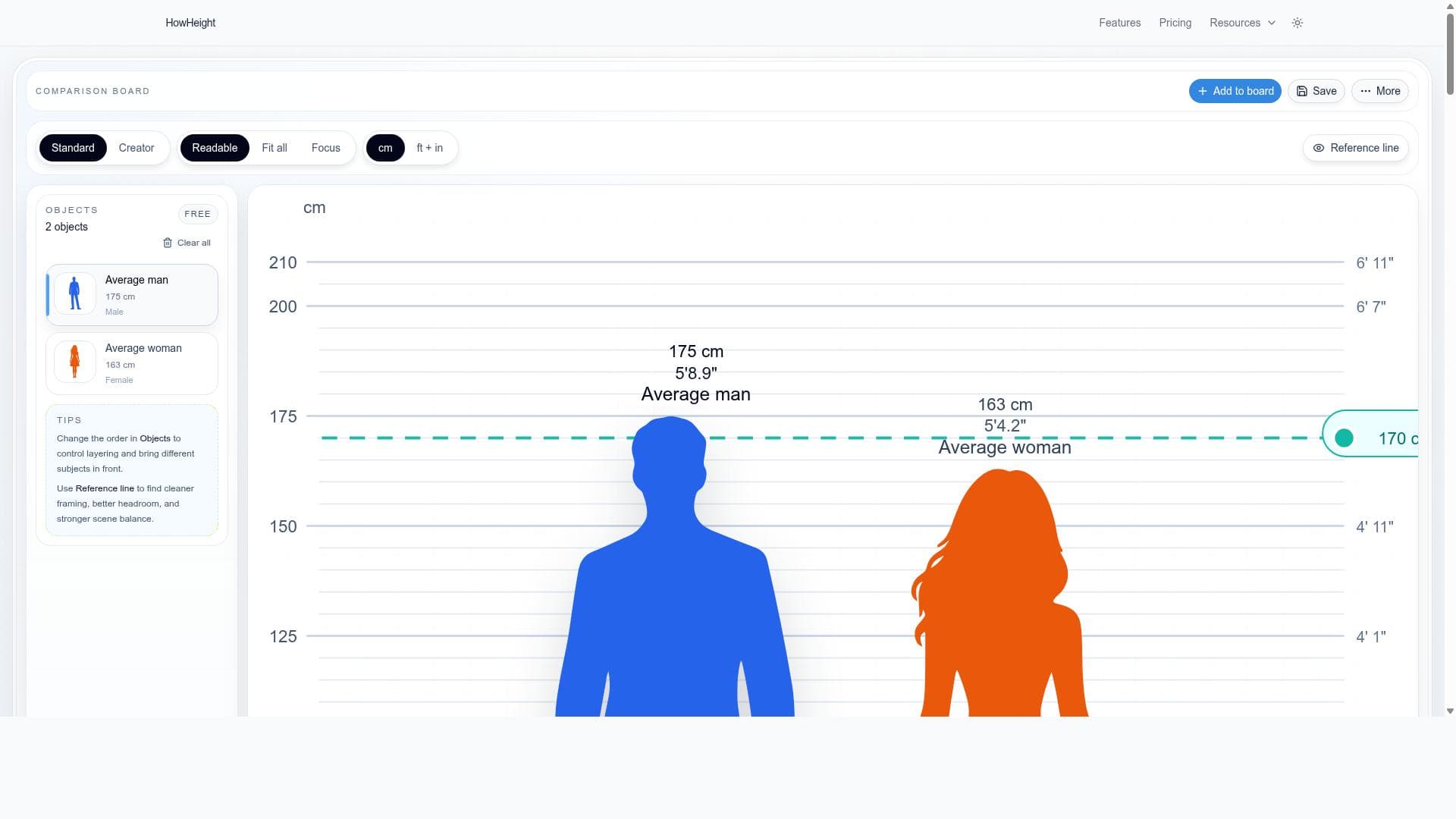


HowHeight is a free, visually-driven height comparison tool that lets users accurately compare people, animals, objects, and fantasy figures on a shared scale. Ideal for educators, creators, and enthusiasts, it offers seamless unit switching, save options, and clean exports to make height comparisons clear and engaging.

描述
HowHeight is a powerful free visual height comparison tool that allows users to compare people, animals, objects, and fantasy references on one shared scale. It provides accurate scaling with charts in centimeters and feet plus inches, enabling clear and readable height comparisons on a visual chart rather than just numerical values.
详细描述
HowHeight is an innovative and powerful free visual height comparison tool designed to provide users with an intuitive way to compare the heights of various entities, including people, animals, objects, and even fantasy references. Unlike traditional methods that rely solely on numerical values, HowHeight presents height data on a shared visual scale, allowing for immediate and clear understanding of size differences. This approach makes it easier for users to grasp relative heights at a glance, enhancing comprehension and engagement. The tool is particularly useful for educators, content creators, enthusiasts, and anyone interested in accurate and visually compelling height comparisons. At its core, HowHeight offers precise scaling by aligning all items on a common floor line, ensuring that the visual representation is both accurate and consistent. Users can view height charts in both metric (centimeters) and imperial (feet and inches) units, with the flexibility to switch between these measurement systems without losing their current comparisons. This seamless unit conversion is a standout feature that caters to a global audience with varying preferences for measurement standards. One of the key capabilities of HowHeight is its ability to handle a wide range of comparison subjects. Whether you want to compare historical figures, animals from different species, everyday objects, or characters from fantasy worlds, HowHeight supports these diverse categories on one shared scale. This versatility makes it an excellent tool for educational presentations, research projects, creative brainstorming, and fan-based content creation. Users can create detailed comparison boards that visually juxtapose multiple items, making complex height relationships easier to understand. For users who want to save their comparison boards, HowHeight offers tiered options. Free users can save a limited number of boards, which is sufficient for casual or occasional use. For power users, educators, or professionals who require extensive comparisons, the Pro plan unlocks unlimited saved boards along with additional features. The tool also provides clean and straightforward export options, allowing users to download their comparison charts for use in presentations, reports, or social media posts without compromising visual quality. HowHeight is best suited for educators who want to visually demonstrate size differences in classrooms, content creators who need engaging visuals for videos or articles, fantasy fans comparing characters, and researchers or hobbyists interested in precise height data. Its user-friendly interface and accurate scaling make it accessible to both novices and experts alike. When compared to alternatives, HowHeight stands out due to its focus on visual clarity and accuracy. Many height comparison tools rely on static images or simple numerical data, but HowHeight’s dynamic shared scale and floor line alignment provide a more reliable and visually appealing experience. Additionally, the ability to switch measurement units without losing data and the option to save and export comparisons add significant value. However, some limitations include the free version’s restriction on the number of saved boards, which might be a constraint for heavy users. Also, while HowHeight covers a broad range of categories, extremely niche or custom height references may require manual input or may not be readily available in the tool’s database. Users should also note that while the tool is powerful for height comparisons, it does not provide other dimensional comparisons such as weight or volume. Overall, HowHeight is a specialized and highly effective tool for anyone needing clear, accurate, and visually engaging height comparisons across a wide variety of subjects. Its combination of precision, flexibility, and ease of use makes it a valuable resource in educational, creative, and professional contexts.
工具功能
- Visual height comparison for people, animals, objects, and fantasy references
- Accurate scaling using a shared scale and floor line alignment
- Supports height charts in centimeters and feet plus inches
- Ability to save comparison boards with limits for free users and unlimited for Pro users
- Clean export options for comparison charts
- Switch between measurement units without losing current comparisons
描述
HowHeight is a free, visually-driven height comparison tool that lets users accurately compare people, animals, objects, and fantasy figures on a shared scale. Ideal for educators, creators, and enthusiasts, it offers seamless unit switching, save options, and clean exports to make height comparisons clear and engaging.
HowHeight is a powerful free visual height comparison tool that allows users to compare people, animals, objects, and fantasy references on one shared scale. It provides accurate scaling with charts in centimeters and feet plus inches, enabling clear and readable height comparisons on a visual chart rather than just numerical values.
详细描述
HowHeight is an innovative and powerful free visual height comparison tool designed to provide users with an intuitive way to compare the heights of various entities, including people, animals, objects, and even fantasy references. Unlike traditional methods that rely solely on numerical values, HowHeight presents height data on a shared visual scale, allowing for immediate and clear understanding of size differences. This approach makes it easier for users to grasp relative heights at a glance, enhancing comprehension and engagement. The tool is particularly useful for educators, content creators, enthusiasts, and anyone interested in accurate and visually compelling height comparisons. At its core, HowHeight offers precise scaling by aligning all items on a common floor line, ensuring that the visual representation is both accurate and consistent. Users can view height charts in both metric (centimeters) and imperial (feet and inches) units, with the flexibility to switch between these measurement systems without losing their current comparisons. This seamless unit conversion is a standout feature that caters to a global audience with varying preferences for measurement standards. One of the key capabilities of HowHeight is its ability to handle a wide range of comparison subjects. Whether you want to compare historical figures, animals from different species, everyday objects, or characters from fantasy worlds, HowHeight supports these diverse categories on one shared scale. This versatility makes it an excellent tool for educational presentations, research projects, creative brainstorming, and fan-based content creation. Users can create detailed comparison boards that visually juxtapose multiple items, making complex height relationships easier to understand. For users who want to save their comparison boards, HowHeight offers tiered options. Free users can save a limited number of boards, which is sufficient for casual or occasional use. For power users, educators, or professionals who require extensive comparisons, the Pro plan unlocks unlimited saved boards along with additional features. The tool also provides clean and straightforward export options, allowing users to download their comparison charts for use in presentations, reports, or social media posts without compromising visual quality. HowHeight is best suited for educators who want to visually demonstrate size differences in classrooms, content creators who need engaging visuals for videos or articles, fantasy fans comparing characters, and researchers or hobbyists interested in precise height data. Its user-friendly interface and accurate scaling make it accessible to both novices and experts alike. When compared to alternatives, HowHeight stands out due to its focus on visual clarity and accuracy. Many height comparison tools rely on static images or simple numerical data, but HowHeight’s dynamic shared scale and floor line alignment provide a more reliable and visually appealing experience. Additionally, the ability to switch measurement units without losing data and the option to save and export comparisons add significant value. However, some limitations include the free version’s restriction on the number of saved boards, which might be a constraint for heavy users. Also, while HowHeight covers a broad range of categories, extremely niche or custom height references may require manual input or may not be readily available in the tool’s database. Users should also note that while the tool is powerful for height comparisons, it does not provide other dimensional comparisons such as weight or volume. Overall, HowHeight is a specialized and highly effective tool for anyone needing clear, accurate, and visually engaging height comparisons across a wide variety of subjects. Its combination of precision, flexibility, and ease of use makes it a valuable resource in educational, creative, and professional contexts.
常见问题
What is HowHeight?
HowHeight is a free visual height comparison tool that allows users to compare the heights of people, animals, objects, and fantasy references on a shared, accurately scaled visual chart rather than just numerical values.
How much does HowHeight cost?
HowHeight offers a free version with limited saved comparison boards. For users needing unlimited saved boards and additional features, there is a Pro plan available, though specific pricing details can be found on their website.
Who is HowHeight best for?
HowHeight is best suited for educators, content creators, fantasy enthusiasts, researchers, and anyone interested in visually comparing heights across a variety of categories with accuracy and clarity.
What are the main features of HowHeight?
Key features include visual height comparisons for diverse categories, accurate scaling with floor line alignment, support for both centimeters and feet plus inches, ability to save comparison boards (limited for free users, unlimited for Pro users), clean export options, and seamless switching between measurement units.
Does HowHeight offer a free trial?
HowHeight provides a free version of the tool with access to core features and limited saved boards. Details about any additional trial options for the Pro plan are available on their website.
What integrations does HowHeight support?
Currently, HowHeight focuses on standalone visual height comparisons and does not list specific integrations with other software or platforms.
How does HowHeight work?
Users select or input the subjects they want to compare, and HowHeight places them on a shared visual scale aligned by a floor line. The tool accurately scales each item and displays their heights in either centimeters or feet and inches, allowing users to switch units without losing their current comparisons.
评价
暂无评价。成为第一个分享使用体验的人。




















































