

这是您的 AI 工具吗?立即认领。
验证所有权、管理资料,并解锁增长功能。
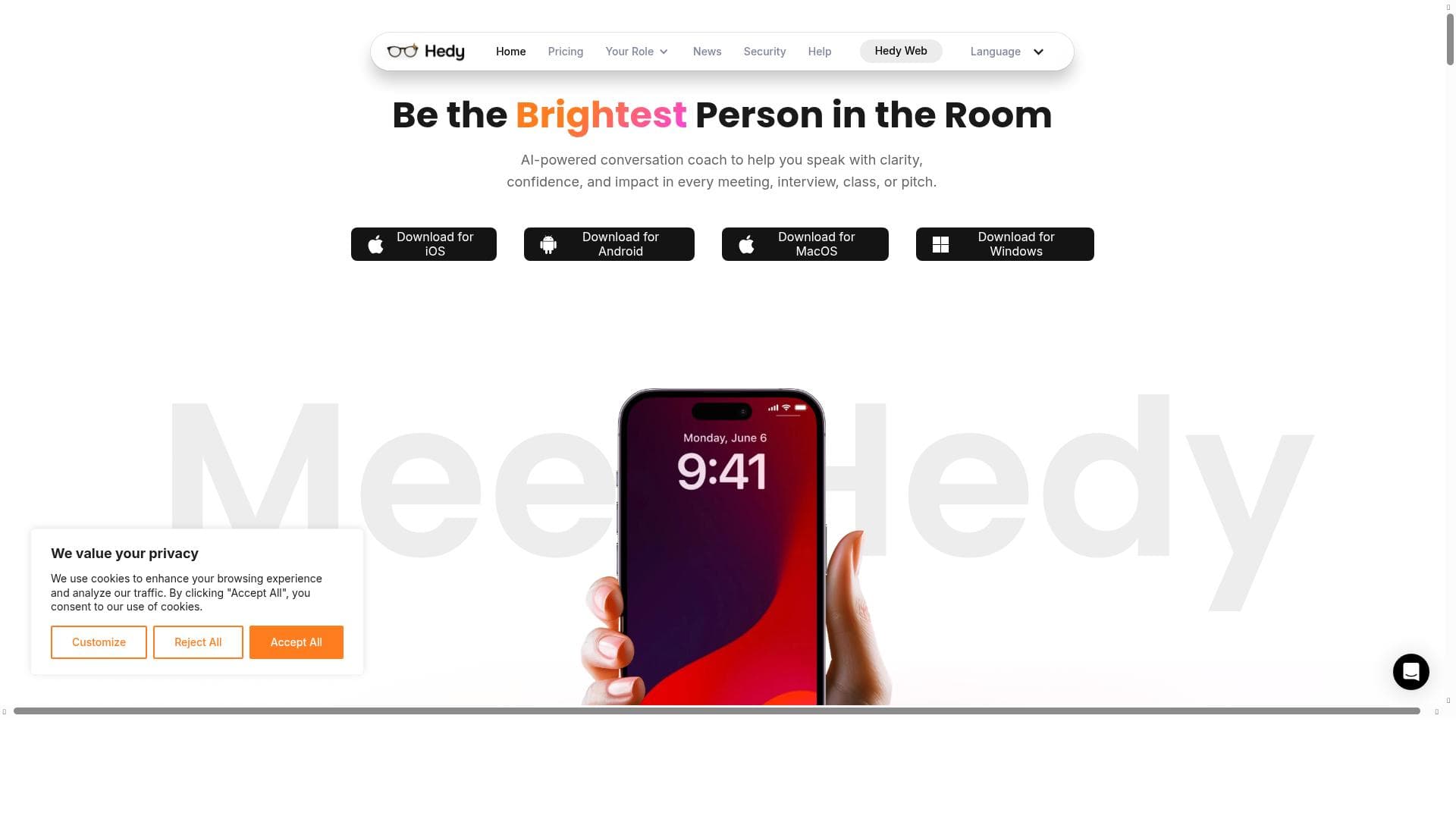
Hedy 2.0 MacOS App is a privacy-focused AI assistant that delivers real-time, customized insights and actionable recommendations during live conversations. Ideal for professionals, students, and healthcare users, it enhances productivity by providing instant analysis, session highlights, and comprehensive summaries across devices.

描述
Hedy is the first AI tool that provides real-time, customized insights and recommendations to help you excel in your business meetings, classes, doctors appointments, and more. Favorited by thousands on iOS and Android, you can now tap into Hedy on your Mac.
详细描述
Hedy 2.0 MacOS App is an innovative AI-powered assistant designed to enhance your productivity and effectiveness during live conversations such as business meetings, educational classes, medical appointments, and more. Its core purpose is to provide real-time, customized insights and actionable recommendations that help users stay engaged, organized, and informed throughout any discussion. Previously popular on iOS and Android platforms, Hedy's expansion to MacOS allows users to seamlessly integrate its powerful capabilities into their desktop workflow, offering a consistent and enhanced experience across devices. At the heart of Hedy 2.0 lies its advanced real-time conversation analysis engine. As you speak or listen, Hedy processes the audio locally on your device, ensuring privacy while delivering instant insights tailored to the context of your session. Users can select from preset goals and quick prompts that align with the type of meeting or appointment they are attending, such as brainstorming, decision-making, or note-taking. This customization enables Hedy to highlight relevant points, suggest questions, and identify action items dynamically. Additionally, users can type custom questions during the session to receive contextual responses, further personalizing the interaction. Another standout feature is the ability to create highlights during conversations. Important moments can be marked for easy retrieval later, helping users focus on critical information without distraction. After the session concludes, Hedy generates comprehensive summaries that include key points discussed, to-do lists, and full transcripts. These summaries are automatically emailed to participants, facilitating follow-up and accountability. The app also supports cross-device account synchronization, allowing users to access their data and insights seamlessly whether on Mac, iOS, or Android. Hedy 2.0 is particularly well-suited for professionals who regularly engage in meetings and need to capture actionable insights without diverting attention from the conversation. Business executives, project managers, educators, students, healthcare providers, and patients can all benefit from Hedy’s ability to streamline communication and documentation. For example, during a sales meeting, Hedy can highlight client objections and suggest tailored responses, while in a classroom setting, it can help students focus on key lecture points and generate study notes. The app operates on a freemium pricing model, offering a free tier with essential features to get started and premium plans that unlock advanced capabilities such as extended transcription history, priority email recaps, and enhanced customization options. This pricing structure makes Hedy accessible to individual users and teams alike, providing scalable value based on user needs. Compared to alternative AI meeting assistants, Hedy’s unique selling points include its real-time, on-device audio processing which prioritizes user privacy, and its deep contextual customization through preset goals and custom questions. While many competitors rely on cloud-based processing that raises privacy concerns, Hedy ensures sensitive conversations remain secure. However, some users may find the MacOS app less feature-rich than its mobile counterparts initially, as the desktop version is still evolving. Additionally, integrations with third-party calendar and collaboration tools are currently limited but expected to expand. In summary, Hedy 2.0 MacOS App offers a comprehensive, privacy-focused AI assistant that transforms how users engage with and derive value from live conversations. Its real-time insights, customizable prompts, and thorough session summaries make it an indispensable tool for anyone looking to maximize productivity and clarity in meetings, classes, or appointments. While still growing its ecosystem of integrations, Hedy’s cross-device sync and user-centric design position it as a leading choice for privacy-conscious professionals seeking intelligent conversation support.
工具功能
- Real-time conversation analysis and insights
- Preset goals and quick prompts tailored to session type
- Ability to type custom questions for contextual responses
- Highlight creation for important conversation parts
- Session summaries including key points, to-dos, and transcripts
- Automatic email recap of sessions
- Cross-device account sync
- Privacy-focused on-device audio processing
描述
Hedy 2.0 MacOS App is a privacy-focused AI assistant that delivers real-time, customized insights and actionable recommendations during live conversations. Ideal for professionals, students, and healthcare users, it enhances productivity by providing instant analysis, session highlights, and comprehensive summaries across devices.
Hedy is the first AI tool that provides real-time, customized insights and recommendations to help you excel in your business meetings, classes, doctors appointments, and more. Favorited by thousands on iOS and Android, you can now tap into Hedy on your Mac.
详细描述
Hedy 2.0 MacOS App is an innovative AI-powered assistant designed to enhance your productivity and effectiveness during live conversations such as business meetings, educational classes, medical appointments, and more. Its core purpose is to provide real-time, customized insights and actionable recommendations that help users stay engaged, organized, and informed throughout any discussion. Previously popular on iOS and Android platforms, Hedy's expansion to MacOS allows users to seamlessly integrate its powerful capabilities into their desktop workflow, offering a consistent and enhanced experience across devices. At the heart of Hedy 2.0 lies its advanced real-time conversation analysis engine. As you speak or listen, Hedy processes the audio locally on your device, ensuring privacy while delivering instant insights tailored to the context of your session. Users can select from preset goals and quick prompts that align with the type of meeting or appointment they are attending, such as brainstorming, decision-making, or note-taking. This customization enables Hedy to highlight relevant points, suggest questions, and identify action items dynamically. Additionally, users can type custom questions during the session to receive contextual responses, further personalizing the interaction. Another standout feature is the ability to create highlights during conversations. Important moments can be marked for easy retrieval later, helping users focus on critical information without distraction. After the session concludes, Hedy generates comprehensive summaries that include key points discussed, to-do lists, and full transcripts. These summaries are automatically emailed to participants, facilitating follow-up and accountability. The app also supports cross-device account synchronization, allowing users to access their data and insights seamlessly whether on Mac, iOS, or Android. Hedy 2.0 is particularly well-suited for professionals who regularly engage in meetings and need to capture actionable insights without diverting attention from the conversation. Business executives, project managers, educators, students, healthcare providers, and patients can all benefit from Hedy’s ability to streamline communication and documentation. For example, during a sales meeting, Hedy can highlight client objections and suggest tailored responses, while in a classroom setting, it can help students focus on key lecture points and generate study notes. The app operates on a freemium pricing model, offering a free tier with essential features to get started and premium plans that unlock advanced capabilities such as extended transcription history, priority email recaps, and enhanced customization options. This pricing structure makes Hedy accessible to individual users and teams alike, providing scalable value based on user needs. Compared to alternative AI meeting assistants, Hedy’s unique selling points include its real-time, on-device audio processing which prioritizes user privacy, and its deep contextual customization through preset goals and custom questions. While many competitors rely on cloud-based processing that raises privacy concerns, Hedy ensures sensitive conversations remain secure. However, some users may find the MacOS app less feature-rich than its mobile counterparts initially, as the desktop version is still evolving. Additionally, integrations with third-party calendar and collaboration tools are currently limited but expected to expand. In summary, Hedy 2.0 MacOS App offers a comprehensive, privacy-focused AI assistant that transforms how users engage with and derive value from live conversations. Its real-time insights, customizable prompts, and thorough session summaries make it an indispensable tool for anyone looking to maximize productivity and clarity in meetings, classes, or appointments. While still growing its ecosystem of integrations, Hedy’s cross-device sync and user-centric design position it as a leading choice for privacy-conscious professionals seeking intelligent conversation support.
常见问题
What is Hedy 2.0 MacOS App?
Hedy 2.0 MacOS App is an AI-powered assistant that provides real-time conversation analysis, customized insights, and session summaries to help users excel in meetings, classes, medical appointments, and other live discussions.
How much does Hedy 2.0 MacOS App cost?
Hedy 2.0 MacOS App uses a freemium pricing model, offering a free tier with basic features and premium plans that unlock advanced functionalities such as extended transcription history and enhanced customization.
Who is Hedy 2.0 MacOS App best for?
Hedy is best suited for professionals, students, educators, healthcare providers, and anyone who participates in live conversations and wants to capture insights, organize notes, and improve productivity.
What are the main features of Hedy 2.0 MacOS App?
Key features include real-time conversation analysis, preset goals and quick prompts tailored to session types, custom question input, highlight creation, session summaries with key points and to-dos, automatic email recaps, cross-device sync, and privacy-focused on-device audio processing.
Does Hedy 2.0 MacOS App offer a free trial?
Yes, Hedy offers a free tier that allows users to access essential features without cost, enabling them to try the app before opting for premium plans.
What integrations does Hedy 2.0 MacOS App support?
Currently, Hedy supports cross-device account synchronization across MacOS, iOS, and Android. Integration with third-party calendar or collaboration tools is limited but expected to expand in future updates.
How does Hedy 2.0 MacOS App work?
Hedy processes audio locally on your Mac in real-time to analyze conversations, provide insights, and generate highlights. Users can select session goals or type custom questions to tailor responses. After sessions, Hedy creates summaries and automatically emails recaps to participants.
社交媒体
使用工具评价
暂无评价。成为第一个分享使用体验的人。




















































