🚀 Zaprep: Your Socials on Steroids. 免费开始 — 每月自动发送 1,000 条私信,将互动转化为潜在客户。 ,每月 1,000 条自动私信。


这是您的 AI 工具吗?立即认领。
验证所有权、管理资料,并解锁增长功能。
Google Vids is an AI-powered video creation tool seamlessly integrated with Google Workspace, enabling users to quickly produce professional-quality videos using smart templates and AI-assisted drafting. Ideal for businesses and teams already using Google’s ecosystem, it simplifies video production without requiring special software or expertise.

描述
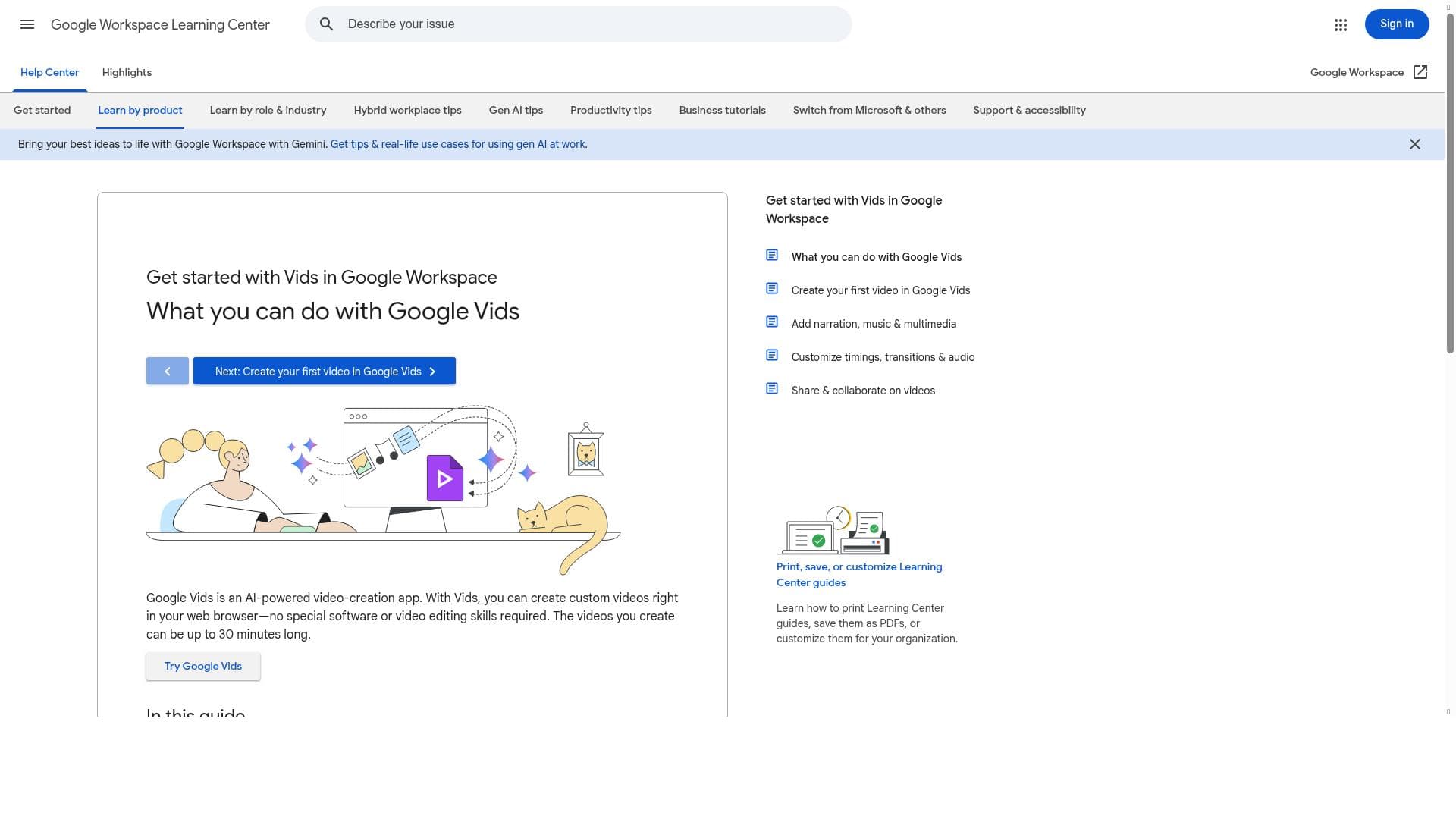
Vids is an AI-powered video creation app that’s designed for work and deeply integrated with the Workspace suite you use every day. Build your narrative with high quality templates or use Gemini in Vids to help you get to a first draft faster.
详细描述
Google Vids is an AI-powered video creation application designed primarily for professional and workplace environments. It is deeply integrated with the Google Workspace suite, which many organizations already use for email, document collaboration, and communication. The core purpose of Google Vids is to streamline and simplify the process of creating high-quality videos without the need for specialized video editing software or advanced technical skills. By leveraging artificial intelligence, particularly Google’s Gemini AI model, Vids helps users quickly generate first drafts of videos, enabling faster content production and iteration. This makes it an ideal tool for teams looking to enhance their communication, marketing, training, or presentation materials with engaging video content. Users can build their narratives using a variety of professionally designed templates, which provide a polished look and feel while allowing customization to suit specific messaging and branding needs. Key features of Google Vids include AI-powered video creation that automates much of the editing and assembly process, reducing the time and effort required to produce videos. The app operates entirely within a web browser, meaning no downloads or installations of special software are necessary, which lowers the barrier to entry and facilitates easy access from any device. The integration with Google Workspace means users can seamlessly incorporate content from Google Docs, Slides, and Drive, making it convenient to pull in existing assets and collaborate with colleagues in real time. The Gemini AI assists users by generating initial video drafts based on inputted scripts or outlines, which can then be refined and customized. The availability of high-quality templates ensures that even users without design experience can create visually appealing videos that align with corporate standards. Google Vids is best suited for professionals, teams, and organizations that rely on video content for internal communications, marketing campaigns, training sessions, or client presentations. Marketing teams can rapidly produce promotional videos or social media content, HR departments can create onboarding or training videos, and sales teams can develop personalized pitches or product demos. Its ease of use and integration with existing Google Workspace tools make it particularly valuable for businesses already embedded in the Google ecosystem. Educational institutions and non-profits may also find it useful for creating instructional or informational videos without investing in costly video production resources. The pricing model for Google Vids is straightforward: it is offered for free, which is a significant advantage for organizations looking to adopt video creation tools without additional budgetary commitments. This free access encourages widespread adoption and experimentation, allowing users to explore the tool’s capabilities without financial risk. However, the free model may come with usage limits or feature restrictions typical of Google’s productivity tools, although specific details are not explicitly stated. Compared to alternative video creation platforms, Google Vids stands out due to its deep integration with Google Workspace and the use of Google’s proprietary Gemini AI for video drafting. Many other video tools require standalone software or separate subscriptions and may not offer the same level of seamless collaboration with productivity apps. While platforms like Canva or Adobe Spark provide template-based video creation, Google Vids’ AI-driven approach to generating first drafts can significantly accelerate the content creation process. However, it may not yet offer the advanced editing features or extensive customization options found in dedicated professional video editors, which could be a limitation for users needing highly complex video productions. Notable considerations include the reliance on Google Workspace, which means organizations not using Google’s ecosystem may find integration limited or less beneficial. Additionally, as a relatively new tool, Google Vids may still be evolving in terms of feature depth and user interface polish. Users should also consider data privacy and security policies when creating and storing video content within Google’s cloud infrastructure. Overall, Google Vids presents a compelling, accessible solution for businesses and professionals aiming to incorporate video into their workflows efficiently and effectively.
工具功能
- AI-powered video creation
- Custom video creation in web browser
- No special software required
描述
Google Vids is an AI-powered video creation tool seamlessly integrated with Google Workspace, enabling users to quickly produce professional-quality videos using smart templates and AI-assisted drafting. Ideal for businesses and teams already using Google’s ecosystem, it simplifies video production without requiring special software or expertise.
Vids is an AI-powered video creation app that’s designed for work and deeply integrated with the Workspace suite you use every day. Build your narrative with high quality templates or use Gemini in Vids to help you get to a first draft faster.
详细描述
Google Vids is an AI-powered video creation application designed primarily for professional and workplace environments. It is deeply integrated with the Google Workspace suite, which many organizations already use for email, document collaboration, and communication. The core purpose of Google Vids is to streamline and simplify the process of creating high-quality videos without the need for specialized video editing software or advanced technical skills. By leveraging artificial intelligence, particularly Google’s Gemini AI model, Vids helps users quickly generate first drafts of videos, enabling faster content production and iteration. This makes it an ideal tool for teams looking to enhance their communication, marketing, training, or presentation materials with engaging video content. Users can build their narratives using a variety of professionally designed templates, which provide a polished look and feel while allowing customization to suit specific messaging and branding needs. Key features of Google Vids include AI-powered video creation that automates much of the editing and assembly process, reducing the time and effort required to produce videos. The app operates entirely within a web browser, meaning no downloads or installations of special software are necessary, which lowers the barrier to entry and facilitates easy access from any device. The integration with Google Workspace means users can seamlessly incorporate content from Google Docs, Slides, and Drive, making it convenient to pull in existing assets and collaborate with colleagues in real time. The Gemini AI assists users by generating initial video drafts based on inputted scripts or outlines, which can then be refined and customized. The availability of high-quality templates ensures that even users without design experience can create visually appealing videos that align with corporate standards. Google Vids is best suited for professionals, teams, and organizations that rely on video content for internal communications, marketing campaigns, training sessions, or client presentations. Marketing teams can rapidly produce promotional videos or social media content, HR departments can create onboarding or training videos, and sales teams can develop personalized pitches or product demos. Its ease of use and integration with existing Google Workspace tools make it particularly valuable for businesses already embedded in the Google ecosystem. Educational institutions and non-profits may also find it useful for creating instructional or informational videos without investing in costly video production resources. The pricing model for Google Vids is straightforward: it is offered for free, which is a significant advantage for organizations looking to adopt video creation tools without additional budgetary commitments. This free access encourages widespread adoption and experimentation, allowing users to explore the tool’s capabilities without financial risk. However, the free model may come with usage limits or feature restrictions typical of Google’s productivity tools, although specific details are not explicitly stated. Compared to alternative video creation platforms, Google Vids stands out due to its deep integration with Google Workspace and the use of Google’s proprietary Gemini AI for video drafting. Many other video tools require standalone software or separate subscriptions and may not offer the same level of seamless collaboration with productivity apps. While platforms like Canva or Adobe Spark provide template-based video creation, Google Vids’ AI-driven approach to generating first drafts can significantly accelerate the content creation process. However, it may not yet offer the advanced editing features or extensive customization options found in dedicated professional video editors, which could be a limitation for users needing highly complex video productions. Notable considerations include the reliance on Google Workspace, which means organizations not using Google’s ecosystem may find integration limited or less beneficial. Additionally, as a relatively new tool, Google Vids may still be evolving in terms of feature depth and user interface polish. Users should also consider data privacy and security policies when creating and storing video content within Google’s cloud infrastructure. Overall, Google Vids presents a compelling, accessible solution for businesses and professionals aiming to incorporate video into their workflows efficiently and effectively.
常见问题
What is Google Vids?
Google Vids is an AI-powered video creation application designed to help users quickly create professional videos using AI assistance and high-quality templates, fully integrated with the Google Workspace suite.
How much does Google Vids cost?
Google Vids is available for free, allowing users to create videos without any subscription fees or upfront costs.
Who is Google Vids best for?
Google Vids is best suited for professionals, teams, and organizations that use Google Workspace and need to create videos for marketing, training, presentations, or internal communications.
What are the main features of Google Vids?
Key features include AI-powered video creation, web browser-based custom video editing with no software installation required, integration with Google Workspace apps, and access to high-quality video templates.
Does Google Vids offer a free trial?
Google Vids is offered for free, so there is no need for a separate free trial period.
What integrations does Google Vids support?
Google Vids is deeply integrated with Google Workspace, allowing users to incorporate content from Google Docs, Slides, Drive, and collaborate seamlessly within the Google ecosystem.
How does Google Vids work?
Google Vids works by letting users create videos directly in their web browser using AI-powered tools like Gemini to generate first drafts based on scripts or outlines, combined with customizable templates for a polished final product.
评价
暂无评价。成为第一个分享使用体验的人。
赞助工具











































推荐工具
及时了解最新 AI 工具
获取最新资讯,订阅我们的新闻通讯
已有 50,000+ 位读者阅读并信赖
加入最大的 AI 社区
我们的社区和团队随时为您提供帮助!
您的反馈将帮助 Alice AI 在未来版本中不断改进。









