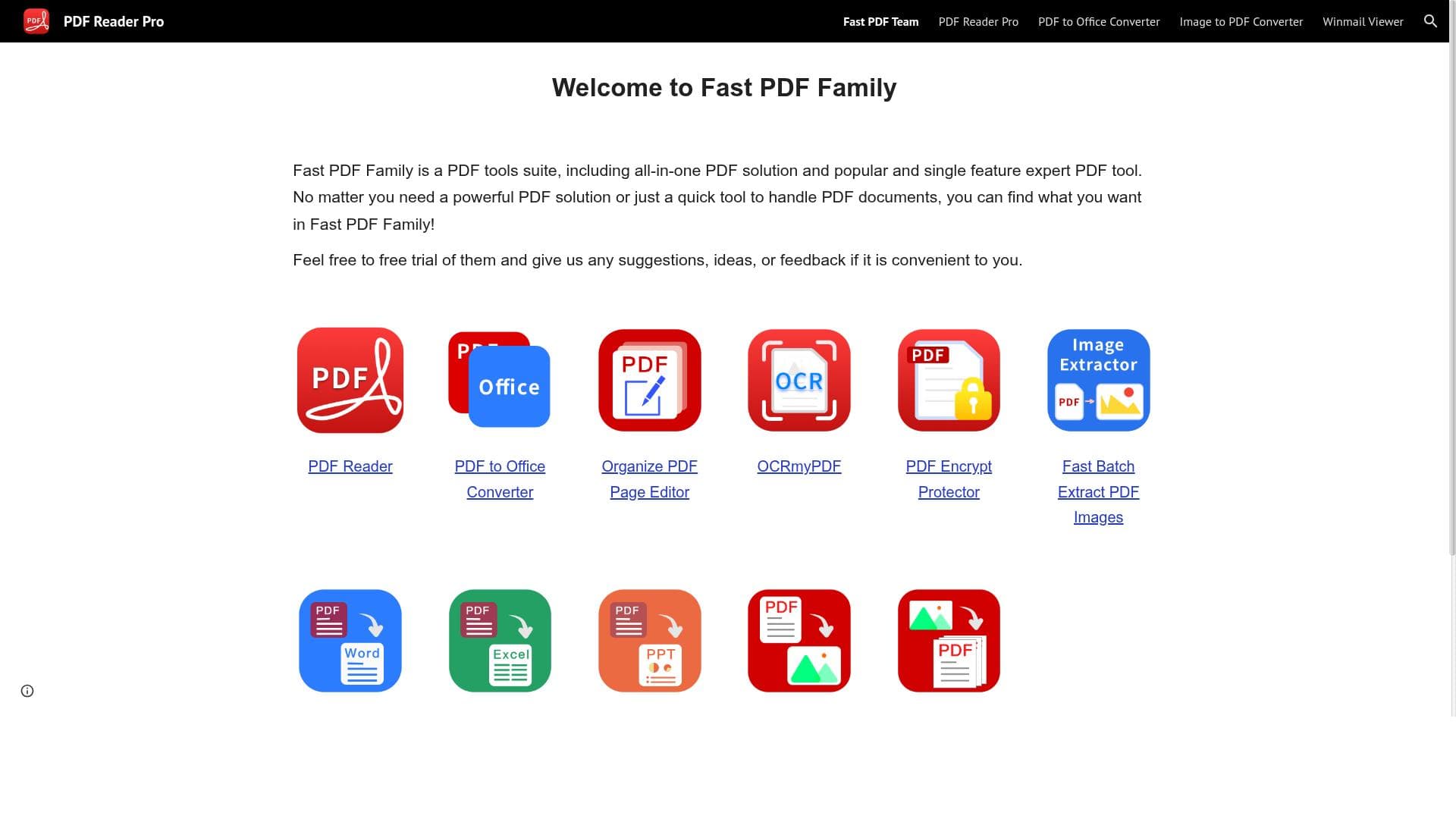


Good PDF Converter is a versatile, free tool that effortlessly converts PDFs into fully editable formats like Word, Excel, PowerPoint, and more, all while preserving original layouts. Ideal for professionals, students, and content creators, it streamlines PDF editing and management with just one tap, making complex document workflows simple and accessible.

描述
The all-in-one PDF converter exports PDF to fully-editable Word, Excel, PowerPoint, JPEG, PNG, HTML, Text, CSV and more with just one tap and without changes of layouts.
详细描述
Good PDF Converter is a comprehensive, all-in-one PDF conversion tool designed to simplify the process of transforming PDF documents into a variety of fully editable formats. Its core purpose is to enable users to export PDFs into Word, Excel, PowerPoint, JPEG, PNG, HTML, Text, CSV, and more, all with a single tap. What sets Good PDF Converter apart is its ability to maintain the original layout and formatting of documents during conversion, ensuring that users receive output files that are both accurate and easy to edit. This makes it an invaluable tool for professionals, students, and anyone who frequently works with PDF files and needs to repurpose or edit content without starting from scratch. The tool offers several key features that enhance PDF management and editing. First, it allows users to manage PDF documents efficiently by converting them into multiple editable formats, which facilitates easier content extraction and reuse. Second, Good PDF Converter supports direct editing of PDF files, enabling users to make changes without needing to convert the document first. This feature streamlines workflows by reducing the number of steps required to modify PDFs. Third, the tool optimizes PDF documents, improving file size and quality balance, which is particularly useful for sharing or archiving purposes. The conversion process is designed to be fast and user-friendly, requiring minimal technical knowledge, making it accessible to a broad audience. Good PDF Converter is best suited for a wide range of users including business professionals who need to edit reports or presentations, educators and students who require editable versions of study materials, and content creators who want to repurpose PDF content into various formats for different platforms. Specific use cases include converting financial reports from PDF to Excel for data analysis, transforming academic papers into Word documents for annotation, or exporting presentation slides from PDF to PowerPoint for further customization. Additionally, graphic designers and marketers can convert PDFs into image formats like JPEG or PNG for use in visual content creation. One of the most attractive aspects of Good PDF Converter is its pricing model: it is completely free to use. This makes it an excellent choice for individuals and small businesses looking for a cost-effective PDF conversion solution without sacrificing quality or functionality. Unlike many competitors that require subscriptions or impose usage limits on free tiers, Good PDF Converter provides robust features at no cost, removing financial barriers to access. When compared to alternative PDF converters, Good PDF Converter stands out due to its ease of use, broad format support, and preservation of original layouts. Many other tools either focus on a limited set of output formats or compromise on formatting fidelity, which can lead to additional manual corrections. However, some alternatives may offer more advanced features such as OCR (Optical Character Recognition) for scanned documents or cloud-based collaboration tools, which Good PDF Converter currently does not provide. Users should consider a few limitations: since the tool is free, it may lack some premium features found in paid software, such as batch processing or integration with enterprise document management systems. Additionally, there is no mention of direct integration with third-party platforms or cloud storage services, which could be a drawback for users seeking seamless workflow automation. Finally, while the tool maintains layout integrity well, extremely complex PDFs with intricate formatting or embedded multimedia might not convert perfectly every time. Overall, Good PDF Converter is a powerful, user-friendly, and cost-free solution for anyone needing to convert, edit, or optimize PDF documents across multiple formats. Its versatility and simplicity make it a standout choice for everyday PDF management tasks, especially for users who prioritize layout preservation and ease of use without incurring additional costs.
工具功能
- Manage PDF documents
- Edit PDF files
- Optimize PDF documents
描述
Good PDF Converter is a versatile, free tool that effortlessly converts PDFs into fully editable formats like Word, Excel, PowerPoint, and more, all while preserving original layouts. Ideal for professionals, students, and content creators, it streamlines PDF editing and management with just one tap, making complex document workflows simple and accessible.
The all-in-one PDF converter exports PDF to fully-editable Word, Excel, PowerPoint, JPEG, PNG, HTML, Text, CSV and more with just one tap and without changes of layouts.
详细描述
Good PDF Converter is a comprehensive, all-in-one PDF conversion tool designed to simplify the process of transforming PDF documents into a variety of fully editable formats. Its core purpose is to enable users to export PDFs into Word, Excel, PowerPoint, JPEG, PNG, HTML, Text, CSV, and more, all with a single tap. What sets Good PDF Converter apart is its ability to maintain the original layout and formatting of documents during conversion, ensuring that users receive output files that are both accurate and easy to edit. This makes it an invaluable tool for professionals, students, and anyone who frequently works with PDF files and needs to repurpose or edit content without starting from scratch. The tool offers several key features that enhance PDF management and editing. First, it allows users to manage PDF documents efficiently by converting them into multiple editable formats, which facilitates easier content extraction and reuse. Second, Good PDF Converter supports direct editing of PDF files, enabling users to make changes without needing to convert the document first. This feature streamlines workflows by reducing the number of steps required to modify PDFs. Third, the tool optimizes PDF documents, improving file size and quality balance, which is particularly useful for sharing or archiving purposes. The conversion process is designed to be fast and user-friendly, requiring minimal technical knowledge, making it accessible to a broad audience. Good PDF Converter is best suited for a wide range of users including business professionals who need to edit reports or presentations, educators and students who require editable versions of study materials, and content creators who want to repurpose PDF content into various formats for different platforms. Specific use cases include converting financial reports from PDF to Excel for data analysis, transforming academic papers into Word documents for annotation, or exporting presentation slides from PDF to PowerPoint for further customization. Additionally, graphic designers and marketers can convert PDFs into image formats like JPEG or PNG for use in visual content creation. One of the most attractive aspects of Good PDF Converter is its pricing model: it is completely free to use. This makes it an excellent choice for individuals and small businesses looking for a cost-effective PDF conversion solution without sacrificing quality or functionality. Unlike many competitors that require subscriptions or impose usage limits on free tiers, Good PDF Converter provides robust features at no cost, removing financial barriers to access. When compared to alternative PDF converters, Good PDF Converter stands out due to its ease of use, broad format support, and preservation of original layouts. Many other tools either focus on a limited set of output formats or compromise on formatting fidelity, which can lead to additional manual corrections. However, some alternatives may offer more advanced features such as OCR (Optical Character Recognition) for scanned documents or cloud-based collaboration tools, which Good PDF Converter currently does not provide. Users should consider a few limitations: since the tool is free, it may lack some premium features found in paid software, such as batch processing or integration with enterprise document management systems. Additionally, there is no mention of direct integration with third-party platforms or cloud storage services, which could be a drawback for users seeking seamless workflow automation. Finally, while the tool maintains layout integrity well, extremely complex PDFs with intricate formatting or embedded multimedia might not convert perfectly every time. Overall, Good PDF Converter is a powerful, user-friendly, and cost-free solution for anyone needing to convert, edit, or optimize PDF documents across multiple formats. Its versatility and simplicity make it a standout choice for everyday PDF management tasks, especially for users who prioritize layout preservation and ease of use without incurring additional costs.
常见问题
What is Good PDF Converter?
Good PDF Converter is an all-in-one PDF conversion tool that allows users to export PDF files into multiple editable formats such as Word, Excel, PowerPoint, JPEG, PNG, HTML, Text, and CSV, while preserving the original layout and formatting.
How much does Good PDF Converter cost?
Good PDF Converter is completely free to use, providing robust PDF conversion and editing features without any subscription or payment requirements.
Who is Good PDF Converter best for?
It is best suited for business professionals, educators, students, content creators, and anyone who needs to convert, edit, or optimize PDF documents efficiently and accurately.
What are the main features of Good PDF Converter?
The main features include managing PDF documents, editing PDF files directly, optimizing PDFs for size and quality, and converting PDFs into a wide range of editable formats without altering the original layout.
Does Good PDF Converter offer a free trial?
Since Good PDF Converter is free to use, there is no need for a trial period; all features are accessible without cost.
What integrations does Good PDF Converter support?
Currently, Good PDF Converter does not specify any direct integrations with third-party platforms or cloud storage services.
How does Good PDF Converter work?
Users upload their PDF files to the tool, select the desired output format, and with a single tap, the tool converts the document into a fully editable file while maintaining the original layout and formatting.
评价
暂无评价。成为第一个分享使用体验的人。




















































