🚀 Zaprep: Your Socials on Steroids. 免费开始 — 每月自动发送 1,000 条私信,将互动转化为潜在客户。 ,每月 1,000 条自动私信。
Gemini in Android Studio


这是您的 AI 工具吗?立即认领。
验证所有权、管理资料,并解锁增长功能。
Gemini in Android Studio is a cutting-edge AI coding companion that integrates seamlessly into the Android development lifecycle, uniquely supporting multimodal image attachments and converting design mocks into Compose UI code. Ideal for Android developers and designers, it accelerates app development and boosts productivity with intelligent, context-aware assistance—all available for free.

描述
Gemini in Android Studio is your AI powered coding companion and it's getting the biggest set of updates since launch. For the first time, Gemini is bringing AI to every stage of the development lifecycle.
详细描述
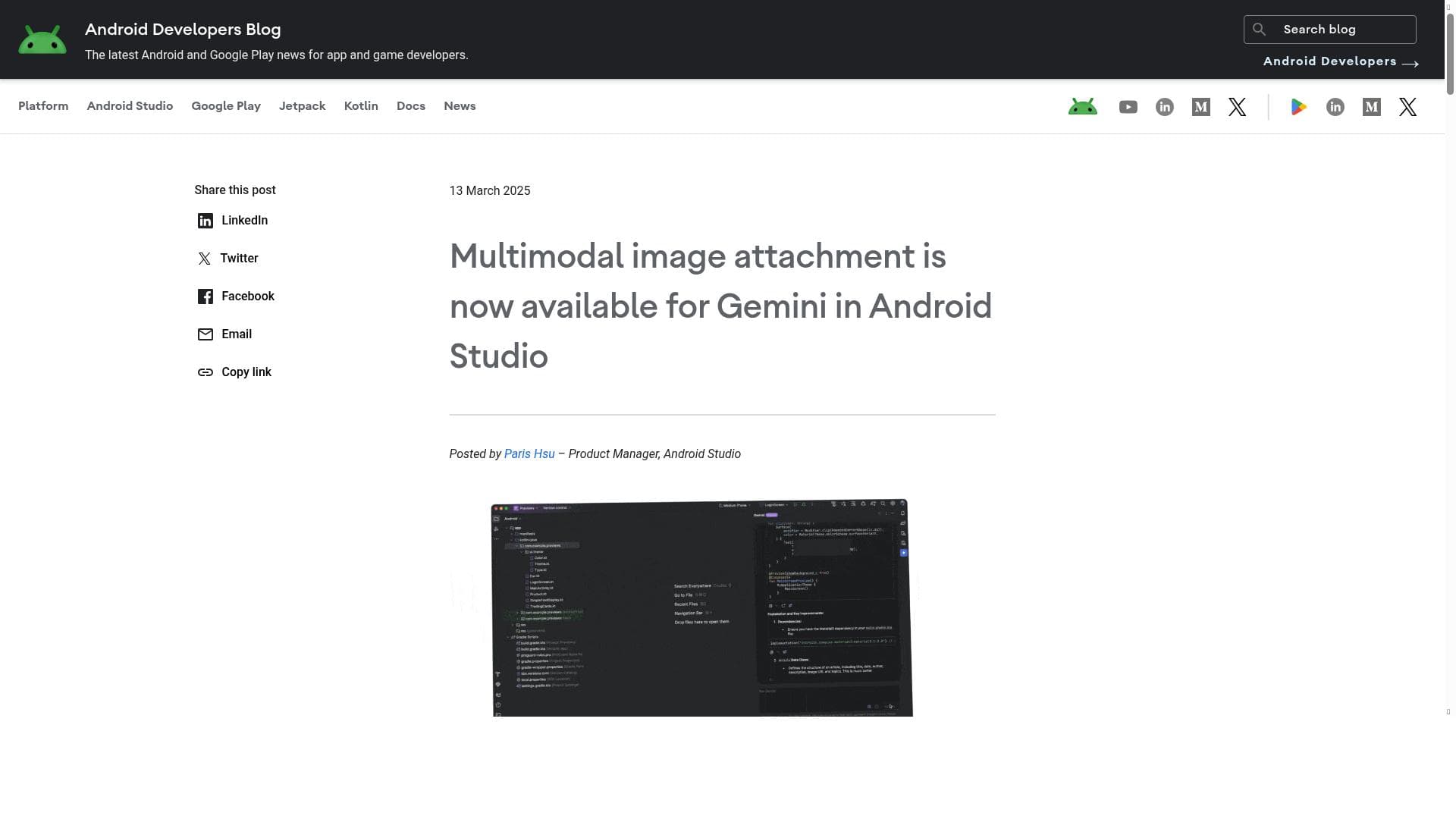
Gemini in Android Studio is an advanced AI-powered coding companion designed to revolutionize the Android app development process by integrating artificial intelligence at every stage of the development lifecycle. This tool is embedded directly within Android Studio, the official integrated development environment (IDE) for Android, enabling developers to seamlessly leverage AI capabilities without leaving their coding environment. Gemini's core purpose is to accelerate development workflows, enhance productivity, and bridge the gap between design and implementation through intelligent automation and assistance. One of the standout features of Gemini is its support for multimodal image attachments. This allows developers to incorporate images directly into their development context, facilitating richer interactions and more intuitive coding experiences. For example, designers can attach mockups or UI designs as images, and Gemini can interpret these visuals to generate corresponding Compose UI code. This bridging of design mocks to actual code significantly reduces the manual effort required to translate design concepts into functional user interfaces, streamlining the handoff between designers and developers. Beyond image support, Gemini accelerates Android development by providing AI-driven code suggestions, error detection, and automated code generation tailored specifically for Android projects. It understands the nuances of Android’s architecture and Compose UI framework, offering context-aware assistance that helps developers write cleaner, more efficient code faster. This boosts developer productivity by minimizing repetitive tasks and reducing the cognitive load associated with complex coding challenges. Gemini is best suited for Android developers ranging from individual coders to large development teams who want to integrate AI into their workflow to enhance efficiency and quality. It is particularly valuable for UI/UX designers collaborating closely with developers, as it facilitates a smoother transition from design to implementation. Use cases include rapid prototyping, iterative UI development, and maintaining high code quality in large-scale Android applications. In terms of pricing, Gemini in Android Studio is offered free of charge, making it accessible to all developers regardless of budget. This free availability encourages widespread adoption and experimentation with AI-assisted development within the Android ecosystem. Compared to alternative AI coding assistants, Gemini’s deep integration with Android Studio and its specialized focus on Android development set it apart. While many AI tools offer generic code completion or bug detection, Gemini uniquely supports multimodal inputs and directly converts design assets into Compose UI code, a feature not commonly found in other tools. This specialization makes it a powerful asset for Android developers specifically, rather than a general-purpose AI assistant. However, there are some considerations to keep in mind. As a relatively new tool with its biggest update recently released, Gemini may still be evolving in terms of stability and feature completeness. Developers should be aware that AI-generated code might require review and refinement to meet specific project standards. Additionally, its effectiveness depends on the quality of design inputs and the complexity of the UI being generated, so it may not fully replace manual coding for highly customized interfaces. Overall, Gemini in Android Studio represents a significant step forward in AI-assisted Android development, offering innovative features that enhance productivity and bridge design and code. Its free availability and deep IDE integration make it an attractive option for developers looking to leverage AI to streamline their Android app creation process.
工具功能
- Multimodal image attachment support
- Bridges design mocks to Compose UI code
- Accelerates Android development
- Boosts developer productivity
描述
Gemini in Android Studio is a cutting-edge AI coding companion that integrates seamlessly into the Android development lifecycle, uniquely supporting multimodal image attachments and converting design mocks into Compose UI code. Ideal for Android developers and designers, it accelerates app development and boosts productivity with intelligent, context-aware assistance—all available for free.
Gemini in Android Studio is your AI powered coding companion and it's getting the biggest set of updates since launch. For the first time, Gemini is bringing AI to every stage of the development lifecycle.
详细描述
Gemini in Android Studio is an advanced AI-powered coding companion designed to revolutionize the Android app development process by integrating artificial intelligence at every stage of the development lifecycle. This tool is embedded directly within Android Studio, the official integrated development environment (IDE) for Android, enabling developers to seamlessly leverage AI capabilities without leaving their coding environment. Gemini's core purpose is to accelerate development workflows, enhance productivity, and bridge the gap between design and implementation through intelligent automation and assistance. One of the standout features of Gemini is its support for multimodal image attachments. This allows developers to incorporate images directly into their development context, facilitating richer interactions and more intuitive coding experiences. For example, designers can attach mockups or UI designs as images, and Gemini can interpret these visuals to generate corresponding Compose UI code. This bridging of design mocks to actual code significantly reduces the manual effort required to translate design concepts into functional user interfaces, streamlining the handoff between designers and developers. Beyond image support, Gemini accelerates Android development by providing AI-driven code suggestions, error detection, and automated code generation tailored specifically for Android projects. It understands the nuances of Android’s architecture and Compose UI framework, offering context-aware assistance that helps developers write cleaner, more efficient code faster. This boosts developer productivity by minimizing repetitive tasks and reducing the cognitive load associated with complex coding challenges. Gemini is best suited for Android developers ranging from individual coders to large development teams who want to integrate AI into their workflow to enhance efficiency and quality. It is particularly valuable for UI/UX designers collaborating closely with developers, as it facilitates a smoother transition from design to implementation. Use cases include rapid prototyping, iterative UI development, and maintaining high code quality in large-scale Android applications. In terms of pricing, Gemini in Android Studio is offered free of charge, making it accessible to all developers regardless of budget. This free availability encourages widespread adoption and experimentation with AI-assisted development within the Android ecosystem. Compared to alternative AI coding assistants, Gemini’s deep integration with Android Studio and its specialized focus on Android development set it apart. While many AI tools offer generic code completion or bug detection, Gemini uniquely supports multimodal inputs and directly converts design assets into Compose UI code, a feature not commonly found in other tools. This specialization makes it a powerful asset for Android developers specifically, rather than a general-purpose AI assistant. However, there are some considerations to keep in mind. As a relatively new tool with its biggest update recently released, Gemini may still be evolving in terms of stability and feature completeness. Developers should be aware that AI-generated code might require review and refinement to meet specific project standards. Additionally, its effectiveness depends on the quality of design inputs and the complexity of the UI being generated, so it may not fully replace manual coding for highly customized interfaces. Overall, Gemini in Android Studio represents a significant step forward in AI-assisted Android development, offering innovative features that enhance productivity and bridge design and code. Its free availability and deep IDE integration make it an attractive option for developers looking to leverage AI to streamline their Android app creation process.
常见问题
What is Gemini in Android Studio?
Gemini in Android Studio is an AI-powered coding assistant integrated within the Android Studio IDE that helps developers accelerate Android app development by providing intelligent code suggestions, supporting multimodal image attachments, and converting design mocks into Compose UI code.
How much does Gemini in Android Studio cost?
Gemini in Android Studio is completely free to use, allowing developers to access its AI-powered features without any subscription or payment.
Who is Gemini in Android Studio best for?
Gemini is best suited for Android developers and UI/UX designers who want to streamline the app development process, improve productivity, and bridge the gap between design and implementation within the Android Studio environment.
What are the main features of Gemini in Android Studio?
Key features include multimodal image attachment support, the ability to convert design mocks into Compose UI code, AI-driven code suggestions, error detection, and overall acceleration of the Android development lifecycle.
Does Gemini in Android Studio offer a free trial?
Since Gemini in Android Studio is offered for free, there is no need for a trial period; developers can use all features without any cost or time limitations.
What integrations does Gemini in Android Studio support?
Gemini is deeply integrated within the Android Studio IDE and supports integration with design assets such as image-based UI mocks, enabling direct conversion to Compose UI code within the development environment.
How does Gemini in Android Studio work?
Gemini leverages AI models to analyze code context, design images, and development workflows within Android Studio, providing intelligent code completions, generating UI code from design mocks, and assisting developers throughout the entire Android app development lifecycle.
社交媒体
使用工具评价
暂无评价。成为第一个分享使用体验的人。
赞助工具











































推荐工具
及时了解最新 AI 工具
获取最新资讯,订阅我们的新闻通讯
已有 50,000+ 位读者阅读并信赖
加入最大的 AI 社区
我们的社区和团队随时为您提供帮助!
您的反馈将帮助 Alice AI 在未来版本中不断改进。









