Break in Motion
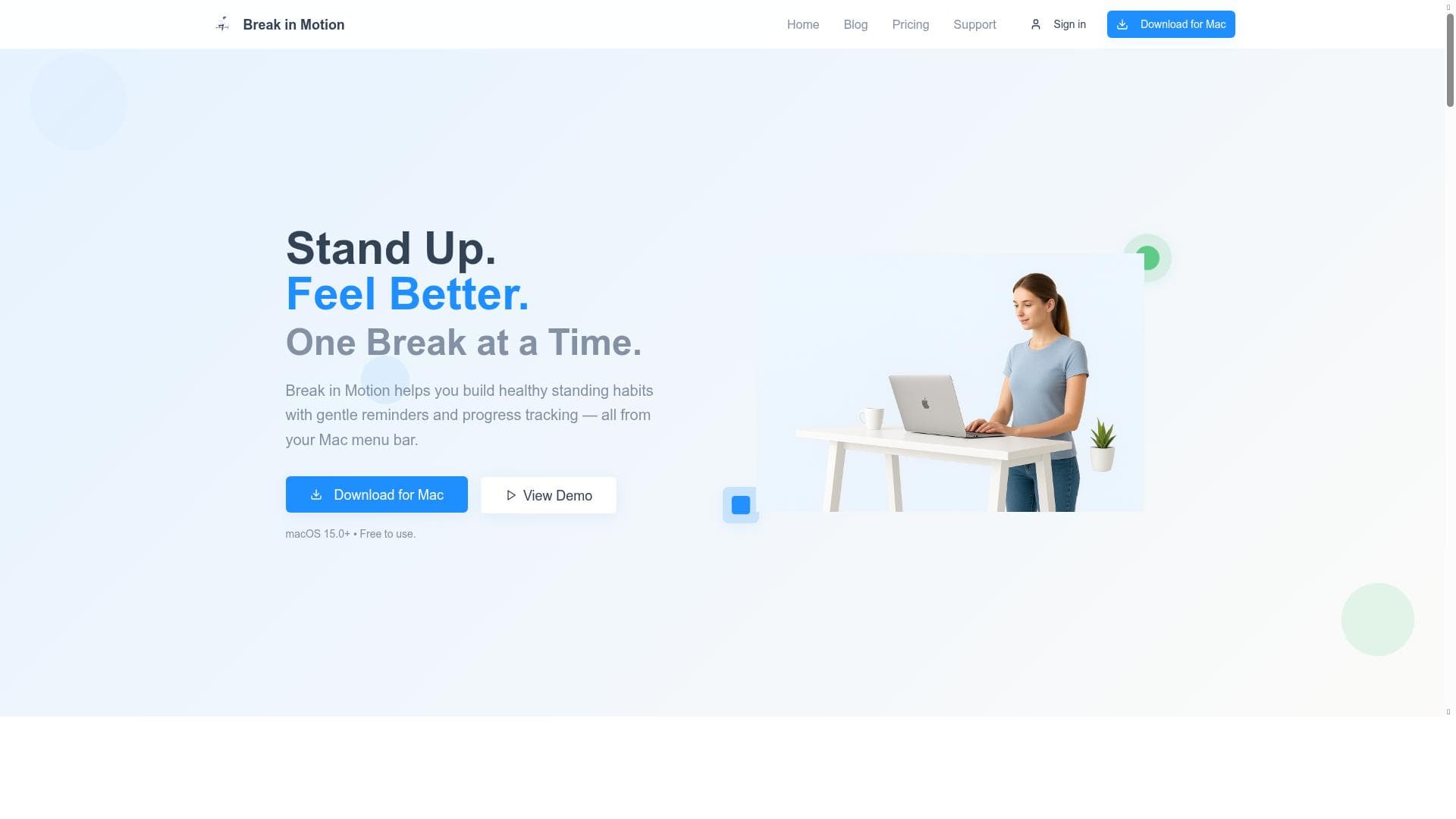


Break in Motion is a free macOS app that smartly reminds remote workers to stand, stretch, and move, gradually increasing standing goals to build healthier habits without disrupting workflow. Its seamless menu bar integration and visual progress tracking make it ideal for anyone seeking to improve productivity and physical well-being during long desk sessions.

描述
Break in Motion is a Mac app that reminds you to stand, stretch, and move — and gradually increases your standing goals over time. Designed for remote workers, it helps you build healthier habits without disrupting your workflow.
详细描述
Break in Motion is a dedicated macOS application designed to promote healthier work habits by encouraging users to stand, stretch, and move regularly throughout their workday. Its core purpose is to combat the sedentary lifestyle common among remote workers and desk-bound professionals by integrating subtle yet effective reminders into the user's workflow. By gradually increasing standing goals over time, Break in Motion helps users build sustainable habits that improve both physical well-being and productivity without causing disruptive interruptions. The app resides conveniently in the macOS menu bar, ensuring it remains accessible but unobtrusive during work sessions. One of the standout features of Break in Motion is its smart reminder system. Unlike generic break timers, the app intelligently prompts users to take breaks based on their activity patterns, encouraging movement at optimal intervals. This personalized approach helps prevent burnout and reduces the risk of musculoskeletal issues associated with prolonged sitting. Additionally, the app offers visual history tracking, allowing users to monitor their progress over days, weeks, and months. This feature provides motivation by clearly illustrating improvements and consistency in standing and movement habits. Break in Motion also incorporates progressive levels that gradually increase the user's standing goals. This gamified approach makes habit formation engaging and manageable, avoiding the common pitfall of setting unrealistic targets that can lead to frustration or abandonment. The design is minimalistic and tailored specifically for the macOS environment, leveraging the menu bar for quick access and seamless integration with the user's workflow. By encouraging regular movement without forcing disruptive breaks, the app supports improved focus and productivity, making it a valuable tool for remote workers, freelancers, and anyone spending extended periods at their desk. The app is offered completely free of charge, making it an accessible option for individuals seeking to improve their health habits without financial commitment. This pricing model is particularly attractive for remote workers and small teams who want to adopt healthier routines without investing in costly software. While Break in Motion does not currently offer tiered plans or premium features, its comprehensive functionality as a free tool positions it well against competitors. Compared to other break reminder apps, Break in Motion distinguishes itself through its focus on progressive habit building and macOS-specific design. Many alternatives provide simple timers or generic alerts but lack the adaptive goal-setting and visual progress tracking that Break in Motion offers. Its integration into the menu bar ensures it remains lightweight and non-intrusive, unlike some apps that require full-screen interruptions or complex setups. However, the app is limited to macOS users, which excludes Windows and Linux users from benefiting. Additionally, it does not currently support integrations with calendar apps or productivity suites, which some users might find limiting. In summary, Break in Motion is a thoughtfully designed macOS app that helps remote workers and desk-bound professionals develop healthier standing and movement habits through smart reminders, visual tracking, and progressive goal setting. Its free pricing, seamless menu bar integration, and focus on non-disruptive workflow support make it an excellent choice for anyone looking to improve their physical health and productivity during long work sessions. While it lacks cross-platform availability and advanced integrations, its core features deliver significant value for its target audience.
工具功能
- Smart reminders for breaks
- Visual history tracking
- Progressive levels to build habits
- Designed for macOS menu bar
- Helps improve productivity
- Encourages healthy standing habits
描述
Break in Motion is a free macOS app that smartly reminds remote workers to stand, stretch, and move, gradually increasing standing goals to build healthier habits without disrupting workflow. Its seamless menu bar integration and visual progress tracking make it ideal for anyone seeking to improve productivity and physical well-being during long desk sessions.
Break in Motion is a Mac app that reminds you to stand, stretch, and move — and gradually increases your standing goals over time. Designed for remote workers, it helps you build healthier habits without disrupting your workflow.
详细描述
Break in Motion is a dedicated macOS application designed to promote healthier work habits by encouraging users to stand, stretch, and move regularly throughout their workday. Its core purpose is to combat the sedentary lifestyle common among remote workers and desk-bound professionals by integrating subtle yet effective reminders into the user's workflow. By gradually increasing standing goals over time, Break in Motion helps users build sustainable habits that improve both physical well-being and productivity without causing disruptive interruptions. The app resides conveniently in the macOS menu bar, ensuring it remains accessible but unobtrusive during work sessions. One of the standout features of Break in Motion is its smart reminder system. Unlike generic break timers, the app intelligently prompts users to take breaks based on their activity patterns, encouraging movement at optimal intervals. This personalized approach helps prevent burnout and reduces the risk of musculoskeletal issues associated with prolonged sitting. Additionally, the app offers visual history tracking, allowing users to monitor their progress over days, weeks, and months. This feature provides motivation by clearly illustrating improvements and consistency in standing and movement habits. Break in Motion also incorporates progressive levels that gradually increase the user's standing goals. This gamified approach makes habit formation engaging and manageable, avoiding the common pitfall of setting unrealistic targets that can lead to frustration or abandonment. The design is minimalistic and tailored specifically for the macOS environment, leveraging the menu bar for quick access and seamless integration with the user's workflow. By encouraging regular movement without forcing disruptive breaks, the app supports improved focus and productivity, making it a valuable tool for remote workers, freelancers, and anyone spending extended periods at their desk. The app is offered completely free of charge, making it an accessible option for individuals seeking to improve their health habits without financial commitment. This pricing model is particularly attractive for remote workers and small teams who want to adopt healthier routines without investing in costly software. While Break in Motion does not currently offer tiered plans or premium features, its comprehensive functionality as a free tool positions it well against competitors. Compared to other break reminder apps, Break in Motion distinguishes itself through its focus on progressive habit building and macOS-specific design. Many alternatives provide simple timers or generic alerts but lack the adaptive goal-setting and visual progress tracking that Break in Motion offers. Its integration into the menu bar ensures it remains lightweight and non-intrusive, unlike some apps that require full-screen interruptions or complex setups. However, the app is limited to macOS users, which excludes Windows and Linux users from benefiting. Additionally, it does not currently support integrations with calendar apps or productivity suites, which some users might find limiting. In summary, Break in Motion is a thoughtfully designed macOS app that helps remote workers and desk-bound professionals develop healthier standing and movement habits through smart reminders, visual tracking, and progressive goal setting. Its free pricing, seamless menu bar integration, and focus on non-disruptive workflow support make it an excellent choice for anyone looking to improve their physical health and productivity during long work sessions. While it lacks cross-platform availability and advanced integrations, its core features deliver significant value for its target audience.
常见问题
What is Break in Motion?
Break in Motion is a macOS application designed to remind users to stand, stretch, and move regularly throughout their workday. It helps build healthier habits by gradually increasing standing goals and providing smart, non-disruptive reminders.
How much does Break in Motion cost?
Break in Motion is completely free to use with no paid plans or subscriptions.
Who is Break in Motion best for?
It is best suited for remote workers, freelancers, and anyone who spends extended periods at a desk on a Mac, looking to improve their physical health and productivity through regular movement.
What are the main features of Break in Motion?
Key features include smart reminders for breaks, visual history tracking of standing and movement habits, progressive levels to gradually increase standing goals, and seamless integration into the macOS menu bar.
Does Break in Motion offer a free trial?
Since Break in Motion is free to use, there is no need for a trial period.
What integrations does Break in Motion support?
Currently, Break in Motion does not support integrations with other apps or productivity tools; it functions as a standalone macOS menu bar app.
How does Break in Motion work?
The app runs in the macOS menu bar and uses smart algorithms to remind users to stand, stretch, and move at optimal intervals. It tracks progress visually and gradually increases standing goals to help build sustainable healthy habits without disrupting workflow.
社交媒体
使用工具评价
暂无评价。成为第一个分享使用体验的人。




















































