
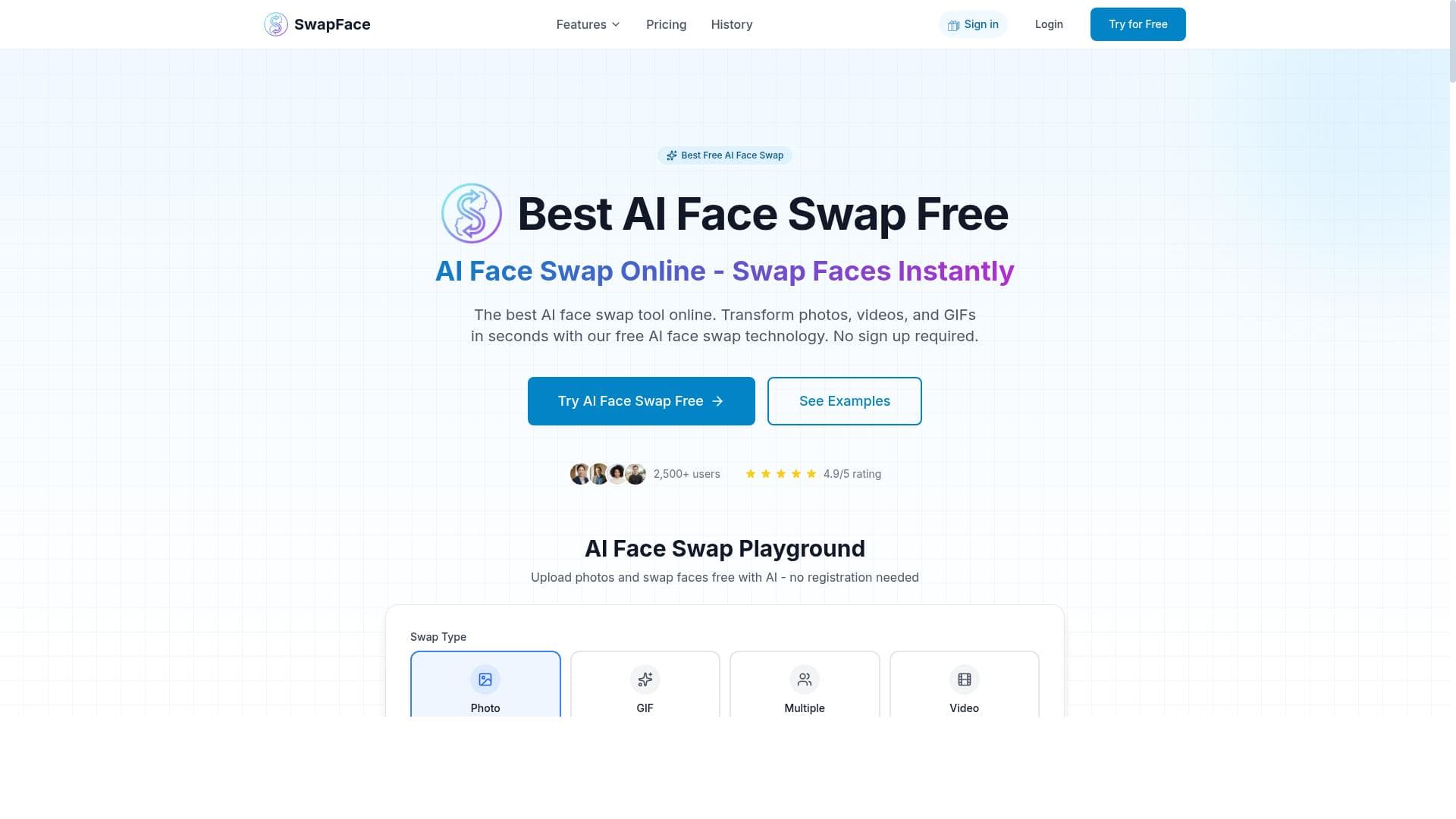


AI Face Swap is a free, no-registration online tool that uses advanced AI to seamlessly swap faces in photos, videos, and GIFs with natural results. Perfect for content creators and casual users alike, it supports multiple face swaps and ensures privacy by processing media in real-time without storing data.
描述
AI Face Swap is an online tool that uses advanced artificial intelligence to seamlessly replace faces in photos, videos, and GIFs. It offers high-quality face swapping with natural-looking results, supports multiple face swaps, and requires no registration. The tool ensures privacy by processing images in real-time without storing them on servers, and it supports various file formats including JPG, PNG, WebP, MP4, WebM, and GIF.
详细描述
AI Face Swap is a sophisticated online tool designed to revolutionize the way users replace faces in digital media. Utilizing cutting-edge artificial intelligence algorithms, it enables seamless face swapping in photos, videos, and GIFs with impressive accuracy and natural-looking results. The core purpose of AI Face Swap is to provide an accessible, user-friendly platform that delivers high-quality face swaps without the need for complex software or technical expertise. By supporting a wide range of file formats including JPG, PNG, WebP for images, and MP4, WebM, GIF for videos and animations, the tool caters to diverse user needs across different media types. One of the standout features of AI Face Swap is its ability to handle multiple face swaps within a single file, allowing users to replace several faces simultaneously. This is particularly useful for group photos or videos where multiple subjects need to be altered. The tool operates entirely online and requires no registration, making it instantly accessible and easy to use. Privacy is a key consideration; AI Face Swap processes all images and videos in real-time directly in the browser or through secure servers without storing any user data, ensuring that sensitive content remains confidential. The interface is straightforward, enabling users to upload their media, select the faces they want to swap, and generate results quickly without any software installation. AI Face Swap is ideal for a broad audience including content creators, social media enthusiasts, marketers, and casual users who want to create entertaining or professional-grade face swaps. Content creators can leverage the tool to produce engaging visual content for platforms like Instagram, TikTok, and YouTube, while marketers might use it for innovative advertising campaigns or personalized promotions. Additionally, it serves as a fun tool for individuals looking to experiment with face swaps in personal photos or videos. Its versatility across photos, videos, and GIFs makes it a comprehensive solution for anyone interested in face manipulation technology. Regarding pricing, AI Face Swap is offered as a completely free online tool with no hidden fees or subscription plans. This makes it highly accessible to users who want to experiment with face swapping without financial commitment. The lack of registration requirements further lowers the barrier to entry, allowing users to try the service instantly. While free, the tool maintains high performance and quality, which is often a challenge for no-cost AI services. When compared to alternatives, AI Face Swap stands out due to its combination of multi-format support, multiple face swapping capabilities, and strong privacy protections. Many competing tools either focus solely on photos or videos, require downloads, or mandate user accounts, which can be cumbersome. AI Face Swap’s real-time processing and no-storage policy provide an edge in privacy-conscious environments. However, unlike some premium software, it may not offer advanced editing features such as manual face alignment adjustments or extensive post-processing filters. Notable limitations include potential variability in results depending on the quality and angle of the input media. Extremely low-resolution images or videos with complex backgrounds may yield less precise swaps. Additionally, while the tool supports multiple face swaps, there may be practical limits on the number of faces processed simultaneously based on file size and complexity. Users should also be mindful of ethical considerations when swapping faces, especially regarding consent and the use of likenesses. Overall, AI Face Swap provides a powerful, accessible, and privacy-focused solution for face swapping across multiple media types, making it a valuable tool for both casual and professional use.
工具功能
- AI Photo Face Swap
- AI Video Face Swap
- AI GIF Face Swap
- Multiple Face Swap
- Free Online Tool
- No Registration Required
描述
AI Face Swap is a free, no-registration online tool that uses advanced AI to seamlessly swap faces in photos, videos, and GIFs with natural results. Perfect for content creators and casual users alike, it supports multiple face swaps and ensures privacy by processing media in real-time without storing data.
AI Face Swap is an online tool that uses advanced artificial intelligence to seamlessly replace faces in photos, videos, and GIFs. It offers high-quality face swapping with natural-looking results, supports multiple face swaps, and requires no registration. The tool ensures privacy by processing images in real-time without storing them on servers, and it supports various file formats including JPG, PNG, WebP, MP4, WebM, and GIF.
详细描述
AI Face Swap is a sophisticated online tool designed to revolutionize the way users replace faces in digital media. Utilizing cutting-edge artificial intelligence algorithms, it enables seamless face swapping in photos, videos, and GIFs with impressive accuracy and natural-looking results. The core purpose of AI Face Swap is to provide an accessible, user-friendly platform that delivers high-quality face swaps without the need for complex software or technical expertise. By supporting a wide range of file formats including JPG, PNG, WebP for images, and MP4, WebM, GIF for videos and animations, the tool caters to diverse user needs across different media types. One of the standout features of AI Face Swap is its ability to handle multiple face swaps within a single file, allowing users to replace several faces simultaneously. This is particularly useful for group photos or videos where multiple subjects need to be altered. The tool operates entirely online and requires no registration, making it instantly accessible and easy to use. Privacy is a key consideration; AI Face Swap processes all images and videos in real-time directly in the browser or through secure servers without storing any user data, ensuring that sensitive content remains confidential. The interface is straightforward, enabling users to upload their media, select the faces they want to swap, and generate results quickly without any software installation. AI Face Swap is ideal for a broad audience including content creators, social media enthusiasts, marketers, and casual users who want to create entertaining or professional-grade face swaps. Content creators can leverage the tool to produce engaging visual content for platforms like Instagram, TikTok, and YouTube, while marketers might use it for innovative advertising campaigns or personalized promotions. Additionally, it serves as a fun tool for individuals looking to experiment with face swaps in personal photos or videos. Its versatility across photos, videos, and GIFs makes it a comprehensive solution for anyone interested in face manipulation technology. Regarding pricing, AI Face Swap is offered as a completely free online tool with no hidden fees or subscription plans. This makes it highly accessible to users who want to experiment with face swapping without financial commitment. The lack of registration requirements further lowers the barrier to entry, allowing users to try the service instantly. While free, the tool maintains high performance and quality, which is often a challenge for no-cost AI services. When compared to alternatives, AI Face Swap stands out due to its combination of multi-format support, multiple face swapping capabilities, and strong privacy protections. Many competing tools either focus solely on photos or videos, require downloads, or mandate user accounts, which can be cumbersome. AI Face Swap’s real-time processing and no-storage policy provide an edge in privacy-conscious environments. However, unlike some premium software, it may not offer advanced editing features such as manual face alignment adjustments or extensive post-processing filters. Notable limitations include potential variability in results depending on the quality and angle of the input media. Extremely low-resolution images or videos with complex backgrounds may yield less precise swaps. Additionally, while the tool supports multiple face swaps, there may be practical limits on the number of faces processed simultaneously based on file size and complexity. Users should also be mindful of ethical considerations when swapping faces, especially regarding consent and the use of likenesses. Overall, AI Face Swap provides a powerful, accessible, and privacy-focused solution for face swapping across multiple media types, making it a valuable tool for both casual and professional use.
常见问题
What is AI Face Swap?
AI Face Swap is an online tool that uses advanced artificial intelligence to replace faces in photos, videos, and GIFs seamlessly. It supports multiple face swaps, various file formats, and operates without requiring user registration.
How much does AI Face Swap cost?
AI Face Swap is completely free to use with no subscription fees or hidden costs.
Who is AI Face Swap best for?
It is ideal for content creators, social media users, marketers, and anyone looking to create high-quality face swaps in photos, videos, or GIFs without technical hassle.
What are the main features of AI Face Swap?
Key features include AI-powered face swapping in photos, videos, and GIFs, support for multiple face swaps in one file, compatibility with various file formats, free usage, no registration, and real-time processing that respects user privacy.
Does AI Face Swap offer a free trial?
Yes, the tool is entirely free to use with no trial limitations or registration required.
What integrations does AI Face Swap support?
AI Face Swap is a standalone online tool and does not currently offer integrations with other platforms or software.
How does AI Face Swap work?
Users upload their photo, video, or GIF, select the faces they want to swap, and the AI processes the media in real-time to generate seamless face swaps without storing the files on servers.
评价
暂无评价。成为第一个分享使用体验的人。




















































