
AI Timeline Maker
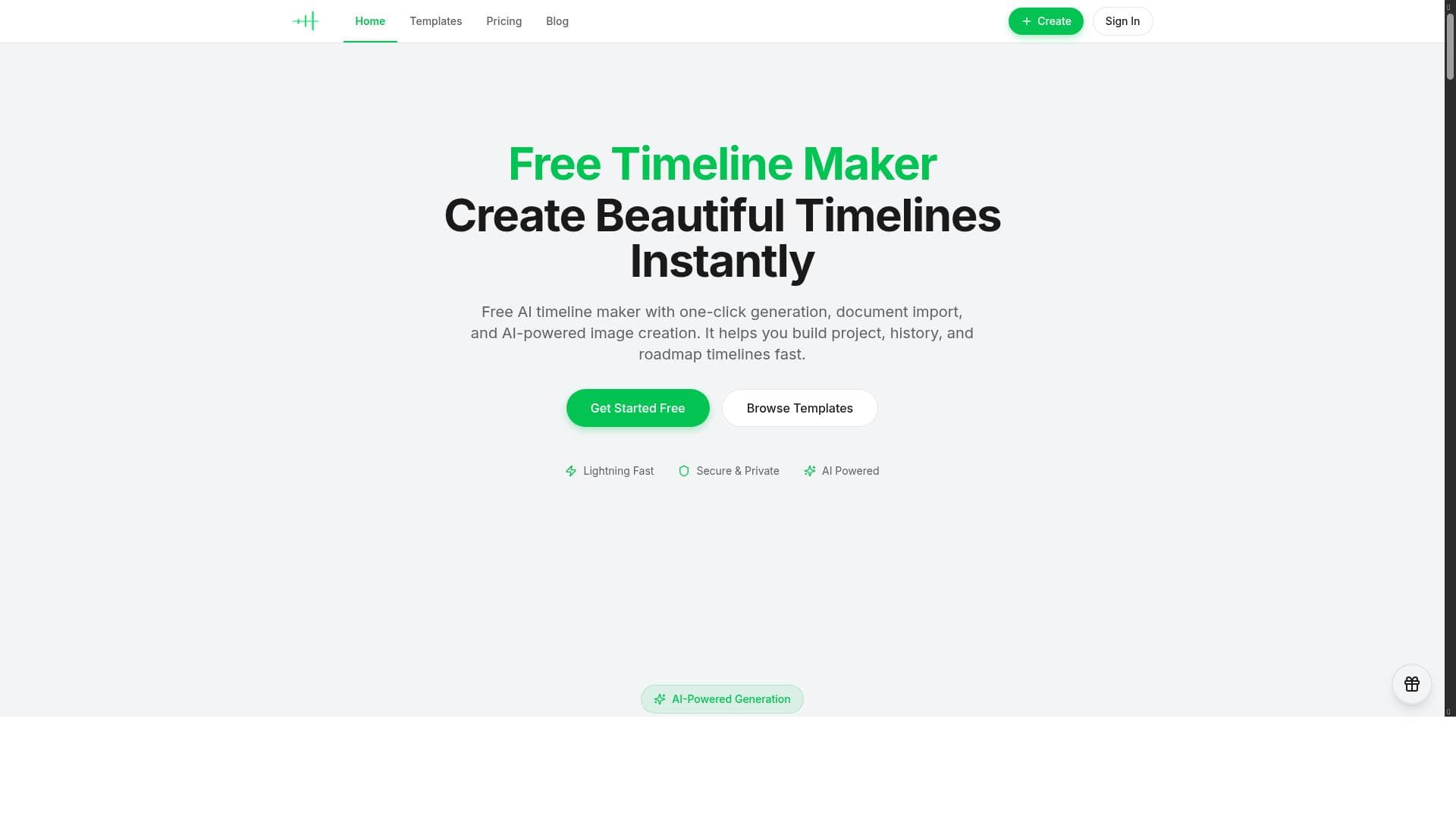


AI Timeline Maker revolutionizes timeline creation by combining AI-powered event generation with seamless document import and team collaboration features. Ideal for project managers, educators, and marketers, it enables fast, accurate, and visually compelling timelines that enhance productivity and communication.

描述
AI Timeline Maker helps you create, edit, and share beautiful timelines with AI-powered generation, document import, collaboration, and export tools for projects and roadmaps. It enables users to generate events, import documents, collaborate with others, and export visuals quickly and efficiently for various projects.
详细描述
AI Timeline Maker is a comprehensive online tool designed to help users create, edit, and share visually appealing timelines with ease. Its core purpose is to streamline the process of timeline creation by leveraging artificial intelligence to automatically generate timeline events, import relevant documents, and facilitate collaboration among team members. Whether you are managing a complex project roadmap, planning historical events, or organizing a product launch schedule, AI Timeline Maker offers an intuitive platform that enhances productivity and creativity. One of the standout features of AI Timeline Maker is its AI-powered timeline generation. Users can input key information or upload documents, and the AI engine intelligently extracts important dates, milestones, and events to build a structured timeline automatically. This reduces the manual effort typically required to populate timelines and ensures accuracy and relevance. Additionally, the tool supports document import, allowing users to bring in content from PDFs, Word documents, or spreadsheets, which the AI then analyzes to identify timeline-worthy data points. Collaboration is another critical capability of AI Timeline Maker. Teams can work together in real-time, making edits, adding comments, and refining timelines collectively. This feature is particularly valuable for project managers, educators, and content creators who need input from multiple stakeholders. Once the timeline is finalized, users can export high-quality visuals suitable for presentations, reports, or sharing across digital platforms. The export options support various formats, ensuring compatibility with popular software and easy integration into broader workflows. AI Timeline Maker is best suited for professionals and teams involved in project management, education, marketing, and historical research. Project managers can use it to map out project phases and deadlines, educators can create engaging historical timelines for students, and marketers can visualize campaign schedules and milestones. Its ease of use and AI assistance make it accessible to users with varying levels of technical expertise, from beginners to advanced users. The tool is offered free of charge, making it an attractive option for individuals and organizations seeking powerful timeline creation capabilities without a financial commitment. This pricing model encourages widespread adoption and experimentation, though users should verify if any premium features or limits apply as the platform evolves. Compared to alternative timeline tools, AI Timeline Maker distinguishes itself through its AI-driven event generation and document import functionality. Many timeline creators require manual entry of events, which can be time-consuming and prone to error. By automating this process, AI Timeline Maker saves time and improves accuracy. Its collaboration features also provide an edge over simpler, single-user timeline apps. However, some competitors may offer more extensive customization options or integrations with project management suites, which could be a consideration for users with very specific needs. Potential limitations include the reliance on AI accuracy for event extraction, which may vary depending on the complexity and clarity of imported documents. Users should review generated timelines carefully to ensure all critical events are captured correctly. Additionally, while the free pricing is advantageous, users should monitor for any feature restrictions or usage caps that might impact larger teams or extensive projects. Overall, AI Timeline Maker offers a robust, user-friendly solution for anyone looking to create professional timelines efficiently with the power of AI.
工具功能
- AI-powered timeline generation
- Document import for timeline creation
- Collaboration tools for team projects
- Export visuals for presentations and reports
描述
AI Timeline Maker revolutionizes timeline creation by combining AI-powered event generation with seamless document import and team collaboration features. Ideal for project managers, educators, and marketers, it enables fast, accurate, and visually compelling timelines that enhance productivity and communication.
AI Timeline Maker helps you create, edit, and share beautiful timelines with AI-powered generation, document import, collaboration, and export tools for projects and roadmaps. It enables users to generate events, import documents, collaborate with others, and export visuals quickly and efficiently for various projects.
详细描述
AI Timeline Maker is a comprehensive online tool designed to help users create, edit, and share visually appealing timelines with ease. Its core purpose is to streamline the process of timeline creation by leveraging artificial intelligence to automatically generate timeline events, import relevant documents, and facilitate collaboration among team members. Whether you are managing a complex project roadmap, planning historical events, or organizing a product launch schedule, AI Timeline Maker offers an intuitive platform that enhances productivity and creativity. One of the standout features of AI Timeline Maker is its AI-powered timeline generation. Users can input key information or upload documents, and the AI engine intelligently extracts important dates, milestones, and events to build a structured timeline automatically. This reduces the manual effort typically required to populate timelines and ensures accuracy and relevance. Additionally, the tool supports document import, allowing users to bring in content from PDFs, Word documents, or spreadsheets, which the AI then analyzes to identify timeline-worthy data points. Collaboration is another critical capability of AI Timeline Maker. Teams can work together in real-time, making edits, adding comments, and refining timelines collectively. This feature is particularly valuable for project managers, educators, and content creators who need input from multiple stakeholders. Once the timeline is finalized, users can export high-quality visuals suitable for presentations, reports, or sharing across digital platforms. The export options support various formats, ensuring compatibility with popular software and easy integration into broader workflows. AI Timeline Maker is best suited for professionals and teams involved in project management, education, marketing, and historical research. Project managers can use it to map out project phases and deadlines, educators can create engaging historical timelines for students, and marketers can visualize campaign schedules and milestones. Its ease of use and AI assistance make it accessible to users with varying levels of technical expertise, from beginners to advanced users. The tool is offered free of charge, making it an attractive option for individuals and organizations seeking powerful timeline creation capabilities without a financial commitment. This pricing model encourages widespread adoption and experimentation, though users should verify if any premium features or limits apply as the platform evolves. Compared to alternative timeline tools, AI Timeline Maker distinguishes itself through its AI-driven event generation and document import functionality. Many timeline creators require manual entry of events, which can be time-consuming and prone to error. By automating this process, AI Timeline Maker saves time and improves accuracy. Its collaboration features also provide an edge over simpler, single-user timeline apps. However, some competitors may offer more extensive customization options or integrations with project management suites, which could be a consideration for users with very specific needs. Potential limitations include the reliance on AI accuracy for event extraction, which may vary depending on the complexity and clarity of imported documents. Users should review generated timelines carefully to ensure all critical events are captured correctly. Additionally, while the free pricing is advantageous, users should monitor for any feature restrictions or usage caps that might impact larger teams or extensive projects. Overall, AI Timeline Maker offers a robust, user-friendly solution for anyone looking to create professional timelines efficiently with the power of AI.
常见问题
What is AI Timeline Maker?
AI Timeline Maker is an online tool that helps users create, edit, and share timelines using AI-powered event generation, document import, collaboration tools, and export options for various projects and roadmaps.
How much does AI Timeline Maker cost?
AI Timeline Maker is available for free, allowing users to access its core timeline creation features without any cost.
Who is AI Timeline Maker best for?
It is best suited for project managers, educators, marketers, and teams who need to create detailed and visually appealing timelines quickly and collaboratively.
What are the main features of AI Timeline Maker?
The main features include AI-powered timeline generation, document import for automatic event extraction, collaboration tools for team editing, and export options for presentations and reports.
Does AI Timeline Maker offer a free trial?
AI Timeline Maker is free to use, so no separate free trial is necessary to access its features.
What integrations does AI Timeline Maker support?
While specific third-party integrations are not detailed, AI Timeline Maker supports importing documents such as PDFs, Word files, and spreadsheets to generate timelines.
How does AI Timeline Maker work?
Users input data manually or upload documents, and the AI analyzes the content to identify key dates and events, automatically generating a timeline. Teams can collaborate in real-time to refine the timeline, which can then be exported for use in presentations or reports.
评价
暂无评价。成为第一个分享使用体验的人。




















































