
3D House Planner
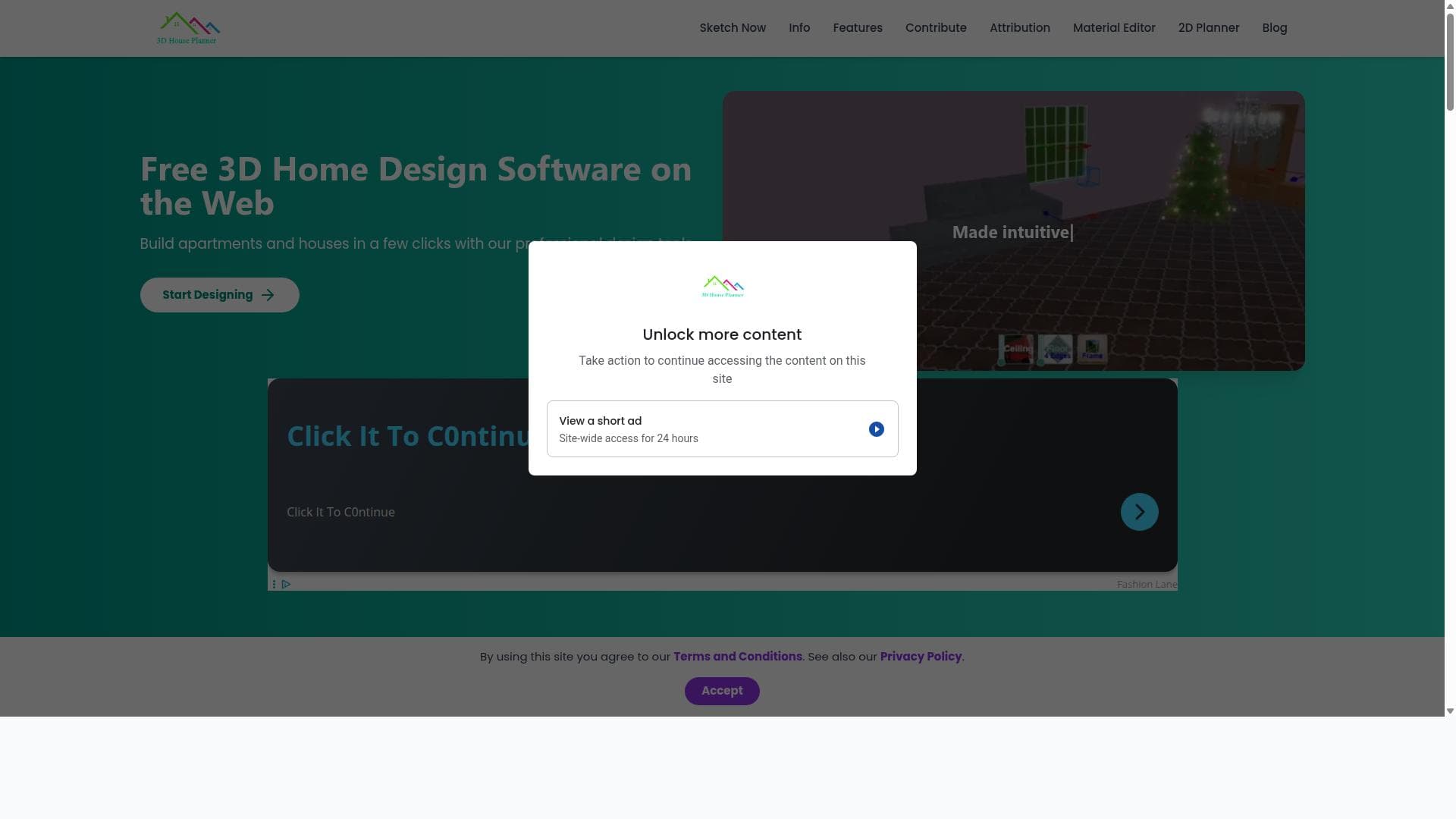


3D House Planner is a browser-based 3D home design software that enables users to effortlessly create detailed house and apartment layouts without any installation. Perfect for homeowners, designers, and real estate professionals, it combines professional features with user-friendly online tools for intuitive floor planning and home visualization.

描述
3D House Planner is a professional home design web application that allows users to design houses and apartments. It has an AI tool that converts 2D floor plans images into 3D floor plan models with a single click. With 3D House Planner, you can import and export 3D models, customize designs, rearrange objects, change appearances, create videos, take snapshots, and more. Quickly build walls, floors, roofs, and frames with just a few clicks. Explore our extensive catalog featuring thousands of objects, including furniture, decor, appliances, and electronics, to fully furnish and style both interiors and exteriors.
详细描述
3D House Planner is a professional-grade 3D home design software that operates entirely within your web browser, eliminating the need for any installation or complex setup. Its core purpose is to empower users to create detailed and accurate house and apartment designs with ease, making it accessible to both professionals and hobbyists alike. By providing an intuitive online floor planner and sketcher, 3D House Planner allows users to visualize their home layouts in three dimensions, facilitating better planning and design decisions before any physical construction or renovation begins. Key features of 3D House Planner include a fully browser-based 3D home design environment that requires no downloads or installations, making it highly accessible from any device with internet access. The tool offers a comprehensive floor planner and sketcher that allows users to draw walls, add rooms, and customize layouts with precision. Users can design both houses and apartments, tailoring dimensions and architectural elements to their specific needs. The platform supports detailed customization of floor plans, including the placement of doors, windows, furniture, and other interior elements, enabling a realistic preview of the final design. Additionally, the software’s user interface is designed for ease of use, with drag-and-drop functionality and clear navigation, making it suitable for users without prior architectural or design experience. 3D House Planner is ideal for a wide range of users. Homeowners and DIY enthusiasts can use it to experiment with remodeling ideas or plan new builds. Interior designers and architects can leverage the tool for quick conceptualization and client presentations without needing heavy desktop software. Real estate professionals may also find it useful for creating virtual tours or showcasing property layouts to potential buyers. Its web-based nature makes it particularly convenient for collaborative projects where multiple stakeholders need to review or modify designs remotely. Regarding pricing, 3D House Planner offers a free-to-use model accessible directly on their website, providing essential features for casual users and beginners. For more advanced functionalities or commercial use, there may be premium plans or subscriptions, though specific pricing details are not explicitly stated on the main site and may require contacting the provider or exploring the platform further. The lack of installation and free accessibility lowers the barrier to entry and makes it an attractive option for users seeking cost-effective home design solutions. When compared to alternatives, 3D House Planner stands out due to its fully web-based approach, which contrasts with many traditional home design tools that require software downloads and installations. While other platforms may offer more advanced rendering or professional-grade architectural tools, 3D House Planner balances usability and functionality, making it more approachable for non-experts. However, it may not have the depth of features found in high-end CAD software or specialized architectural suites, which could limit its use for highly complex or technical projects. Notable limitations include potential constraints in advanced customization options and rendering quality compared to desktop-based professional tools. Since it runs in a browser, performance may vary depending on the user’s device and internet connection. Additionally, the absence of detailed pricing information and integrations might be a consideration for users requiring extensive workflow connectivity or enterprise-level support. Despite these factors, 3D House Planner remains a powerful and convenient tool for many home design scenarios, especially for those prioritizing ease of access and straightforward design capabilities.
工具功能
- Professional 3D home design accessible via browser
- Design houses and apartments easily
- Online floor planner and sketcher
- Web application with no installation required
描述
3D House Planner is a browser-based 3D home design software that enables users to effortlessly create detailed house and apartment layouts without any installation. Perfect for homeowners, designers, and real estate professionals, it combines professional features with user-friendly online tools for intuitive floor planning and home visualization.
3D House Planner is a professional home design web application that allows users to design houses and apartments. It has an AI tool that converts 2D floor plans images into 3D floor plan models with a single click. With 3D House Planner, you can import and export 3D models, customize designs, rearrange objects, change appearances, create videos, take snapshots, and more. Quickly build walls, floors, roofs, and frames with just a few clicks. Explore our extensive catalog featuring thousands of objects, including furniture, decor, appliances, and electronics, to fully furnish and style both interiors and exteriors.
详细描述
3D House Planner is a professional-grade 3D home design software that operates entirely within your web browser, eliminating the need for any installation or complex setup. Its core purpose is to empower users to create detailed and accurate house and apartment designs with ease, making it accessible to both professionals and hobbyists alike. By providing an intuitive online floor planner and sketcher, 3D House Planner allows users to visualize their home layouts in three dimensions, facilitating better planning and design decisions before any physical construction or renovation begins. Key features of 3D House Planner include a fully browser-based 3D home design environment that requires no downloads or installations, making it highly accessible from any device with internet access. The tool offers a comprehensive floor planner and sketcher that allows users to draw walls, add rooms, and customize layouts with precision. Users can design both houses and apartments, tailoring dimensions and architectural elements to their specific needs. The platform supports detailed customization of floor plans, including the placement of doors, windows, furniture, and other interior elements, enabling a realistic preview of the final design. Additionally, the software’s user interface is designed for ease of use, with drag-and-drop functionality and clear navigation, making it suitable for users without prior architectural or design experience. 3D House Planner is ideal for a wide range of users. Homeowners and DIY enthusiasts can use it to experiment with remodeling ideas or plan new builds. Interior designers and architects can leverage the tool for quick conceptualization and client presentations without needing heavy desktop software. Real estate professionals may also find it useful for creating virtual tours or showcasing property layouts to potential buyers. Its web-based nature makes it particularly convenient for collaborative projects where multiple stakeholders need to review or modify designs remotely. Regarding pricing, 3D House Planner offers a free-to-use model accessible directly on their website, providing essential features for casual users and beginners. For more advanced functionalities or commercial use, there may be premium plans or subscriptions, though specific pricing details are not explicitly stated on the main site and may require contacting the provider or exploring the platform further. The lack of installation and free accessibility lowers the barrier to entry and makes it an attractive option for users seeking cost-effective home design solutions. When compared to alternatives, 3D House Planner stands out due to its fully web-based approach, which contrasts with many traditional home design tools that require software downloads and installations. While other platforms may offer more advanced rendering or professional-grade architectural tools, 3D House Planner balances usability and functionality, making it more approachable for non-experts. However, it may not have the depth of features found in high-end CAD software or specialized architectural suites, which could limit its use for highly complex or technical projects. Notable limitations include potential constraints in advanced customization options and rendering quality compared to desktop-based professional tools. Since it runs in a browser, performance may vary depending on the user’s device and internet connection. Additionally, the absence of detailed pricing information and integrations might be a consideration for users requiring extensive workflow connectivity or enterprise-level support. Despite these factors, 3D House Planner remains a powerful and convenient tool for many home design scenarios, especially for those prioritizing ease of access and straightforward design capabilities.
常见问题
What is 3D House Planner?
3D House Planner is a professional 3D home design software accessible directly through a web browser, allowing users to design houses and apartments with an intuitive online floor planner and sketcher.
How much does 3D House Planner cost?
3D House Planner offers free access to its core features via the web, but specific details about premium plans or subscriptions are not clearly stated and may require further inquiry.
Who is 3D House Planner best for?
It is best suited for homeowners, DIY enthusiasts, interior designers, architects, and real estate professionals who want an easy-to-use, web-based tool for designing and visualizing home layouts.
What are the main features of 3D House Planner?
Key features include a fully browser-based 3D design environment, an online floor planner and sketcher, the ability to design houses and apartments, drag-and-drop interface, and no installation required.
Does 3D House Planner offer a free trial?
Yes, the platform is accessible for free directly through its website, allowing users to try its features without any upfront cost or installation.
What integrations does 3D House Planner support?
There is no explicit information about integrations with other software or platforms, suggesting it primarily functions as a standalone web application.
How does 3D House Planner work?
3D House Planner works entirely in the web browser, letting users create floor plans by sketching layouts, adding architectural elements, and visualizing designs in 3D without needing to download any software.
社交媒体
使用工具评价
暂无评价。成为第一个分享使用体验的人。






















































