Featured in:Best AI Writing Tools
Get featured →🚀 Zaprep: Your Socials on Steroids. Start free — automate 1,000 DMs/month & turn engagement into leads. with 1,000 automated DMs/month.
Webinar Title and Description Generator


✦
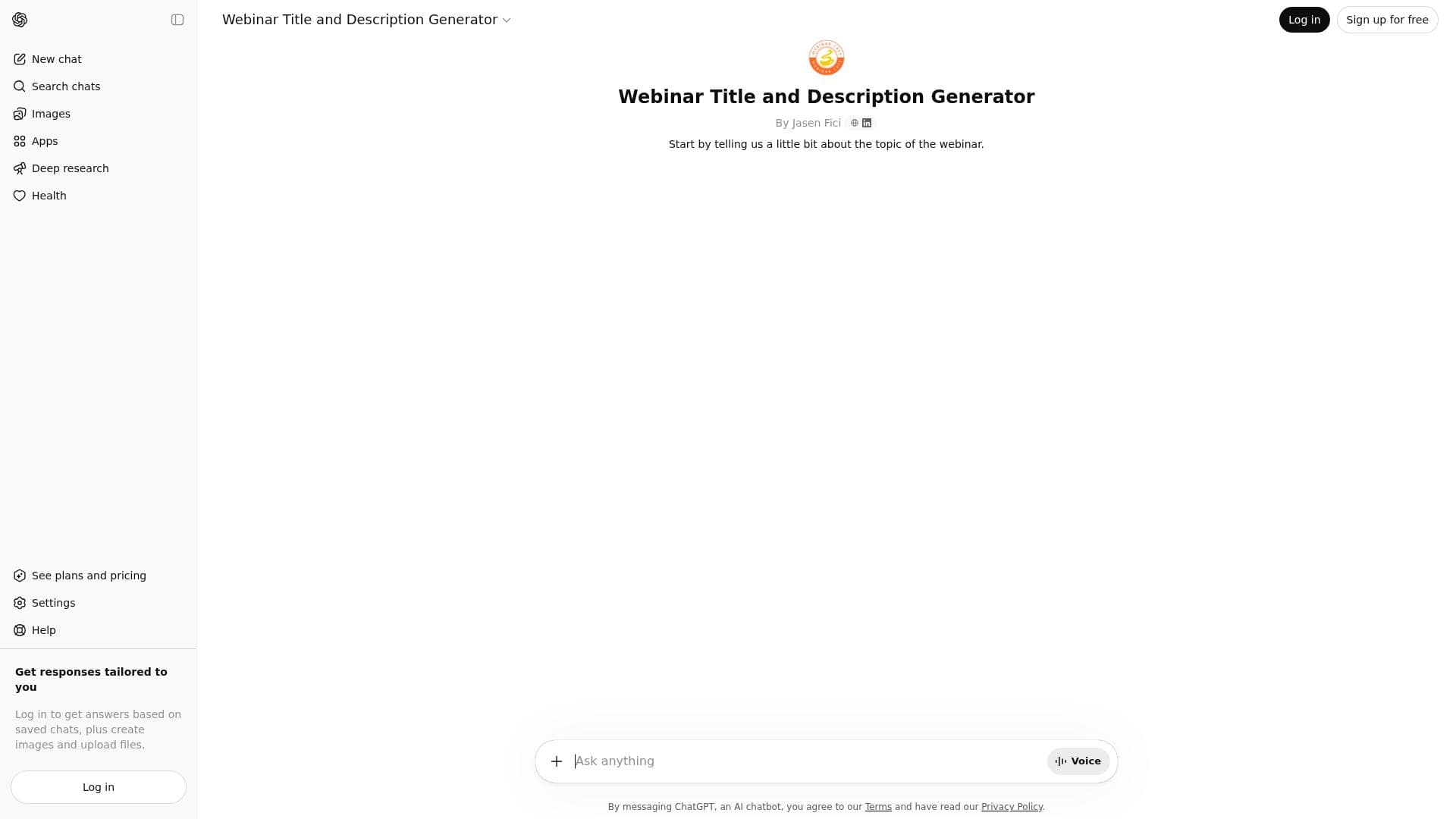
The Webinar Title and Description Generator uses advanced AI to craft engaging webinar titles and detailed descriptions that attract and retain target audiences. Perfect for marketers and event organizers, it maximizes participation by clearly communicating webinar value in multiple languages through an easy-to-use interface.

Description
This AI is a Webinar Title and Description Generator, particularly in marketing, advertisement, and understanding human behavior well. This AI highly excels by creating the webinars to attract and engage target audiences through crafting titles and detailed explanations about what would follow in that webinar. Maximizing event participation by knowing what webinars are about, who might be interested in them, and key reasons for joining, this GPT assists it in reaching as many people as possible. The aim here is to make sure that webinars are not unnoticed and are attended by the largest number of participants possible.
Detailed Description
The Webinar Title and Description Generator is an advanced AI-powered tool designed specifically to help marketers, advertisers, and content creators craft compelling webinar titles and detailed descriptions that resonate with target audiences. Its core purpose is to maximize webinar attendance and engagement by generating captivating titles and clear, informative descriptions that outline what participants can expect. By understanding human behavior and audience interests, this AI tool ensures that webinars are not only noticed but also attract the right attendees, boosting participation rates and overall event success. At the heart of this tool lies sophisticated AI chatbot technology that analyzes user input to produce creative and relevant webinar titles tailored to the subject matter. Beyond titles, it generates comprehensive descriptions that highlight the key points, benefits, and reasons to join the webinar, making it easier for potential attendees to grasp the value proposition quickly. The tool supports multiple languages, enabling users to reach diverse audiences globally. Its user-friendly interface ensures that even those without technical expertise can easily generate professional webinar content in minutes. Key features include the ability to generate webinar titles based on specific user inputs such as topic, target audience, and desired tone. The detailed descriptions it creates provide a clear roadmap of the webinar’s content, helping to set expectations and increase interest. The AI’s understanding of marketing and human psychology allows it to craft messages that engage and persuade effectively. Additionally, the tool’s multilingual support broadens its applicability across different regions and markets. The intuitive interface streamlines the content creation process, saving users time and effort while enhancing the quality of their promotional materials. This tool is ideal for marketing professionals, event organizers, advertisers, and business owners who regularly host webinars and want to improve their outreach and attendance. It is especially useful for those who struggle with creating engaging titles and descriptions or lack the time to craft compelling copy. Use cases include launching product demos, educational webinars, training sessions, and promotional events where attracting the right audience is critical. By leveraging this AI, users can ensure their webinars stand out in crowded digital spaces and achieve higher participation rates. The Webinar Title and Description Generator operates on a freemium pricing model, offering basic features for free with options to upgrade for enhanced capabilities or higher usage limits. This approach allows users to test the tool’s effectiveness before committing financially. Compared to manual content creation or generic title generators, this AI-driven solution provides more targeted, context-aware outputs that align closely with marketing goals. Its multilingual and user-friendly design also set it apart from many competitors that may lack such versatility or ease of use. However, users should consider that while the AI excels at generating creative and relevant content, it may occasionally require human review to ensure alignment with specific brand voice or compliance standards. Additionally, as with any AI tool, the quality of output depends on the quality and clarity of user input. Some niche or highly technical webinar topics might need additional customization beyond the AI’s initial suggestions. Despite these considerations, the Webinar Title and Description Generator remains a powerful asset for anyone looking to enhance webinar promotion and engagement efficiently.
Tool Features
- Generates webinar titles based on user input
- Creates detailed webinar descriptions
- Uses advanced AI chatbot technology
- Helps improve content engagement
- Supports multiple languages
- Easy to use interface
Description
✦
The Webinar Title and Description Generator uses advanced AI to craft engaging webinar titles and detailed descriptions that attract and retain target audiences. Perfect for marketers and event organizers, it maximizes participation by clearly communicating webinar value in multiple languages through an easy-to-use interface.
This AI is a Webinar Title and Description Generator, particularly in marketing, advertisement, and understanding human behavior well. This AI highly excels by creating the webinars to attract and engage target audiences through crafting titles and detailed explanations about what would follow in that webinar. Maximizing event participation by knowing what webinars are about, who might be interested in them, and key reasons for joining, this GPT assists it in reaching as many people as possible. The aim here is to make sure that webinars are not unnoticed and are attended by the largest number of participants possible.
Detailed Description
The Webinar Title and Description Generator is an advanced AI-powered tool designed specifically to help marketers, advertisers, and content creators craft compelling webinar titles and detailed descriptions that resonate with target audiences. Its core purpose is to maximize webinar attendance and engagement by generating captivating titles and clear, informative descriptions that outline what participants can expect. By understanding human behavior and audience interests, this AI tool ensures that webinars are not only noticed but also attract the right attendees, boosting participation rates and overall event success. At the heart of this tool lies sophisticated AI chatbot technology that analyzes user input to produce creative and relevant webinar titles tailored to the subject matter. Beyond titles, it generates comprehensive descriptions that highlight the key points, benefits, and reasons to join the webinar, making it easier for potential attendees to grasp the value proposition quickly. The tool supports multiple languages, enabling users to reach diverse audiences globally. Its user-friendly interface ensures that even those without technical expertise can easily generate professional webinar content in minutes. Key features include the ability to generate webinar titles based on specific user inputs such as topic, target audience, and desired tone. The detailed descriptions it creates provide a clear roadmap of the webinar’s content, helping to set expectations and increase interest. The AI’s understanding of marketing and human psychology allows it to craft messages that engage and persuade effectively. Additionally, the tool’s multilingual support broadens its applicability across different regions and markets. The intuitive interface streamlines the content creation process, saving users time and effort while enhancing the quality of their promotional materials. This tool is ideal for marketing professionals, event organizers, advertisers, and business owners who regularly host webinars and want to improve their outreach and attendance. It is especially useful for those who struggle with creating engaging titles and descriptions or lack the time to craft compelling copy. Use cases include launching product demos, educational webinars, training sessions, and promotional events where attracting the right audience is critical. By leveraging this AI, users can ensure their webinars stand out in crowded digital spaces and achieve higher participation rates. The Webinar Title and Description Generator operates on a freemium pricing model, offering basic features for free with options to upgrade for enhanced capabilities or higher usage limits. This approach allows users to test the tool’s effectiveness before committing financially. Compared to manual content creation or generic title generators, this AI-driven solution provides more targeted, context-aware outputs that align closely with marketing goals. Its multilingual and user-friendly design also set it apart from many competitors that may lack such versatility or ease of use. However, users should consider that while the AI excels at generating creative and relevant content, it may occasionally require human review to ensure alignment with specific brand voice or compliance standards. Additionally, as with any AI tool, the quality of output depends on the quality and clarity of user input. Some niche or highly technical webinar topics might need additional customization beyond the AI’s initial suggestions. Despite these considerations, the Webinar Title and Description Generator remains a powerful asset for anyone looking to enhance webinar promotion and engagement efficiently.
Frequently Asked Questions
What is Webinar Title and Description Generator?
It is an AI-powered tool designed to generate compelling webinar titles and detailed descriptions that help attract and engage target audiences, particularly in marketing and advertising contexts.
How much does Webinar Title and Description Generator cost?
The tool operates on a freemium model, offering basic features for free with options to upgrade for additional capabilities and higher usage limits.
Who is Webinar Title and Description Generator best for?
It is best suited for marketers, advertisers, event organizers, and business owners who want to improve webinar attendance and engagement through effective content creation.
What are the main features of Webinar Title and Description Generator?
Key features include AI-generated webinar titles based on user input, detailed webinar descriptions, advanced chatbot technology, multilingual support, and an easy-to-use interface.
Does Webinar Title and Description Generator offer a free trial?
Yes, the freemium pricing model allows users to access basic features for free, effectively serving as a trial before upgrading.
What integrations does Webinar Title and Description Generator support?
The tool primarily functions as a standalone AI content generator; specific integrations are not detailed but it can be used alongside webinar platforms and marketing tools by copying generated content.
How does Webinar Title and Description Generator work?
Users input key information about their webinar topic and target audience, and the AI uses advanced language models to generate engaging titles and detailed descriptions that highlight the webinar’s value and encourage participation.
Reviews
0 reviews
No reviews yet. Be the first to share your experience.
Sponsored Tools











































Recommended Tools
Stay updated on latest Ai tools
Get the latest insights, Join our newsletter
Read and trusted by 50,000+ readers
Join the biggest AI Community
Our community and staff are here to help!
Your feedback will help Alice AI improve in future versions.








Submit your Tool


PoweredByAI.app is an AI Tools Directory helping individuals, businesses, and creators discover the best AI tools for writing, coding, design, productivity, and more.
© 2026 , Product of011BQ. All rights reserved.