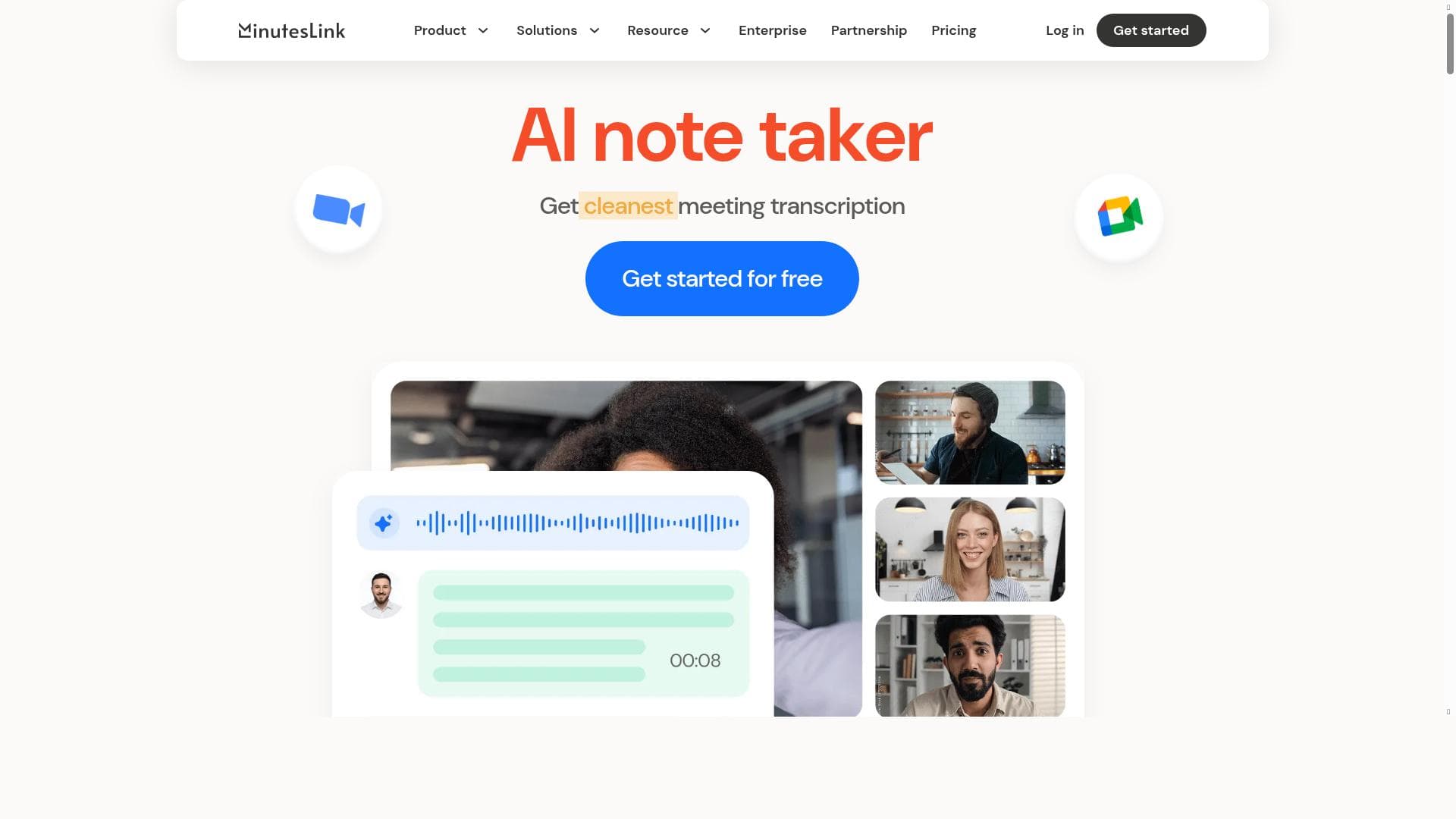


MinutesLink is an AI-powered meeting assistant that automatically records, transcribes, and generates detailed minutes for virtual meetings, ensuring no detail is missed. Ideal for remote teams, managers, HR professionals, and educators, it boosts productivity by delivering accurate, actionable meeting summaries directly to your inbox.

Description
MinutesLink is an advanced AI-powered note taker designed to make your virtual meetings more organized and productive by recording, transcribing, and generating human-accurate minutes for every call. It ensures you never miss a detail, even if you can't attend. Ideal for remote team collaboration, MinutesLink helps colleagues stay aligned, organize meetings efficiently, and boost productivity. Key Features - Automated Meeting Attendance: MinutesLink reliably joins your virtual meetings to document every detail. - Accurate Transcriptions: Get precise transcriptions of your meetings, ensuring no information is lost. - Instant Meeting Minutes: Receive detailed human-accurate meeting minutes with action items directly in your inbox. - Unlimited Storage: Enjoy unlimited storage for all your meeting recordings, ensuring you always have access to past discussions. - Multilingual Support: Support for 50+ languages, making it perfect for global teams. - Concurrent Meeting Capture: Capture multiple meetings happening at the same time without any hassle. - Collaboration Tools: Edit, comment, and share minutes with your team to keep everyone on the same page. MinutesLink is perfect for: - Managers: Streamline your meeting processes and enhance team productivity. - HR and Recruiting Professionals: Keep accurate records of candidate interviews and team discussions. - Sales Managers: Track client meetings and sales calls with ease. - Consultants: Document client interactions and project meetings. - Educators: Record and transcribe virtual classes and lectures. Stay organized, boost productivity, and ensure nothing falls through the cracks. Try MinutesLink now for free!
Detailed Description
MinutesLink is a sophisticated AI-powered note-taking tool designed specifically to enhance the productivity and organization of virtual meetings. Its core purpose is to automate the tedious and often error-prone process of recording, transcribing, and summarizing meeting content, thereby ensuring that no critical detail is missed—even if a participant cannot attend the meeting live. MinutesLink integrates seamlessly with popular video conferencing platforms such as Zoom and Google Meet, acting as an intelligent assistant that joins meetings as a participant to capture every spoken word and interaction. This makes it an indispensable tool for remote teams and distributed organizations aiming to maintain alignment and efficiency despite geographical barriers. The platform’s key features are robust and tailored to meet the demands of modern virtual collaboration. Automated meeting attendance allows MinutesLink to reliably join scheduled calls without manual intervention, ensuring comprehensive coverage of discussions. Its transcription engine delivers highly accurate, human-like transcriptions, which are essential for preserving the nuances of conversations and decisions made during meetings. Beyond transcription, MinutesLink generates instant, detailed meeting minutes complete with actionable items, which are delivered directly to users’ inboxes to facilitate quick follow-up and accountability. Users benefit from unlimited storage for all their meeting recordings, enabling easy access to historical data without worrying about capacity constraints. MinutesLink supports over 50 languages, making it ideal for global teams operating across different regions and languages. Another standout capability is its concurrent meeting capture, which allows the tool to attend and document multiple meetings happening simultaneously—a critical feature for busy professionals juggling several calls. Collaboration tools embedded within the platform let team members edit, comment on, and share minutes, fostering transparency and collective engagement. This tool is particularly valuable for a wide range of professionals. Managers can streamline meeting workflows and improve team productivity by relying on accurate records and clear action items. HR and recruiting professionals gain a dependable way to document candidate interviews and internal discussions. Sales managers can track client meetings and sales calls with precision, ensuring follow-ups are timely and informed. Consultants benefit from detailed documentation of client interactions and project meetings, while educators can record and transcribe virtual classes and lectures to support student learning and review. MinutesLink offers a freemium pricing model, allowing users to try the service for free with access to essential features before deciding to upgrade for more advanced capabilities. This approach lowers the barrier to entry and helps teams evaluate the tool’s value firsthand. Compared to alternatives, MinutesLink stands out due to its combination of multilingual support, concurrent meeting capture, and deep integration with leading conferencing platforms. While some competitors may offer transcription or note-taking features, MinutesLink’s comprehensive suite—including automated attendance and collaboration tools—provides a more complete solution for managing virtual meetings. However, users should consider that the quality of transcription may vary depending on audio clarity and accents, and some advanced features may require a paid subscription. In summary, MinutesLink is a powerful AI meeting assistant that transforms how teams capture, manage, and utilize meeting information. Its automation capabilities save time, reduce errors, and improve follow-through on action items, making it a must-have tool for anyone looking to optimize their virtual meeting experience.
Tool Features
- AI-powered meeting assistant for Zoom and Google Meet
- Records online calls
- Transcribes meetings automatically
- Summarizes meeting notes
- Secure handling of meeting data
Description
MinutesLink is an AI-powered meeting assistant that automatically records, transcribes, and generates detailed minutes for virtual meetings, ensuring no detail is missed. Ideal for remote teams, managers, HR professionals, and educators, it boosts productivity by delivering accurate, actionable meeting summaries directly to your inbox.
MinutesLink is an advanced AI-powered note taker designed to make your virtual meetings more organized and productive by recording, transcribing, and generating human-accurate minutes for every call. It ensures you never miss a detail, even if you can't attend. Ideal for remote team collaboration, MinutesLink helps colleagues stay aligned, organize meetings efficiently, and boost productivity. Key Features - Automated Meeting Attendance: MinutesLink reliably joins your virtual meetings to document every detail. - Accurate Transcriptions: Get precise transcriptions of your meetings, ensuring no information is lost. - Instant Meeting Minutes: Receive detailed human-accurate meeting minutes with action items directly in your inbox. - Unlimited Storage: Enjoy unlimited storage for all your meeting recordings, ensuring you always have access to past discussions. - Multilingual Support: Support for 50+ languages, making it perfect for global teams. - Concurrent Meeting Capture: Capture multiple meetings happening at the same time without any hassle. - Collaboration Tools: Edit, comment, and share minutes with your team to keep everyone on the same page. MinutesLink is perfect for: - Managers: Streamline your meeting processes and enhance team productivity. - HR and Recruiting Professionals: Keep accurate records of candidate interviews and team discussions. - Sales Managers: Track client meetings and sales calls with ease. - Consultants: Document client interactions and project meetings. - Educators: Record and transcribe virtual classes and lectures. Stay organized, boost productivity, and ensure nothing falls through the cracks. Try MinutesLink now for free!
Detailed Description
MinutesLink is a sophisticated AI-powered note-taking tool designed specifically to enhance the productivity and organization of virtual meetings. Its core purpose is to automate the tedious and often error-prone process of recording, transcribing, and summarizing meeting content, thereby ensuring that no critical detail is missed—even if a participant cannot attend the meeting live. MinutesLink integrates seamlessly with popular video conferencing platforms such as Zoom and Google Meet, acting as an intelligent assistant that joins meetings as a participant to capture every spoken word and interaction. This makes it an indispensable tool for remote teams and distributed organizations aiming to maintain alignment and efficiency despite geographical barriers. The platform’s key features are robust and tailored to meet the demands of modern virtual collaboration. Automated meeting attendance allows MinutesLink to reliably join scheduled calls without manual intervention, ensuring comprehensive coverage of discussions. Its transcription engine delivers highly accurate, human-like transcriptions, which are essential for preserving the nuances of conversations and decisions made during meetings. Beyond transcription, MinutesLink generates instant, detailed meeting minutes complete with actionable items, which are delivered directly to users’ inboxes to facilitate quick follow-up and accountability. Users benefit from unlimited storage for all their meeting recordings, enabling easy access to historical data without worrying about capacity constraints. MinutesLink supports over 50 languages, making it ideal for global teams operating across different regions and languages. Another standout capability is its concurrent meeting capture, which allows the tool to attend and document multiple meetings happening simultaneously—a critical feature for busy professionals juggling several calls. Collaboration tools embedded within the platform let team members edit, comment on, and share minutes, fostering transparency and collective engagement. This tool is particularly valuable for a wide range of professionals. Managers can streamline meeting workflows and improve team productivity by relying on accurate records and clear action items. HR and recruiting professionals gain a dependable way to document candidate interviews and internal discussions. Sales managers can track client meetings and sales calls with precision, ensuring follow-ups are timely and informed. Consultants benefit from detailed documentation of client interactions and project meetings, while educators can record and transcribe virtual classes and lectures to support student learning and review. MinutesLink offers a freemium pricing model, allowing users to try the service for free with access to essential features before deciding to upgrade for more advanced capabilities. This approach lowers the barrier to entry and helps teams evaluate the tool’s value firsthand. Compared to alternatives, MinutesLink stands out due to its combination of multilingual support, concurrent meeting capture, and deep integration with leading conferencing platforms. While some competitors may offer transcription or note-taking features, MinutesLink’s comprehensive suite—including automated attendance and collaboration tools—provides a more complete solution for managing virtual meetings. However, users should consider that the quality of transcription may vary depending on audio clarity and accents, and some advanced features may require a paid subscription. In summary, MinutesLink is a powerful AI meeting assistant that transforms how teams capture, manage, and utilize meeting information. Its automation capabilities save time, reduce errors, and improve follow-through on action items, making it a must-have tool for anyone looking to optimize their virtual meeting experience.
Frequently Asked Questions
What is MinutesLink?
MinutesLink is an AI-powered note-taking tool that automatically joins virtual meetings to record, transcribe, and generate accurate meeting minutes, helping teams stay organized and productive.
How much does MinutesLink cost?
MinutesLink offers a freemium pricing model, allowing users to access basic features for free with options to upgrade for more advanced capabilities.
Who is MinutesLink best for?
MinutesLink is ideal for managers, HR and recruiting professionals, sales managers, consultants, and educators who need reliable meeting documentation and transcription.
What are the main features of MinutesLink?
Key features include automated meeting attendance, accurate transcriptions, instant meeting minutes with action items, unlimited storage, multilingual support for 50+ languages, concurrent meeting capture, and collaboration tools for editing and sharing minutes.
Does MinutesLink offer a free trial?
Yes, MinutesLink provides a free tier that allows users to try essential features before upgrading to paid plans.
What integrations does MinutesLink support?
MinutesLink integrates primarily with Zoom and Google Meet to automatically join and record virtual meetings.
How does MinutesLink work?
MinutesLink joins your scheduled virtual meetings as an automated participant, records the conversation, transcribes the audio into text, and then generates detailed meeting minutes with action items, which are sent directly to your inbox for easy access and collaboration.
Socials
Use ToolReviews
No reviews yet. Be the first to share your experience.




















































