FoodIntake - AI calorie counter
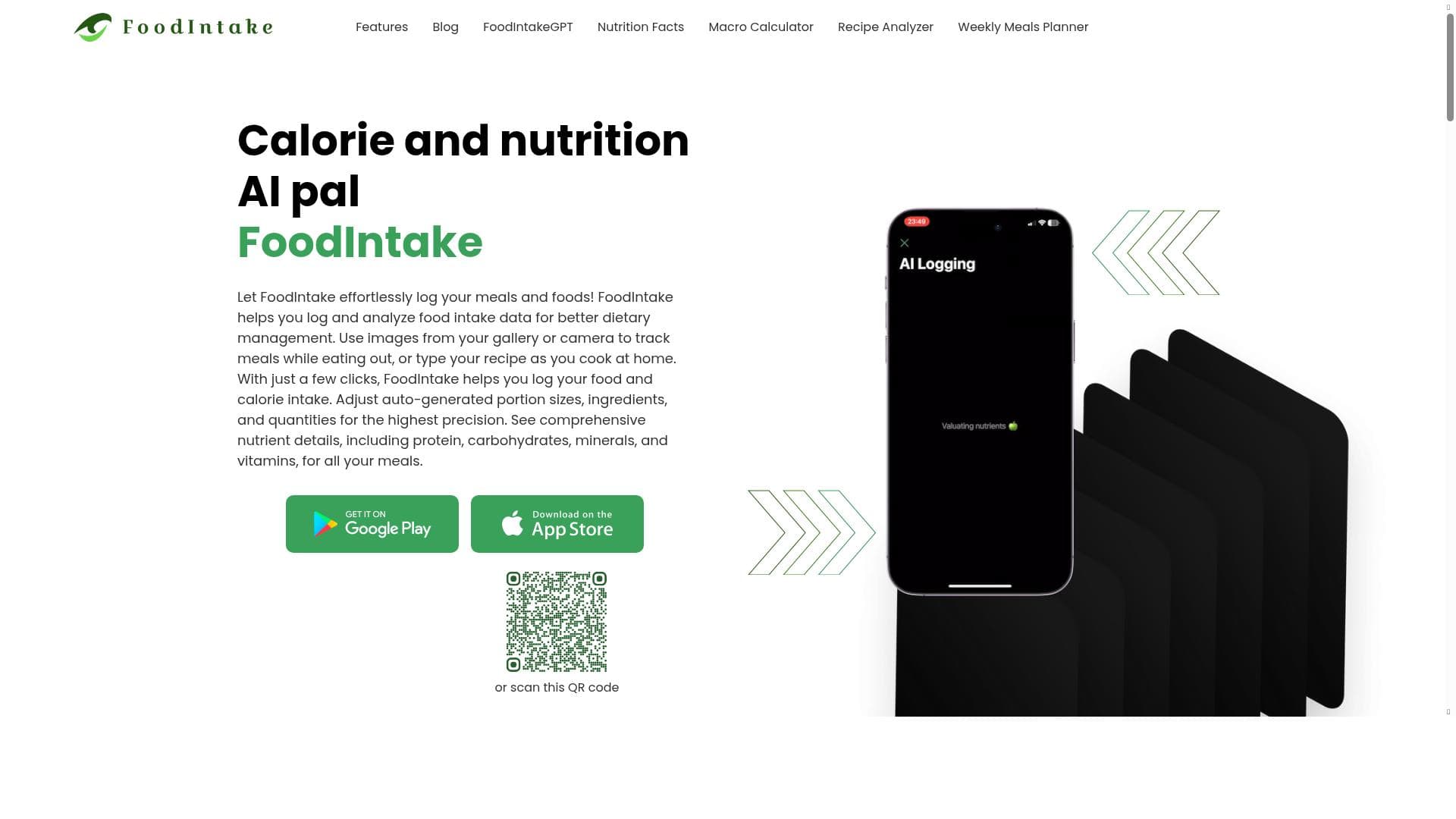


FoodIntake - AI calorie counter leverages AI and trusted food databases to provide instant, accurate calorie and nutrient tracking from photos and recipes. Ideal for anyone seeking a science-backed, user-friendly way to monitor their diet with full control over their data.

Description
This tool uses scientific methods to monitor dietary intakes. It utilises unbiased, moderated food databases such as Open Food Facts and Food Data Central. It ensures secure data storage, giving you complete control over your data. It features AI food analysis and tracking and is user-friendly and easy to understand.
Detailed Description
FoodIntake - AI calorie counter is a sophisticated dietary monitoring tool designed to help users accurately track their food consumption and nutritional intake using advanced AI technology. Its core purpose is to provide a scientifically grounded, user-friendly platform that leverages unbiased and moderated food databases such as Open Food Facts and Food Data Central. By integrating these reliable sources, FoodIntake ensures that users receive precise and comprehensive nutritional data, empowering them to make informed dietary decisions. The tool emphasizes secure data storage, giving users full control over their personal information, which is a crucial feature in today’s privacy-conscious environment. One of the standout capabilities of FoodIntake is its ability to analyze food and calorie content directly from photos. Users can simply snap pictures of their meals, and the AI instantly identifies the food items and calculates calorie counts, streamlining the tracking process significantly. This feature is complemented by a simple photo food diary that allows users to maintain a visual log of their dietary habits, making it easier to review and adjust their eating patterns over time. Additionally, the tool offers recipe analysis, enabling users to input or photograph recipes and receive detailed nutritional breakdowns. This includes the ability to adjust auto-generated portion sizes, ingredient lists, and quantities, allowing for highly personalized tracking that reflects actual consumption. Beyond calorie counting, FoodIntake provides comprehensive nutrient details, covering macronutrients like protein and carbohydrates, as well as essential minerals and vitamins. This depth of information supports users who have specific dietary goals or restrictions, such as athletes focusing on protein intake or individuals managing micronutrient deficiencies. The interface is designed to be intuitive and easy to understand, making it accessible to a wide range of users, from casual dieters to nutrition enthusiasts and healthcare professionals. FoodIntake is best suited for individuals seeking an accurate, convenient, and science-backed method to monitor their diet. This includes people aiming for weight management, those with medical conditions requiring dietary oversight, fitness enthusiasts tracking macronutrient intake, and anyone interested in improving their overall nutrition. Its photo-based tracking and recipe analysis features are particularly valuable for users who prefer a visual and interactive approach rather than manual logging. The tool operates on a freemium pricing model, offering essential features at no cost with optional upgrades for enhanced functionality. This structure allows users to try core capabilities like photo-based calorie counting and basic nutrient tracking before deciding to invest in premium features such as advanced recipe analysis or detailed nutrient reports. This flexible pricing makes FoodIntake accessible to a broad audience while providing value-added options for power users. Compared to alternative calorie counters and diet trackers, FoodIntake stands out due to its reliance on scientifically validated food databases and its AI-driven photo analysis, which reduces manual input and increases accuracy. Many competitors require extensive manual entry or rely on less comprehensive databases, which can lead to inaccuracies. However, some limitations include the potential for occasional misidentification of complex or mixed dishes in photos and the need for internet connectivity to access the food databases and AI processing. Additionally, while the freemium model is appealing, some advanced features may require a subscription, which could be a consideration for budget-conscious users. In summary, FoodIntake - AI calorie counter is a powerful, scientifically grounded dietary tracking tool that combines AI technology with trusted food data sources to deliver accurate, user-friendly nutrition monitoring. Its photo-based tracking, recipe analysis, and comprehensive nutrient reporting make it an excellent choice for anyone looking to take control of their diet with precision and ease, all while maintaining data privacy and security.
Tool Features
- Track food and calories from photos
- Instant calorie counts
- Recipe analysis
- Simple photo food diary
- Adjust auto-generated portion sizes, ingredients, and quantities
- Comprehensive nutrient details including protein, carbohydrates, minerals, and vitamins
Description
FoodIntake - AI calorie counter leverages AI and trusted food databases to provide instant, accurate calorie and nutrient tracking from photos and recipes. Ideal for anyone seeking a science-backed, user-friendly way to monitor their diet with full control over their data.
This tool uses scientific methods to monitor dietary intakes. It utilises unbiased, moderated food databases such as Open Food Facts and Food Data Central. It ensures secure data storage, giving you complete control over your data. It features AI food analysis and tracking and is user-friendly and easy to understand.
Detailed Description
FoodIntake - AI calorie counter is a sophisticated dietary monitoring tool designed to help users accurately track their food consumption and nutritional intake using advanced AI technology. Its core purpose is to provide a scientifically grounded, user-friendly platform that leverages unbiased and moderated food databases such as Open Food Facts and Food Data Central. By integrating these reliable sources, FoodIntake ensures that users receive precise and comprehensive nutritional data, empowering them to make informed dietary decisions. The tool emphasizes secure data storage, giving users full control over their personal information, which is a crucial feature in today’s privacy-conscious environment. One of the standout capabilities of FoodIntake is its ability to analyze food and calorie content directly from photos. Users can simply snap pictures of their meals, and the AI instantly identifies the food items and calculates calorie counts, streamlining the tracking process significantly. This feature is complemented by a simple photo food diary that allows users to maintain a visual log of their dietary habits, making it easier to review and adjust their eating patterns over time. Additionally, the tool offers recipe analysis, enabling users to input or photograph recipes and receive detailed nutritional breakdowns. This includes the ability to adjust auto-generated portion sizes, ingredient lists, and quantities, allowing for highly personalized tracking that reflects actual consumption. Beyond calorie counting, FoodIntake provides comprehensive nutrient details, covering macronutrients like protein and carbohydrates, as well as essential minerals and vitamins. This depth of information supports users who have specific dietary goals or restrictions, such as athletes focusing on protein intake or individuals managing micronutrient deficiencies. The interface is designed to be intuitive and easy to understand, making it accessible to a wide range of users, from casual dieters to nutrition enthusiasts and healthcare professionals. FoodIntake is best suited for individuals seeking an accurate, convenient, and science-backed method to monitor their diet. This includes people aiming for weight management, those with medical conditions requiring dietary oversight, fitness enthusiasts tracking macronutrient intake, and anyone interested in improving their overall nutrition. Its photo-based tracking and recipe analysis features are particularly valuable for users who prefer a visual and interactive approach rather than manual logging. The tool operates on a freemium pricing model, offering essential features at no cost with optional upgrades for enhanced functionality. This structure allows users to try core capabilities like photo-based calorie counting and basic nutrient tracking before deciding to invest in premium features such as advanced recipe analysis or detailed nutrient reports. This flexible pricing makes FoodIntake accessible to a broad audience while providing value-added options for power users. Compared to alternative calorie counters and diet trackers, FoodIntake stands out due to its reliance on scientifically validated food databases and its AI-driven photo analysis, which reduces manual input and increases accuracy. Many competitors require extensive manual entry or rely on less comprehensive databases, which can lead to inaccuracies. However, some limitations include the potential for occasional misidentification of complex or mixed dishes in photos and the need for internet connectivity to access the food databases and AI processing. Additionally, while the freemium model is appealing, some advanced features may require a subscription, which could be a consideration for budget-conscious users. In summary, FoodIntake - AI calorie counter is a powerful, scientifically grounded dietary tracking tool that combines AI technology with trusted food data sources to deliver accurate, user-friendly nutrition monitoring. Its photo-based tracking, recipe analysis, and comprehensive nutrient reporting make it an excellent choice for anyone looking to take control of their diet with precision and ease, all while maintaining data privacy and security.
Frequently Asked Questions
What is FoodIntake - AI calorie counter?
FoodIntake - AI calorie counter is an AI-powered dietary monitoring tool that uses scientific methods and trusted food databases to track calories and nutrients from photos and recipes, helping users manage their diet accurately and conveniently.
How much does FoodIntake - AI calorie counter cost?
FoodIntake operates on a freemium pricing model, offering essential features for free with optional premium upgrades for advanced functionalities such as detailed recipe analysis and enhanced nutrient reporting.
Who is FoodIntake - AI calorie counter best for?
It is best suited for individuals focused on weight management, fitness enthusiasts, people with dietary restrictions or medical conditions, and anyone interested in precise, science-backed nutrition tracking using an easy-to-use photo-based interface.
What are the main features of FoodIntake - AI calorie counter?
Key features include tracking food and calories from photos, instant calorie counts, recipe analysis, a simple photo food diary, the ability to adjust portion sizes and ingredients, and comprehensive nutrient details covering proteins, carbohydrates, minerals, and vitamins.
Does FoodIntake - AI calorie counter offer a free trial?
Yes, FoodIntake offers a freemium plan that allows users to access core features for free, effectively serving as a free trial before opting for any premium subscription.
What integrations does FoodIntake - AI calorie counter support?
Currently, FoodIntake primarily integrates with unbiased, moderated food databases such as Open Food Facts and Food Data Central to ensure accurate nutritional information; specific third-party app integrations are not detailed.
How does FoodIntake - AI calorie counter work?
Users upload photos of their meals or recipes, and the AI analyzes the images to identify food items and estimate calorie and nutrient content using data from trusted food databases. Users can then adjust portions and ingredients to reflect actual intake, with all data securely stored for tracking progress.
Socials


Reviews
No reviews yet. Be the first to share your experience.