

¿Es esta tu herramienta de IA? Reclámala hoy.
Verifica la propiedad, gestiona tu perfil y desbloquea funciones de crecimiento.
PDF AI Sheet revolutionizes PDF data extraction by enabling bulk processing and interactive querying directly within Google Sheets using a simple formula. Ideal for professionals handling numerous PDFs, it streamlines workflows by combining powerful extraction features with seamless spreadsheet integration.

Descripción
PDF AI Sheet is a Google Sheets add-on (Under "Extensions" in Google Sheet top bar) that extracts info from multiple PDFs. First, upload numerous PDFs to our platform, then use the simple formula "ai_pdf" to ask for any information across all files in bulk.
Descripción detallada
PDF AI Sheet is a powerful Google Sheets add-on designed to streamline the extraction and analysis of data from multiple PDF documents simultaneously. Its core purpose is to enable users to efficiently gather information from large volumes of PDFs without the need for manual data entry or switching between different applications. By integrating directly within Google Sheets under the "Extensions" menu, PDF AI Sheet offers a seamless workflow where users first upload their PDFs to the platform and then utilize the intuitive "ai_pdf" formula to query and extract specific information across all uploaded files in bulk. This approach significantly reduces the time and effort traditionally required to handle PDF data, making it an indispensable tool for professionals who regularly work with document-heavy datasets. One of the standout features of PDF AI Sheet is its bulk PDF data extraction capability. Unlike conventional tools that process PDFs one at a time, this add-on allows users to upload numerous PDFs at once and extract relevant data points across the entire collection using a single formula. This bulk processing is particularly useful for tasks such as financial analysis, legal document review, academic research, and any scenario where data is locked inside multiple PDFs. Additionally, PDF AI Sheet supports a chat-like interface within Google Sheets, enabling users to interactively query their PDFs and receive instant responses, which enhances usability and speeds up data retrieval. The integration with Google Sheets ensures that extracted data is immediately available in a familiar spreadsheet environment, facilitating further analysis, visualization, or sharing. PDF AI Sheet is best suited for professionals and teams who frequently handle large volumes of PDF documents and require a scalable, automated solution for data extraction. This includes accountants, auditors, legal professionals, researchers, data analysts, and project managers who need to consolidate information from contracts, reports, invoices, academic papers, or any other PDF-based sources. Its ease of use within Google Sheets makes it accessible to users with varying technical skills, from spreadsheet novices to advanced analysts. Specific use cases include extracting financial figures from multiple invoices, summarizing clauses from legal contracts, compiling data from academic articles, or aggregating information from government reports. The tool operates on a freemium pricing model, allowing users to access basic features at no cost, which is ideal for individuals or small teams testing the platform. Premium plans likely offer enhanced capabilities such as higher upload limits, faster processing speeds, priority support, and advanced formula functionalities, catering to enterprise users or those with intensive data extraction needs. This flexible pricing structure ensures that PDF AI Sheet can accommodate a wide range of users, from casual users to large organizations. Compared to alternative PDF data extraction tools, PDF AI Sheet’s unique advantage lies in its deep integration with Google Sheets and its bulk processing formula. Many competitors require exporting data to separate applications or lack the ability to query multiple PDFs simultaneously within a spreadsheet. PDF AI Sheet’s chat interface and formula-driven approach provide a more interactive and streamlined experience. However, unlike some specialized PDF extraction software that may offer advanced OCR or AI-powered content recognition, PDF AI Sheet focuses primarily on ease of use and integration within the Google ecosystem, which may limit its suitability for highly complex or scanned document processing. Notable limitations to consider include the dependency on Google Sheets, which means users must be comfortable working within this platform and have a Google account. The accuracy and speed of extraction may vary depending on the complexity and formatting of the PDFs uploaded. Additionally, while the freemium model is accessible, users with very large datasets or requiring enterprise-grade features may need to invest in premium plans. Finally, as with any cloud-based tool handling sensitive documents, users should review privacy policies and data security measures to ensure compliance with their organizational standards. In summary, PDF AI Sheet is a highly effective tool for anyone looking to automate and simplify the extraction of data from multiple PDFs directly within Google Sheets. Its bulk processing capabilities, chat interface, and seamless spreadsheet integration make it a standout choice for professionals seeking to boost productivity and reduce manual data handling in document-intensive workflows.
Características de la herramienta
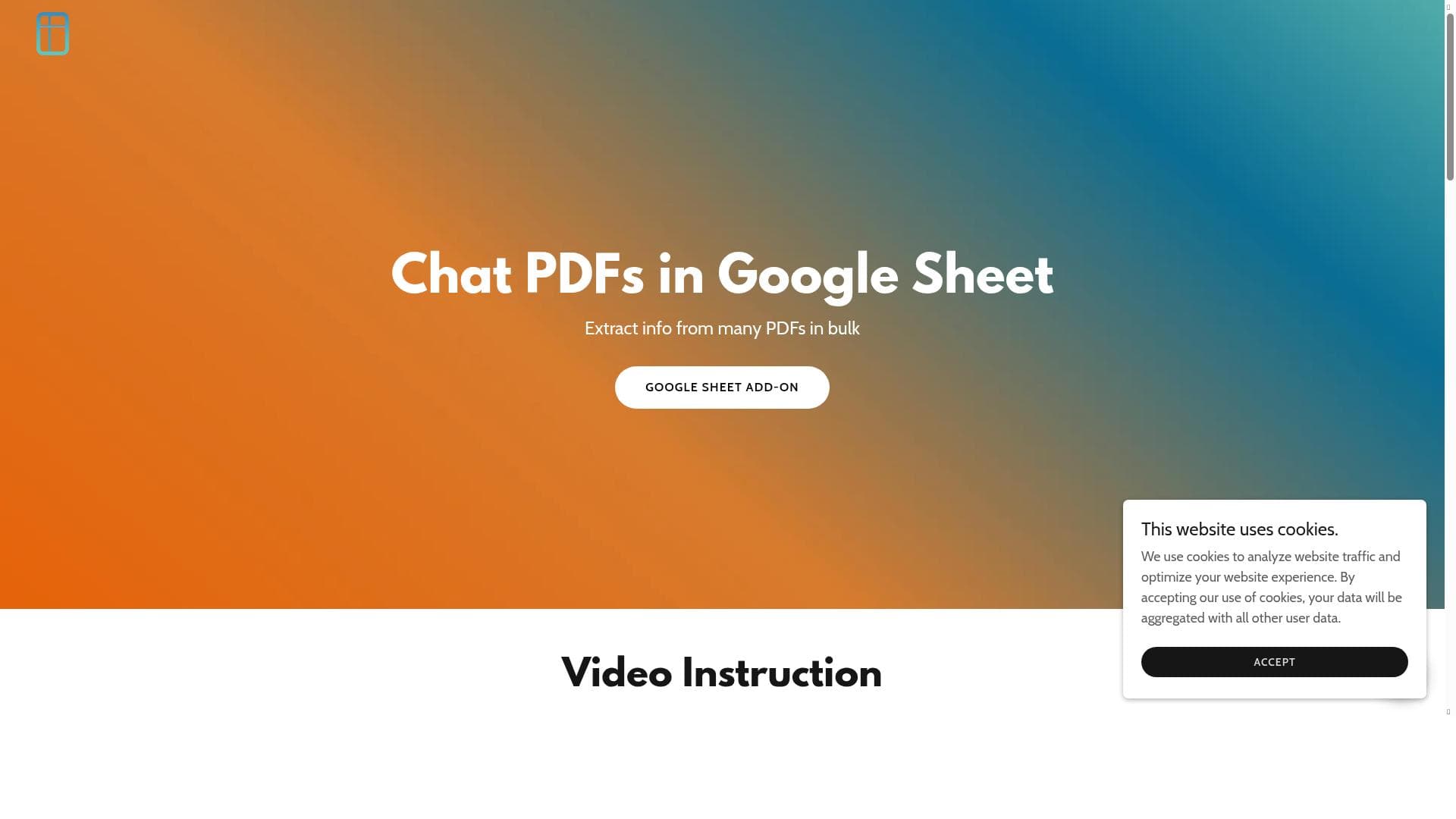
- Extract info from many PDFs in bulk
- Chat PDFs in Google Sheet
- Bulk PDF data extraction
- Integration with Google Sheets
Descripción
PDF AI Sheet revolutionizes PDF data extraction by enabling bulk processing and interactive querying directly within Google Sheets using a simple formula. Ideal for professionals handling numerous PDFs, it streamlines workflows by combining powerful extraction features with seamless spreadsheet integration.
PDF AI Sheet is a Google Sheets add-on (Under "Extensions" in Google Sheet top bar) that extracts info from multiple PDFs. First, upload numerous PDFs to our platform, then use the simple formula "ai_pdf" to ask for any information across all files in bulk.
Descripción detallada
PDF AI Sheet is a powerful Google Sheets add-on designed to streamline the extraction and analysis of data from multiple PDF documents simultaneously. Its core purpose is to enable users to efficiently gather information from large volumes of PDFs without the need for manual data entry or switching between different applications. By integrating directly within Google Sheets under the "Extensions" menu, PDF AI Sheet offers a seamless workflow where users first upload their PDFs to the platform and then utilize the intuitive "ai_pdf" formula to query and extract specific information across all uploaded files in bulk. This approach significantly reduces the time and effort traditionally required to handle PDF data, making it an indispensable tool for professionals who regularly work with document-heavy datasets. One of the standout features of PDF AI Sheet is its bulk PDF data extraction capability. Unlike conventional tools that process PDFs one at a time, this add-on allows users to upload numerous PDFs at once and extract relevant data points across the entire collection using a single formula. This bulk processing is particularly useful for tasks such as financial analysis, legal document review, academic research, and any scenario where data is locked inside multiple PDFs. Additionally, PDF AI Sheet supports a chat-like interface within Google Sheets, enabling users to interactively query their PDFs and receive instant responses, which enhances usability and speeds up data retrieval. The integration with Google Sheets ensures that extracted data is immediately available in a familiar spreadsheet environment, facilitating further analysis, visualization, or sharing. PDF AI Sheet is best suited for professionals and teams who frequently handle large volumes of PDF documents and require a scalable, automated solution for data extraction. This includes accountants, auditors, legal professionals, researchers, data analysts, and project managers who need to consolidate information from contracts, reports, invoices, academic papers, or any other PDF-based sources. Its ease of use within Google Sheets makes it accessible to users with varying technical skills, from spreadsheet novices to advanced analysts. Specific use cases include extracting financial figures from multiple invoices, summarizing clauses from legal contracts, compiling data from academic articles, or aggregating information from government reports. The tool operates on a freemium pricing model, allowing users to access basic features at no cost, which is ideal for individuals or small teams testing the platform. Premium plans likely offer enhanced capabilities such as higher upload limits, faster processing speeds, priority support, and advanced formula functionalities, catering to enterprise users or those with intensive data extraction needs. This flexible pricing structure ensures that PDF AI Sheet can accommodate a wide range of users, from casual users to large organizations. Compared to alternative PDF data extraction tools, PDF AI Sheet’s unique advantage lies in its deep integration with Google Sheets and its bulk processing formula. Many competitors require exporting data to separate applications or lack the ability to query multiple PDFs simultaneously within a spreadsheet. PDF AI Sheet’s chat interface and formula-driven approach provide a more interactive and streamlined experience. However, unlike some specialized PDF extraction software that may offer advanced OCR or AI-powered content recognition, PDF AI Sheet focuses primarily on ease of use and integration within the Google ecosystem, which may limit its suitability for highly complex or scanned document processing. Notable limitations to consider include the dependency on Google Sheets, which means users must be comfortable working within this platform and have a Google account. The accuracy and speed of extraction may vary depending on the complexity and formatting of the PDFs uploaded. Additionally, while the freemium model is accessible, users with very large datasets or requiring enterprise-grade features may need to invest in premium plans. Finally, as with any cloud-based tool handling sensitive documents, users should review privacy policies and data security measures to ensure compliance with their organizational standards. In summary, PDF AI Sheet is a highly effective tool for anyone looking to automate and simplify the extraction of data from multiple PDFs directly within Google Sheets. Its bulk processing capabilities, chat interface, and seamless spreadsheet integration make it a standout choice for professionals seeking to boost productivity and reduce manual data handling in document-intensive workflows.
Preguntas frecuentes
What is PDF AI Sheet?
PDF AI Sheet is a Google Sheets add-on that allows users to extract information from multiple PDF files in bulk. By uploading PDFs to the platform and using the "ai_pdf" formula within Google Sheets, users can query and retrieve data across all uploaded documents efficiently.
How much does PDF AI Sheet cost?
PDF AI Sheet operates on a freemium pricing model, offering basic features for free with limitations. Premium plans with additional features, higher upload limits, and faster processing are available for users with more intensive needs.
Who is PDF AI Sheet best for?
PDF AI Sheet is best suited for professionals such as accountants, legal experts, researchers, and data analysts who frequently work with large volumes of PDFs and need to extract data quickly and efficiently within Google Sheets.
What are the main features of PDF AI Sheet?
Key features include bulk extraction of data from multiple PDFs, an interactive chat interface within Google Sheets for querying PDFs, seamless integration with Google Sheets, and the ability to use a simple "ai_pdf" formula to retrieve information across all uploaded files.
Does PDF AI Sheet offer a free trial?
Yes, PDF AI Sheet offers a freemium plan that allows users to try basic features for free. This enables users to test the tool’s capabilities before opting for premium plans.
What integrations does PDF AI Sheet support?
PDF AI Sheet integrates directly with Google Sheets as an add-on, allowing users to extract and analyze PDF data within their spreadsheets without needing external software.
How does PDF AI Sheet work?
Users upload multiple PDFs to the PDF AI Sheet platform, then use the "ai_pdf" formula within Google Sheets to query and extract specific information across all uploaded documents in bulk. The tool processes the PDFs and returns the requested data directly into the spreadsheet.
Reseñas
Aún no hay reseñas. Sé el primero en compartir tu experiencia.




















































