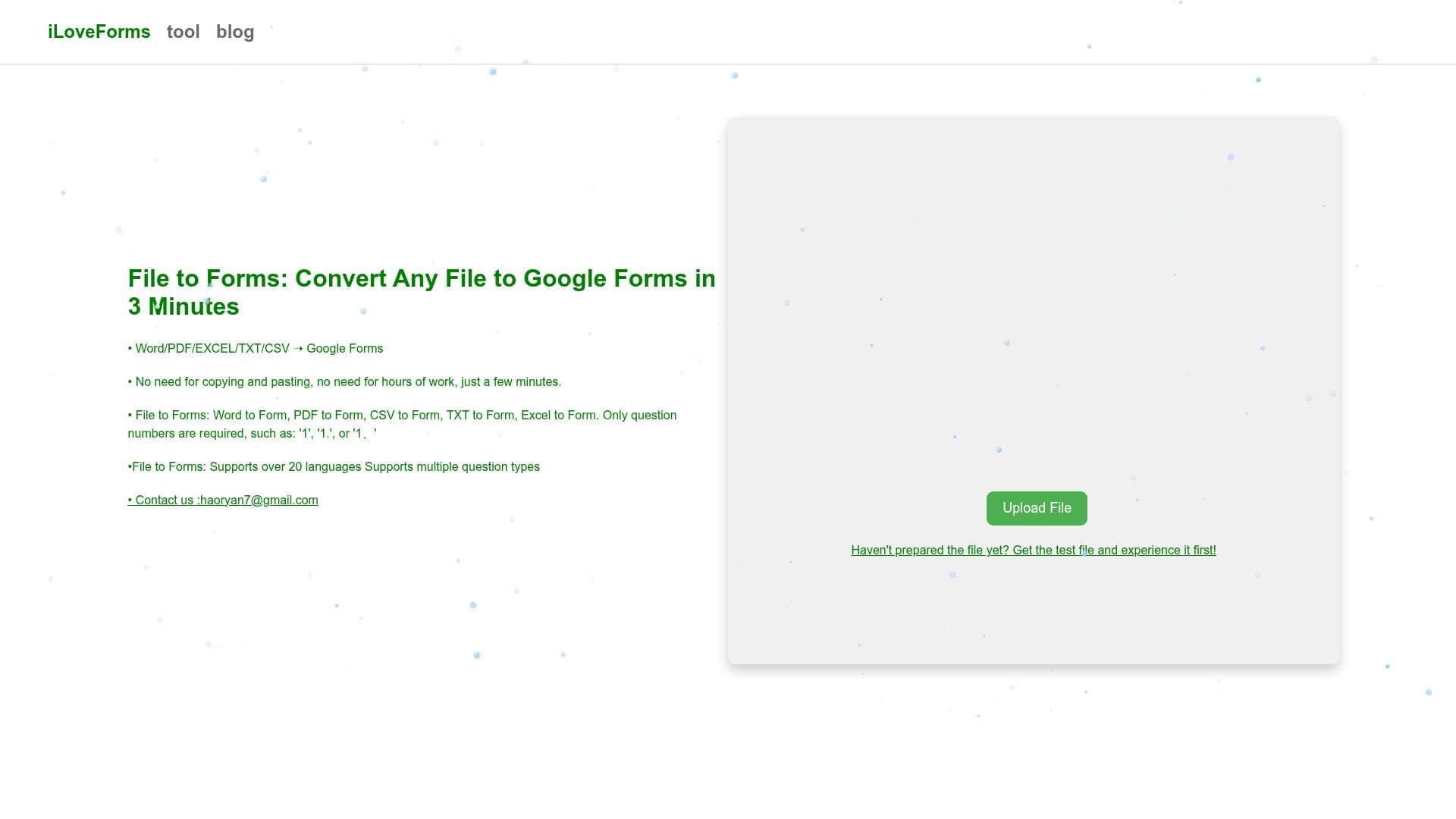


iLoveForms uniquely transforms Word, PDF, TXT, Excel, and CSV files into Google Forms in under three minutes, automating a traditionally tedious process. Ideal for educators, HR professionals, and businesses, it accelerates form creation with a simple, fast, and versatile solution tailored for users seeking efficiency and ease.

Descripción
File to Forms: Convert Any File to Google Forms in 3 Minutes
Descripción detallada
iLoveForms is an innovative AI-powered tool designed to streamline the process of creating Google Forms by converting various file types directly into fully functional forms within minutes. Its core purpose is to eliminate the manual effort typically involved in form creation, especially when the source content already exists in document formats such as Word, PDF, TXT, Excel, or CSV. By automating this conversion, iLoveForms significantly reduces the time and complexity associated with form generation, making it an invaluable asset for educators, businesses, researchers, and anyone who frequently needs to gather structured information through forms. At the heart of iLoveForms lies its ability to accurately interpret the content and structure of multiple file formats and transform them into Google Forms. The tool supports Word documents, PDFs, plain text files, Excel spreadsheets, and CSV files, covering a broad spectrum of common document types used in professional and academic environments. This versatility ensures users can work with their preferred file formats without needing to manually reformat or rewrite questions. The conversion process is remarkably fast, typically completed within three minutes, which is a significant efficiency boost compared to manual form creation. Additionally, the tool preserves the integrity of the original content, including question types and formatting cues, to produce forms that are ready for immediate deployment. iLoveForms is particularly well-suited for educators who need to convert exam papers or surveys into digital forms quickly, HR professionals who want to digitize employee feedback or application forms, and market researchers who collect data through structured questionnaires. It also benefits small to medium-sized businesses looking to automate customer feedback collection or internal audits without investing in complex form-building software. The tool’s ease of use and rapid turnaround make it ideal for users who may not have advanced technical skills but require professional-grade forms. Regarding pricing, iLoveForms operates on a freemium model, allowing users to access basic features at no cost, which is perfect for individuals or small teams with occasional form conversion needs. For users requiring higher volume conversions, advanced features, or priority support, premium plans are available, offering enhanced capabilities and greater flexibility. This pricing structure ensures accessibility while catering to more demanding professional environments. When compared to alternative form-building tools, iLoveForms stands out due to its unique focus on file-to-form conversion rather than manual form creation. While many platforms require users to input questions directly into a form builder interface, iLoveForms leverages AI to automate this step, saving considerable time and reducing errors. However, unlike some comprehensive survey platforms, it may have fewer customization options for form design and advanced logic, as its primary strength lies in rapid conversion rather than extensive form editing. Users should consider that while iLoveForms excels at converting standard document formats, highly complex documents with intricate layouts or embedded multimedia might not convert perfectly and could require manual adjustments post-conversion. Additionally, as a relatively new tool, integration options may be limited primarily to Google Forms, which is ideal for users embedded in the Google ecosystem but may be a constraint for those using alternative survey platforms. Overall, iLoveForms offers a powerful, time-saving solution for transforming existing documents into Google Forms quickly and efficiently. Its broad file format support, rapid processing time, and user-friendly interface make it an excellent choice for anyone looking to digitize questionnaires, surveys, or tests without the hassle of manual form creation.
Características de la herramienta
- Convert Word documents to forms
- Convert PDF files to forms
- Convert TXT files to forms
- Convert Excel files to forms
- Convert CSV files to forms
- Fast conversion process within 3 minutes
Descripción
iLoveForms uniquely transforms Word, PDF, TXT, Excel, and CSV files into Google Forms in under three minutes, automating a traditionally tedious process. Ideal for educators, HR professionals, and businesses, it accelerates form creation with a simple, fast, and versatile solution tailored for users seeking efficiency and ease.
File to Forms: Convert Any File to Google Forms in 3 Minutes
Descripción detallada
iLoveForms is an innovative AI-powered tool designed to streamline the process of creating Google Forms by converting various file types directly into fully functional forms within minutes. Its core purpose is to eliminate the manual effort typically involved in form creation, especially when the source content already exists in document formats such as Word, PDF, TXT, Excel, or CSV. By automating this conversion, iLoveForms significantly reduces the time and complexity associated with form generation, making it an invaluable asset for educators, businesses, researchers, and anyone who frequently needs to gather structured information through forms. At the heart of iLoveForms lies its ability to accurately interpret the content and structure of multiple file formats and transform them into Google Forms. The tool supports Word documents, PDFs, plain text files, Excel spreadsheets, and CSV files, covering a broad spectrum of common document types used in professional and academic environments. This versatility ensures users can work with their preferred file formats without needing to manually reformat or rewrite questions. The conversion process is remarkably fast, typically completed within three minutes, which is a significant efficiency boost compared to manual form creation. Additionally, the tool preserves the integrity of the original content, including question types and formatting cues, to produce forms that are ready for immediate deployment. iLoveForms is particularly well-suited for educators who need to convert exam papers or surveys into digital forms quickly, HR professionals who want to digitize employee feedback or application forms, and market researchers who collect data through structured questionnaires. It also benefits small to medium-sized businesses looking to automate customer feedback collection or internal audits without investing in complex form-building software. The tool’s ease of use and rapid turnaround make it ideal for users who may not have advanced technical skills but require professional-grade forms. Regarding pricing, iLoveForms operates on a freemium model, allowing users to access basic features at no cost, which is perfect for individuals or small teams with occasional form conversion needs. For users requiring higher volume conversions, advanced features, or priority support, premium plans are available, offering enhanced capabilities and greater flexibility. This pricing structure ensures accessibility while catering to more demanding professional environments. When compared to alternative form-building tools, iLoveForms stands out due to its unique focus on file-to-form conversion rather than manual form creation. While many platforms require users to input questions directly into a form builder interface, iLoveForms leverages AI to automate this step, saving considerable time and reducing errors. However, unlike some comprehensive survey platforms, it may have fewer customization options for form design and advanced logic, as its primary strength lies in rapid conversion rather than extensive form editing. Users should consider that while iLoveForms excels at converting standard document formats, highly complex documents with intricate layouts or embedded multimedia might not convert perfectly and could require manual adjustments post-conversion. Additionally, as a relatively new tool, integration options may be limited primarily to Google Forms, which is ideal for users embedded in the Google ecosystem but may be a constraint for those using alternative survey platforms. Overall, iLoveForms offers a powerful, time-saving solution for transforming existing documents into Google Forms quickly and efficiently. Its broad file format support, rapid processing time, and user-friendly interface make it an excellent choice for anyone looking to digitize questionnaires, surveys, or tests without the hassle of manual form creation.
Preguntas frecuentes
What is iLoveForms?
iLoveForms is an AI-powered tool that converts various file formats such as Word, PDF, TXT, Excel, and CSV into Google Forms quickly and efficiently, typically within three minutes.
How much does iLoveForms cost?
iLoveForms offers a freemium pricing model, providing free access to basic features and paid premium plans for users who need higher volume conversions or advanced functionalities.
Who is iLoveForms best for?
iLoveForms is ideal for educators, HR professionals, market researchers, and businesses that need to rapidly convert existing documents into digital forms without manual input.
What are the main features of iLoveForms?
Key features include converting Word, PDF, TXT, Excel, and CSV files into Google Forms, a fast conversion process within three minutes, and preserving the original content's structure for immediate use.
Does iLoveForms offer a free trial?
Yes, iLoveForms operates on a freemium basis, allowing users to try basic features for free without a time-limited trial period.
What integrations does iLoveForms support?
iLoveForms primarily integrates with Google Forms, enabling seamless creation of forms within the Google ecosystem.
How does iLoveForms work?
Users upload supported file types to iLoveForms, which then uses AI to analyze and convert the document content into a structured Google Form, typically completing the process within three minutes.
Redes sociales
Usar herramientaReseñas
Aún no hay reseñas. Sé el primero en compartir tu experiencia.




















































