

¿Es esta tu herramienta de IA? Reclámala hoy.
Verifica la propiedad, gestiona tu perfil y desbloquea funciones de crecimiento.
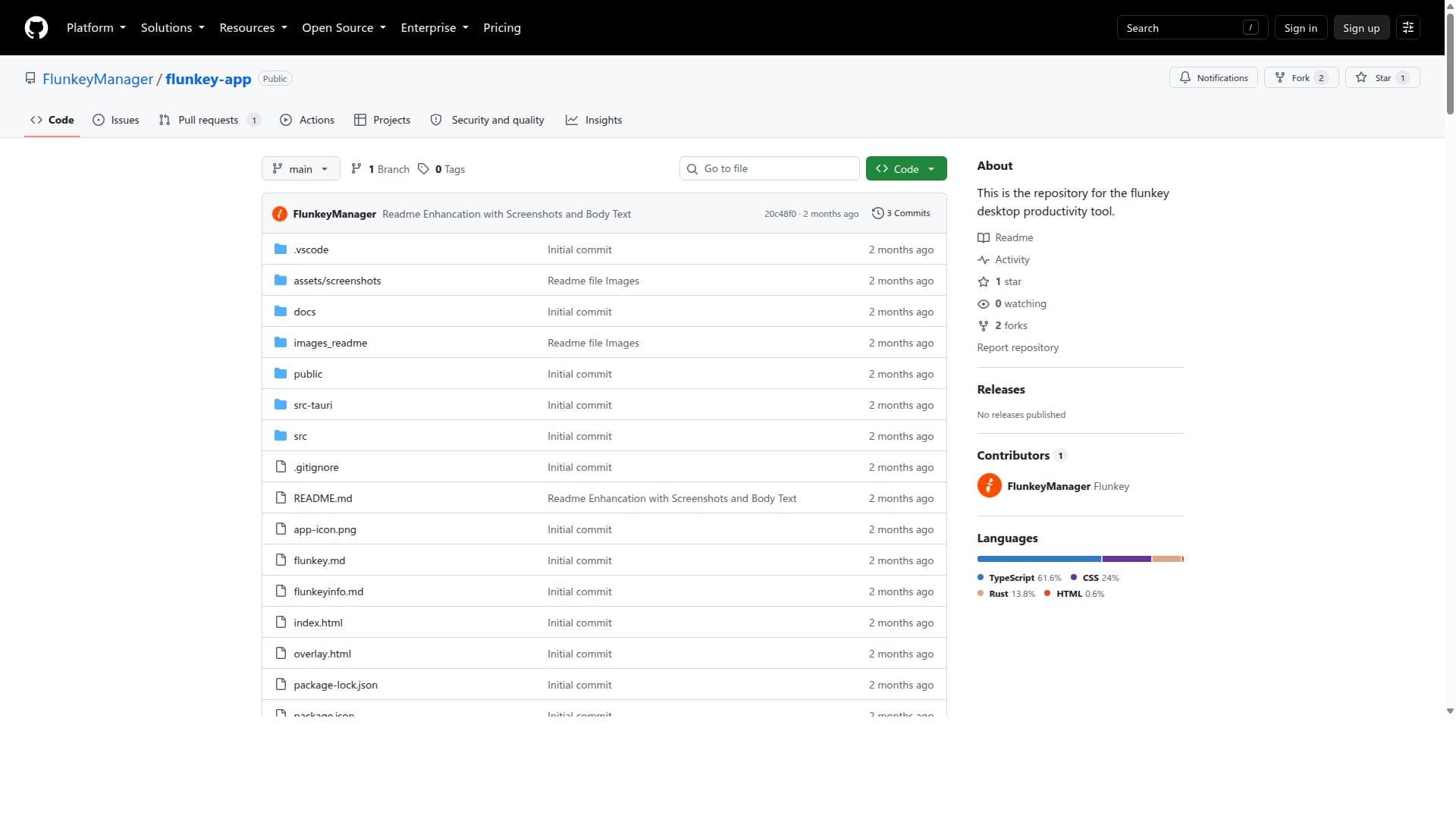
Flunkey-app is a versatile open-source desktop productivity tool that streamlines task and workflow management to boost organization and focus. Ideal for professionals and freelancers who prefer offline, customizable solutions, Flunkey offers a distraction-free environment to efficiently manage daily activities without subscription fees.

Descripción
Flunkey is a voice-first productivity tool for Windows that turns spoken thoughts into text, useful actions, and remembered context wherever you work. It is similar to Wispr Flow but has an AI feature which you can use to easily ask questions. It is really productive for students, researchers, and people who use a lot of context and is a general-purpose tool that you can use for your day-to-day lives.
Descripción detallada
Flunkey-app is a comprehensive desktop productivity tool designed to help users efficiently manage their tasks and workflows. Its core purpose is to streamline daily activities by offering an intuitive platform that enhances organization and focus. By consolidating task management and workflow oversight into a single desktop application, Flunkey aims to reduce the cognitive load associated with juggling multiple responsibilities, thereby boosting overall productivity throughout the day. At its heart, Flunkey provides robust task and workflow management capabilities. Users can create, organize, and prioritize tasks with ease, ensuring that important deadlines and milestones are never missed. The tool supports customizable workflows that adapt to individual or team needs, allowing for seamless tracking of progress from task inception to completion. Flunkey also emphasizes improving organization by enabling users to categorize tasks, set reminders, and maintain a clear overview of their workload. This focus on clarity helps users stay focused on what matters most, minimizing distractions and enhancing concentration. Flunkey is particularly well-suited for professionals, freelancers, and teams who require a reliable desktop-based solution to manage complex projects and daily tasks. Its design caters to those who prefer a dedicated application over web-based tools, providing offline access and a distraction-free environment. Specific use cases include project managers coordinating multiple deliverables, freelancers balancing client work and administrative duties, and knowledge workers aiming to optimize their daily routines. The tool’s workflow customization makes it adaptable across industries, from software development and marketing to education and personal productivity. Regarding pricing, Flunkey-app is open-source and available via GitHub, which suggests that it can be accessed and used for free. This open-source model allows users to benefit from the tool without upfront costs and offers the possibility for customization by technically inclined users. However, there is no explicit mention of premium plans or paid tiers, which means users should verify if any commercial licenses or paid support options exist. The free availability makes Flunkey an attractive option for budget-conscious individuals and organizations seeking a powerful productivity tool without subscription fees. When compared to alternatives, Flunkey stands out due to its desktop-centric approach and open-source nature. Unlike many popular task management tools that are cloud-based and subscription-driven, Flunkey offers a local application that can be used offline, which is a significant advantage for users concerned about data privacy or those with intermittent internet access. Its open-source status also encourages community contributions and transparency, which can be lacking in proprietary software. However, it may lack some advanced integrations and mobile accessibility found in commercial competitors like Todoist, Asana, or Microsoft To Do. Notable limitations of Flunkey include the potential absence of mobile or web versions, which might restrict access for users who need cross-device synchronization. Additionally, as an open-source project hosted on GitHub, it may require some technical knowledge to install, configure, or customize, which could be a barrier for non-technical users. The feature set, while focused on core productivity needs, might not include some advanced automation or collaboration tools present in larger platforms. Users should consider these factors when evaluating Flunkey for their specific workflow requirements. In summary, Flunkey-app is a powerful, open-source desktop productivity tool that excels in task and workflow management with a strong emphasis on organization and focus. It is ideal for users seeking a free, offline-capable solution that can be tailored to their unique productivity needs, especially those who prefer desktop applications over cloud-based services. While it may not have the extensive integrations or mobile support of some commercial tools, its simplicity, transparency, and offline functionality make it a compelling choice for many productivity enthusiasts.
Características de la herramienta
- Desktop productivity tool
- Task and workflow management
- Improves organization and focus
Descripción
Flunkey-app is a versatile open-source desktop productivity tool that streamlines task and workflow management to boost organization and focus. Ideal for professionals and freelancers who prefer offline, customizable solutions, Flunkey offers a distraction-free environment to efficiently manage daily activities without subscription fees.
Flunkey is a voice-first productivity tool for Windows that turns spoken thoughts into text, useful actions, and remembered context wherever you work. It is similar to Wispr Flow but has an AI feature which you can use to easily ask questions. It is really productive for students, researchers, and people who use a lot of context and is a general-purpose tool that you can use for your day-to-day lives.
Descripción detallada
Flunkey-app is a comprehensive desktop productivity tool designed to help users efficiently manage their tasks and workflows. Its core purpose is to streamline daily activities by offering an intuitive platform that enhances organization and focus. By consolidating task management and workflow oversight into a single desktop application, Flunkey aims to reduce the cognitive load associated with juggling multiple responsibilities, thereby boosting overall productivity throughout the day. At its heart, Flunkey provides robust task and workflow management capabilities. Users can create, organize, and prioritize tasks with ease, ensuring that important deadlines and milestones are never missed. The tool supports customizable workflows that adapt to individual or team needs, allowing for seamless tracking of progress from task inception to completion. Flunkey also emphasizes improving organization by enabling users to categorize tasks, set reminders, and maintain a clear overview of their workload. This focus on clarity helps users stay focused on what matters most, minimizing distractions and enhancing concentration. Flunkey is particularly well-suited for professionals, freelancers, and teams who require a reliable desktop-based solution to manage complex projects and daily tasks. Its design caters to those who prefer a dedicated application over web-based tools, providing offline access and a distraction-free environment. Specific use cases include project managers coordinating multiple deliverables, freelancers balancing client work and administrative duties, and knowledge workers aiming to optimize their daily routines. The tool’s workflow customization makes it adaptable across industries, from software development and marketing to education and personal productivity. Regarding pricing, Flunkey-app is open-source and available via GitHub, which suggests that it can be accessed and used for free. This open-source model allows users to benefit from the tool without upfront costs and offers the possibility for customization by technically inclined users. However, there is no explicit mention of premium plans or paid tiers, which means users should verify if any commercial licenses or paid support options exist. The free availability makes Flunkey an attractive option for budget-conscious individuals and organizations seeking a powerful productivity tool without subscription fees. When compared to alternatives, Flunkey stands out due to its desktop-centric approach and open-source nature. Unlike many popular task management tools that are cloud-based and subscription-driven, Flunkey offers a local application that can be used offline, which is a significant advantage for users concerned about data privacy or those with intermittent internet access. Its open-source status also encourages community contributions and transparency, which can be lacking in proprietary software. However, it may lack some advanced integrations and mobile accessibility found in commercial competitors like Todoist, Asana, or Microsoft To Do. Notable limitations of Flunkey include the potential absence of mobile or web versions, which might restrict access for users who need cross-device synchronization. Additionally, as an open-source project hosted on GitHub, it may require some technical knowledge to install, configure, or customize, which could be a barrier for non-technical users. The feature set, while focused on core productivity needs, might not include some advanced automation or collaboration tools present in larger platforms. Users should consider these factors when evaluating Flunkey for their specific workflow requirements. In summary, Flunkey-app is a powerful, open-source desktop productivity tool that excels in task and workflow management with a strong emphasis on organization and focus. It is ideal for users seeking a free, offline-capable solution that can be tailored to their unique productivity needs, especially those who prefer desktop applications over cloud-based services. While it may not have the extensive integrations or mobile support of some commercial tools, its simplicity, transparency, and offline functionality make it a compelling choice for many productivity enthusiasts.
Preguntas frecuentes
What is flunkey-app?
Flunkey-app is a desktop productivity tool designed to help users manage their tasks and workflows efficiently. It focuses on improving organization and maintaining user focus by providing a streamlined platform for task management and workflow tracking.
How much does flunkey-app cost?
Flunkey-app is an open-source tool available for free on GitHub. There are no known subscription fees or paid plans associated with it, making it accessible at no cost to users.
Who is flunkey-app best for?
Flunkey-app is best suited for professionals, freelancers, and teams who prefer a desktop-based productivity solution. It is ideal for those who want an offline-capable, customizable tool to organize tasks and workflows without relying on cloud services.
What are the main features of flunkey-app?
The main features of flunkey-app include desktop-based task and workflow management, customizable workflows, task prioritization, reminders, and tools to improve organization and focus throughout the day.
Does flunkey-app offer a free trial?
Since flunkey-app is open-source and free to use, there is no need for a free trial. Users can download and use the tool immediately without any cost.
What integrations does flunkey-app support?
There is no explicit information about integrations available for flunkey-app. As an open-source desktop tool, it may have limited or no built-in integrations compared to cloud-based productivity platforms.
How does flunkey-app work?
Flunkey-app works by providing a desktop interface where users can create, organize, and manage tasks and workflows. It helps users prioritize their work, set reminders, and maintain focus by offering a streamlined, distraction-free environment tailored to productivity.
Redes sociales
Usar herramientaReseñas
Aún no hay reseñas. Sé el primero en compartir tu experiencia.




















































