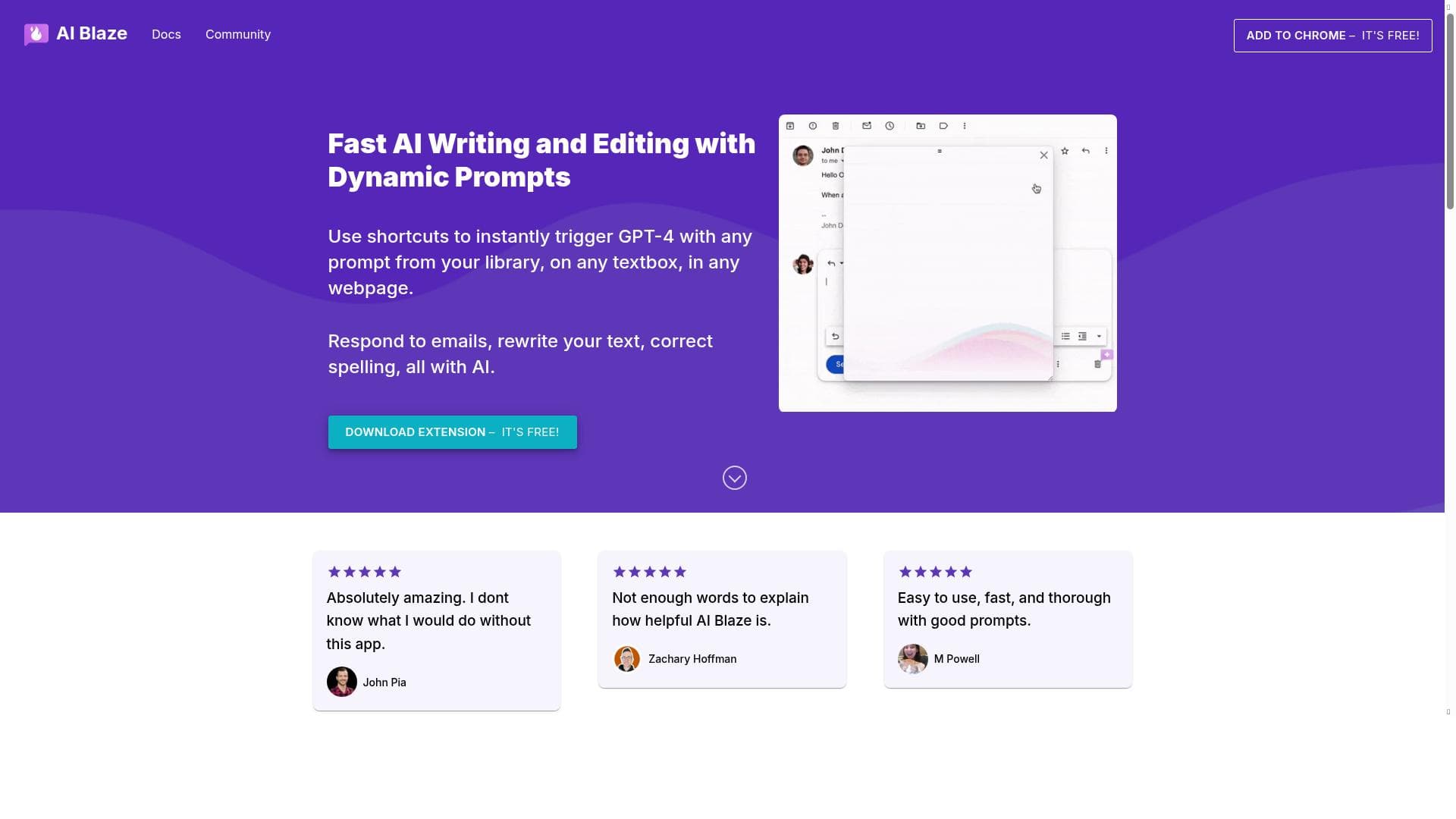


AI Blaze is a free Chrome Extension that brings GPT-4 powered AI assistance directly to any textbox on any website, enabling users to write, improve, and summarize content instantly with customizable shortcuts and a dynamic sidebar. Ideal for professionals and content creators seeking seamless AI integration to boost productivity across all web platforms.

Descripción
AI Blaze is a free Chrome Extension that helps people use AI to save time, streamline workflows, and generate content ANYWHERE. With AI Blaze, you can create dynamic prompts and use ChatGPT to get things done on any site. Simply type a keyboard shortcut or use our dynamic sidebar to use AI snippets and write, improve, or summarize content in just seconds!
Descripción detallada
AI Blaze is a versatile and free Chrome Extension designed to empower users by integrating advanced AI capabilities directly into their everyday web browsing experience. Its core purpose is to help individuals save time, streamline workflows, and effortlessly generate or improve content on any website. By leveraging the power of GPT-4, AI Blaze allows users to create dynamic prompts and apply them anywhere there is a text input field, making it a powerful productivity enhancer for a wide range of tasks. Whether you are drafting emails, writing reports, or summarizing information, AI Blaze brings AI assistance to your fingertips without the need to switch applications or platforms. One of the standout features of AI Blaze is its seamless integration with any textbox on any webpage. This means users can invoke AI-powered assistance wherever they type, from email clients and social media platforms to content management systems and online forms. The extension supports custom keyboard shortcuts that instantly trigger GPT-4 with prompts from a user’s personal library, enabling quick and efficient content generation or editing. Additionally, AI Blaze offers a dynamic sidebar that provides easy access to AI snippets, allowing users to write, improve, or summarize text in just seconds. Beyond content creation, AI Blaze also includes smart rewriting capabilities to automatically enhance existing text, as well as AI-driven spelling correction to ensure polished and professional output. AI Blaze is ideally suited for professionals, students, writers, marketers, customer support agents, and anyone who frequently interacts with text online. For example, email professionals can use AI Blaze to draft or respond to messages more efficiently, while content creators can generate ideas or improve drafts without leaving their browser. The ability to customize prompts and trigger AI with shortcuts makes it highly adaptable to individual workflows, boosting productivity across diverse use cases. Its universal compatibility with any webpage textbox also means users are not limited to specific platforms or tools, providing unparalleled flexibility. The extension is completely free to use, making it accessible to a broad audience without any upfront investment or subscription fees. This pricing model is particularly attractive for users seeking to enhance their productivity without incurring additional costs. Unlike many AI tools that require standalone apps or paid plans, AI Blaze’s free Chrome Extension format lowers the barrier to entry and encourages widespread adoption. Compared to alternatives, AI Blaze stands out due to its universal applicability on any website and its integration of GPT-4, which delivers state-of-the-art language understanding and generation. While some AI writing assistants are confined to specific platforms or require manual copy-pasting, AI Blaze’s keyboard shortcuts and sidebar enable a smooth, in-context AI experience. However, as a browser extension, it relies on Chrome and may not support other browsers natively. Additionally, its performance and features depend on the availability and responsiveness of the underlying GPT-4 API, which may be subject to usage limits or latency. Users should also consider privacy and data security when using AI Blaze, as text inputted into the extension is processed by AI models hosted externally. It is advisable to avoid entering sensitive or confidential information unless the user is comfortable with the data handling policies. Overall, AI Blaze offers a powerful, free, and highly accessible AI writing assistant that integrates directly into the web environment, making it a valuable tool for anyone looking to enhance their online productivity and content quality.
Características de la herramienta
- Use shortcuts to instantly trigger GPT-4 with any prompt from your library
- Works on any textbox in any webpage
- Respond to emails with AI assistance
- Rewrite text automatically
- Correct spelling using AI
Descripción
AI Blaze is a free Chrome Extension that brings GPT-4 powered AI assistance directly to any textbox on any website, enabling users to write, improve, and summarize content instantly with customizable shortcuts and a dynamic sidebar. Ideal for professionals and content creators seeking seamless AI integration to boost productivity across all web platforms.
AI Blaze is a free Chrome Extension that helps people use AI to save time, streamline workflows, and generate content ANYWHERE. With AI Blaze, you can create dynamic prompts and use ChatGPT to get things done on any site. Simply type a keyboard shortcut or use our dynamic sidebar to use AI snippets and write, improve, or summarize content in just seconds!
Descripción detallada
AI Blaze is a versatile and free Chrome Extension designed to empower users by integrating advanced AI capabilities directly into their everyday web browsing experience. Its core purpose is to help individuals save time, streamline workflows, and effortlessly generate or improve content on any website. By leveraging the power of GPT-4, AI Blaze allows users to create dynamic prompts and apply them anywhere there is a text input field, making it a powerful productivity enhancer for a wide range of tasks. Whether you are drafting emails, writing reports, or summarizing information, AI Blaze brings AI assistance to your fingertips without the need to switch applications or platforms. One of the standout features of AI Blaze is its seamless integration with any textbox on any webpage. This means users can invoke AI-powered assistance wherever they type, from email clients and social media platforms to content management systems and online forms. The extension supports custom keyboard shortcuts that instantly trigger GPT-4 with prompts from a user’s personal library, enabling quick and efficient content generation or editing. Additionally, AI Blaze offers a dynamic sidebar that provides easy access to AI snippets, allowing users to write, improve, or summarize text in just seconds. Beyond content creation, AI Blaze also includes smart rewriting capabilities to automatically enhance existing text, as well as AI-driven spelling correction to ensure polished and professional output. AI Blaze is ideally suited for professionals, students, writers, marketers, customer support agents, and anyone who frequently interacts with text online. For example, email professionals can use AI Blaze to draft or respond to messages more efficiently, while content creators can generate ideas or improve drafts without leaving their browser. The ability to customize prompts and trigger AI with shortcuts makes it highly adaptable to individual workflows, boosting productivity across diverse use cases. Its universal compatibility with any webpage textbox also means users are not limited to specific platforms or tools, providing unparalleled flexibility. The extension is completely free to use, making it accessible to a broad audience without any upfront investment or subscription fees. This pricing model is particularly attractive for users seeking to enhance their productivity without incurring additional costs. Unlike many AI tools that require standalone apps or paid plans, AI Blaze’s free Chrome Extension format lowers the barrier to entry and encourages widespread adoption. Compared to alternatives, AI Blaze stands out due to its universal applicability on any website and its integration of GPT-4, which delivers state-of-the-art language understanding and generation. While some AI writing assistants are confined to specific platforms or require manual copy-pasting, AI Blaze’s keyboard shortcuts and sidebar enable a smooth, in-context AI experience. However, as a browser extension, it relies on Chrome and may not support other browsers natively. Additionally, its performance and features depend on the availability and responsiveness of the underlying GPT-4 API, which may be subject to usage limits or latency. Users should also consider privacy and data security when using AI Blaze, as text inputted into the extension is processed by AI models hosted externally. It is advisable to avoid entering sensitive or confidential information unless the user is comfortable with the data handling policies. Overall, AI Blaze offers a powerful, free, and highly accessible AI writing assistant that integrates directly into the web environment, making it a valuable tool for anyone looking to enhance their online productivity and content quality.
Preguntas frecuentes
What is AI Blaze?
AI Blaze is a free Chrome Extension that integrates GPT-4 AI capabilities into any textbox on any website, allowing users to generate, improve, and summarize content quickly using keyboard shortcuts or a dynamic sidebar.
How much does AI Blaze cost?
AI Blaze is completely free to use with no subscription or payment required.
Who is AI Blaze best for?
AI Blaze is best suited for professionals, students, writers, marketers, and anyone who frequently works with text online and wants to save time by leveraging AI to streamline content creation and editing.
What are the main features of AI Blaze?
Key features include instant GPT-4 triggering via customizable keyboard shortcuts, compatibility with any textbox on any webpage, AI-assisted email responses, automatic text rewriting, and AI-powered spelling correction.
Does AI Blaze offer a free trial?
AI Blaze is free to use and does not require a trial period or subscription.
What integrations does AI Blaze support?
AI Blaze works universally on any textbox within any website accessed through the Chrome browser, making it compatible with virtually all web-based platforms and applications.
How does AI Blaze work?
AI Blaze operates as a Chrome Extension that activates GPT-4 AI models when users type keyboard shortcuts or use the sidebar, processing text inputs on any webpage to generate, improve, or summarize content in real time.
Redes sociales
Usar herramientaReseñas
Aún no hay reseñas. Sé el primero en compartir tu experiencia.




















































