BlogKey Differences Between Phishing Clones and Authentic Domains: Practical Guidance from Address Hub
Key Differences Between Phishing Clones and Authentic Domains: Practical Guidance from Address Hub
 Shashank Jain
10 nov 2026
5 min de lectura
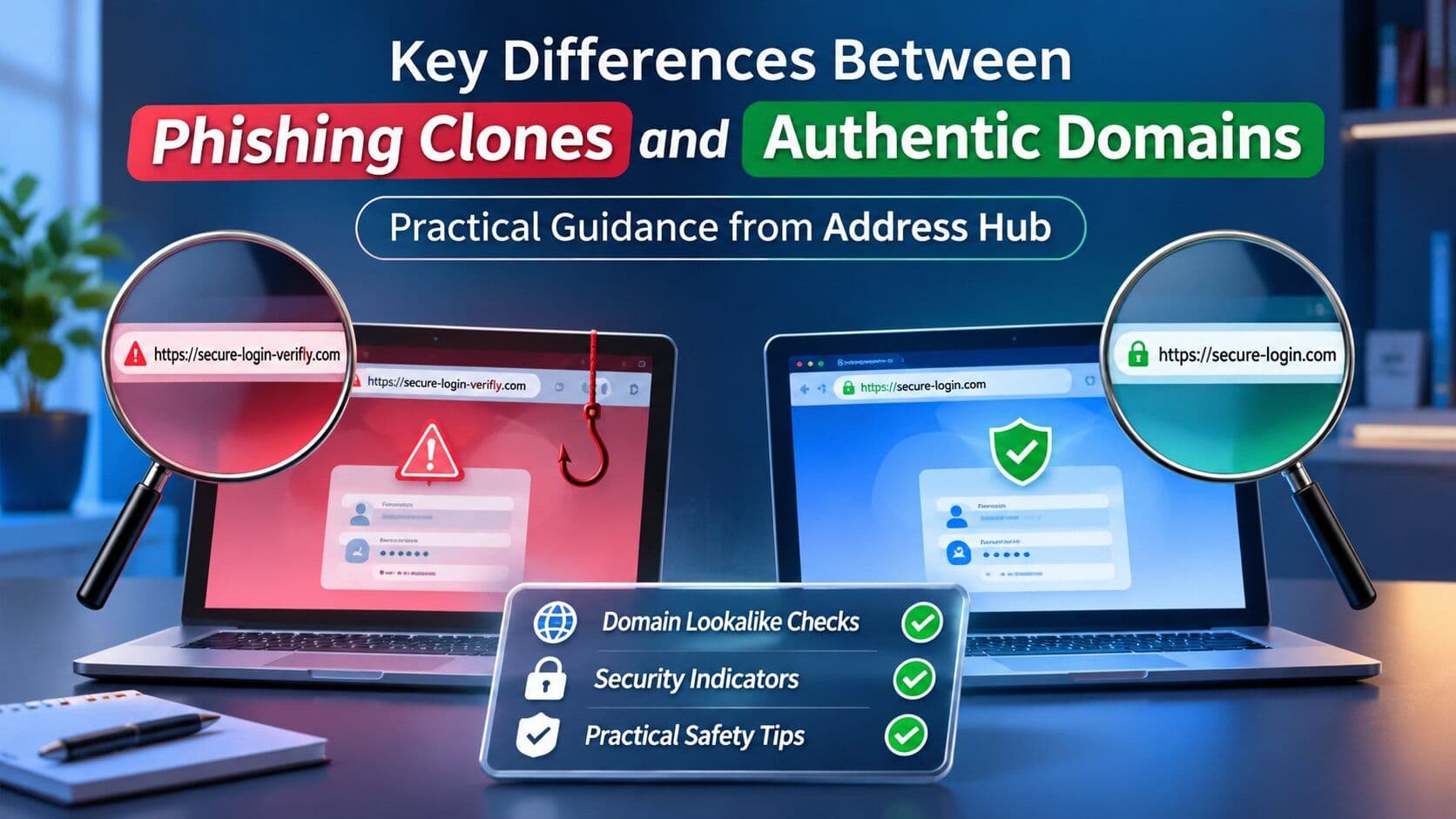
Key Differences Between Phishing Clones and Authentic Domains: Practical Guidance from Address Hub
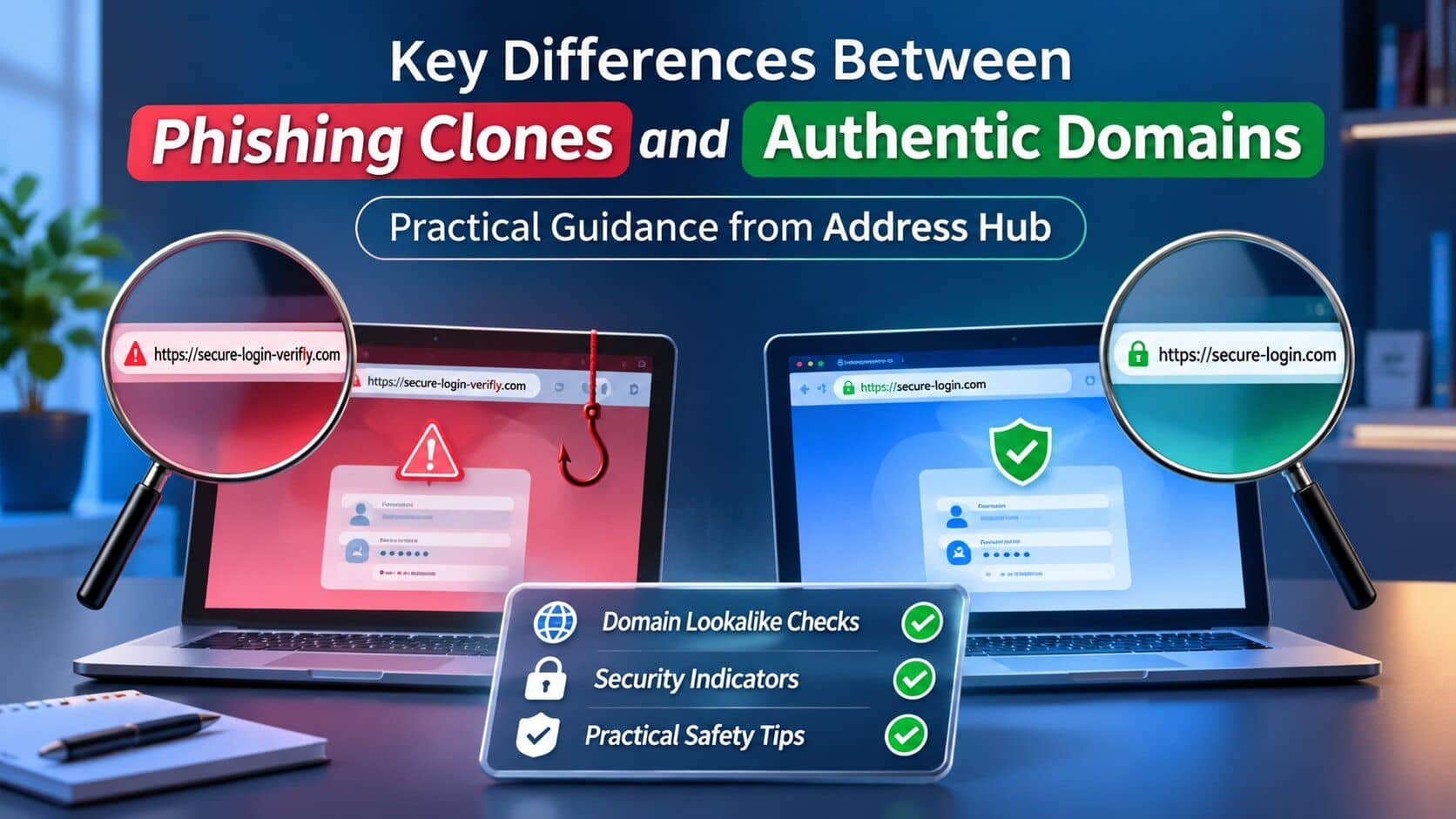
Phishing Clones have been designed using look-alike web page structures, website scrapers, and fake SSL certificates to capture user credentials on real websites. Some of the methods that can be used to differentiate phishing clones and legitimate websites are SSL Subject Alternative Name checks, TLD difference checks, Registrar information validation, and outbound link checks.
When using an online portal, it's important to take care in verifying before logging into an account or sending sensitive information. Verifying Domain Infrastructure with a validated Link Hub (링크허브) provides a powerful defense against more advanced identity theft, whereas the use of automated tools by cybercriminals to build a deceptive mirror site only takes minutes.
What Makes Clones Look Real?
Today's phishing "clones" are more than just surface copies. Attacks involve automated scrapers that copy the CSS stylesheets, JavaScript frameworks, and branding from the legitimate target platforms.
The Anti-Phishing Working Group (APWG) reported that more than 1.1 million unique phishing attacks occurred in just one quarter, thanks to automation and Adversary-in-the-Middle (AiTM) phishing frameworks. They exist between the user and the actual destination, intercepting real logon prompts and sending them in real time without the user's knowledge, while also intercepting multi-factor authentication (MFA) tokens.
A critical observation is why users fall for fake domains: most people do not consider domain architecture; rather, they consider the visual design and the padlock icons. Secure connection icons simply show that an endpoint is encrypted, but it doesn't mean that it is secure or trustworthy.
How to Spot Subtle URL Differences?
Typosquatting and IDN homograph attacks take advantage of nuances in character substitutions that are not detectable with simple visual patterns. The attackers replace Latin characters with Latin characters that look very similar, or add a subdomain, hyphens, etc., or change the TLD.
The Cybersecurity and Infrastructure Security Agency (CISA) has published a report on phishing vectors that often involve using fake domain names to impersonate trusted brands. To be able to identify these discrepancies, the following portions of the URL string need to be checked:
To verify the URL before submitting credentials, follow the steps below:
- Root Domain Discovery: Starting from the last domain discovered in the URL (.com, .org, etc.), read through the URL from right to left until the real root domain is discovered next to the last one.
- Subdomain Hierarchy Verification: One should ensure that the subdomains discovered relate to the main domain (login.company.com, company.com).
- Certificate Properties Verification: It is essential that one verifies the certificate properties and clicks on the lock icon next to the address bar to ensure the issued to field is not general or an unknown name.
- Compare Against Other Directory: Verify information against another external link directory or central directory at the domain registrar.
Feature Category | Authentic Web Domain | Phishing Clone Site |
Domain Registration | Age in years (registered to verified legal entity) | Newly registered (usually less than 30 days old) |
SSL/TLS Certificate | Extended validation (EV) or organization validated (OV) | Automated Domain Validated (DV) with mismatched SANs |
Outbound Links | A fully integrated ecosystem with internal verified pages. | Dead links, missing footers, or redirects that funnel outside of the website. |
Server Response Headers | Standard security headers (HSTS, CSP, X-Frame-Options) | A lost security instruction; proxy headers are present |
Why Certificate Padlocks Are Misleading?
A padlock in the browser address bar doesn't indicate site authenticity anymore. Automated Certificate Authorities (CAs) provide free certificates for Domain Validation (DV), which are issued based on control of a specific domain name, without regard to whether the domain name is a bogus clone site.
Security intelligence firm CaptainDNS reports that more than 90% of active phishing sites are employing encryption (HTTPS) to appear legitimate. Scammers take advantage of the fact that users often rely on features such as visual cues, and operate clones on compromised servers or on ephemeral websites.
Rather than relying purely on visual trust markers or searching unverified links, cross-referencing web addresses through an audited Link Hub (링크허브) helps users verify legitimate domain structures and avoid deceptive clone destinations.
To assess the technical trust markers of a site, consider these succinct ones:
- Subject Alternative Name (SAN) Mismatch: The certificate is issued for a completely different subject, possibly due to overlapping or entered SSL profiles.
- WHOIS Registrar Discrepancies: Recent creation dates are displayed with the use of a privacy-shielded budget registrar.
- HTTP Security Directives: Important headers, such as HTTP Strict Transport Security (HSTS) and Content Security Policy (CSP), are missing, making the page vulnerable to inline code injection.
How Does Address Hub Block Phishing?
Address Hub is a defense-oriented verification layer that validates, curates, and organizes real web portal destinations. Access to verified pathways from a central directory, rather than going to search engine ads, which are often manipulated by bad guys advertising sponsored links above reputable sites.
By constantly monitoring a DNS service and cryptographically verifying the domain name, trusted platforms can avoid the dangers of blind web searching and typosquatting.
- Automated Endpoint Auditing: All directory entries are regularly checked for DNS and IP changes to detect impromptu domain redirections or mirror moves.
- Official URLs: URLs are provided directly from the verified primary entities and not from third-party aggregators.
- Proactive Threat Flagging: If a malicious clone address is reported in security intelligence feeds, then it is blacklisted throughout the system immediately.
Verification Layer | Traditional Search Engine | Verified Directory Architecture |
Entry Selection | The algorithmic index is a subject that can be manipulated for advertising and SEO. | The entry list is curated and verified by humans and cryptography. |
Typosquat Risk | Malicious ads can appear as top-of-the-page results in organic search; High | Negligible; links take you directly to pre-audited canonical domains. |
Redirect Inspection | Aggressively uses client-side detection after click | Server-side link tracking checks the entire redirect chain. |
Securing Your Online Access by means of Verification
In order to protect from these highly advanced domain clones, one needs to progress further from visual validation to technical domain validation. The capability of validating the URL, along with verifying the SSL certificate and trusting pre-audited directories, helps in ensuring that users can browse through the Internet without any fear of credential theft or account compromise.
Etiquetas relacionadas
AI ToolsCategorías relacionadas
Herramientas de IADestaca tu herramienta de IA en artículos como este
Llega a usuarios que descubren activamente herramientas de IA en PoweredbyAI y consigue backlinks SEO que mejoran tu visibilidad en Google.
Con la confianza de 25,000+ herramientas de IA y startups en crecimiento
Destaca tu herramienta de IA en blogs y artículos de alto tráfico
Aparece en PoweredByAI y llega a usuarios que buscan activamente herramientas como la tuya. Consigue backlinks SEO potentes que te ayuden a posicionarte en Google y atraer tráfico orgánico constante.
Artículos de blog patrocinados con alcance dirigido
Artículos invitados con backlinks do-follow
Colocaciones de enlaces contextuales para potenciar el SEO
Con la confianza de 25,000+ herramientas de IA y startups en crecimiento
Enjoyed this? Talk AI tools with other founders and builders.
Join our Slack community