

Is dit jouw AI-tool? Claim hem vandaag.
Verifieer eigenaarschap, beheer je profiel en ontgrendel groeifeatures.
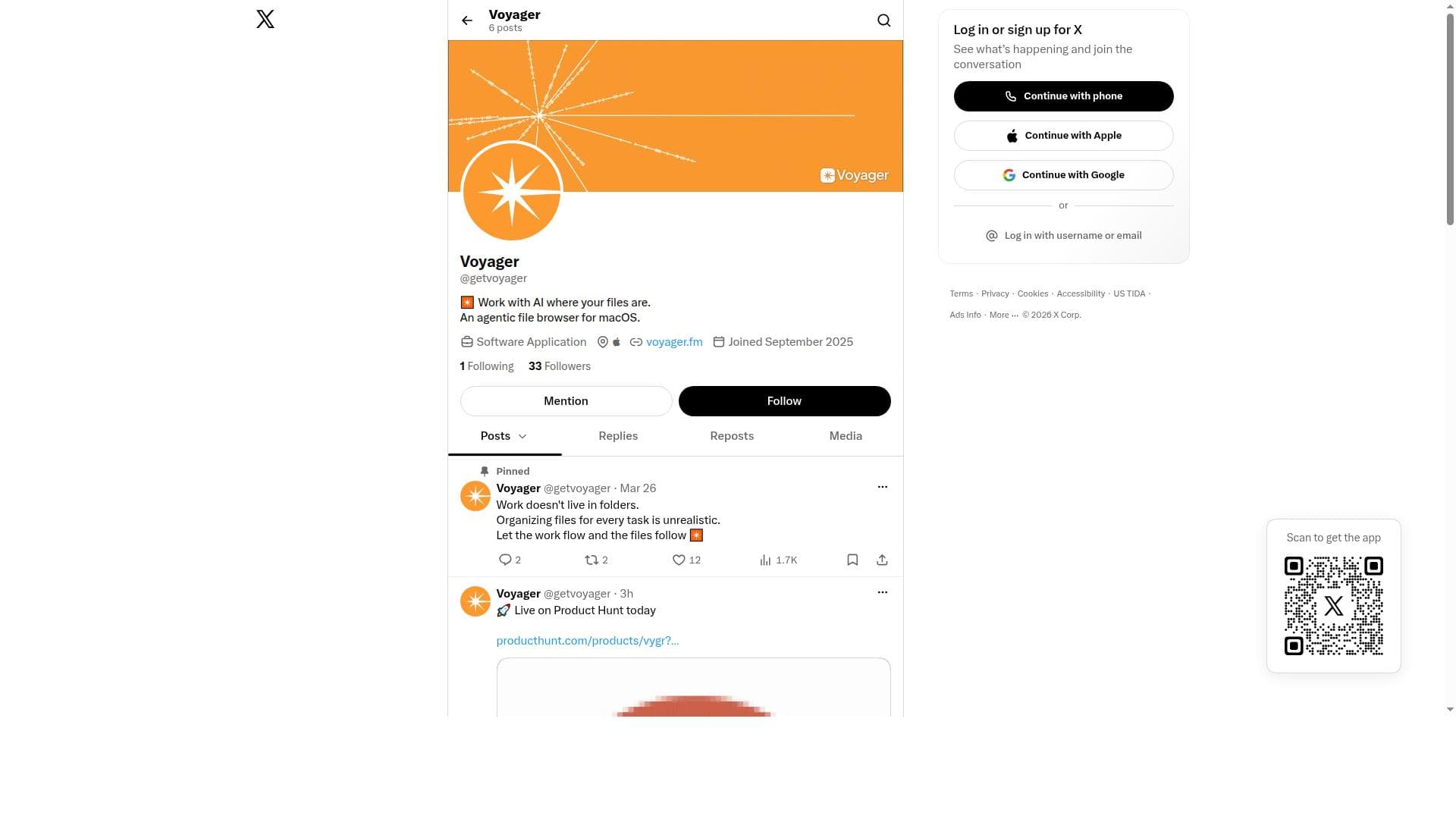
Voyager is a macOS-exclusive AI-powered file browser that integrates intelligent agents directly within your file system to streamline file management and boost productivity. Ideal for professionals handling extensive files, it enables seamless AI collaboration for smarter organization and interaction without leaving your native environment.

Beschrijving
Voyager brings AI agents into your everyday file work on macOS. Find the files you need and work with AI agents using them as context, all within a familiar file browser. Meet a file browser built for finding your files and putting them to work with AI.
Gedetailleerde beschrijving
Voyager is an innovative agentic file browser specifically designed for macOS that revolutionizes the way users interact with their files by integrating advanced AI capabilities directly where the files reside. Unlike traditional file browsers, Voyager empowers users to seamlessly collaborate with AI to manage, organize, and interact with their files more efficiently. Its core purpose is to enhance productivity by embedding intelligent tools within the file system environment, enabling smarter file handling without the need to switch contexts or use multiple applications. At the heart of Voyager’s functionality is its agentic file browsing feature, which allows the AI to act autonomously in assisting users with file-related tasks. This includes intelligently categorizing files, suggesting optimal organization methods, and providing contextual insights based on file content. The integration of AI where files are stored means users can query, search, and manipulate files using natural language commands or AI-driven prompts, making complex file management tasks simpler and faster. Voyager also offers enhanced interaction capabilities such as summarizing document contents, extracting key information, and automating repetitive file operations, all powered by its embedded AI engine. Voyager is ideally suited for macOS users who handle large volumes of files and require a more intelligent and efficient way to organize and access their data. Professionals such as writers, researchers, designers, and developers who rely heavily on file management will find Voyager’s AI-driven approach particularly beneficial. Use cases include quickly locating specific documents through AI-assisted search, automatically grouping related files, generating summaries of lengthy documents, and streamlining workflows by automating routine file tasks. Its seamless integration ensures that users do not have to leave their native file system environment, preserving workflow continuity. Regarding pricing, Voyager’s website does not explicitly detail subscription tiers or costs, suggesting that interested users should visit the official site or contact the team for the most current pricing information. This approach is common for specialized productivity tools that may offer personalized plans or enterprise options. Potential users should check for any available free trials or demo versions to evaluate the tool’s fit for their needs before committing financially. When compared to alternative file management tools, Voyager stands out due to its deep AI integration directly within the macOS file system, rather than as a separate application or cloud-based service. While other file browsers may offer tagging or basic search enhancements, Voyager’s agentic AI capabilities provide a more proactive and intelligent assistance model. This positions Voyager as a cutting-edge solution for users seeking to leverage AI not just for searching but for dynamic file interaction and management. However, there are considerations to keep in mind. As Voyager is macOS-exclusive, users on other operating systems cannot benefit from its features. Additionally, the reliance on AI means that some users may face a learning curve in adapting to new interaction paradigms or may require trust in AI handling sensitive files. The extent of AI capabilities and customization options may also vary depending on updates and user feedback. Prospective users should evaluate these factors alongside their specific workflow requirements. In summary, Voyager is a forward-thinking AI-powered file browser that transforms file management on macOS by embedding intelligent, autonomous AI agents directly where files are stored. It offers enhanced productivity through smarter file organization, interaction, and automation, making it an excellent tool for professionals and power users who demand more from their file browsing experience.
Toolfeatures
- Agentic file browsing for macOS
- Integration of AI where files are located
- Enhanced file management and interaction
- Seamless AI-powered productivity tools
Beschrijving
Voyager is a macOS-exclusive AI-powered file browser that integrates intelligent agents directly within your file system to streamline file management and boost productivity. Ideal for professionals handling extensive files, it enables seamless AI collaboration for smarter organization and interaction without leaving your native environment.
Voyager brings AI agents into your everyday file work on macOS. Find the files you need and work with AI agents using them as context, all within a familiar file browser. Meet a file browser built for finding your files and putting them to work with AI.
Gedetailleerde beschrijving
Voyager is an innovative agentic file browser specifically designed for macOS that revolutionizes the way users interact with their files by integrating advanced AI capabilities directly where the files reside. Unlike traditional file browsers, Voyager empowers users to seamlessly collaborate with AI to manage, organize, and interact with their files more efficiently. Its core purpose is to enhance productivity by embedding intelligent tools within the file system environment, enabling smarter file handling without the need to switch contexts or use multiple applications. At the heart of Voyager’s functionality is its agentic file browsing feature, which allows the AI to act autonomously in assisting users with file-related tasks. This includes intelligently categorizing files, suggesting optimal organization methods, and providing contextual insights based on file content. The integration of AI where files are stored means users can query, search, and manipulate files using natural language commands or AI-driven prompts, making complex file management tasks simpler and faster. Voyager also offers enhanced interaction capabilities such as summarizing document contents, extracting key information, and automating repetitive file operations, all powered by its embedded AI engine. Voyager is ideally suited for macOS users who handle large volumes of files and require a more intelligent and efficient way to organize and access their data. Professionals such as writers, researchers, designers, and developers who rely heavily on file management will find Voyager’s AI-driven approach particularly beneficial. Use cases include quickly locating specific documents through AI-assisted search, automatically grouping related files, generating summaries of lengthy documents, and streamlining workflows by automating routine file tasks. Its seamless integration ensures that users do not have to leave their native file system environment, preserving workflow continuity. Regarding pricing, Voyager’s website does not explicitly detail subscription tiers or costs, suggesting that interested users should visit the official site or contact the team for the most current pricing information. This approach is common for specialized productivity tools that may offer personalized plans or enterprise options. Potential users should check for any available free trials or demo versions to evaluate the tool’s fit for their needs before committing financially. When compared to alternative file management tools, Voyager stands out due to its deep AI integration directly within the macOS file system, rather than as a separate application or cloud-based service. While other file browsers may offer tagging or basic search enhancements, Voyager’s agentic AI capabilities provide a more proactive and intelligent assistance model. This positions Voyager as a cutting-edge solution for users seeking to leverage AI not just for searching but for dynamic file interaction and management. However, there are considerations to keep in mind. As Voyager is macOS-exclusive, users on other operating systems cannot benefit from its features. Additionally, the reliance on AI means that some users may face a learning curve in adapting to new interaction paradigms or may require trust in AI handling sensitive files. The extent of AI capabilities and customization options may also vary depending on updates and user feedback. Prospective users should evaluate these factors alongside their specific workflow requirements. In summary, Voyager is a forward-thinking AI-powered file browser that transforms file management on macOS by embedding intelligent, autonomous AI agents directly where files are stored. It offers enhanced productivity through smarter file organization, interaction, and automation, making it an excellent tool for professionals and power users who demand more from their file browsing experience.
Veelgestelde vragen
What is Voyager?
Voyager is an agentic file browser designed for macOS that integrates AI capabilities directly where your files are stored, enabling smarter and more efficient file management and interaction.
How much does Voyager cost?
Pricing details for Voyager are not explicitly listed on the website; interested users should visit the official site or contact the team for the most current information.
Who is Voyager best for?
Voyager is best suited for macOS users such as professionals, researchers, writers, designers, and developers who manage large volumes of files and want to enhance productivity through AI-driven file organization and interaction.
What are the main features of Voyager?
Key features include agentic file browsing for macOS, AI integration directly within the file system, enhanced file management and interaction capabilities, and seamless AI-powered productivity tools.
Does Voyager offer a free trial?
Information about a free trial is not explicitly provided; users should check the official Voyager website or contact support for details on trial availability.
What integrations does Voyager support?
Voyager integrates AI capabilities directly within the macOS file system, focusing on native file storage locations rather than external app integrations.
How does Voyager work?
Voyager works by embedding AI agents within the macOS file system, allowing users to interact with their files through intelligent search, organization, summarization, and automation features powered by AI.
Socials

Reviews
Nog geen reviews. Wees de eerste die je ervaring deelt.