



Uitgelicht in:Best AI Audio Tools
Word uitgelicht →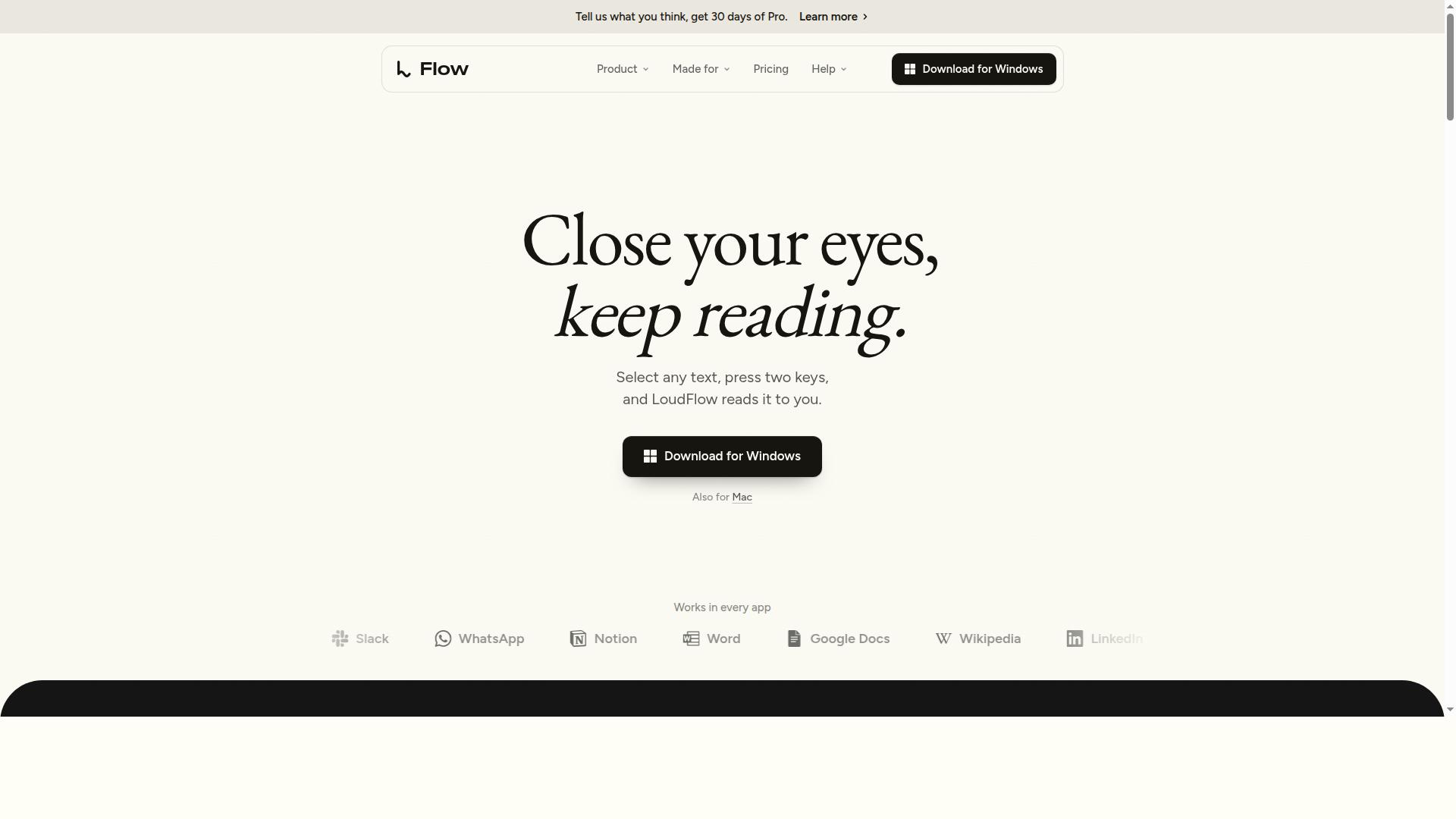




Is dit jouw AI-tool? Claim hem vandaag.
Verifieer eigenaarschap, beheer je profiel en ontgrendel groeifeatures.
✦
LoudFlow is a free, AI-driven text-to-speech app for Windows and Mac that reads text aloud from any application using natural, personalized voices. With support for 86 languages and the ability to create a custom voice from just 15 seconds of speech, it’s perfect for users seeking a versatile, privacy-focused reading assistant.

Beschrijving
Most voices read the letters. LoudFlow understands the sentence first, so it sounds like a person, not a machine. Watch the video to hear the difference. Then select text in any app, press two keys, and listen. In any voice, even your own. Free on Mac and Windows.
Gedetailleerde beschrijving
LoudFlow is a sophisticated AI-powered text-to-speech application designed for both Windows and Mac users, offering a seamless and natural reading experience across any application. Its core purpose is to transform written text into spoken words with human-like intonation and clarity, making it an invaluable tool for accessibility, productivity, and content consumption. Users can simply select text anywhere on their device—be it emails, PDFs, websites, or chat messages—and activate the reading function with a simple two-key shortcut (Ctrl + Space on Windows, Option + Space on Mac). This ease of use ensures that LoudFlow integrates effortlessly into daily workflows without interrupting user activity. One of LoudFlow’s standout features is its extensive multilingual support, covering 86 languages. On Windows, 43 languages are available with their own native voice using the Quality 3.5 Light sound profile, while Mac users have access to ten native voice languages. For the remaining languages, LoudFlow translates the text and reads it aloud using the user's personalized voice, ensuring broad usability regardless of language barriers. Additionally, the app intelligently skips reading full links and emojis, and it vocalizes times, prices, and dates in a natural, conversational manner, enhancing the listening experience. A unique capability of LoudFlow is its personalized voice creation feature. Users can generate a custom voice from just 15 seconds of their own speech, allowing the AI to replicate their tone and style for reading text. This personalization adds a layer of familiarity and comfort, especially beneficial for users who rely on text-to-speech for extended periods. LoudFlow also offers three distinct sound qualities—Turbo 3.2 Flash for fast reading, Quality 3.5 Light for balanced clarity, and Quality 3.2 Pro for premium audio fidelity—giving users control over the listening experience based on their preferences or needs. LoudFlow is ideal for a diverse range of users including students, professionals, content creators, and individuals with visual impairments or reading difficulties. Students can listen to study materials and research papers, professionals can proofread emails or documents hands-free, and content creators can review scripts or articles in a natural voice. Its ability to read text from any application without requiring copy-pasting or switching apps significantly boosts productivity and accessibility. Regarding pricing, LoudFlow is available as a free application with generous usage limits, allowing users to read up to 1,000 words per day across all library voices without requiring a credit card. This free tier makes it accessible for casual users and those wanting to explore its capabilities before committing to any paid plans. The website provides detailed pricing information and options for users who may need higher word limits or additional features. Compared to other text-to-speech tools, LoudFlow stands out with its combination of natural voice quality, extensive language support, and the ability to create personalized voices quickly and easily. Many alternatives require internet connectivity or have limited language options, while LoudFlow operates locally on Windows and Mac, ensuring privacy and offline functionality. Its shortcut-based activation and intelligent text parsing also provide a smoother user experience than many competitors. However, users should consider that while LoudFlow supports a wide array of languages, the highest quality native voices are currently limited to Windows and a smaller subset on Mac. Additionally, the free plan’s daily word limit may not suffice for heavy users, who might need to explore paid options. Some users may also find the voice customization feature requires a quiet environment and clear speech sample for optimal results. Overall, LoudFlow offers a powerful, user-friendly, and privacy-conscious text-to-speech solution that caters to a broad audience with diverse needs.
Toolfeatures
- Select text in any app and press two keys
- Make a voice from 15 seconds of you talking
- Text in 86 languages: 43 in their own voice on Windows with Quality 3.5 Light, ten on Mac; the rest translated and read in yours
- Skips full links and emoji, reads times, prices and dates the way you say them
- Three sounds: Turbo 3.2 Flash, Quality 3.5 Light and Quality 3.2 Pro
Beschrijving
✦
LoudFlow is a free, AI-driven text-to-speech app for Windows and Mac that reads text aloud from any application using natural, personalized voices. With support for 86 languages and the ability to create a custom voice from just 15 seconds of speech, it’s perfect for users seeking a versatile, privacy-focused reading assistant.
Most voices read the letters. LoudFlow understands the sentence first, so it sounds like a person, not a machine. Watch the video to hear the difference. Then select text in any app, press two keys, and listen. In any voice, even your own. Free on Mac and Windows.
Gedetailleerde beschrijving
LoudFlow is a sophisticated AI-powered text-to-speech application designed for both Windows and Mac users, offering a seamless and natural reading experience across any application. Its core purpose is to transform written text into spoken words with human-like intonation and clarity, making it an invaluable tool for accessibility, productivity, and content consumption. Users can simply select text anywhere on their device—be it emails, PDFs, websites, or chat messages—and activate the reading function with a simple two-key shortcut (Ctrl + Space on Windows, Option + Space on Mac). This ease of use ensures that LoudFlow integrates effortlessly into daily workflows without interrupting user activity. One of LoudFlow’s standout features is its extensive multilingual support, covering 86 languages. On Windows, 43 languages are available with their own native voice using the Quality 3.5 Light sound profile, while Mac users have access to ten native voice languages. For the remaining languages, LoudFlow translates the text and reads it aloud using the user's personalized voice, ensuring broad usability regardless of language barriers. Additionally, the app intelligently skips reading full links and emojis, and it vocalizes times, prices, and dates in a natural, conversational manner, enhancing the listening experience. A unique capability of LoudFlow is its personalized voice creation feature. Users can generate a custom voice from just 15 seconds of their own speech, allowing the AI to replicate their tone and style for reading text. This personalization adds a layer of familiarity and comfort, especially beneficial for users who rely on text-to-speech for extended periods. LoudFlow also offers three distinct sound qualities—Turbo 3.2 Flash for fast reading, Quality 3.5 Light for balanced clarity, and Quality 3.2 Pro for premium audio fidelity—giving users control over the listening experience based on their preferences or needs. LoudFlow is ideal for a diverse range of users including students, professionals, content creators, and individuals with visual impairments or reading difficulties. Students can listen to study materials and research papers, professionals can proofread emails or documents hands-free, and content creators can review scripts or articles in a natural voice. Its ability to read text from any application without requiring copy-pasting or switching apps significantly boosts productivity and accessibility. Regarding pricing, LoudFlow is available as a free application with generous usage limits, allowing users to read up to 1,000 words per day across all library voices without requiring a credit card. This free tier makes it accessible for casual users and those wanting to explore its capabilities before committing to any paid plans. The website provides detailed pricing information and options for users who may need higher word limits or additional features. Compared to other text-to-speech tools, LoudFlow stands out with its combination of natural voice quality, extensive language support, and the ability to create personalized voices quickly and easily. Many alternatives require internet connectivity or have limited language options, while LoudFlow operates locally on Windows and Mac, ensuring privacy and offline functionality. Its shortcut-based activation and intelligent text parsing also provide a smoother user experience than many competitors. However, users should consider that while LoudFlow supports a wide array of languages, the highest quality native voices are currently limited to Windows and a smaller subset on Mac. Additionally, the free plan’s daily word limit may not suffice for heavy users, who might need to explore paid options. Some users may also find the voice customization feature requires a quiet environment and clear speech sample for optimal results. Overall, LoudFlow offers a powerful, user-friendly, and privacy-conscious text-to-speech solution that caters to a broad audience with diverse needs.
Veelgestelde vragen
What is LoudFlow?
LoudFlow is a free AI text-to-speech application for Windows and Mac that reads selected text aloud in a natural voice from any app using a simple keyboard shortcut.
How much does LoudFlow cost?
LoudFlow offers a free plan allowing up to 1,000 words per day with access to all library voices and no credit card required. Additional plans with higher limits may be available on their website.
Who is LoudFlow best for?
LoudFlow is ideal for students, professionals, content creators, and individuals with visual impairments or reading difficulties who want a natural and convenient way to listen to text across multiple languages.
What are the main features of LoudFlow?
Key features include text-to-speech from any app with a two-key shortcut, support for 86 languages, personalized voice creation from 15 seconds of speech, intelligent skipping of links and emojis, and three sound quality options.
Does LoudFlow offer a free trial?
Yes, LoudFlow is free to use with a daily limit of 1,000 words and includes access to all library voices without requiring a credit card.
What integrations does LoudFlow support?
LoudFlow works system-wide on Windows and Mac, allowing users to select text in any application such as emails, PDFs, websites, and chats, and read it aloud via a keyboard shortcut.
How does LoudFlow work?
Users select text in any app and press a two-key shortcut (Ctrl + Space on Windows, Option + Space on Mac) to have the text read aloud by AI-generated natural voices, including personalized voices created from a short speech sample.
Reviews
0 reviews
Nog geen reviews. Wees de eerste die je ervaring deelt.
Gesponsorde tools



























Aanbevolen tools
Blijf op de hoogte van de nieuwste AI-tools
Krijg de laatste inzichten, schrijf je in voor onze nieuwsbrief
Gelezen en vertrouwd door 50,000+ lezers
Word lid van de grootste AI-community
Onze community en ons team staan voor je klaar!
Jouw feedback helpt Alice AI te verbeteren in toekomstige versies.





 , Een product van