

Is dit jouw AI-tool? Claim hem vandaag.
Verifieer eigenaarschap, beheer je profiel en ontgrendel groeifeatures.
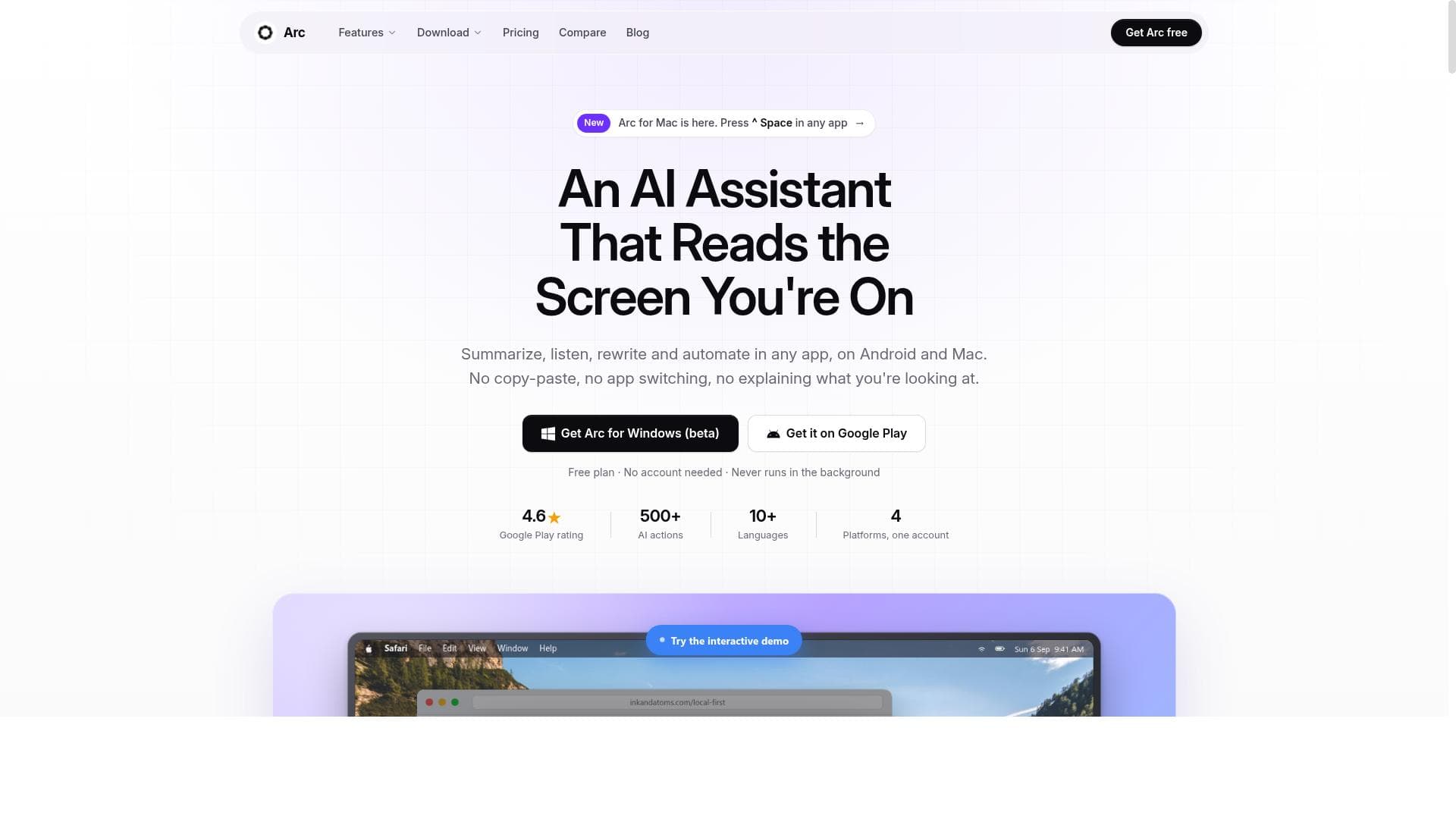
Arc: AI Screen Assistant uniquely integrates AI-powered productivity tools directly onto your current screen, enabling seamless summarization, text-to-speech, rewriting, and automation across any app on Android and macOS. Ideal for students, professionals, and multitaskers, it boosts efficiency without disrupting workflows and prioritizes user privacy with local data storage.

Beschrijving
Arc is a free AI assistant that works on whatever screen you're already on. You don't have to copy text into a chatbot. Call Arc up over any app and it reads the screen for you. • Summarize articles, chats, emails and docs instantly • Listen: have any screen read aloud • Rewrite replies and messages in the right tone, right where you type • Automate repetitive steps across apps Available on Android and Mac. Free to start.
Gedetailleerde beschrijving
Arc: AI Screen Assistant is a versatile and innovative AI-powered productivity app designed to seamlessly integrate with the apps and screens users are already working on. Its core purpose is to enhance user efficiency by providing intelligent assistance directly on any screen without requiring users to copy and paste text into separate applications. Available on Android and macOS, Arc offers a floating sidebar or a quick-access panel that reads the current screen content and enables users to perform a variety of AI-driven tasks such as summarizing text, listening to content via text-to-speech, rewriting messages, and automating workflows. This approach eliminates the friction of switching between apps and streamlines multitasking for users across different platforms. Key features of Arc include AI-powered text summarization that distills lengthy articles, documents, or messages into concise key points, saving users valuable reading time. The text-to-speech functionality supports automatic language detection, allowing users to listen to content naturally in multiple languages without manual configuration. Arc’s AI chat assistant can interact with any screen content, enabling users to ask questions, generate replies, or rewrite text contextually within the app they are using. Additionally, users can create custom AI actions and automate workflows tailored to their specific needs, enhancing productivity through one-tap commands. The app also supports community-shared AI actions, expanding its capabilities through user-generated prompts and workflows. A floating sidebar ensures instant access to these features without interrupting the user’s workflow. Importantly, Arc prioritizes privacy and security by storing all data locally on the device and disabling itself automatically in sensitive apps such as banking or password managers, with options for users to customize exclusions. Arc is ideal for a wide range of users including students, professionals, content creators, and anyone who frequently interacts with text-heavy content on their devices. Students can convert study materials into flashcards or summaries, professionals can quickly extract key information from reports or emails, and content creators can rewrite or generate responses without leaving their current app. Its ability to work across all Android apps and macOS applications makes it a flexible tool for multitasking and enhancing accessibility. For users who rely on screen readers or need assistance with language comprehension, Arc’s text-to-speech and summarization features provide significant value. Regarding pricing, Arc offers a free tier that includes 7 AI requests per week on basic features, making it accessible for casual users or those wanting to try the app before committing. The premium subscription unlocks unlimited access to summaries, text-to-speech, AI chat, and custom workflow automation. This subscription is device-agnostic, covering all platforms where the user installs Arc, and notably, the app is ad-free with no expiring trials, ensuring a clean and uninterrupted user experience. Compared to alternatives, Arc stands out due to its unique approach of operating directly on the user’s current screen content rather than requiring text to be copied into a separate chatbot or assistant app. This reduces friction and enhances productivity by keeping users in their workflow context. Its privacy-first design with local data storage and automatic disabling in sensitive apps also distinguishes it from many cloud-dependent AI assistants. While some competitors may offer broader platform support or more extensive integrations, Arc’s focus on seamless screen-level AI assistance and workflow automation provides a compelling niche solution. However, there are some considerations to keep in mind. Currently, Arc supports Android and macOS, with Windows in beta and iPhone support under development, so users on other platforms may need to wait for full availability. The free tier’s limited weekly requests may restrict heavy users unless they upgrade. Additionally, while Arc disables itself in sensitive apps for security, users must be aware of and configure exclusions appropriately to maintain privacy. Finally, as with any AI assistant, the quality of generated summaries, rewrites, or automations depends on the complexity of the content and prompts, so some trial and customization may be needed to optimize results. Overall, Arc: AI Screen Assistant is a powerful, privacy-conscious AI tool that enhances productivity by bringing intelligent assistance directly to the user’s active screen, making it an excellent choice for anyone looking to streamline their digital workflows on Android and macOS.
Toolfeatures
- AI-powered text summarization
- Text-to-speech with automatic language detection
- AI chat assistant for any screen content
- Custom AI actions and workflow automation
- Community-shared AI actions
- Floating sidebar for instant access
- Private and secure - local storage
- Works across all Android apps
Beschrijving
Arc: AI Screen Assistant uniquely integrates AI-powered productivity tools directly onto your current screen, enabling seamless summarization, text-to-speech, rewriting, and automation across any app on Android and macOS. Ideal for students, professionals, and multitaskers, it boosts efficiency without disrupting workflows and prioritizes user privacy with local data storage.
Arc is a free AI assistant that works on whatever screen you're already on. You don't have to copy text into a chatbot. Call Arc up over any app and it reads the screen for you. • Summarize articles, chats, emails and docs instantly • Listen: have any screen read aloud • Rewrite replies and messages in the right tone, right where you type • Automate repetitive steps across apps Available on Android and Mac. Free to start.
Gedetailleerde beschrijving
Arc: AI Screen Assistant is a versatile and innovative AI-powered productivity app designed to seamlessly integrate with the apps and screens users are already working on. Its core purpose is to enhance user efficiency by providing intelligent assistance directly on any screen without requiring users to copy and paste text into separate applications. Available on Android and macOS, Arc offers a floating sidebar or a quick-access panel that reads the current screen content and enables users to perform a variety of AI-driven tasks such as summarizing text, listening to content via text-to-speech, rewriting messages, and automating workflows. This approach eliminates the friction of switching between apps and streamlines multitasking for users across different platforms. Key features of Arc include AI-powered text summarization that distills lengthy articles, documents, or messages into concise key points, saving users valuable reading time. The text-to-speech functionality supports automatic language detection, allowing users to listen to content naturally in multiple languages without manual configuration. Arc’s AI chat assistant can interact with any screen content, enabling users to ask questions, generate replies, or rewrite text contextually within the app they are using. Additionally, users can create custom AI actions and automate workflows tailored to their specific needs, enhancing productivity through one-tap commands. The app also supports community-shared AI actions, expanding its capabilities through user-generated prompts and workflows. A floating sidebar ensures instant access to these features without interrupting the user’s workflow. Importantly, Arc prioritizes privacy and security by storing all data locally on the device and disabling itself automatically in sensitive apps such as banking or password managers, with options for users to customize exclusions. Arc is ideal for a wide range of users including students, professionals, content creators, and anyone who frequently interacts with text-heavy content on their devices. Students can convert study materials into flashcards or summaries, professionals can quickly extract key information from reports or emails, and content creators can rewrite or generate responses without leaving their current app. Its ability to work across all Android apps and macOS applications makes it a flexible tool for multitasking and enhancing accessibility. For users who rely on screen readers or need assistance with language comprehension, Arc’s text-to-speech and summarization features provide significant value. Regarding pricing, Arc offers a free tier that includes 7 AI requests per week on basic features, making it accessible for casual users or those wanting to try the app before committing. The premium subscription unlocks unlimited access to summaries, text-to-speech, AI chat, and custom workflow automation. This subscription is device-agnostic, covering all platforms where the user installs Arc, and notably, the app is ad-free with no expiring trials, ensuring a clean and uninterrupted user experience. Compared to alternatives, Arc stands out due to its unique approach of operating directly on the user’s current screen content rather than requiring text to be copied into a separate chatbot or assistant app. This reduces friction and enhances productivity by keeping users in their workflow context. Its privacy-first design with local data storage and automatic disabling in sensitive apps also distinguishes it from many cloud-dependent AI assistants. While some competitors may offer broader platform support or more extensive integrations, Arc’s focus on seamless screen-level AI assistance and workflow automation provides a compelling niche solution. However, there are some considerations to keep in mind. Currently, Arc supports Android and macOS, with Windows in beta and iPhone support under development, so users on other platforms may need to wait for full availability. The free tier’s limited weekly requests may restrict heavy users unless they upgrade. Additionally, while Arc disables itself in sensitive apps for security, users must be aware of and configure exclusions appropriately to maintain privacy. Finally, as with any AI assistant, the quality of generated summaries, rewrites, or automations depends on the complexity of the content and prompts, so some trial and customization may be needed to optimize results. Overall, Arc: AI Screen Assistant is a powerful, privacy-conscious AI tool that enhances productivity by bringing intelligent assistance directly to the user’s active screen, making it an excellent choice for anyone looking to streamline their digital workflows on Android and macOS.
Veelgestelde vragen
What is Arc: AI Screen Assistant?
Arc: AI Screen Assistant is a free AI-powered app that works directly on the screen you are using, allowing you to summarize, listen to, rewrite, and automate tasks within any app on Android and macOS without needing to copy-paste text.
How much does Arc: AI Screen Assistant cost?
Arc offers a free plan with 7 AI requests per week on basic features. A premium subscription unlocks unlimited summaries, text-to-speech, AI chat, and custom workflow automation, with one subscription covering all supported platforms.
Who is Arc: AI Screen Assistant best for?
Arc is ideal for students, professionals, content creators, and anyone who frequently works with text on Android or macOS devices, seeking to enhance productivity by summarizing, listening to, rewriting, or automating tasks directly on their screen.
What are the main features of Arc: AI Screen Assistant?
Key features include AI-powered text summarization, text-to-speech with automatic language detection, an AI chat assistant for any screen content, custom AI actions and workflow automation, community-shared AI actions, a floating sidebar for instant access, and local data storage to ensure privacy.
Does Arc: AI Screen Assistant offer a free trial?
Arc does not have a traditional free trial but provides a free tier with limited weekly requests (7 requests per week) on basic features, allowing users to try the app before opting for the premium subscription.
What integrations does Arc: AI Screen Assistant support?
Arc works across all Android apps and macOS applications by reading the current screen content, so it integrates broadly without requiring specific app integrations. It disables itself automatically in sensitive apps like banking and password managers for security.
How does Arc: AI Screen Assistant work?
Arc places a floating sidebar on Android and a quick-access panel on macOS that reads the content of the active screen when you tap an action. It then uses AI to summarize, read aloud, rewrite, or automate tasks based on the screen content, all while storing data locally for privacy.
Reviews
Nog geen reviews. Wees de eerste die je ervaring deelt.




















































