Claude for Google Workspace


Questo è il tuo strumento IA? Reclama oggi.
Verifica la titolarità, gestisci il profilo e sblocca funzioni di crescita.
Claude for Google Workspace uniquely integrates a powerful AI assistant directly into Google Docs, Sheets, and Slides, enabling users to enhance document creation, data analysis, and presentations without leaving their familiar productivity environment. Ideal for professionals and teams looking to streamline workflows, it offers context-aware AI support that transforms how users interact with Google Workspace apps.

Descrizione
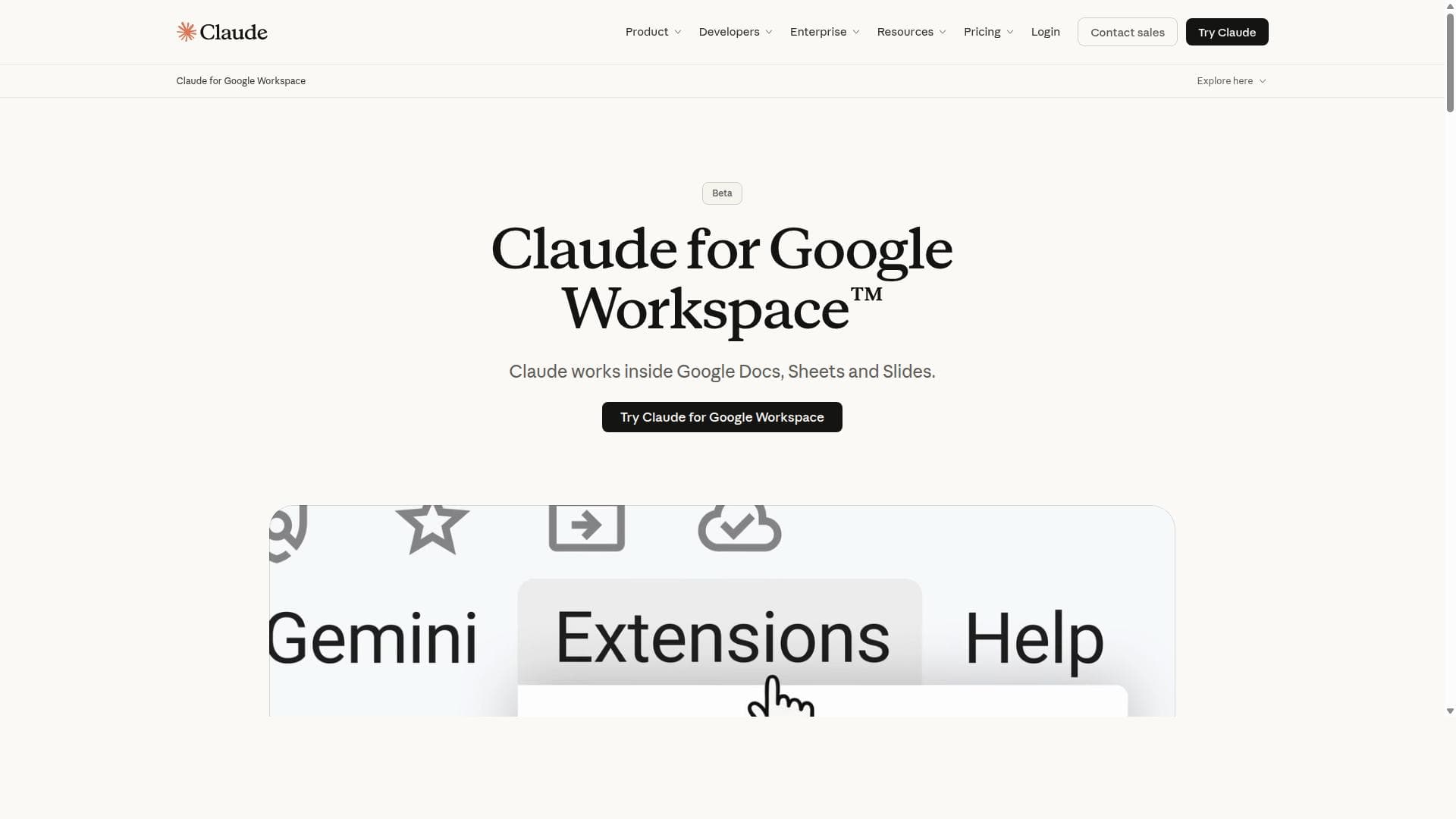
Claude now works directly inside Google Docs, Sheets, and Slides. Ask it to draft and edit documents, analyze spreadsheets, write formulas, build charts, or create presentation slides — all without leaving your file. You can also create and edit Google Workspace files directly from Claude using the new connectors. No more copying and pasting between apps. Available in beta for all paid Claude plans.
Descrizione dettagliata
Claude for Google Workspace is an advanced AI assistant seamlessly integrated into Google Docs, Google Sheets, and Google Slides, designed to enhance productivity by embedding powerful AI capabilities directly within the tools millions use daily. Its core purpose is to empower users to create, analyze, and present information more efficiently by leveraging Claude's natural language processing and generative AI features without leaving the Google Workspace environment. This integration allows for a smooth workflow where users can generate text, automate data insights, and craft compelling presentations with AI assistance right at their fingertips. Key features of Claude for Google Workspace include deep integration with Google Docs, enabling users to draft, edit, and refine documents using AI-generated suggestions, summaries, and content expansions. In Google Sheets, Claude assists with data analysis by generating formulas, interpreting data trends, and automating complex calculations, making spreadsheet management more intuitive and less time-consuming. For Google Slides, Claude helps users design impactful presentations by suggesting slide content, structuring narratives, and even creating speaker notes, all powered by AI to enhance clarity and engagement. The AI-powered assistance is context-aware, meaning Claude understands the content and intent within each app to provide relevant, actionable support. This tool is ideal for professionals, educators, students, and businesses that rely heavily on Google Workspace for their daily tasks. Writers and content creators benefit from AI-driven drafting and editing in Docs, while analysts and finance teams can leverage Sheets integration for faster data insights. Presenters and marketers gain an edge by using AI to craft polished, persuasive slideshows. Specific use cases include automating report generation, speeding up data interpretation, brainstorming ideas, and improving communication quality across teams. Regarding pricing, Claude for Google Workspace offers flexible plans tailored to different user needs, typically including a free tier with limited usage to allow users to explore core features. Paid plans unlock higher usage limits, priority access, and advanced functionalities suitable for enterprise environments. Pricing details are available on the official website, and organizations can contact the provider for custom enterprise solutions. Compared to alternatives, Claude for Google Workspace stands out due to its native integration within Google’s productivity suite, eliminating the need to switch between apps or use external AI tools. Unlike standalone AI writing or data analysis tools, Claude operates directly inside familiar interfaces, reducing friction and improving adoption. Its focus on contextual understanding within Google Docs, Sheets, and Slides offers a more tailored and efficient AI experience compared to generic AI assistants. However, users should consider that as an AI tool integrated into Google Workspace, its capabilities depend on the quality and scope of the underlying AI model and Google’s platform constraints. There may be limitations in handling extremely large datasets or highly specialized domain content. Additionally, privacy and data security considerations are paramount, so users should review Claude’s data handling policies to ensure compliance with organizational standards. In summary, Claude for Google Workspace is a powerful AI assistant designed to boost productivity by embedding intelligent support directly into Google’s core productivity apps. Its ability to assist with document creation, data analysis, and presentation design makes it a versatile tool for a wide range of users seeking to harness AI within their existing workflows.
Funzioni dello strumento
- Integration with Google Docs
- Integration with Google Sheets
- Integration with Google Slides
- AI-powered assistance within Google Workspace apps
Descrizione
Claude for Google Workspace uniquely integrates a powerful AI assistant directly into Google Docs, Sheets, and Slides, enabling users to enhance document creation, data analysis, and presentations without leaving their familiar productivity environment. Ideal for professionals and teams looking to streamline workflows, it offers context-aware AI support that transforms how users interact with Google Workspace apps.
Claude now works directly inside Google Docs, Sheets, and Slides. Ask it to draft and edit documents, analyze spreadsheets, write formulas, build charts, or create presentation slides — all without leaving your file. You can also create and edit Google Workspace files directly from Claude using the new connectors. No more copying and pasting between apps. Available in beta for all paid Claude plans.
Descrizione dettagliata
Claude for Google Workspace is an advanced AI assistant seamlessly integrated into Google Docs, Google Sheets, and Google Slides, designed to enhance productivity by embedding powerful AI capabilities directly within the tools millions use daily. Its core purpose is to empower users to create, analyze, and present information more efficiently by leveraging Claude's natural language processing and generative AI features without leaving the Google Workspace environment. This integration allows for a smooth workflow where users can generate text, automate data insights, and craft compelling presentations with AI assistance right at their fingertips. Key features of Claude for Google Workspace include deep integration with Google Docs, enabling users to draft, edit, and refine documents using AI-generated suggestions, summaries, and content expansions. In Google Sheets, Claude assists with data analysis by generating formulas, interpreting data trends, and automating complex calculations, making spreadsheet management more intuitive and less time-consuming. For Google Slides, Claude helps users design impactful presentations by suggesting slide content, structuring narratives, and even creating speaker notes, all powered by AI to enhance clarity and engagement. The AI-powered assistance is context-aware, meaning Claude understands the content and intent within each app to provide relevant, actionable support. This tool is ideal for professionals, educators, students, and businesses that rely heavily on Google Workspace for their daily tasks. Writers and content creators benefit from AI-driven drafting and editing in Docs, while analysts and finance teams can leverage Sheets integration for faster data insights. Presenters and marketers gain an edge by using AI to craft polished, persuasive slideshows. Specific use cases include automating report generation, speeding up data interpretation, brainstorming ideas, and improving communication quality across teams. Regarding pricing, Claude for Google Workspace offers flexible plans tailored to different user needs, typically including a free tier with limited usage to allow users to explore core features. Paid plans unlock higher usage limits, priority access, and advanced functionalities suitable for enterprise environments. Pricing details are available on the official website, and organizations can contact the provider for custom enterprise solutions. Compared to alternatives, Claude for Google Workspace stands out due to its native integration within Google’s productivity suite, eliminating the need to switch between apps or use external AI tools. Unlike standalone AI writing or data analysis tools, Claude operates directly inside familiar interfaces, reducing friction and improving adoption. Its focus on contextual understanding within Google Docs, Sheets, and Slides offers a more tailored and efficient AI experience compared to generic AI assistants. However, users should consider that as an AI tool integrated into Google Workspace, its capabilities depend on the quality and scope of the underlying AI model and Google’s platform constraints. There may be limitations in handling extremely large datasets or highly specialized domain content. Additionally, privacy and data security considerations are paramount, so users should review Claude’s data handling policies to ensure compliance with organizational standards. In summary, Claude for Google Workspace is a powerful AI assistant designed to boost productivity by embedding intelligent support directly into Google’s core productivity apps. Its ability to assist with document creation, data analysis, and presentation design makes it a versatile tool for a wide range of users seeking to harness AI within their existing workflows.
Domande frequenti
What is Claude for Google Workspace?
Claude for Google Workspace is an AI assistant integrated directly into Google Docs, Google Sheets, and Google Slides, designed to help users create documents, analyze data, and build presentations more efficiently using advanced AI capabilities within their existing Google Workspace tools.
How much does Claude for Google Workspace cost?
Claude for Google Workspace offers a range of pricing plans including a free tier with limited usage and paid plans that provide higher usage limits and advanced features. Detailed pricing information is available on the official Claude website, and enterprise pricing can be obtained through direct contact with the provider.
Who is Claude for Google Workspace best for?
This tool is best suited for professionals, educators, students, and businesses that extensively use Google Workspace for document creation, data analysis, and presentations. It is particularly beneficial for those seeking to enhance productivity by integrating AI assistance directly into their daily workflows.
What are the main features of Claude for Google Workspace?
The main features include AI-powered assistance within Google Docs for drafting and editing, Google Sheets for data analysis and formula generation, and Google Slides for creating and structuring presentations. The AI is context-aware and integrated seamlessly into these apps to provide relevant suggestions and automation.
Does Claude for Google Workspace offer a free trial?
Yes, Claude for Google Workspace typically offers a free tier or trial period that allows users to explore its core features with limited usage before committing to a paid plan.
What integrations does Claude for Google Workspace support?
Claude for Google Workspace integrates directly with Google Docs, Google Sheets, and Google Slides, embedding AI assistance within these Google Workspace applications to enhance productivity and streamline workflows.
How does Claude for Google Workspace work?
Claude for Google Workspace works by embedding the Claude AI assistant into Google’s productivity apps, allowing users to interact with AI features such as content generation, data analysis, and presentation design directly within Docs, Sheets, and Slides, leveraging natural language processing and generative AI to provide context-aware support.
Social
Usa lo strumentoRecensioni
Ancora nessuna recensione. Sii il primo a condividere la tua esperienza.




















































