

C'est ton outil IA ? Réclame-le dès aujourd'hui.
Vérifie la propriété, gère ton profil et débloque des fonctionnalités de croissance.
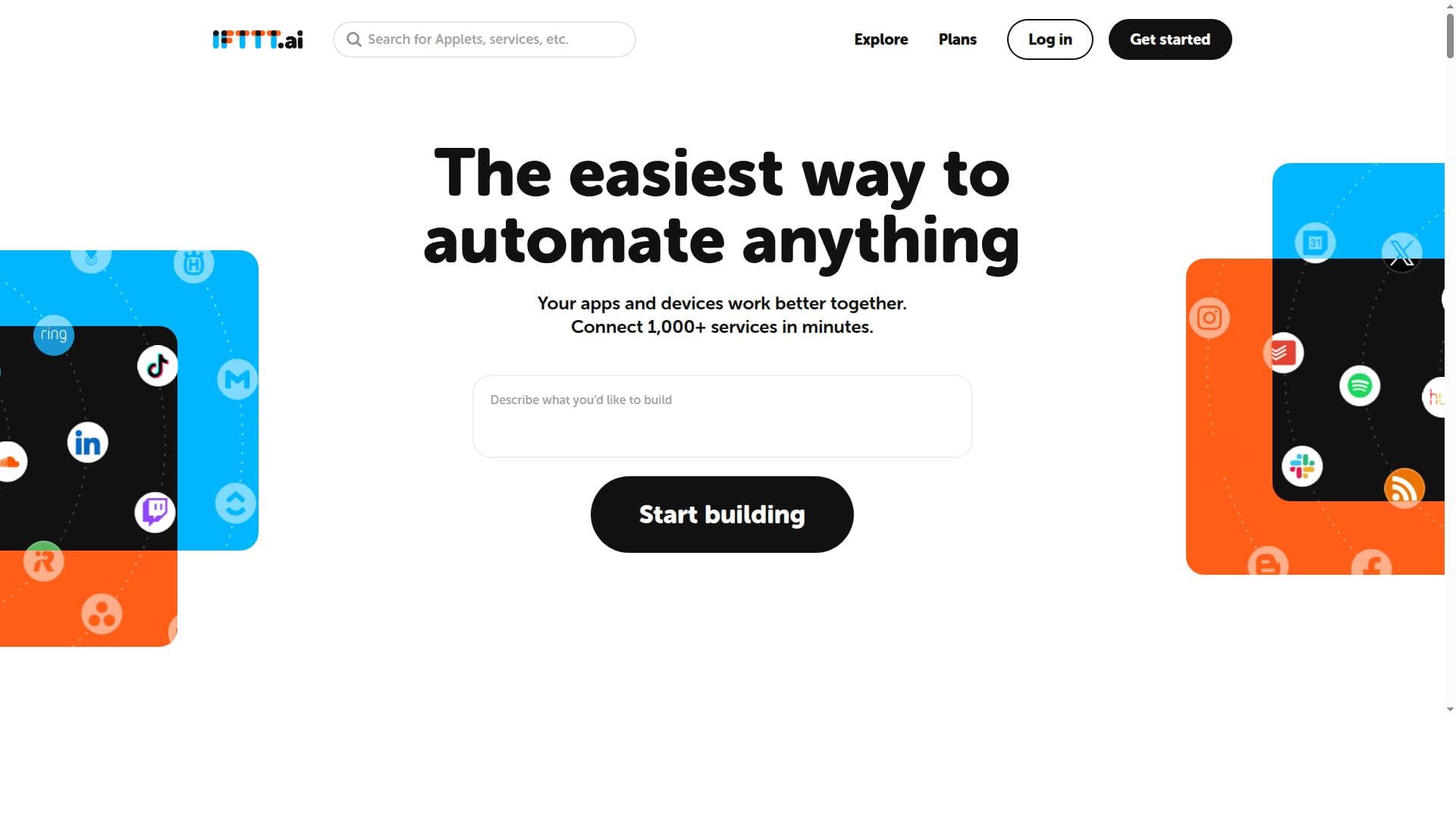
IFTTT is a no-code automation platform that connects over 1,000 apps and services, enabling users to create custom workflows that save time and boost productivity. Ideal for individuals and small businesses, it integrates popular apps like Google, Discord, Telegram, and Slack to automate everyday digital tasks seamlessly.

Description
IFTTT is now IFTTT.ai, and every plan now includes our core features and all 1,000+ services, from multiple actions and filters to queries and Webhooks. Pricing is credit-based, and you can build unlimited Applets for free. AI got an upgrade too. AI Agent watches web pages for price changes or new listings, AI Action assist writes each action based on its trigger, and AI queries run on better models. Or describe an automation in IFTTT Chat and it builds the Applet for you.
Description détaillée
IFTTT (If This Then That) is a versatile automation platform designed to streamline and simplify the way users interact with their digital tools and services. Its core purpose is to enable users to create automated workflows, known as applets, that connect over 1,000 different apps and services without requiring any coding knowledge. By linking various applications, IFTTT allows users to automate repetitive tasks, improve productivity, and create seamless integrations across their favorite platforms. Whether it’s syncing data between apps, sending notifications, or triggering actions based on specific events, IFTTT empowers users to customize their digital environment to fit their unique needs. One of the standout features of IFTTT is its extensive library of supported apps and services, including popular platforms such as Google, Discord, Telegram, and Slack. This broad compatibility ensures that users can connect a wide variety of tools they already use daily. The platform’s no-code interface makes it accessible to users of all technical levels, allowing anyone to build custom workflows by simply defining triggers (the "if" part) and actions (the "then" part). Users can either create their own applets from scratch or choose from thousands of pre-built applets shared by the community, making automation quick and easy. IFTTT’s capabilities extend beyond simple task automation. It supports complex workflows with multiple triggers and conditional logic, enabling sophisticated integrations that can respond dynamically to different scenarios. For example, users can automate social media posting, smart home device control, email management, and much more. This flexibility makes IFTTT suitable for a wide range of use cases, from personal productivity enhancements to business process automation. The platform is ideal for individuals, small businesses, and teams who want to save time and reduce manual effort by automating routine digital tasks. For instance, a social media manager can automate cross-posting content across platforms, a home automation enthusiast can control smart devices based on location or time, and a team can streamline communication by linking messaging apps with project management tools. IFTTT’s ease of use and extensive integrations make it a valuable tool for anyone looking to optimize their digital workflows. Regarding pricing, IFTTT offers a free tier that allows users to create and use a limited number of applets, which is sufficient for basic automation needs. For more advanced users, there are paid subscription plans that unlock additional features such as unlimited applets, multi-step applets, faster execution times, and priority support. These plans cater to power users and businesses requiring more robust automation capabilities and scalability. Compared to alternatives like Zapier or Microsoft Power Automate, IFTTT stands out for its simplicity and focus on consumer-friendly integrations, especially in the smart home and personal productivity space. While Zapier is often favored for complex business workflows and enterprise integrations, IFTTT excels in connecting everyday apps and devices with an intuitive, user-friendly approach. However, IFTTT may have limitations in handling very complex or large-scale enterprise automation compared to some competitors. Users should consider that while IFTTT supports a vast number of apps, some integrations may have limited functionality depending on the app’s API capabilities. Additionally, the platform’s reliance on internet connectivity and third-party service availability means that occasional delays or disruptions can occur. Users with highly sensitive data or mission-critical workflows should evaluate these factors carefully. In summary, IFTTT is a powerful, accessible automation platform that connects a wide array of apps and services to help users automate tasks effortlessly. Its no-code interface, extensive integrations, and customizable workflows make it an excellent choice for individuals and small businesses aiming to boost productivity and streamline digital interactions. With flexible pricing plans and a strong community, IFTTT continues to be a leading tool in the automation landscape.
Fonctionnalités de l'outil
- Connects 1,000+ apps and services
- No code needed to create automations
- Supports popular apps like Google, Discord, Telegram, Slack
- Enables custom workflows and triggers
- Automates repetitive tasks to save time
Description
IFTTT is a no-code automation platform that connects over 1,000 apps and services, enabling users to create custom workflows that save time and boost productivity. Ideal for individuals and small businesses, it integrates popular apps like Google, Discord, Telegram, and Slack to automate everyday digital tasks seamlessly.
IFTTT is now IFTTT.ai, and every plan now includes our core features and all 1,000+ services, from multiple actions and filters to queries and Webhooks. Pricing is credit-based, and you can build unlimited Applets for free. AI got an upgrade too. AI Agent watches web pages for price changes or new listings, AI Action assist writes each action based on its trigger, and AI queries run on better models. Or describe an automation in IFTTT Chat and it builds the Applet for you.
Description détaillée
IFTTT (If This Then That) is a versatile automation platform designed to streamline and simplify the way users interact with their digital tools and services. Its core purpose is to enable users to create automated workflows, known as applets, that connect over 1,000 different apps and services without requiring any coding knowledge. By linking various applications, IFTTT allows users to automate repetitive tasks, improve productivity, and create seamless integrations across their favorite platforms. Whether it’s syncing data between apps, sending notifications, or triggering actions based on specific events, IFTTT empowers users to customize their digital environment to fit their unique needs. One of the standout features of IFTTT is its extensive library of supported apps and services, including popular platforms such as Google, Discord, Telegram, and Slack. This broad compatibility ensures that users can connect a wide variety of tools they already use daily. The platform’s no-code interface makes it accessible to users of all technical levels, allowing anyone to build custom workflows by simply defining triggers (the "if" part) and actions (the "then" part). Users can either create their own applets from scratch or choose from thousands of pre-built applets shared by the community, making automation quick and easy. IFTTT’s capabilities extend beyond simple task automation. It supports complex workflows with multiple triggers and conditional logic, enabling sophisticated integrations that can respond dynamically to different scenarios. For example, users can automate social media posting, smart home device control, email management, and much more. This flexibility makes IFTTT suitable for a wide range of use cases, from personal productivity enhancements to business process automation. The platform is ideal for individuals, small businesses, and teams who want to save time and reduce manual effort by automating routine digital tasks. For instance, a social media manager can automate cross-posting content across platforms, a home automation enthusiast can control smart devices based on location or time, and a team can streamline communication by linking messaging apps with project management tools. IFTTT’s ease of use and extensive integrations make it a valuable tool for anyone looking to optimize their digital workflows. Regarding pricing, IFTTT offers a free tier that allows users to create and use a limited number of applets, which is sufficient for basic automation needs. For more advanced users, there are paid subscription plans that unlock additional features such as unlimited applets, multi-step applets, faster execution times, and priority support. These plans cater to power users and businesses requiring more robust automation capabilities and scalability. Compared to alternatives like Zapier or Microsoft Power Automate, IFTTT stands out for its simplicity and focus on consumer-friendly integrations, especially in the smart home and personal productivity space. While Zapier is often favored for complex business workflows and enterprise integrations, IFTTT excels in connecting everyday apps and devices with an intuitive, user-friendly approach. However, IFTTT may have limitations in handling very complex or large-scale enterprise automation compared to some competitors. Users should consider that while IFTTT supports a vast number of apps, some integrations may have limited functionality depending on the app’s API capabilities. Additionally, the platform’s reliance on internet connectivity and third-party service availability means that occasional delays or disruptions can occur. Users with highly sensitive data or mission-critical workflows should evaluate these factors carefully. In summary, IFTTT is a powerful, accessible automation platform that connects a wide array of apps and services to help users automate tasks effortlessly. Its no-code interface, extensive integrations, and customizable workflows make it an excellent choice for individuals and small businesses aiming to boost productivity and streamline digital interactions. With flexible pricing plans and a strong community, IFTTT continues to be a leading tool in the automation landscape.
Questions fréquentes
What is IFTTT?
IFTTT is an automation platform that connects various apps and services to create custom workflows, allowing users to automate tasks without any coding.
How much does IFTTT cost?
IFTTT offers a free plan with limited applets, while paid subscription plans provide unlimited applets, multi-step workflows, faster execution, and priority support.
Who is IFTTT best for?
IFTTT is ideal for individuals, small businesses, and teams looking to automate repetitive digital tasks and integrate popular apps without needing technical skills.
What are the main features of IFTTT?
Key features include connecting over 1,000 apps, no-code applet creation, support for popular apps like Google and Slack, customizable workflows, and automation of repetitive tasks.
Does IFTTT offer a free trial?
Yes, IFTTT provides a free tier that allows users to create and use a limited number of applets to explore the platform’s capabilities.
What integrations does IFTTT support?
IFTTT supports over 1,000 apps and services, including Google, Discord, Telegram, Slack, smart home devices, social media platforms, and many more.
How does IFTTT work?
Users create applets by defining triggers (the "if" condition) and actions (the "then" response), which automate workflows across connected apps and services without coding.
Avis
Pas encore d'avis. Sois le premier à partager ton expérience.






















































