

C'est ton outil IA ? Réclame-le dès aujourd'hui.
Vérifie la propriété, gère ton profil et débloque des fonctionnalités de croissance.
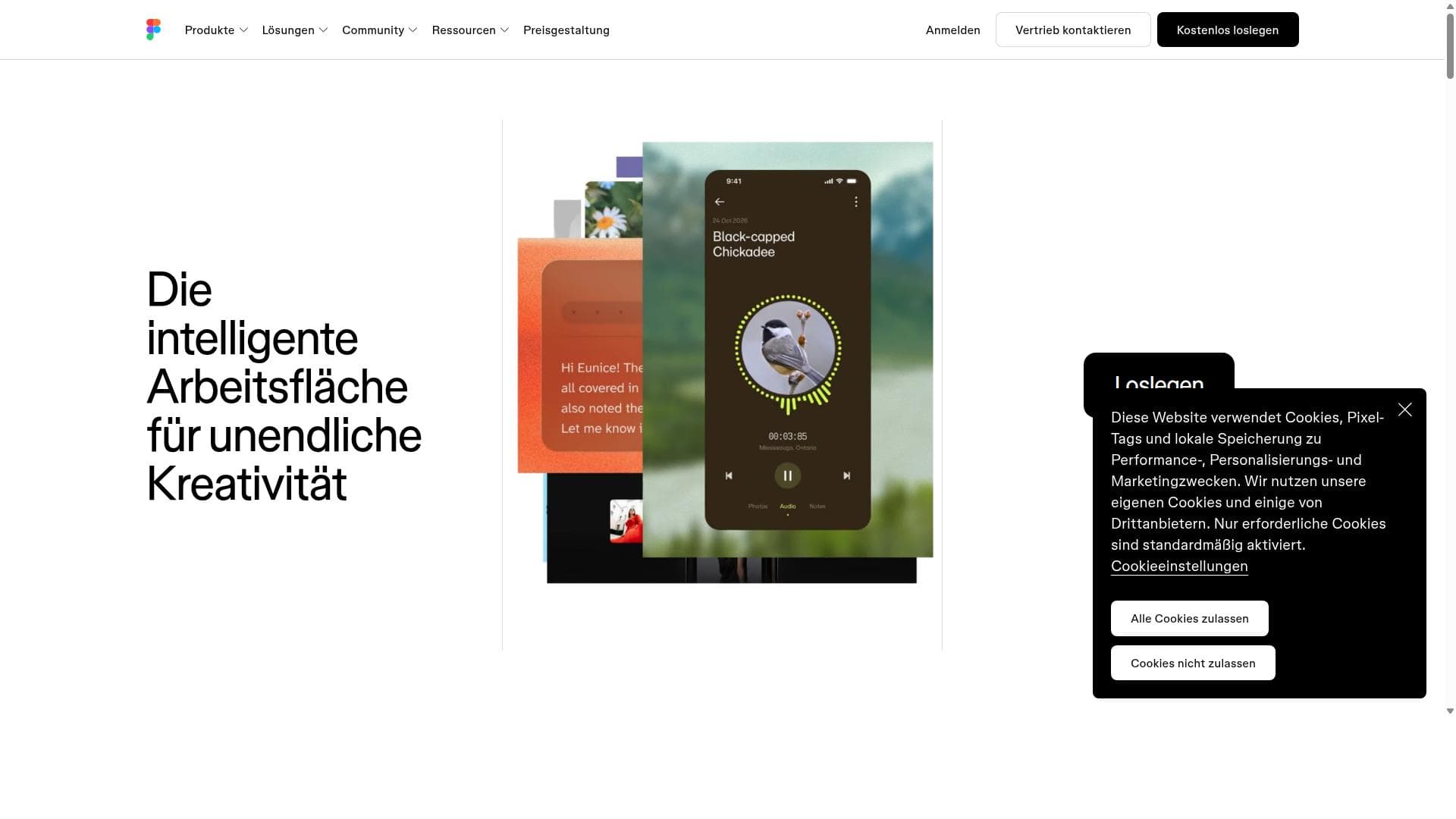
Figma is a cloud-based collaborative design platform that uniquely integrates design, code, and AI to streamline the entire product development process. Ideal for teams seeking real-time collaboration and seamless workflows from concept to production, Figma empowers designers and developers to work together effortlessly in one accessible workspace.

Description
Figma's agent lives right on the Design canvas and works with your real components, variables and team files, not flat images. Generate layout directions, bulk-edit across screens, turn comments into changes and build prototypes from a prompt. Pull context from Notion, Slack, GitHub and Linear via MCP, build your own plugins and shaders, and save repeatable workflows as skills your team runs with "/". Stay in flow from idea to review.
Description détaillée
Figma is a comprehensive, cloud-based design platform that serves as a collaborative canvas where design, code, and AI converge to streamline the entire product development lifecycle. Its core purpose is to enable teams—ranging from designers and developers to product managers—to work seamlessly together from the initial concept stage all the way through to a shipped product. By centralizing workflows in one accessible online space, Figma eliminates the traditional barriers between design and development, fostering real-time collaboration and accelerating project timelines. At its heart, Figma offers a robust collaborative design workspace that supports vector graphics editing, prototyping, and UI/UX design. Unlike traditional design tools that require local installations, Figma operates entirely in the cloud, allowing users to access and edit projects from any device with an internet connection. This cloud-based nature also means that multiple team members can work simultaneously on the same file, seeing each other's changes live, which greatly enhances communication and reduces version control issues. Figma’s integration of design, code, and AI is a standout feature. It bridges the gap between designers and developers by providing tools that generate code snippets directly from design elements, facilitating smoother handoffs. Additionally, AI-powered features assist in automating repetitive tasks, generating design suggestions, and optimizing workflows, which helps teams maintain creativity while reducing manual effort. The platform supports an end-to-end workflow, enabling teams to go from ideation and wireframing to high-fidelity prototypes and final production-ready assets without switching tools. This tool is ideal for a wide range of users including UI/UX designers, front-end developers, product teams, and agencies that require tight collaboration and efficient workflows. Startups and enterprises alike benefit from Figma’s scalability and accessibility. Specific use cases include designing mobile and web applications, creating interactive prototypes for user testing, and collaborating on branding and marketing materials. Its real-time collaboration is particularly valuable for distributed teams and remote work environments. Figma offers several pricing plans to accommodate different user needs. There is a free tier that provides access to core design and collaboration features suitable for individuals and small teams. Paid plans, such as Professional and Organization tiers, unlock advanced capabilities like unlimited version history, team libraries, enhanced security controls, and administrative tools. Pricing is typically subscription-based and varies depending on the number of editors and additional enterprise features. When compared to alternatives like Adobe XD, Sketch, or InVision, Figma’s cloud-first approach and real-time multi-user collaboration set it apart. While Sketch is popular for macOS users and Adobe XD integrates well within the Adobe ecosystem, Figma’s platform-agnostic accessibility and seamless team collaboration make it a preferred choice for many modern product teams. However, some users may find that Figma’s reliance on internet connectivity can be a limitation in low-bandwidth environments, and while it supports plugins and integrations, it may not yet match the extensive ecosystem of some competitors. Notable considerations include the learning curve for new users unfamiliar with collaborative design tools and the potential need for robust internet access to fully leverage its cloud capabilities. Additionally, while Figma continues to expand its AI features, users should evaluate how these tools fit their specific workflows. Overall, Figma represents a powerful, innovative solution that unifies design, development, and AI-driven automation to empower teams to create better products faster.
Fonctionnalités de l'outil
- Collaborative design workspace
- Integration of design, code, and AI
- Real-time team collaboration
- From concept to production workflow
- Cloud-based platform accessible anywhere
Description
Figma is a cloud-based collaborative design platform that uniquely integrates design, code, and AI to streamline the entire product development process. Ideal for teams seeking real-time collaboration and seamless workflows from concept to production, Figma empowers designers and developers to work together effortlessly in one accessible workspace.
Figma's agent lives right on the Design canvas and works with your real components, variables and team files, not flat images. Generate layout directions, bulk-edit across screens, turn comments into changes and build prototypes from a prompt. Pull context from Notion, Slack, GitHub and Linear via MCP, build your own plugins and shaders, and save repeatable workflows as skills your team runs with "/". Stay in flow from idea to review.
Description détaillée
Figma is a comprehensive, cloud-based design platform that serves as a collaborative canvas where design, code, and AI converge to streamline the entire product development lifecycle. Its core purpose is to enable teams—ranging from designers and developers to product managers—to work seamlessly together from the initial concept stage all the way through to a shipped product. By centralizing workflows in one accessible online space, Figma eliminates the traditional barriers between design and development, fostering real-time collaboration and accelerating project timelines. At its heart, Figma offers a robust collaborative design workspace that supports vector graphics editing, prototyping, and UI/UX design. Unlike traditional design tools that require local installations, Figma operates entirely in the cloud, allowing users to access and edit projects from any device with an internet connection. This cloud-based nature also means that multiple team members can work simultaneously on the same file, seeing each other's changes live, which greatly enhances communication and reduces version control issues. Figma’s integration of design, code, and AI is a standout feature. It bridges the gap between designers and developers by providing tools that generate code snippets directly from design elements, facilitating smoother handoffs. Additionally, AI-powered features assist in automating repetitive tasks, generating design suggestions, and optimizing workflows, which helps teams maintain creativity while reducing manual effort. The platform supports an end-to-end workflow, enabling teams to go from ideation and wireframing to high-fidelity prototypes and final production-ready assets without switching tools. This tool is ideal for a wide range of users including UI/UX designers, front-end developers, product teams, and agencies that require tight collaboration and efficient workflows. Startups and enterprises alike benefit from Figma’s scalability and accessibility. Specific use cases include designing mobile and web applications, creating interactive prototypes for user testing, and collaborating on branding and marketing materials. Its real-time collaboration is particularly valuable for distributed teams and remote work environments. Figma offers several pricing plans to accommodate different user needs. There is a free tier that provides access to core design and collaboration features suitable for individuals and small teams. Paid plans, such as Professional and Organization tiers, unlock advanced capabilities like unlimited version history, team libraries, enhanced security controls, and administrative tools. Pricing is typically subscription-based and varies depending on the number of editors and additional enterprise features. When compared to alternatives like Adobe XD, Sketch, or InVision, Figma’s cloud-first approach and real-time multi-user collaboration set it apart. While Sketch is popular for macOS users and Adobe XD integrates well within the Adobe ecosystem, Figma’s platform-agnostic accessibility and seamless team collaboration make it a preferred choice for many modern product teams. However, some users may find that Figma’s reliance on internet connectivity can be a limitation in low-bandwidth environments, and while it supports plugins and integrations, it may not yet match the extensive ecosystem of some competitors. Notable considerations include the learning curve for new users unfamiliar with collaborative design tools and the potential need for robust internet access to fully leverage its cloud capabilities. Additionally, while Figma continues to expand its AI features, users should evaluate how these tools fit their specific workflows. Overall, Figma represents a powerful, innovative solution that unifies design, development, and AI-driven automation to empower teams to create better products faster.
Questions fréquentes
What is Figma?
Figma is a cloud-based design platform that enables teams to collaborate in real time on UI/UX design, prototyping, and product development by integrating design, code, and AI workflows in one accessible workspace.
How much does Figma cost?
Figma offers a free plan with core features for individuals and small teams, while paid plans such as Professional and Organization tiers provide advanced features, enhanced security, and administrative controls. Pricing varies based on the number of editors and selected plan.
Who is Figma best for?
Figma is best suited for UI/UX designers, front-end developers, product teams, and agencies that require seamless collaboration and efficient workflows, especially those working remotely or in distributed teams.
What are the main features of Figma?
Key features include a collaborative design workspace, real-time multi-user editing, integration of design and code with AI-powered automation, prototyping tools, cloud-based accessibility, and an end-to-end workflow from concept to production.
Does Figma offer a free trial?
Yes, Figma provides a free tier that allows users to access essential design and collaboration features without time limits, enabling individuals and small teams to try the platform before upgrading to paid plans.
What integrations does Figma support?
Figma supports various integrations including developer handoff tools, version control systems, project management platforms, and a wide range of plugins that extend functionality and connect with other parts of the design and development ecosystem.
How does Figma work?
Figma works as a cloud-based platform where users create, edit, and prototype designs directly in a web browser or desktop app. Multiple team members can collaborate in real time, with changes synced instantly, facilitating a smooth workflow from ideation to final product.
Réseaux
Utiliser l'outilAvis
Pas encore d'avis. Sois le premier à partager ton expérience.




















































