

C'est ton outil IA ? Réclame-le dès aujourd'hui.
Vérifie la propriété, gère ton profil et débloque des fonctionnalités de croissance.
ExcaliClaw is a unique collaborative workspace that combines the charm of hand-drawn diagrams with powerful real-time collaboration and AI integration. Ideal for creative teams and professionals seeking flexible, expressive diagramming with seamless organization and sharing capabilities.

Description
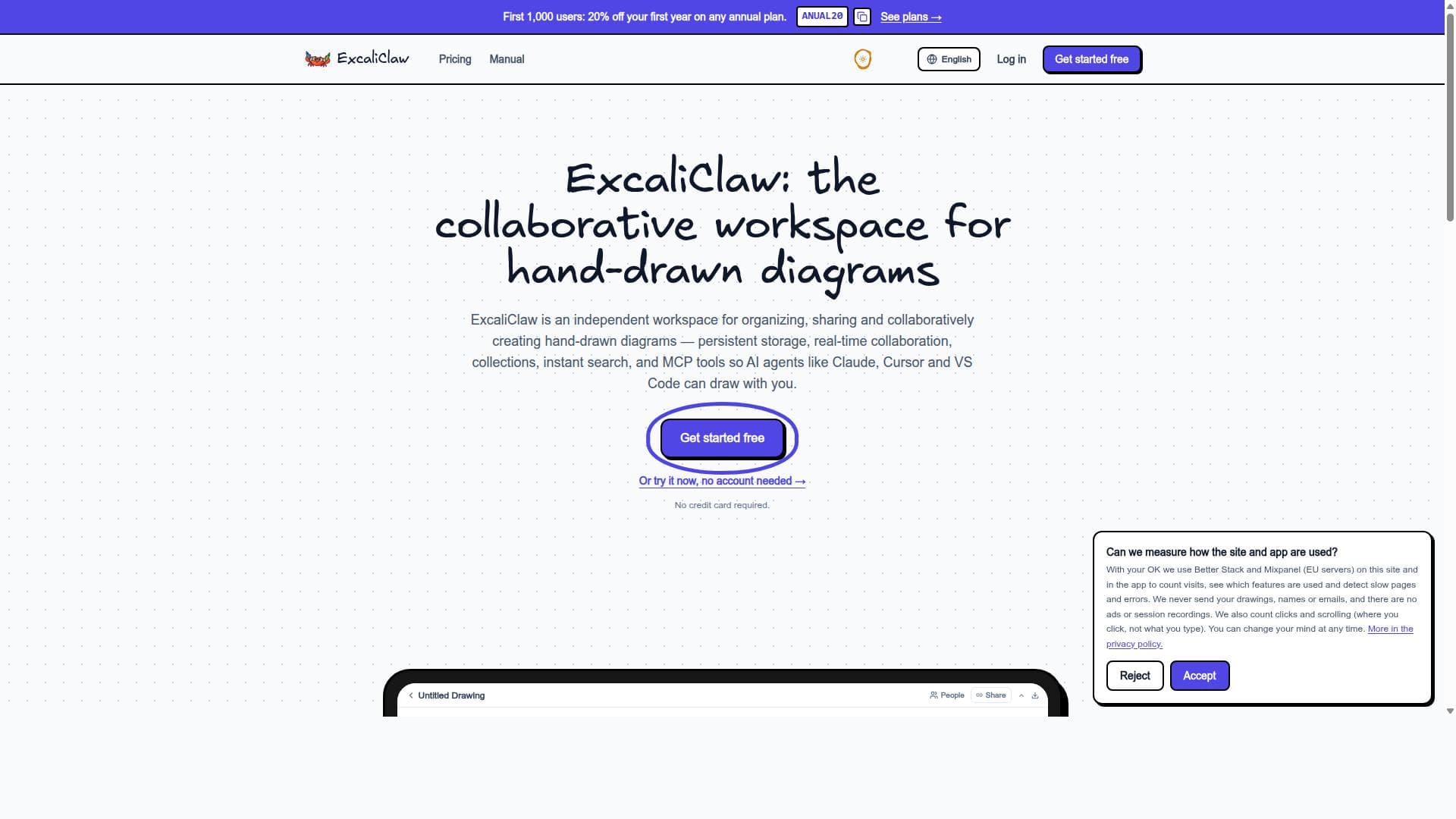
ExcaliClaw is a collaborative workspace for hand-drawn diagrams. Organize them in collections, search instantly, share by link or by name, and draw together in real time. Its MCP server lets Claude, Cursor or VS Code create and edit diagrams for you. Generous free plan: 200 drawings and unlimited AI (MCP) use, no credit card. Paid plans from €9/month. Version history, trash and backup export included. English, Español, Français.
Description détaillée
ExcaliClaw is a specialized collaborative workspace designed specifically for creating, organizing, and sharing hand-drawn diagrams. Its core purpose is to provide a seamless and intuitive environment where users can sketch diagrams with a natural hand-drawn aesthetic while benefiting from modern digital collaboration tools. Unlike traditional diagramming software that often relies on rigid shapes and templates, ExcaliClaw embraces the organic feel of hand-drawn visuals, making it ideal for brainstorming, design thinking, and creative workflows that require flexibility and expressiveness. At the heart of ExcaliClaw's capabilities is its persistent storage system, ensuring that all drawings are saved reliably and accessible anytime without loss. This feature supports continuous work and iteration over diagrams without the risk of losing progress. The platform also offers powerful organizational tools such as collections and instant search by name, allowing users to categorize and quickly retrieve diagrams from potentially large libraries. Real-time collaboration is a standout feature, with live cursors that let multiple users draw and edit simultaneously, enhancing team communication and co-creation. Sharing options are versatile, enabling users to distribute their work either via public links or by inviting specific users, which facilitates controlled access and collaborative feedback. ExcaliClaw supports interoperability with other diagramming tools through export and import functionalities. Users can export their drawings to JSON format and import diagrams from platforms like Miro, making it easier to integrate ExcaliClaw into existing workflows. Additionally, it incorporates MCP tools that enable integration with AI agents such as Claude, Cursor, and VS Code, allowing users to leverage AI assistance for diagram creation, editing, or enhancement. This AI integration is particularly useful for automating repetitive tasks, generating suggestions, or improving diagram clarity. This tool is best suited for designers, product managers, educators, and teams that rely heavily on visual communication and iterative design processes. Its hand-drawn style appeals to creative professionals who want to maintain a personal touch in their diagrams. Use cases include collaborative brainstorming sessions, UX/UI wireframing, educational illustrations, and technical diagramming where flexibility and real-time input from multiple contributors are essential. The ability to organize and search through collections makes it practical for users managing extensive diagram repositories. ExcaliClaw offers a tiered pricing structure to accommodate different user needs. There is a free plan that provides basic access to the platform’s core features, making it accessible for individual users or small teams just starting out. The Starter plan, priced at 9 EUR per month, adds enhanced capabilities suitable for more frequent users or small businesses. For professional teams requiring advanced features and greater usage limits, the Pro plan is available at 29 EUR per month. Detailed pricing and plan comparisons are available on their website. When compared to alternatives like Miro, Lucidchart, or Microsoft Whiteboard, ExcaliClaw distinguishes itself through its focus on hand-drawn aesthetics and AI integration. While other platforms emphasize structured diagramming with predefined shapes and templates, ExcaliClaw offers a more freeform and artistic approach. Its real-time collaboration with live cursors and persistent storage matches industry standards, but the added AI agent support via MCP tools provides a unique edge for users looking to blend creativity with intelligent automation. However, there are some considerations to keep in mind. ExcaliClaw is a web-based application, so a stable internet connection is necessary for real-time collaboration and cloud storage. Users heavily reliant on highly structured or formal diagrams might find the hand-drawn style less suitable. Additionally, while AI integrations are powerful, they may require some learning curve to fully utilize. Finally, as a niche tool, it may not yet have the extensive third-party integrations or ecosystem that more established diagramming platforms offer. Overall, ExcaliClaw is a compelling choice for teams and individuals who value the expressiveness of hand-drawn diagrams combined with modern collaboration and AI-enhanced workflows. Its blend of persistent storage, real-time multi-user editing, organizational features, and AI tools makes it a versatile platform for creative and technical diagramming needs.
Fonctionnalités de l'outil
- Persistent storage of drawings
- Collections and search by name
- Real-time collaboration with live cursors
- Sharing by public link or by user
- Export to JSON and import from other tools, such as Miro
- MCP tools for AI agents
Description
ExcaliClaw is a unique collaborative workspace that combines the charm of hand-drawn diagrams with powerful real-time collaboration and AI integration. Ideal for creative teams and professionals seeking flexible, expressive diagramming with seamless organization and sharing capabilities.
ExcaliClaw is a collaborative workspace for hand-drawn diagrams. Organize them in collections, search instantly, share by link or by name, and draw together in real time. Its MCP server lets Claude, Cursor or VS Code create and edit diagrams for you. Generous free plan: 200 drawings and unlimited AI (MCP) use, no credit card. Paid plans from €9/month. Version history, trash and backup export included. English, Español, Français.
Description détaillée
ExcaliClaw is a specialized collaborative workspace designed specifically for creating, organizing, and sharing hand-drawn diagrams. Its core purpose is to provide a seamless and intuitive environment where users can sketch diagrams with a natural hand-drawn aesthetic while benefiting from modern digital collaboration tools. Unlike traditional diagramming software that often relies on rigid shapes and templates, ExcaliClaw embraces the organic feel of hand-drawn visuals, making it ideal for brainstorming, design thinking, and creative workflows that require flexibility and expressiveness. At the heart of ExcaliClaw's capabilities is its persistent storage system, ensuring that all drawings are saved reliably and accessible anytime without loss. This feature supports continuous work and iteration over diagrams without the risk of losing progress. The platform also offers powerful organizational tools such as collections and instant search by name, allowing users to categorize and quickly retrieve diagrams from potentially large libraries. Real-time collaboration is a standout feature, with live cursors that let multiple users draw and edit simultaneously, enhancing team communication and co-creation. Sharing options are versatile, enabling users to distribute their work either via public links or by inviting specific users, which facilitates controlled access and collaborative feedback. ExcaliClaw supports interoperability with other diagramming tools through export and import functionalities. Users can export their drawings to JSON format and import diagrams from platforms like Miro, making it easier to integrate ExcaliClaw into existing workflows. Additionally, it incorporates MCP tools that enable integration with AI agents such as Claude, Cursor, and VS Code, allowing users to leverage AI assistance for diagram creation, editing, or enhancement. This AI integration is particularly useful for automating repetitive tasks, generating suggestions, or improving diagram clarity. This tool is best suited for designers, product managers, educators, and teams that rely heavily on visual communication and iterative design processes. Its hand-drawn style appeals to creative professionals who want to maintain a personal touch in their diagrams. Use cases include collaborative brainstorming sessions, UX/UI wireframing, educational illustrations, and technical diagramming where flexibility and real-time input from multiple contributors are essential. The ability to organize and search through collections makes it practical for users managing extensive diagram repositories. ExcaliClaw offers a tiered pricing structure to accommodate different user needs. There is a free plan that provides basic access to the platform’s core features, making it accessible for individual users or small teams just starting out. The Starter plan, priced at 9 EUR per month, adds enhanced capabilities suitable for more frequent users or small businesses. For professional teams requiring advanced features and greater usage limits, the Pro plan is available at 29 EUR per month. Detailed pricing and plan comparisons are available on their website. When compared to alternatives like Miro, Lucidchart, or Microsoft Whiteboard, ExcaliClaw distinguishes itself through its focus on hand-drawn aesthetics and AI integration. While other platforms emphasize structured diagramming with predefined shapes and templates, ExcaliClaw offers a more freeform and artistic approach. Its real-time collaboration with live cursors and persistent storage matches industry standards, but the added AI agent support via MCP tools provides a unique edge for users looking to blend creativity with intelligent automation. However, there are some considerations to keep in mind. ExcaliClaw is a web-based application, so a stable internet connection is necessary for real-time collaboration and cloud storage. Users heavily reliant on highly structured or formal diagrams might find the hand-drawn style less suitable. Additionally, while AI integrations are powerful, they may require some learning curve to fully utilize. Finally, as a niche tool, it may not yet have the extensive third-party integrations or ecosystem that more established diagramming platforms offer. Overall, ExcaliClaw is a compelling choice for teams and individuals who value the expressiveness of hand-drawn diagrams combined with modern collaboration and AI-enhanced workflows. Its blend of persistent storage, real-time multi-user editing, organizational features, and AI tools makes it a versatile platform for creative and technical diagramming needs.
Questions fréquentes
What is ExcaliClaw?
ExcaliClaw is a web-based collaborative workspace designed for creating, organizing, and sharing hand-drawn diagrams. It supports real-time multi-user collaboration, persistent storage, and AI integration to enhance diagram workflows.
How much does ExcaliClaw cost?
ExcaliClaw offers a free plan with basic features, a Starter plan at 9 EUR per month, and a Pro plan at 29 EUR per month. Each plan provides different levels of access and capabilities, detailed on their pricing page.
Who is ExcaliClaw best for?
ExcaliClaw is best suited for designers, product managers, educators, and teams who value hand-drawn, flexible diagrams and require real-time collaboration and AI-assisted workflows.
What are the main features of ExcaliClaw?
Key features include persistent storage of drawings, collections with instant search, real-time collaboration with live cursors, sharing via public links or user invites, export/import with tools like Miro, and MCP tools for AI agent integration.
Does ExcaliClaw offer a free trial?
Yes, ExcaliClaw provides a free plan that allows users to access essential features without cost, effectively serving as a free trial to explore the platform.
What integrations does ExcaliClaw support?
ExcaliClaw supports import and export with other diagramming tools such as Miro and integrates with AI agents like Claude, Cursor, and VS Code through MCP tools.
How does ExcaliClaw work?
ExcaliClaw operates as a web application where users can draw hand-drawn style diagrams collaboratively in real time. It saves work persistently in the cloud, allows organizing diagrams into collections, and leverages AI tools to assist with diagram creation and editing.
Avis
Pas encore d'avis. Sois le premier à partager ton expérience.




















































