

¿Es esta tu herramienta de IA? Reclámala hoy.
Verifica la propiedad, gestiona tu perfil y desbloquea funciones de crecimiento.
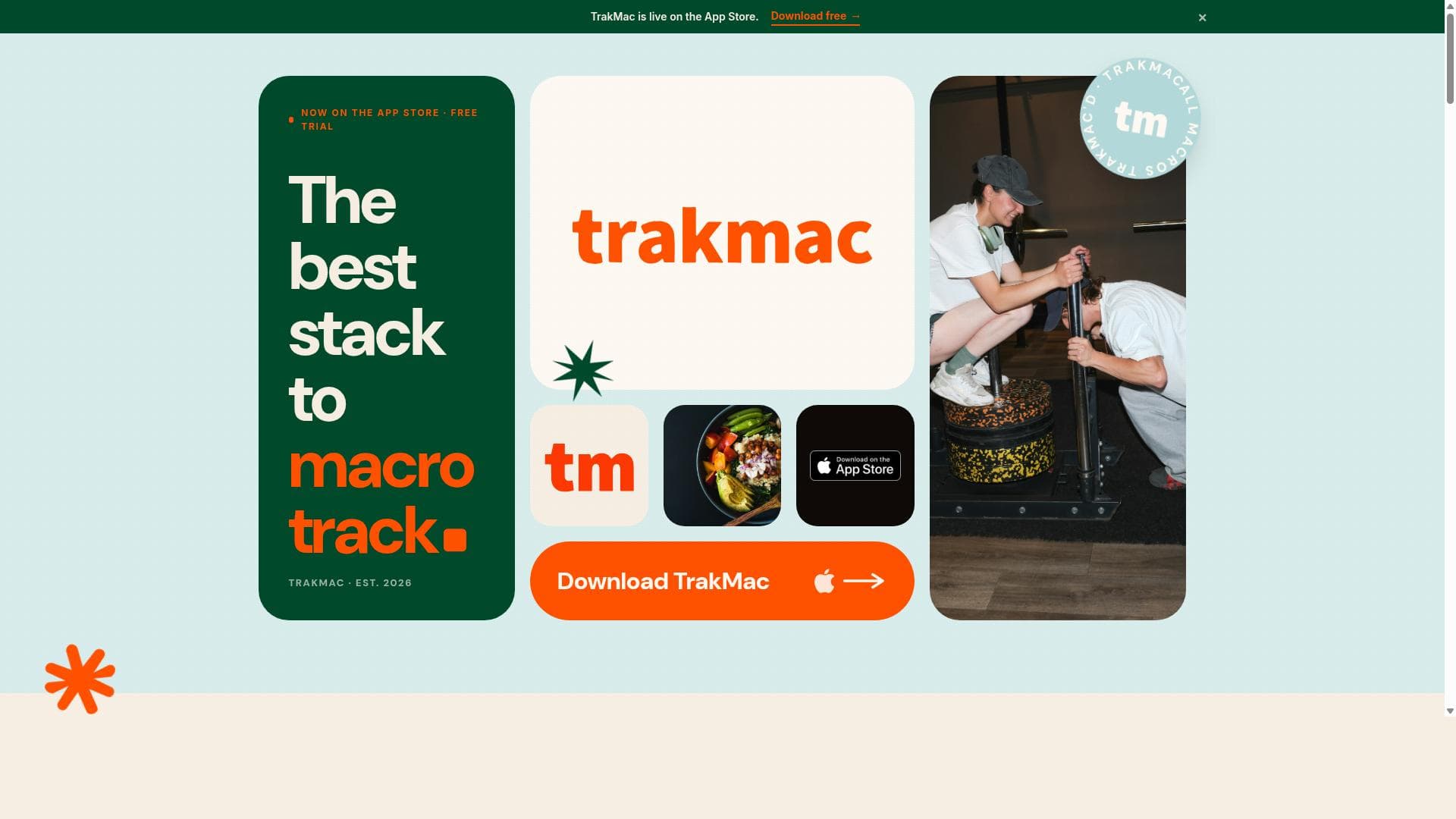
TrakMac revolutionizes nutrition tracking by combining voice-first input with personalized macro calculations based on your body type. Ideal for fitness enthusiasts seeking a hands-free, tailored approach to managing their diet, it simplifies logging meals and provides smart recommendations on what to eat next.

Descripción
Voice-first macro tracking for fitness enthusiasts. Tell TrakMac what you ate, in plain language, and it returns calories, protein, carbs, and fat in seconds. No weighing, no barcodes, no database. A formula built from you and your training gets you to about 90% of true. Consider it TrakMac'd™.
Descripción detallada
TrakMac is a cutting-edge voice-first macro tracking application designed specifically for fitness enthusiasts who want to simplify and personalize their nutrition tracking experience. Its core purpose is to allow users to effortlessly log their food intake using voice commands, eliminating the need for manual entry and tedious calculations. By simply telling TrakMac what they have eaten, users receive instant macro calculations tailored to their unique body type, along with intelligent recommendations on what to eat next to optimize their nutrition goals. This approach streamlines the tracking process, making it more accessible and less time-consuming for individuals committed to maintaining or improving their fitness and dietary habits. One of the standout features of TrakMac is its voice-first interface, which leverages natural language processing to understand and log meals quickly and accurately. This hands-free method is particularly useful for users who are busy, on-the-go, or prefer a more intuitive way to track their macros without having to scroll through lists or input data manually. The app also personalizes macro calculations by considering the user's body type, which enhances the accuracy of nutritional guidance. This means that recommendations are not generic but tailored to the individual's physiological needs, helping users achieve better results whether their goal is weight loss, muscle gain, or maintenance. In addition to tracking and calculating macros, TrakMac offers actionable recommendations on what to eat next based on the user's current intake and goals. This feature acts as a virtual nutrition coach, guiding users toward balanced meals and snacks that align with their macro targets. The app is available on the App Store, making it accessible to iOS users who want a seamless and modern nutrition tracking solution. TrakMac is best suited for fitness enthusiasts, athletes, and anyone serious about managing their macronutrient intake without the hassle of traditional logging methods. It is particularly valuable for users who want personalized nutrition advice that adapts to their body type and lifestyle. Whether you are a beginner looking to understand your macros better or an experienced athlete seeking precise tracking and recommendations, TrakMac provides a user-friendly and efficient platform. While the website does not explicitly detail pricing plans, the availability on the App Store suggests that users can download and explore the app easily. Potential users should check the app listing for current pricing, subscription options, or free trial availability. Compared to other macro tracking apps, TrakMac’s voice-first approach and personalized recommendations based on body type set it apart. Many traditional apps rely heavily on manual input and generic calculations, whereas TrakMac focuses on convenience and customization, which can lead to improved adherence and outcomes. However, users should consider that voice recognition technology may occasionally misinterpret inputs, especially in noisy environments or with uncommon food items. Additionally, the app’s effectiveness depends on the accuracy of the user-provided information and the quality of its macro database. Integration options with other fitness or health apps are not prominently featured, which could be a limitation for users seeking a fully connected ecosystem. Overall, TrakMac offers a modern, voice-activated solution for macro tracking that emphasizes personalization and ease of use. It is an excellent choice for those who want to take the complexity out of nutrition tracking while receiving tailored guidance to meet their fitness goals.
Características de la herramienta
- Voice-first macro tracking
- Personalized macro calculations based on body type
- Recommendations on what to eat next
- Available on the App Store
- Simplifies nutrition tracking with voice commands
Descripción
TrakMac revolutionizes nutrition tracking by combining voice-first input with personalized macro calculations based on your body type. Ideal for fitness enthusiasts seeking a hands-free, tailored approach to managing their diet, it simplifies logging meals and provides smart recommendations on what to eat next.
Voice-first macro tracking for fitness enthusiasts. Tell TrakMac what you ate, in plain language, and it returns calories, protein, carbs, and fat in seconds. No weighing, no barcodes, no database. A formula built from you and your training gets you to about 90% of true. Consider it TrakMac'd™.
Descripción detallada
TrakMac is a cutting-edge voice-first macro tracking application designed specifically for fitness enthusiasts who want to simplify and personalize their nutrition tracking experience. Its core purpose is to allow users to effortlessly log their food intake using voice commands, eliminating the need for manual entry and tedious calculations. By simply telling TrakMac what they have eaten, users receive instant macro calculations tailored to their unique body type, along with intelligent recommendations on what to eat next to optimize their nutrition goals. This approach streamlines the tracking process, making it more accessible and less time-consuming for individuals committed to maintaining or improving their fitness and dietary habits. One of the standout features of TrakMac is its voice-first interface, which leverages natural language processing to understand and log meals quickly and accurately. This hands-free method is particularly useful for users who are busy, on-the-go, or prefer a more intuitive way to track their macros without having to scroll through lists or input data manually. The app also personalizes macro calculations by considering the user's body type, which enhances the accuracy of nutritional guidance. This means that recommendations are not generic but tailored to the individual's physiological needs, helping users achieve better results whether their goal is weight loss, muscle gain, or maintenance. In addition to tracking and calculating macros, TrakMac offers actionable recommendations on what to eat next based on the user's current intake and goals. This feature acts as a virtual nutrition coach, guiding users toward balanced meals and snacks that align with their macro targets. The app is available on the App Store, making it accessible to iOS users who want a seamless and modern nutrition tracking solution. TrakMac is best suited for fitness enthusiasts, athletes, and anyone serious about managing their macronutrient intake without the hassle of traditional logging methods. It is particularly valuable for users who want personalized nutrition advice that adapts to their body type and lifestyle. Whether you are a beginner looking to understand your macros better or an experienced athlete seeking precise tracking and recommendations, TrakMac provides a user-friendly and efficient platform. While the website does not explicitly detail pricing plans, the availability on the App Store suggests that users can download and explore the app easily. Potential users should check the app listing for current pricing, subscription options, or free trial availability. Compared to other macro tracking apps, TrakMac’s voice-first approach and personalized recommendations based on body type set it apart. Many traditional apps rely heavily on manual input and generic calculations, whereas TrakMac focuses on convenience and customization, which can lead to improved adherence and outcomes. However, users should consider that voice recognition technology may occasionally misinterpret inputs, especially in noisy environments or with uncommon food items. Additionally, the app’s effectiveness depends on the accuracy of the user-provided information and the quality of its macro database. Integration options with other fitness or health apps are not prominently featured, which could be a limitation for users seeking a fully connected ecosystem. Overall, TrakMac offers a modern, voice-activated solution for macro tracking that emphasizes personalization and ease of use. It is an excellent choice for those who want to take the complexity out of nutrition tracking while receiving tailored guidance to meet their fitness goals.
Preguntas frecuentes
What is TrakMac?
TrakMac is a voice-first macro tracking app designed to help fitness enthusiasts easily log their food intake using voice commands. It calculates personalized macronutrient targets based on body type and offers recommendations on what to eat next to optimize nutrition.
How much does TrakMac cost?
Pricing details for TrakMac are not explicitly listed on the website. The app is available on the App Store, where users can check for current pricing, subscription plans, or any free trial options.
Who is TrakMac best for?
TrakMac is best suited for fitness enthusiasts, athletes, and anyone looking for a simple yet personalized way to track their macronutrients. It is especially useful for those who prefer voice commands over manual data entry.
What are the main features of TrakMac?
Key features include voice-first macro tracking, personalized macro calculations based on body type, intelligent recommendations on what to eat next, and availability on the iOS App Store. It simplifies nutrition tracking through natural language voice commands.
Does TrakMac offer a free trial?
The website does not specify if a free trial is available. Interested users should check the App Store listing for any trial offers or introductory pricing.
What integrations does TrakMac support?
There is no public information indicating specific integrations with other fitness or health apps. Users looking for connected ecosystems may need to verify this directly within the app or through support channels.
How does TrakMac work?
Users tell TrakMac what they ate using voice commands. The app then calculates the macronutrient content of the meal, adjusts calculations based on the user's body type, and provides recommendations on what to eat next to meet their nutrition goals.
Redes sociales
Usar herramientaReseñas
Aún no hay reseñas. Sé el primero en compartir tu experiencia.




















































