Destacado en:Best AI Writing Tools
Destácate →🚀 Zaprep: Tus redes sociales al máximo. Empezar gratis — automatiza 1,000 DMs/mes y convierte el engagement en leads. con 1,000 DMs automatizados/mes.
Enviar tu herramienta
25,000+ herramientas de IA ya listadas
25K+Herramientas
400K+/moVistas
105K+/moVisitantes


¿Es esta tu herramienta de IA? Reclámala hoy.
Verifica la propiedad, gestiona tu perfil y desbloquea funciones de crecimiento.
✦
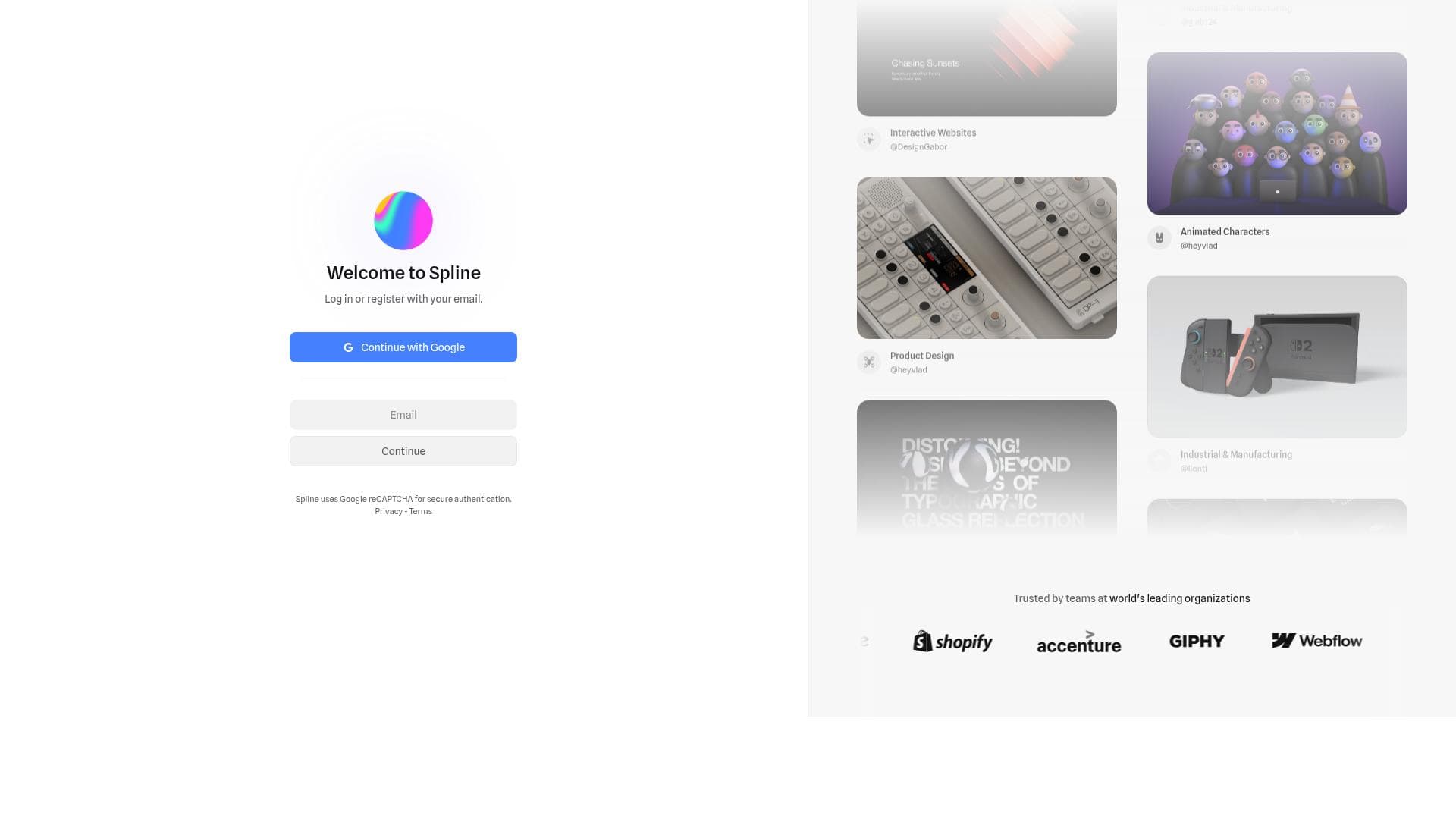
Spline is a free, browser-based 3D design tool that empowers designers and developers to create interactive web experiences with ease. Its standout real-time collaboration and intuitive modeling features make it perfect for teams and individuals looking to integrate dynamic 3D content directly into websites without complex software.

Descripción
Introducing Spline V2, a complete rebuild of our 3d editor for the agentic era. - New UI - AI Agent Mode and Spline MCP - Faster WebGPU engine - PBR/HDR workflows - Custom Code/Scripting - and more!
Descripción detallada
Spline is a powerful and accessible 3D design software that operates entirely within the web browser, enabling users to create interactive 3D web experiences without the need for complex installations or high-end hardware. Its core purpose is to democratize 3D design by providing an intuitive platform where designers and developers can easily model, animate, texture, and collaborate in real-time, all within a seamless browser environment. This makes Spline an ideal tool for those looking to integrate rich 3D content into websites, apps, or digital projects with minimal barriers to entry. At its heart, Spline offers a comprehensive suite of features tailored to simplify the 3D creation process. Users can perform easy 3D modeling using a variety of built-in shapes and tools that allow for quick manipulation and customization of objects. The software supports animation capabilities, enabling creators to bring their designs to life with smooth transitions, rotations, and interactive behaviors. Texture creation tools allow for detailed surface design, enhancing the realism or stylized look of 3D models. One of Spline’s standout features is its real-time collaboration functionality, which allows multiple users to work on the same project simultaneously, making it highly suitable for teams and remote workflows. Additionally, Spline focuses on creating interactive web experiences, meaning the 3D content can be embedded directly into websites and respond dynamically to user inputs, elevating user engagement. Spline is best suited for a wide range of users including web designers, UI/UX professionals, front-end developers, digital artists, and educators who want to incorporate 3D elements into their projects without the steep learning curve of traditional 3D software. It is particularly useful for creating interactive product showcases, educational visualizations, marketing assets, and immersive web graphics. Its browser-based nature also makes it accessible to freelancers and small teams who need a cost-effective and collaborative 3D design solution. Regarding pricing, Spline offers a free tier that provides access to its core 3D design and collaboration features, making it highly accessible for beginners and hobbyists. While detailed pricing plans are not explicitly outlined in the provided data, the emphasis on free usage suggests that users can start creating and collaborating without upfront costs. For professional or enterprise needs, there may be premium plans or additional features available, but users should check the official website for the most current pricing details. When compared to alternatives like Blender, Autodesk Maya, or Sketchfab, Spline stands out due to its browser-based platform and real-time collaboration capabilities. Unlike traditional 3D software that requires installation and often a steep learning curve, Spline’s intuitive interface and web accessibility lower the barrier to entry. While Blender and Maya offer more advanced and comprehensive 3D modeling and rendering tools, they lack the seamless web integration and collaborative features that Spline provides. Sketchfab focuses on 3D model hosting and viewing rather than creation, making Spline unique in combining creation, animation, and web interactivity in one tool. However, there are some considerations to keep in mind. As a browser-based tool, Spline’s performance may depend on the user’s internet connection and browser capabilities. It may not yet support the full range of advanced 3D modeling and rendering features found in dedicated desktop software, which could limit its use for highly complex projects. Additionally, while collaboration is a strong feature, users should verify the extent of version control and project management tools available within the platform. Overall, Spline offers a compelling balance of ease-of-use, accessibility, and powerful features for interactive 3D web design, making it an excellent choice for those prioritizing web integration and teamwork.
Características de la herramienta
- 3D design tool in the browser
- Real-time collaboration
- Easy 3D modeling
- Animation capabilities
- Texture creation
- Interactive web experience creation
Descripción
✦
Spline is a free, browser-based 3D design tool that empowers designers and developers to create interactive web experiences with ease. Its standout real-time collaboration and intuitive modeling features make it perfect for teams and individuals looking to integrate dynamic 3D content directly into websites without complex software.
Introducing Spline V2, a complete rebuild of our 3d editor for the agentic era. - New UI - AI Agent Mode and Spline MCP - Faster WebGPU engine - PBR/HDR workflows - Custom Code/Scripting - and more!
Descripción detallada
Spline is a powerful and accessible 3D design software that operates entirely within the web browser, enabling users to create interactive 3D web experiences without the need for complex installations or high-end hardware. Its core purpose is to democratize 3D design by providing an intuitive platform where designers and developers can easily model, animate, texture, and collaborate in real-time, all within a seamless browser environment. This makes Spline an ideal tool for those looking to integrate rich 3D content into websites, apps, or digital projects with minimal barriers to entry. At its heart, Spline offers a comprehensive suite of features tailored to simplify the 3D creation process. Users can perform easy 3D modeling using a variety of built-in shapes and tools that allow for quick manipulation and customization of objects. The software supports animation capabilities, enabling creators to bring their designs to life with smooth transitions, rotations, and interactive behaviors. Texture creation tools allow for detailed surface design, enhancing the realism or stylized look of 3D models. One of Spline’s standout features is its real-time collaboration functionality, which allows multiple users to work on the same project simultaneously, making it highly suitable for teams and remote workflows. Additionally, Spline focuses on creating interactive web experiences, meaning the 3D content can be embedded directly into websites and respond dynamically to user inputs, elevating user engagement. Spline is best suited for a wide range of users including web designers, UI/UX professionals, front-end developers, digital artists, and educators who want to incorporate 3D elements into their projects without the steep learning curve of traditional 3D software. It is particularly useful for creating interactive product showcases, educational visualizations, marketing assets, and immersive web graphics. Its browser-based nature also makes it accessible to freelancers and small teams who need a cost-effective and collaborative 3D design solution. Regarding pricing, Spline offers a free tier that provides access to its core 3D design and collaboration features, making it highly accessible for beginners and hobbyists. While detailed pricing plans are not explicitly outlined in the provided data, the emphasis on free usage suggests that users can start creating and collaborating without upfront costs. For professional or enterprise needs, there may be premium plans or additional features available, but users should check the official website for the most current pricing details. When compared to alternatives like Blender, Autodesk Maya, or Sketchfab, Spline stands out due to its browser-based platform and real-time collaboration capabilities. Unlike traditional 3D software that requires installation and often a steep learning curve, Spline’s intuitive interface and web accessibility lower the barrier to entry. While Blender and Maya offer more advanced and comprehensive 3D modeling and rendering tools, they lack the seamless web integration and collaborative features that Spline provides. Sketchfab focuses on 3D model hosting and viewing rather than creation, making Spline unique in combining creation, animation, and web interactivity in one tool. However, there are some considerations to keep in mind. As a browser-based tool, Spline’s performance may depend on the user’s internet connection and browser capabilities. It may not yet support the full range of advanced 3D modeling and rendering features found in dedicated desktop software, which could limit its use for highly complex projects. Additionally, while collaboration is a strong feature, users should verify the extent of version control and project management tools available within the platform. Overall, Spline offers a compelling balance of ease-of-use, accessibility, and powerful features for interactive 3D web design, making it an excellent choice for those prioritizing web integration and teamwork.
Preguntas frecuentes
What is Spline?
Spline is a free 3D design software that runs in the browser, allowing users to create interactive 3D web experiences through easy modeling, animation, texture creation, and real-time collaboration.
How much does Spline cost?
Spline offers a free tier that includes its core 3D design and collaboration features, making it accessible to beginners and professionals alike. For detailed pricing on premium plans, users should visit the official website.
Who is Spline best for?
Spline is ideal for web designers, front-end developers, UI/UX professionals, digital artists, educators, and small teams who want to create interactive 3D content for web projects without the complexity of traditional 3D software.
What are the main features of Spline?
Key features include easy 3D modeling tools, animation capabilities, texture creation, real-time collaboration for multiple users, and the ability to create interactive 3D experiences that can be embedded directly into websites.
Does Spline offer a free trial?
Spline provides a free version of its software with access to essential features, so users can start designing and collaborating without needing a trial or subscription.
What integrations does Spline support?
While specific integrations are not detailed, Spline’s output is designed for web embedding, making it compatible with standard web development workflows and easily integrated into websites and web applications.
How does Spline work?
Spline operates entirely in the web browser, enabling users to model, animate, texture, and collaborate on 3D projects in real-time. The interactive 3D content created can then be embedded into websites to enhance user engagement.
Redes sociales
Usar herramientaReseñas
0 reseñas
Aún no hay reseñas. Sé el primero en compartir tu experiencia.
Herramientas patrocinadas











































Herramientas recomendadas
Mantente al día con las últimas herramientas de IA
Obtén las últimas novedades, únete a nuestro boletín
Leído y confiado por 50,000+ lectores
Únete a la comunidad de IA más grande
¡Nuestra comunidad y equipo están aquí para ayudarte!
Tus comentarios ayudarán a Alice AI a mejorar en futuras versiones.








Enviar tu herramienta


PoweredByAI.app es un directorio de herramientas de IA que ayuda a personas, empresas y creadores a descubrir las mejores herramientas de IA para escritura, programación, diseño, productividad y más.
© 2026 , Producto de011BQ. Todos los derechos reservados.