🚀 Zaprep: Tus redes sociales al máximo. Empezar gratis — automatiza 1,000 DMs/mes y convierte el engagement en leads. con 1,000 DMs automatizados/mes.


¿Es esta tu herramienta de IA? Reclámala hoy.
Verifica la propiedad, gestiona tu perfil y desbloquea funciones de crecimiento.
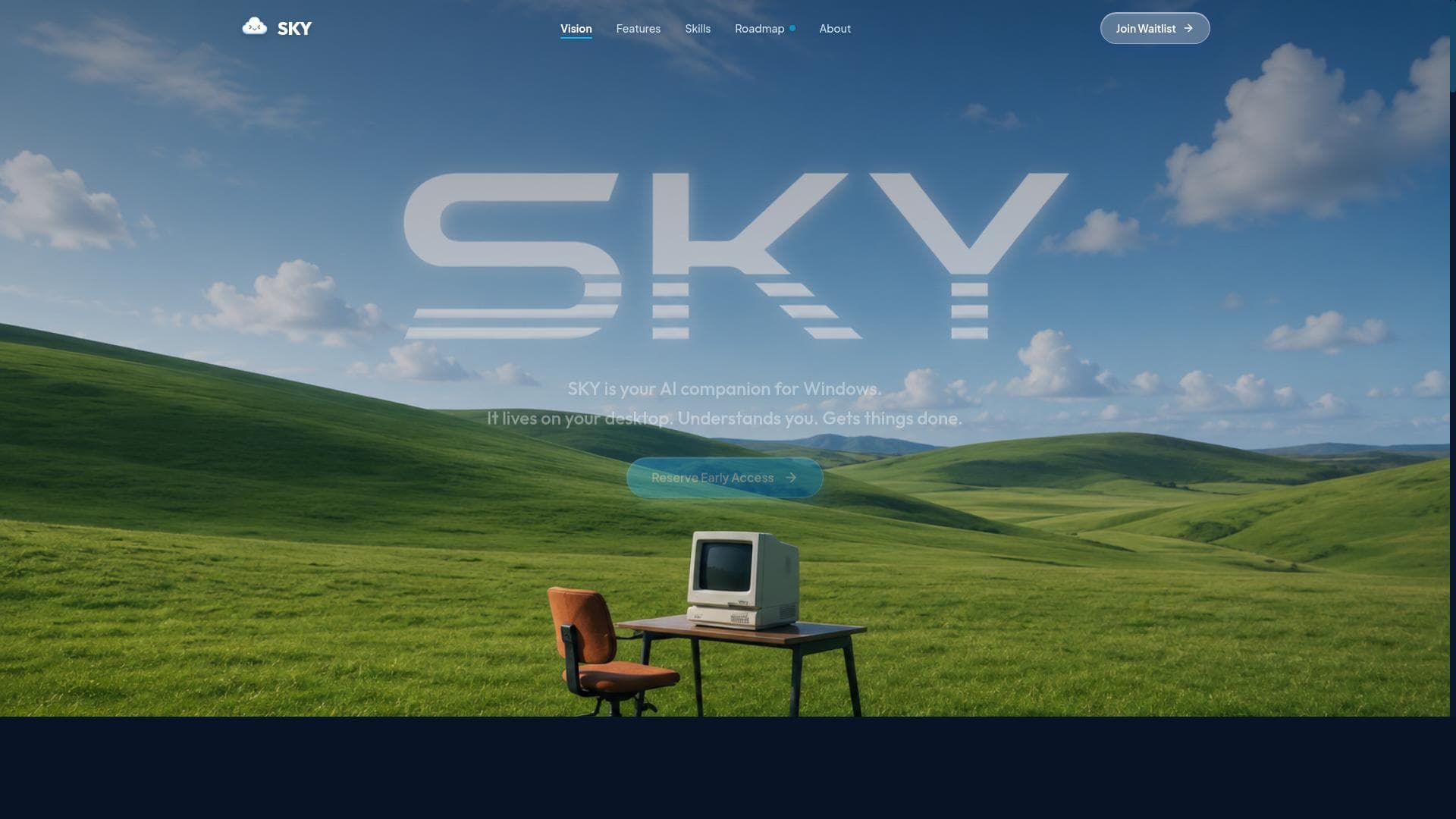
Project SKY is a native Windows AI companion that uniquely combines spatial screen perception with zero-latency voice dialogue and ambient long-term memory to deliver a seamless, intelligent desktop assistant experience. Ideal for professionals and power users, it helps you get things done faster by understanding your screen context and automating OS tasks effortlessly.

Descripción
Project SKY is an intelligent desktop companion designed natively for Windows. Unlike browser-bound chatbots, SKY lives directly on your operating system with spatial screen perception, fluid conversational voice, and long-term ambient memory. Whether you need instant screen analysis with circle-style smart selection, automated desktop workflows, or voice-driven task management, SKY understands what you're working on across all your applications without breaking your focus.
Descripción detallada
Project SKY is a cutting-edge desktop-native AI companion designed specifically for Windows 10 and Windows 11 users. Its core purpose is to serve as an ambient intelligent assistant that seamlessly integrates with the Windows operating system to enhance productivity and user experience. Unlike typical AI chatbots or virtual assistants that operate in isolated applications or cloud environments, Project SKY lives directly on your desktop, offering spatial screen perception and real-time conversational voice interaction. This means it understands the layout and context of your screen, enabling more intuitive and efficient interactions. At the heart of Project SKY are several advanced features that distinguish it from other AI assistants. Spatial Screen Perception allows the AI to visually comprehend the arrangement of windows and content on your desktop, enabling precise and context-aware assistance. The Zero-Latency Fluid Voice Dialogue feature ensures that conversations with the AI are natural and instantaneous, eliminating frustrating delays common in voice assistants. Ambient Unified Long-Term Memory means the AI continuously learns and remembers your preferences, habits, and past interactions, providing a personalized and evolving user experience. The Circle-to-Search Screen Selection feature lets users quickly select any portion of their screen by drawing a circle around it, instantly triggering relevant AI actions or searches. Finally, Seamless Native OS Orchestration empowers the AI to automate native Windows tasks and workflows, such as opening apps, managing files, or adjusting settings, without requiring manual input. Project SKY is ideal for professionals, creatives, and power users who spend significant time on their Windows desktops and seek a smarter way to manage multitasking and information retrieval. For example, software developers can use it to quickly navigate code snippets or documentation, while designers might leverage spatial perception to organize assets and automate repetitive tasks. Remote workers and knowledge workers benefit from the AI’s ambient memory and voice dialogue to maintain focus and streamline workflows. Its ability to understand screen context and automate OS functions makes it a valuable tool for anyone looking to boost efficiency and reduce friction in daily computer use. Currently, Project SKY is available for preorder at no cost, indicating an early access or beta phase. This allows users to reserve their spot and experience the AI companion as it evolves. While pricing details for the full release are not yet disclosed, the free preorder suggests an accessible entry point for early adopters. The team behind Project SKY appears committed to continuous development, with a roadmap that likely includes expanded features and integrations. Compared to alternatives like Cortana, Microsoft’s built-in assistant, or generic voice assistants such as Alexa and Google Assistant, Project SKY offers a uniquely native and spatially aware experience tailored for Windows desktops. Its focus on zero-latency voice interaction and ambient long-term memory provides a more fluid and contextually intelligent interface. Unlike cloud-dependent assistants, Project SKY’s desktop-native design promises faster response times and deeper OS integration, which can translate to higher productivity and privacy. However, as a relatively new and specialized tool, Project SKY may have limitations such as a smaller user base, potential bugs in early versions, and limited third-party integrations at launch. Users should consider that the AI’s capabilities might evolve over time, and some advanced automation features may require a learning curve. Additionally, its exclusivity to Windows 10 and 11 means it is not suitable for users on other operating systems. Prospective users should weigh these factors against their specific needs and workflows. In summary, Project SKY represents a forward-thinking approach to desktop AI assistance by combining spatial awareness, real-time voice dialogue, and native OS automation into a cohesive and ambient companion. It is particularly well-suited for Windows users seeking a smarter, more responsive, and contextually aware assistant to enhance productivity and streamline daily tasks.
Características de la herramienta
- Spatial Screen Perception
- Zero-Latency Fluid Voice Dialogue
- Ambient Unified Long-Term Memory
- Circle-to-Search Screen Selection
- Seamless Native OS Orchestration
Descripción
Project SKY is a native Windows AI companion that uniquely combines spatial screen perception with zero-latency voice dialogue and ambient long-term memory to deliver a seamless, intelligent desktop assistant experience. Ideal for professionals and power users, it helps you get things done faster by understanding your screen context and automating OS tasks effortlessly.
Project SKY is an intelligent desktop companion designed natively for Windows. Unlike browser-bound chatbots, SKY lives directly on your operating system with spatial screen perception, fluid conversational voice, and long-term ambient memory. Whether you need instant screen analysis with circle-style smart selection, automated desktop workflows, or voice-driven task management, SKY understands what you're working on across all your applications without breaking your focus.
Descripción detallada
Project SKY is a cutting-edge desktop-native AI companion designed specifically for Windows 10 and Windows 11 users. Its core purpose is to serve as an ambient intelligent assistant that seamlessly integrates with the Windows operating system to enhance productivity and user experience. Unlike typical AI chatbots or virtual assistants that operate in isolated applications or cloud environments, Project SKY lives directly on your desktop, offering spatial screen perception and real-time conversational voice interaction. This means it understands the layout and context of your screen, enabling more intuitive and efficient interactions. At the heart of Project SKY are several advanced features that distinguish it from other AI assistants. Spatial Screen Perception allows the AI to visually comprehend the arrangement of windows and content on your desktop, enabling precise and context-aware assistance. The Zero-Latency Fluid Voice Dialogue feature ensures that conversations with the AI are natural and instantaneous, eliminating frustrating delays common in voice assistants. Ambient Unified Long-Term Memory means the AI continuously learns and remembers your preferences, habits, and past interactions, providing a personalized and evolving user experience. The Circle-to-Search Screen Selection feature lets users quickly select any portion of their screen by drawing a circle around it, instantly triggering relevant AI actions or searches. Finally, Seamless Native OS Orchestration empowers the AI to automate native Windows tasks and workflows, such as opening apps, managing files, or adjusting settings, without requiring manual input. Project SKY is ideal for professionals, creatives, and power users who spend significant time on their Windows desktops and seek a smarter way to manage multitasking and information retrieval. For example, software developers can use it to quickly navigate code snippets or documentation, while designers might leverage spatial perception to organize assets and automate repetitive tasks. Remote workers and knowledge workers benefit from the AI’s ambient memory and voice dialogue to maintain focus and streamline workflows. Its ability to understand screen context and automate OS functions makes it a valuable tool for anyone looking to boost efficiency and reduce friction in daily computer use. Currently, Project SKY is available for preorder at no cost, indicating an early access or beta phase. This allows users to reserve their spot and experience the AI companion as it evolves. While pricing details for the full release are not yet disclosed, the free preorder suggests an accessible entry point for early adopters. The team behind Project SKY appears committed to continuous development, with a roadmap that likely includes expanded features and integrations. Compared to alternatives like Cortana, Microsoft’s built-in assistant, or generic voice assistants such as Alexa and Google Assistant, Project SKY offers a uniquely native and spatially aware experience tailored for Windows desktops. Its focus on zero-latency voice interaction and ambient long-term memory provides a more fluid and contextually intelligent interface. Unlike cloud-dependent assistants, Project SKY’s desktop-native design promises faster response times and deeper OS integration, which can translate to higher productivity and privacy. However, as a relatively new and specialized tool, Project SKY may have limitations such as a smaller user base, potential bugs in early versions, and limited third-party integrations at launch. Users should consider that the AI’s capabilities might evolve over time, and some advanced automation features may require a learning curve. Additionally, its exclusivity to Windows 10 and 11 means it is not suitable for users on other operating systems. Prospective users should weigh these factors against their specific needs and workflows. In summary, Project SKY represents a forward-thinking approach to desktop AI assistance by combining spatial awareness, real-time voice dialogue, and native OS automation into a cohesive and ambient companion. It is particularly well-suited for Windows users seeking a smarter, more responsive, and contextually aware assistant to enhance productivity and streamline daily tasks.
Preguntas frecuentes
What is Project SKY?
Project SKY is a desktop-native AI companion for Windows 10 and 11 that offers spatial screen perception, real-time conversational voice interaction, ambient long-term memory, and native OS automation to help users work more efficiently.
How much does Project SKY cost?
Project SKY is currently available for preorder at no cost, indicating early access. Pricing details for the full release have not yet been announced.
Who is Project SKY best for?
Project SKY is best suited for Windows users who want an intelligent assistant integrated directly into their desktop environment, including professionals, creatives, developers, and power users seeking to boost productivity and streamline workflows.
What are the main features of Project SKY?
Key features include Spatial Screen Perception for understanding screen layout, Zero-Latency Fluid Voice Dialogue for natural conversations, Ambient Unified Long-Term Memory for personalized interactions, Circle-to-Search Screen Selection for quick content targeting, and Seamless Native OS Orchestration to automate Windows tasks.
Does Project SKY offer a free trial?
While there is no explicit free trial mentioned, Project SKY is currently available for preorder at no cost, allowing early users to access and experience the AI companion.
What integrations does Project SKY support?
Project SKY integrates deeply with the Windows operating system to automate native OS functions. Details on third-party app integrations are not specified at this time.
How does Project SKY work?
Project SKY operates as a native Windows application that uses spatial screen perception to understand your desktop layout, enabling it to respond to voice commands instantly and automate tasks by interacting directly with the OS and on-screen content.
Redes sociales
Usar herramientaReseñas
Aún no hay reseñas. Sé el primero en compartir tu experiencia.
Herramientas patrocinadas











































Herramientas recomendadas
Mantente al día con las últimas herramientas de IA
Obtén las últimas novedades, únete a nuestro boletín
Leído y confiado por 50,000+ lectores
Únete a la comunidad de IA más grande
¡Nuestra comunidad y equipo están aquí para ayudarte!
Tus comentarios ayudarán a Alice AI a mejorar en futuras versiones.








Enviar tu herramienta


PoweredByAI.app es un directorio de herramientas de IA que ayuda a personas, empresas y creadores a descubrir las mejores herramientas de IA para escritura, programación, diseño, productividad y más.
© 2026 , Producto de011BQ. Todos los derechos reservados.