
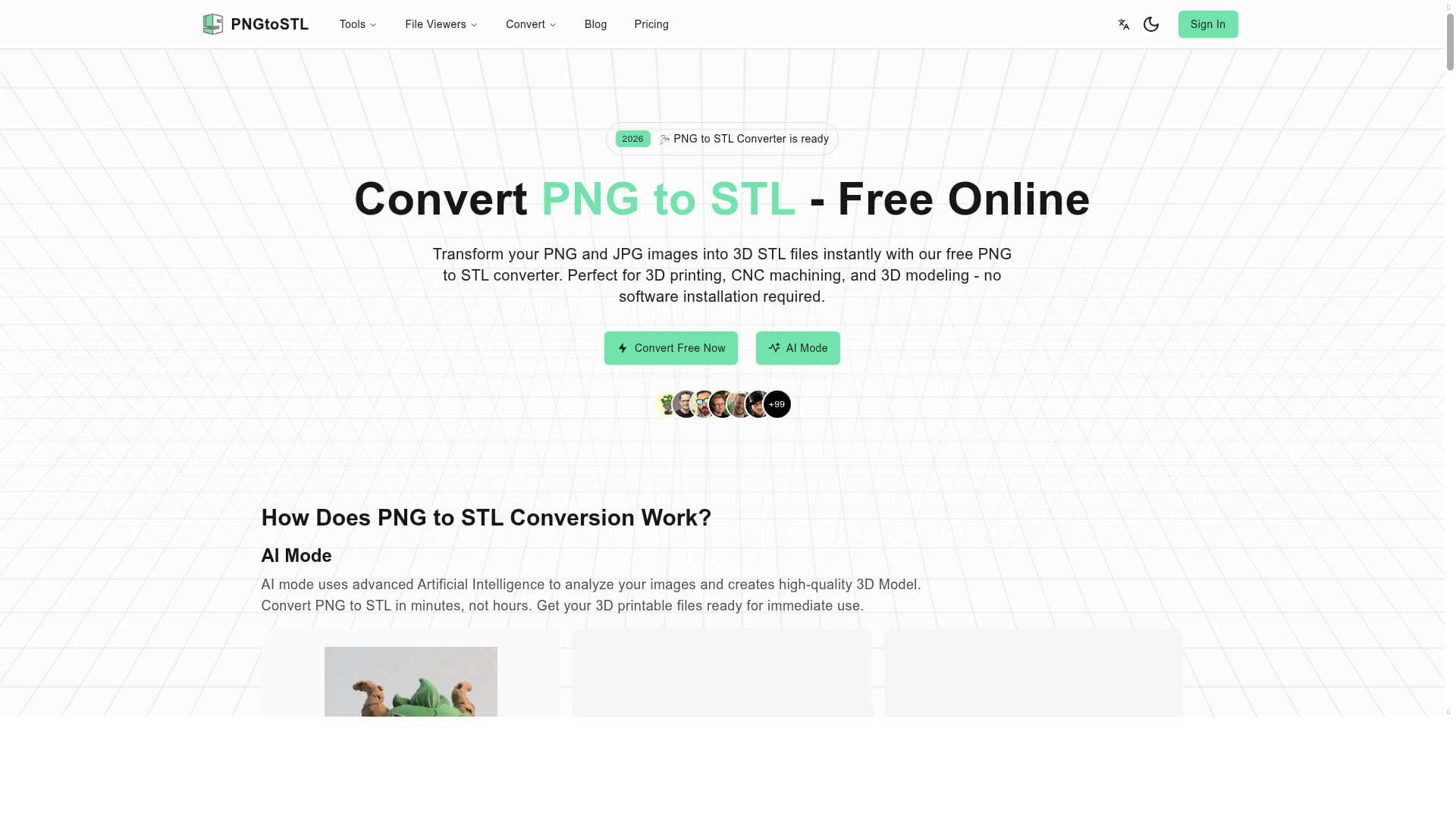


PNGtoSTL is a free, AI-driven online converter that transforms PNG images and other 3D formats into STL files, making 3D printing accessible to designers and hobbyists alike. Its unique combination of multi-format support and an integrated STP file viewer sets it apart as a versatile tool for quick, hassle-free 3D conversions and viewing.

Descripción
PNGtoSTL is a free online AI converter that transforms PNG images into STL 3D files. It is perfect for converting Image to 3D, Image to STL, 3MF to STL, OBJ to STL, and also serves as an STP File Viewer, providing a versatile tool for 3D file conversions and viewing.
Descripción detallada
PNGtoSTL is a specialized online AI-powered tool designed to convert 2D PNG images into 3D STL files, making it an essential utility for designers, hobbyists, and professionals working in 3D modeling and printing. Its core purpose is to bridge the gap between simple image formats and complex 3D printable files, enabling users to easily transform flat images into three-dimensional objects without the need for advanced 3D modeling skills. This functionality is particularly valuable for those looking to create custom 3D prints from logos, icons, sketches, or any PNG-based artwork. One of the standout features of PNGtoSTL is its ability to accurately convert PNG images into STL files, which are widely used in 3D printing. Beyond this primary function, the tool supports conversions from other 3D file formats such as 3MF and OBJ into STL, broadening its utility for users who work across different 3D modeling platforms. Additionally, PNGtoSTL includes an STP file viewer, allowing users to view and inspect STEP files directly within the platform, which is a useful feature for engineers and designers who need to review CAD models without downloading additional software. The tool’s versatility extends to supporting Image to 3D conversions, meaning it can generate 3D models from various image inputs, not limited strictly to PNG. This makes it a flexible solution for a range of creative and technical workflows. The interface is user-friendly and accessible entirely online, eliminating the need for software installation or powerful hardware, which is ideal for quick conversions and on-the-go use. PNGtoSTL is best suited for 3D printing enthusiasts, educators, product designers, and engineers who require a straightforward method to convert images into printable 3D models. It is also valuable for artists and marketers who want to create physical representations of their digital artwork. Specific use cases include creating custom jewelry, prototypes, architectural models, and educational tools. Its ability to handle multiple file formats and provide a file viewer adds convenience for users managing diverse 3D assets. In terms of pricing, PNGtoSTL is completely free to use, making it an attractive option for individuals and small businesses with limited budgets. The lack of subscription fees or premium tiers means users can access all features without restrictions, which is relatively rare among 3D conversion tools that often charge for advanced capabilities. Compared to alternatives, PNGtoSTL stands out due to its free access and multi-format support combined with an integrated file viewer. While some competing tools may offer more advanced editing or sculpting features, PNGtoSTL focuses on simplicity and speed for converting and viewing files. This makes it less suitable for users needing comprehensive 3D modeling software but ideal for those prioritizing quick conversions and ease of use. However, there are some limitations to consider. As a web-based tool, the quality of conversions may depend on the complexity of the input image and the limitations inherent in automatic 2D to 3D transformations. Highly detailed or color-rich images may require preprocessing or manual refinement in dedicated 3D software. Additionally, since it is free, there may be constraints on file size or conversion speed during peak usage times, although no explicit limits are stated. Users seeking advanced customization or professional-grade 3D modeling will need to complement PNGtoSTL with other software. Overall, PNGtoSTL offers a powerful, accessible, and cost-effective solution for converting PNG images and other 3D file formats into STL files, with the added benefit of an STP viewer. It is particularly valuable for users who want to quickly generate 3D printable models from simple images without investing in complex software or subscriptions.
Características de la herramienta
- Converts PNG images to STL 3D files
- Supports Image to 3D and Image to STL conversions
- Converts 3MF to STL and OBJ to STL
- Includes STP file viewer
Descripción
PNGtoSTL is a free, AI-driven online converter that transforms PNG images and other 3D formats into STL files, making 3D printing accessible to designers and hobbyists alike. Its unique combination of multi-format support and an integrated STP file viewer sets it apart as a versatile tool for quick, hassle-free 3D conversions and viewing.
PNGtoSTL is a free online AI converter that transforms PNG images into STL 3D files. It is perfect for converting Image to 3D, Image to STL, 3MF to STL, OBJ to STL, and also serves as an STP File Viewer, providing a versatile tool for 3D file conversions and viewing.
Descripción detallada
PNGtoSTL is a specialized online AI-powered tool designed to convert 2D PNG images into 3D STL files, making it an essential utility for designers, hobbyists, and professionals working in 3D modeling and printing. Its core purpose is to bridge the gap between simple image formats and complex 3D printable files, enabling users to easily transform flat images into three-dimensional objects without the need for advanced 3D modeling skills. This functionality is particularly valuable for those looking to create custom 3D prints from logos, icons, sketches, or any PNG-based artwork. One of the standout features of PNGtoSTL is its ability to accurately convert PNG images into STL files, which are widely used in 3D printing. Beyond this primary function, the tool supports conversions from other 3D file formats such as 3MF and OBJ into STL, broadening its utility for users who work across different 3D modeling platforms. Additionally, PNGtoSTL includes an STP file viewer, allowing users to view and inspect STEP files directly within the platform, which is a useful feature for engineers and designers who need to review CAD models without downloading additional software. The tool’s versatility extends to supporting Image to 3D conversions, meaning it can generate 3D models from various image inputs, not limited strictly to PNG. This makes it a flexible solution for a range of creative and technical workflows. The interface is user-friendly and accessible entirely online, eliminating the need for software installation or powerful hardware, which is ideal for quick conversions and on-the-go use. PNGtoSTL is best suited for 3D printing enthusiasts, educators, product designers, and engineers who require a straightforward method to convert images into printable 3D models. It is also valuable for artists and marketers who want to create physical representations of their digital artwork. Specific use cases include creating custom jewelry, prototypes, architectural models, and educational tools. Its ability to handle multiple file formats and provide a file viewer adds convenience for users managing diverse 3D assets. In terms of pricing, PNGtoSTL is completely free to use, making it an attractive option for individuals and small businesses with limited budgets. The lack of subscription fees or premium tiers means users can access all features without restrictions, which is relatively rare among 3D conversion tools that often charge for advanced capabilities. Compared to alternatives, PNGtoSTL stands out due to its free access and multi-format support combined with an integrated file viewer. While some competing tools may offer more advanced editing or sculpting features, PNGtoSTL focuses on simplicity and speed for converting and viewing files. This makes it less suitable for users needing comprehensive 3D modeling software but ideal for those prioritizing quick conversions and ease of use. However, there are some limitations to consider. As a web-based tool, the quality of conversions may depend on the complexity of the input image and the limitations inherent in automatic 2D to 3D transformations. Highly detailed or color-rich images may require preprocessing or manual refinement in dedicated 3D software. Additionally, since it is free, there may be constraints on file size or conversion speed during peak usage times, although no explicit limits are stated. Users seeking advanced customization or professional-grade 3D modeling will need to complement PNGtoSTL with other software. Overall, PNGtoSTL offers a powerful, accessible, and cost-effective solution for converting PNG images and other 3D file formats into STL files, with the added benefit of an STP viewer. It is particularly valuable for users who want to quickly generate 3D printable models from simple images without investing in complex software or subscriptions.
Preguntas frecuentes
What is PNGtoSTL?
PNGtoSTL is a free online AI-powered tool that converts PNG images and other 3D file formats like 3MF and OBJ into STL files, which are commonly used for 3D printing. It also includes an STP file viewer for inspecting STEP files.
How much does PNGtoSTL cost?
PNGtoSTL is completely free to use with no subscription or payment required.
Who is PNGtoSTL best for?
It is ideal for 3D printing enthusiasts, designers, engineers, educators, and artists who want to easily convert images and various 3D files into STL format for printing or viewing.
What are the main features of PNGtoSTL?
Key features include converting PNG images to STL 3D files, supporting Image to 3D and Image to STL conversions, converting 3MF and OBJ files to STL, and providing an integrated STP file viewer.
Does PNGtoSTL offer a free trial?
Since PNGtoSTL is entirely free, there is no need for a trial; all features are accessible without payment.
What integrations does PNGtoSTL support?
PNGtoSTL primarily functions as a standalone web-based converter and viewer; it does not currently offer direct integrations with other software platforms.
How does PNGtoSTL work?
Users upload PNG images or supported 3D files like 3MF and OBJ to the platform, which uses AI algorithms to convert these inputs into STL files suitable for 3D printing. The STP viewer allows users to open and inspect STEP files directly online.
Reseñas
Aún no hay reseñas. Sé el primero en compartir tu experiencia.




















































